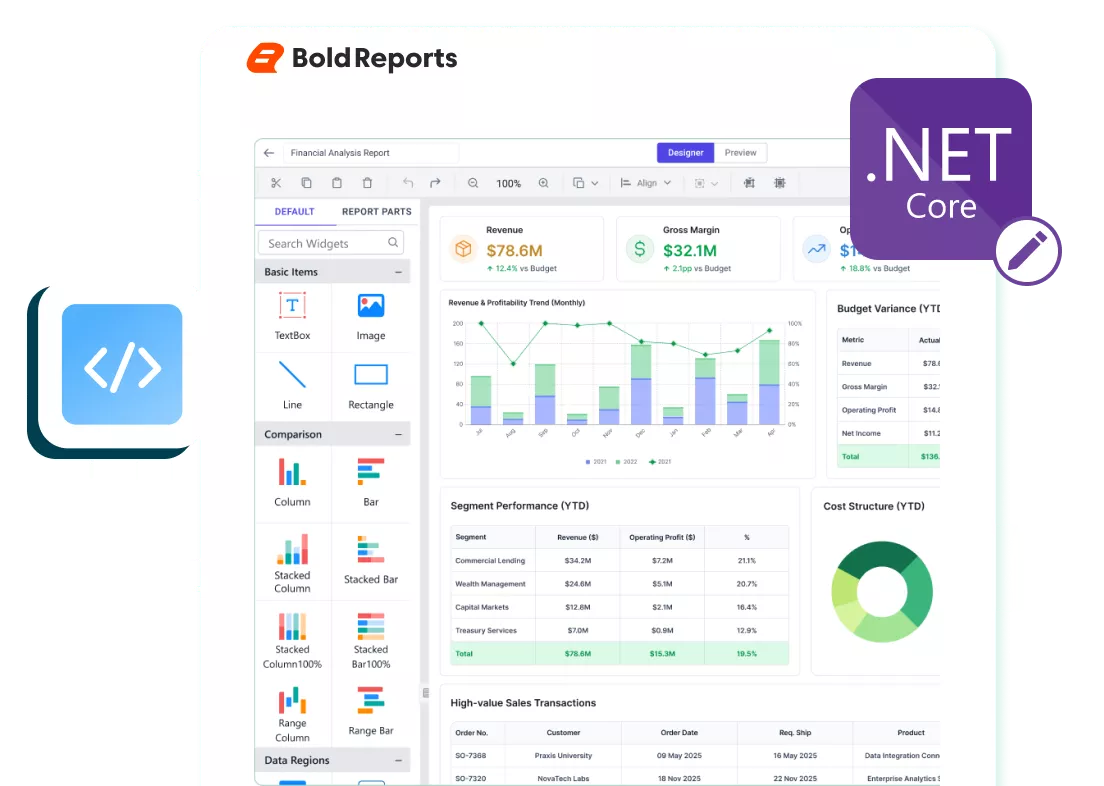
Ready-to-Embed ASP.NET Core Report Designer
Give users self-service report design in your ASP.NET Core application without spending months building and maintaining your own designer.
No credit card required.
Embed Anywhere
Embed a report designer directly into your ASP.NET Core application.
Framework-Ready
Designed for JavaScript, React, Angular, Blazor, and modern web stacks.
Visual Report Design
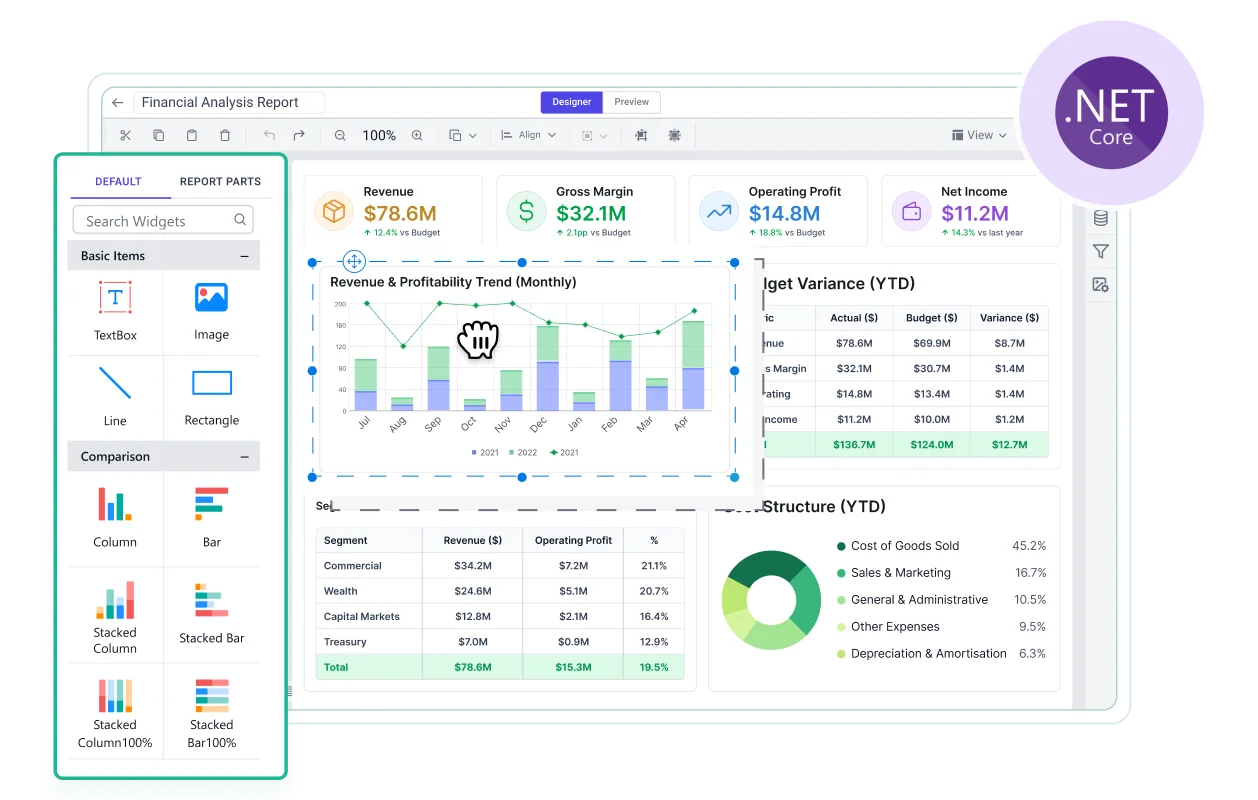
Design reports with drag-and-drop layouts and rich report items.
Developer APIs
Customize the embedded designer with flexible developer APIs.

Trusted by the next-gen industry leaders
Why Choose Bold Reports
Flexible report designer component for modern applications
Embed the report builder into your ASP.NET Core application so users can create, customize, preview, and manage reports without leaving your product.
Connect to Any Data
Connect to multiple data sources and build reports without complex data preparation.
Preview Before Publishing
Validate layouts, formatting, pagination, and data before making reports available to users.
Interactive Reporting
Let users build interactive reports with parameters, expressions, and data shaping.
Flexible Customization
Customize the embedded designer with APIs for branding, workflows, and permissions.
Ready to Start Building with the ASP.NET Core Report Designer?
Choose the option that fits your needs and start using the report builder your way.
Quick Start for Developers
Embed ASP.NET Core Report Designer in Minutes with Simple APIs
Connect data, design reports, preview changes, and customize the experience without building your own report designer from scratch.
No credit card required.
<bold-report-designer
id="designer"
report-server-url= "https://<your-report-server-domain>/reporting/api/site/<site-name>"
service-url="https://<your-report-server-domain>/reporting/reportservice/api/Designer"
service-authorization-token="bearer <server-token>">
</bold-report-designer>
Built for Modern Frameworks
Works with the framework you already use
Reuse one reporting solution across today's most popular web frameworks.
Plans & Pricing
Flexible and Affordable Pricing for Every Business
Access professional, pixel‑perfect reporting with simple, predictable pricing and no hidden costs. Choose the deployment option built for teams delivering RDL/RDLC reports at scale.
Bold Reports Cloud Edition
Focus on reporting while we manage everything. Fast access, continuous updates, and strong protection with zero server work.
What You Get
-
No hardware or server investment.
-
Updates and maintenance included.
-
Hosting and backups fully managed.
-
Accessible from anywhere.
-
Performance optimized automatically.
Bold Reports On-Premises Edition
Run Bold Reports in your own infrastructure for full control over data, security, and setup. Ideal for strict compliance and private networks.
What You Get
-
Hardware and environment owned by you.
-
You control updates and maintenance.
-
Hosting handled inside your network.
-
Operates in isolated environments.
-
Performance optimized by your IT team.
-
Pricing is customized based on your organization’s needs, with factors such as user numbers and deployment type determining your final quote.
Get the Details You Need
Frequently Asked Questions
Report Designer embeds into ASP.NET Core applications for in-app report authoring.
Yes, the embedded designer lets users create, edit, preview, and save both SSRS RDL and RDLC reports.
Yes, the component supports built-in, business object, and custom data sources for flexible report creation.
Yes, build datasets visually using query design tools, relationships, and data preparation with minimal coding.
Yes, developer APIs let you customize toolbars, dialogs, workflows, branding, permissions, and user interactions.
No, embed the Bold Reports Report Designer component to add self-service report design without building and maintaining your own designer.
Book a Live Demo Slot to Experience It in Action
Ready to Add a Report Designer to Your ASP.NET Core Application?
Start your free trial or schedule a live demo to embed enterprise reporting into your ASP.NET Core application.