What you can do with styling and formatting

WYSIWYG design surface

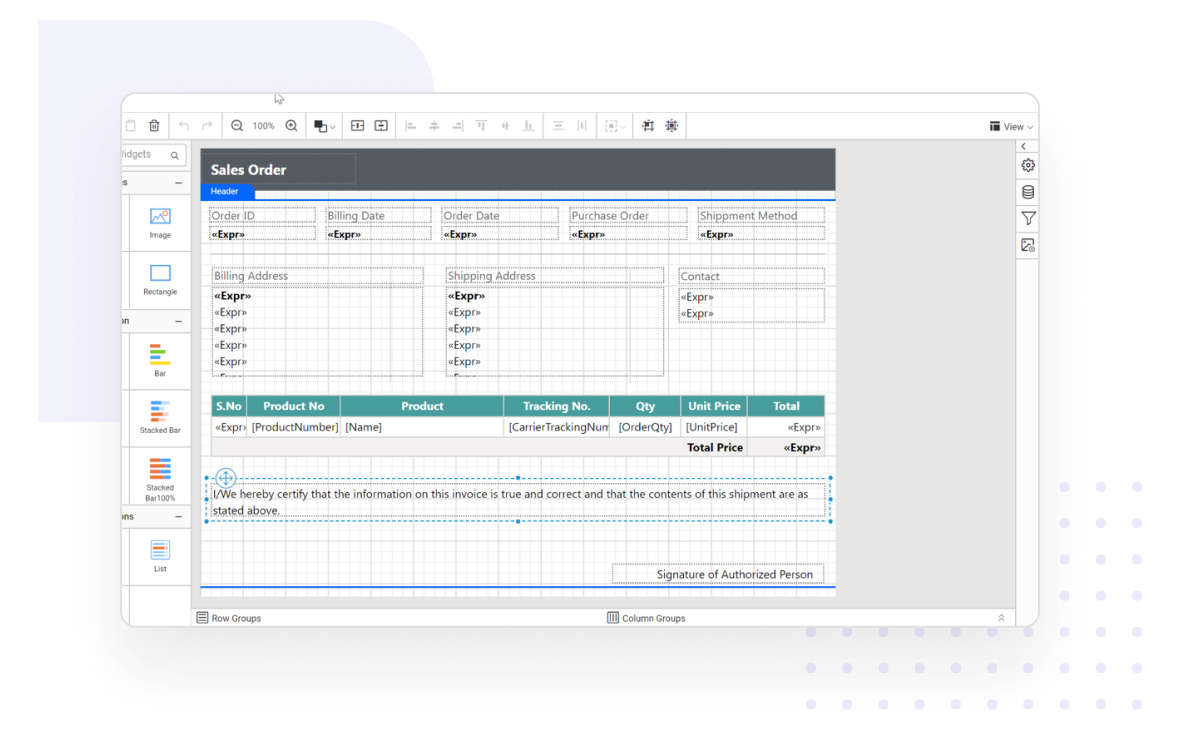
The HTML5/JavaScript Report Designer comes with a WYSIWYG design surface that allows perfect positioning, sizing, and aligning of report items in a report with just a few clicks. It is the main work area for designing reports and allows the addition of a header or footer to it.

Create professional reports using WYSIWYG design surface

Drag-and-drop layout

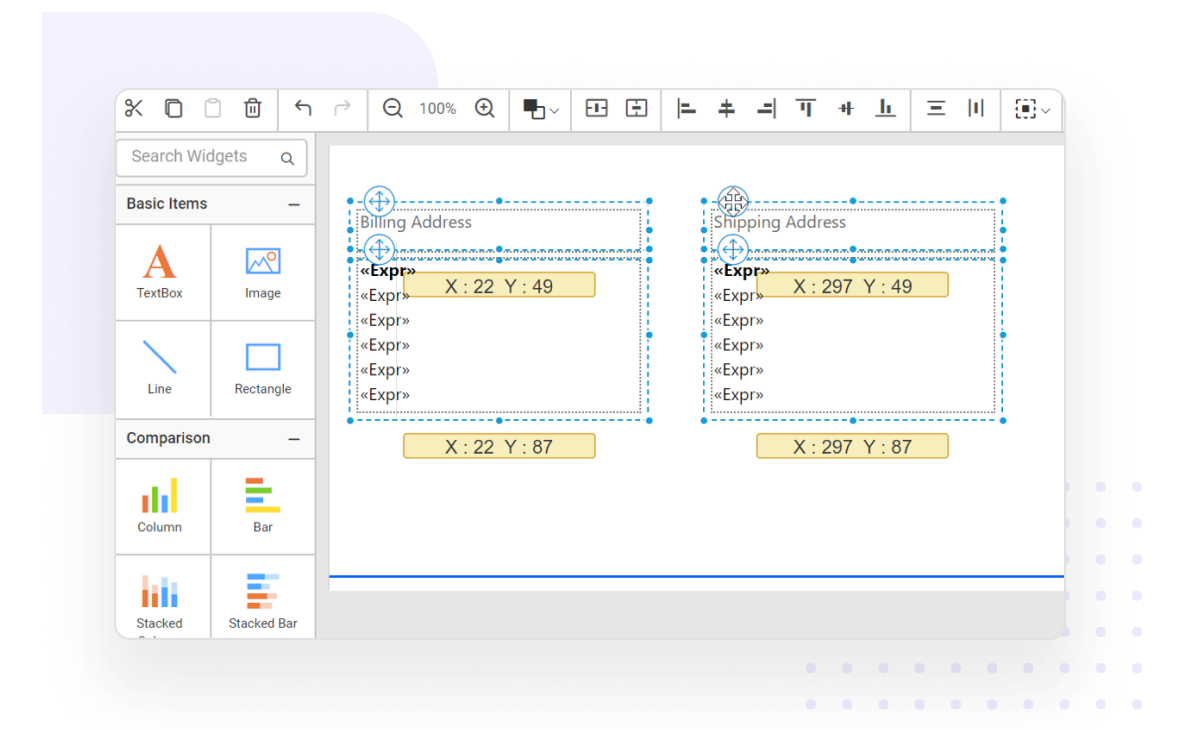
Users can easily arrange report items on the design surface using simple drag-and-drop operations when designing a report.

Create professional reports using drag-and-drop layout

Layout ordering

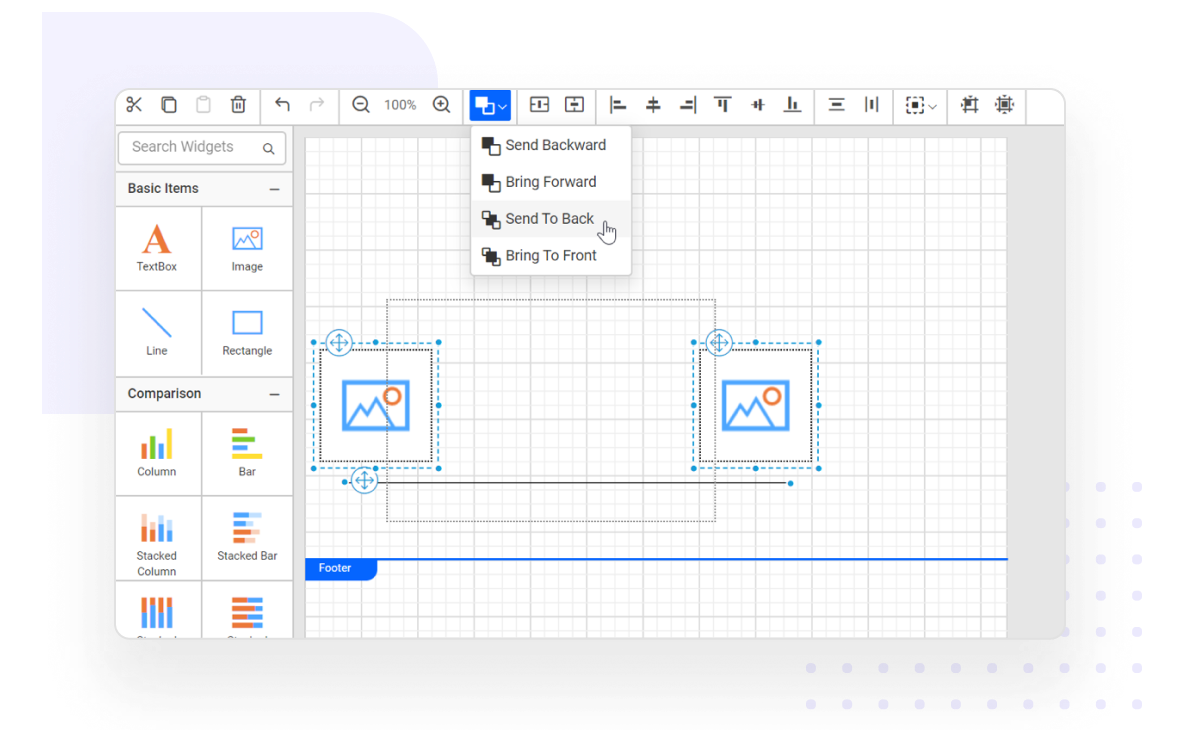
When multiple report items overlap in the design surface, layout ordering controls which report items are placed at the front and back of the surface.

Create professional reports using layout ordering

Gridlines and snap-to-grid

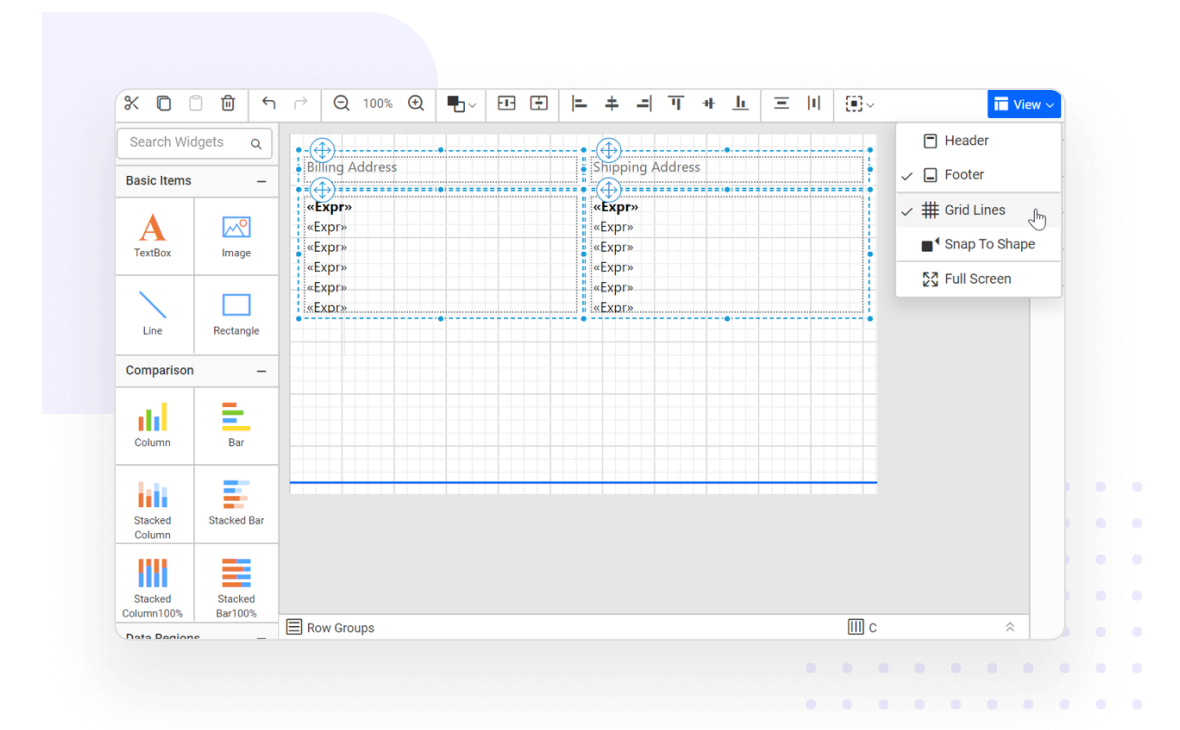
The design area provides gridlines and snap-to-grid functionality to simplify positioning and aligning report elements.

Create professional reports using gridlines and snap-to-grid

Aligning

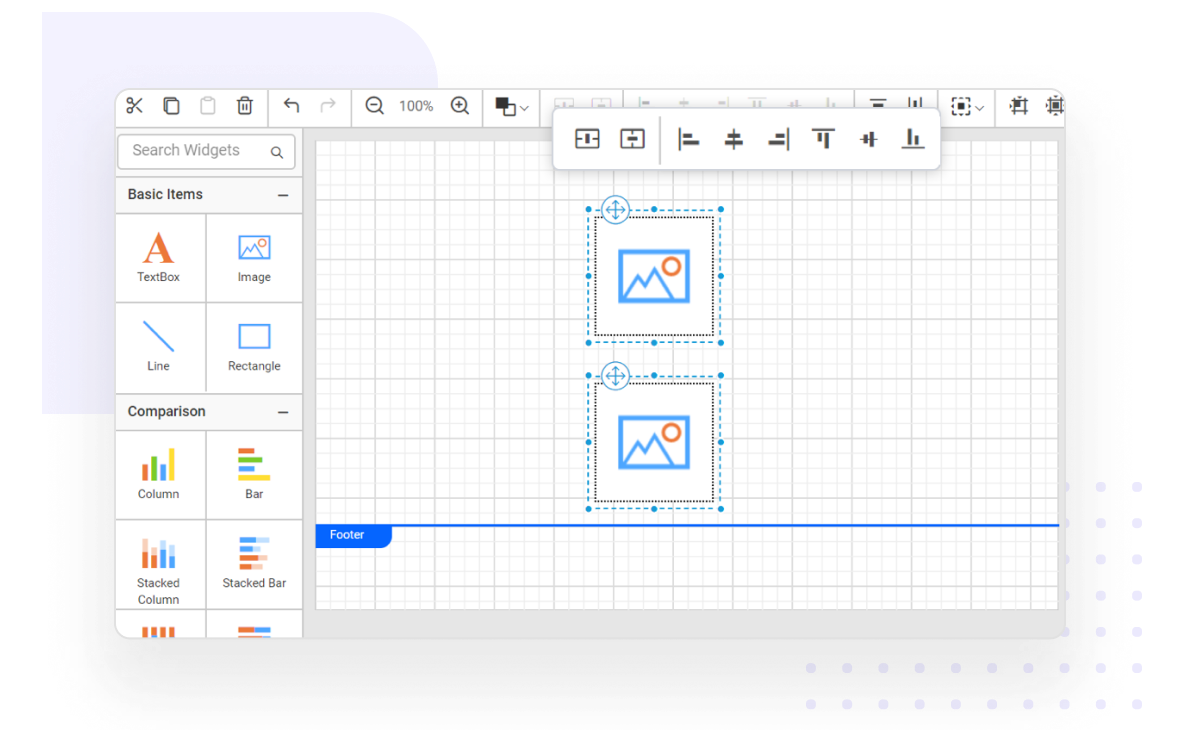
Alignment plays a vital role in designing reports. With a single-click, you can align single or multiple report items to the left, right, or center horizontally; or to the top, bottom, or middle vertically in the design surface.

Aligning report items

Sizing

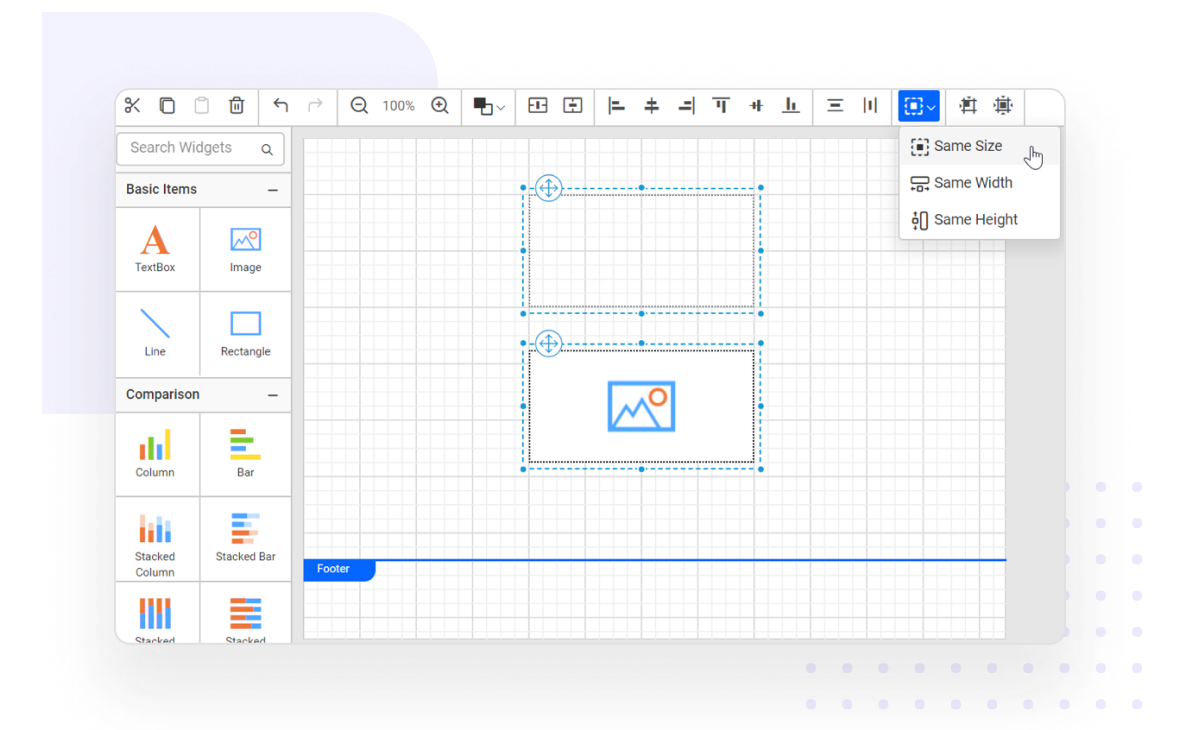
Use the following sizing options to equally size selected report items in the design surface:

  • Same height/width
  • Align to grid/size to grid
Sizing report items

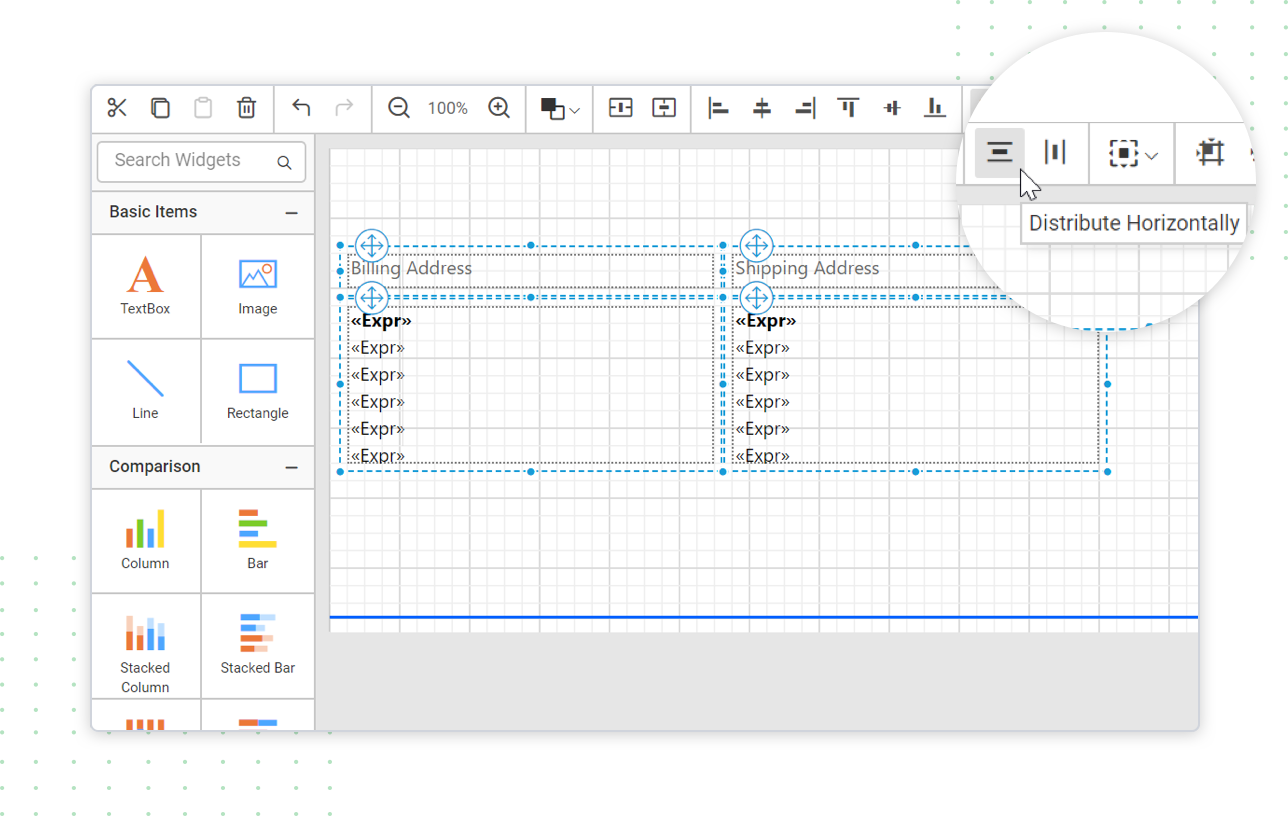
Distribute or equal spacing

Place report items with equal spacing in both horizontal and vertical directions.

Distribute or equally spacing the report items

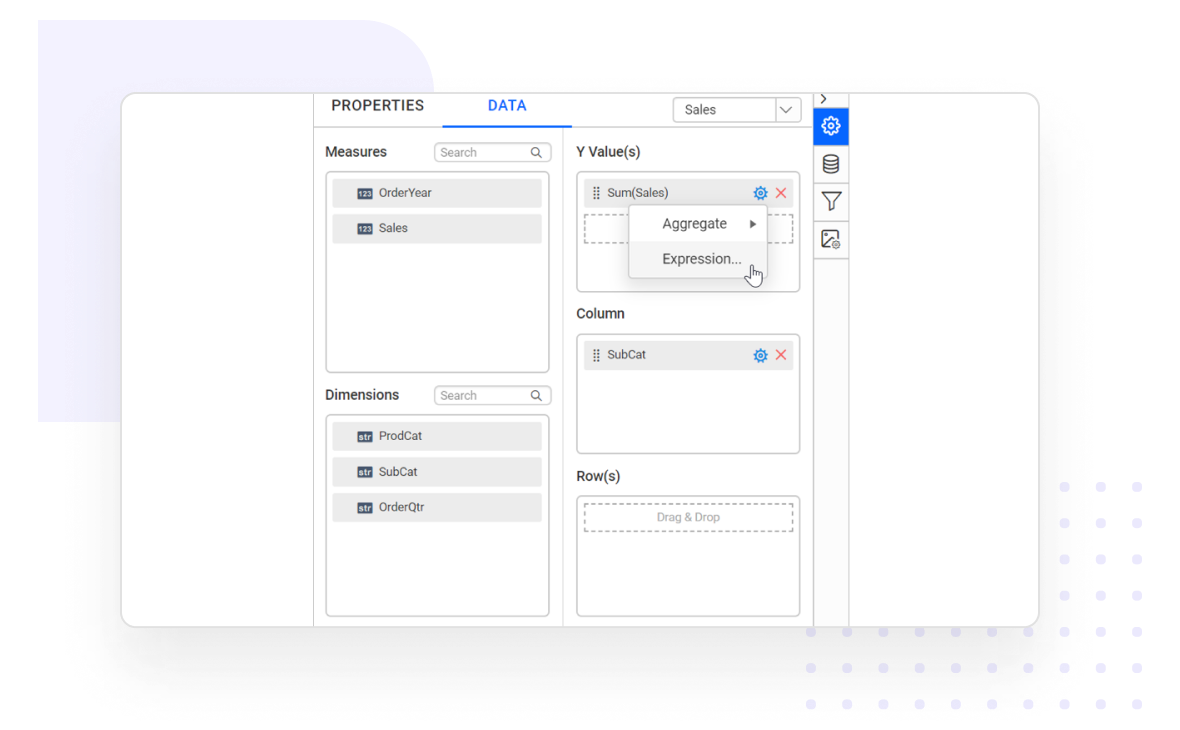
Intuitive data configuration

Assign data values, measures, dimensions, groups, sorting, and filtering for report items.

Groups, sorting, and filtering for report item

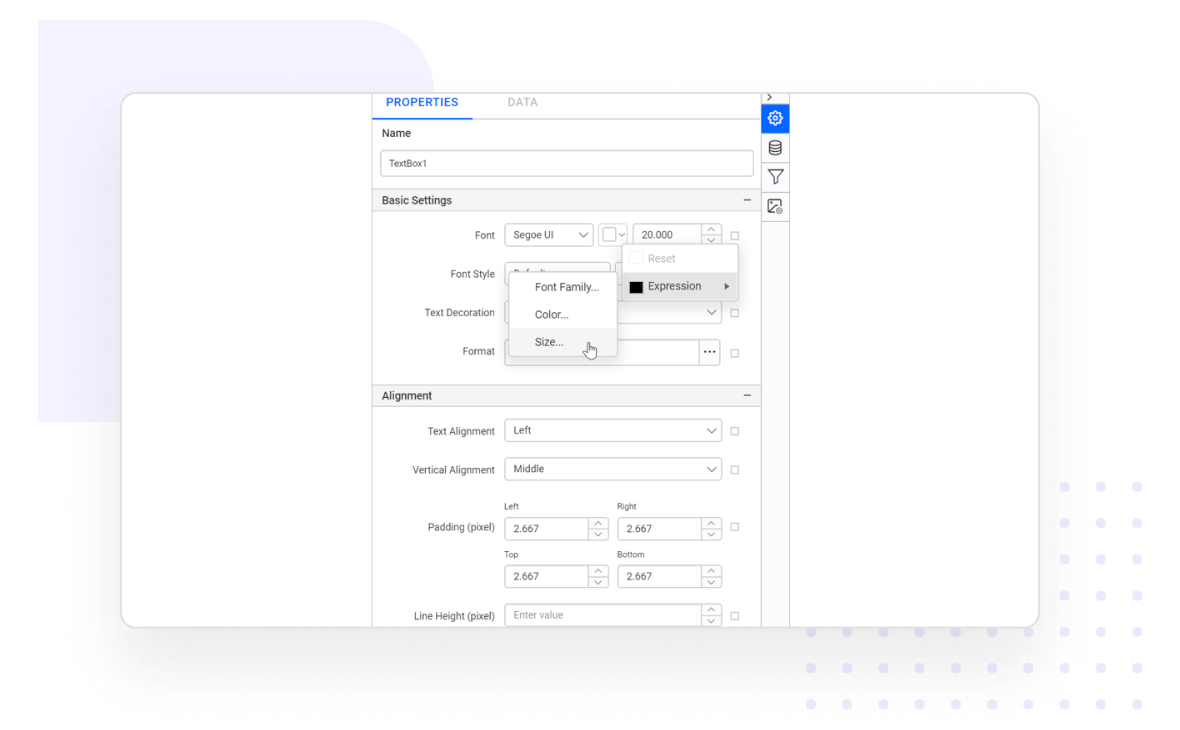
Properties configuration

Allows to set static or expression as value to the properties.

Report items properties configuration

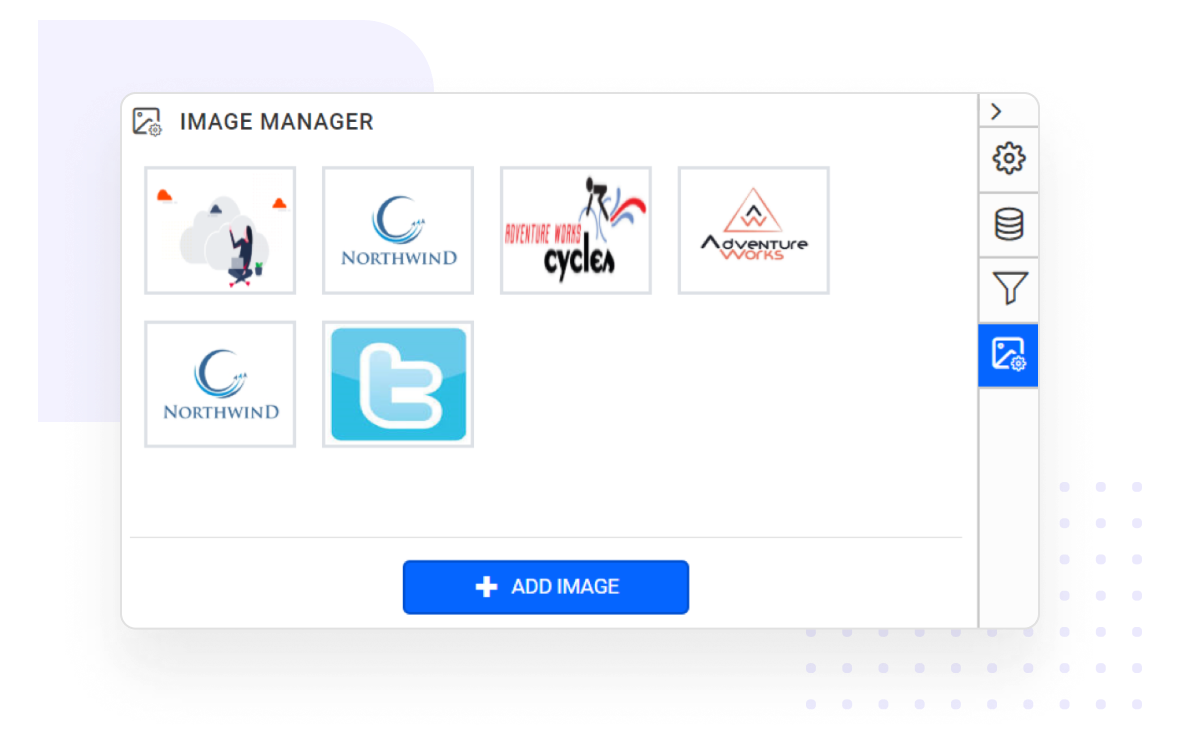
Managing images

Provides an user interface to manage embedded images for report and items with simple configuration steps.

Managing the images in report designer

Enterprise-Ready Compliance

Bold Reports helps you meet key security and compliance standards. All activity logs are safely stored, can’t be changed, and are easy to export when needed.

ISO 27001
SOC 2 Type 2
GDPR Compliant
HIPAA Compliant

Enterprise-Grade Compliance

Bold Reports helps you meet key security and compliance standards. All activity logs are safely stored, can’t be changed, and are easy to export when needed.

Make Reporting a Natural Part of Your Product

Bold Reports helps you create fully customized reports and embed them into your application in minutes. It’s simple, flexible, and designed to match your brand.
Make Reporting a Natural Part of Your Product

Bold Reports helps you create fully customized reports and embed them into your application in minutes. It’s simple, flexible, and designed to match your brand.