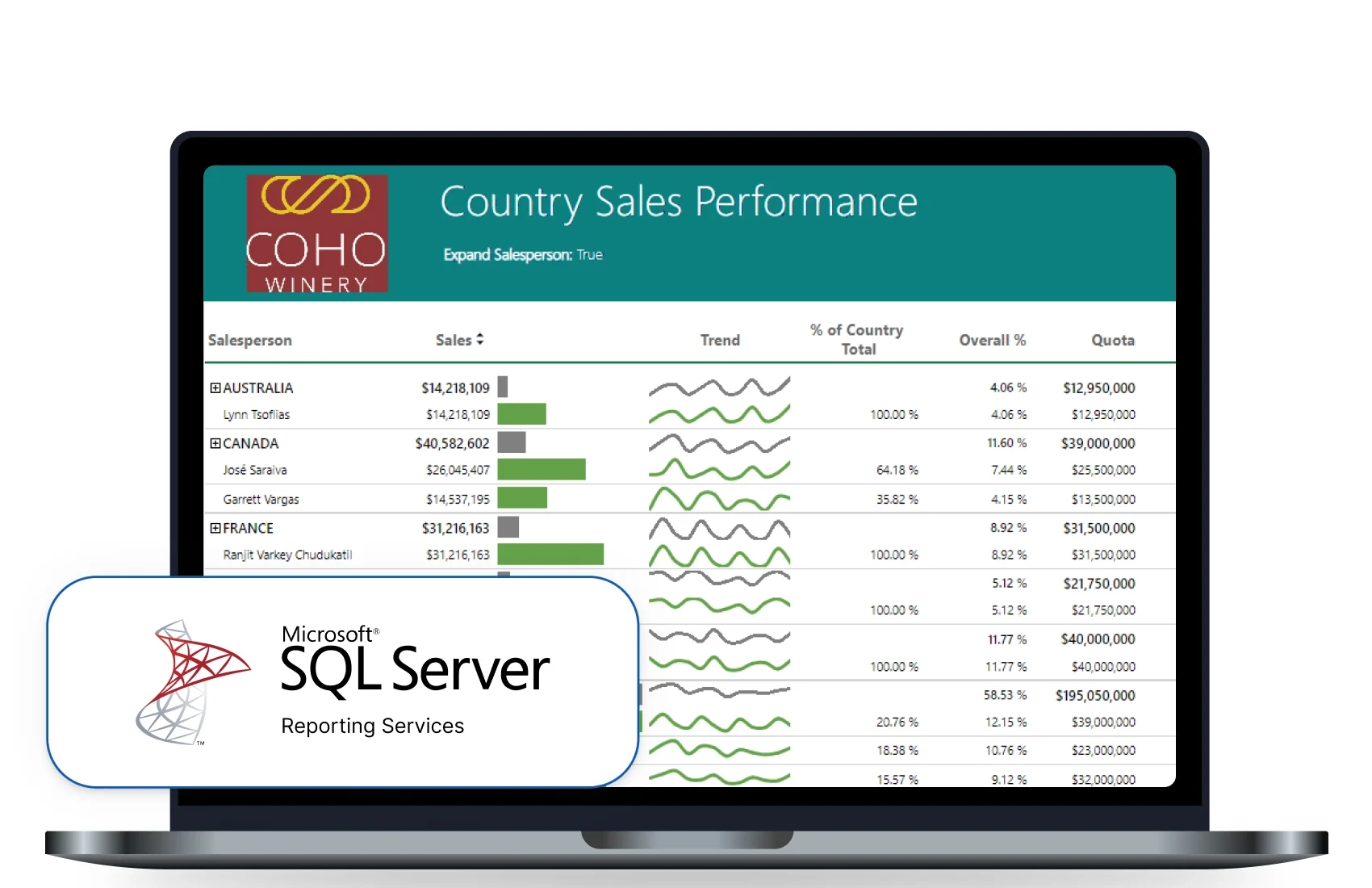
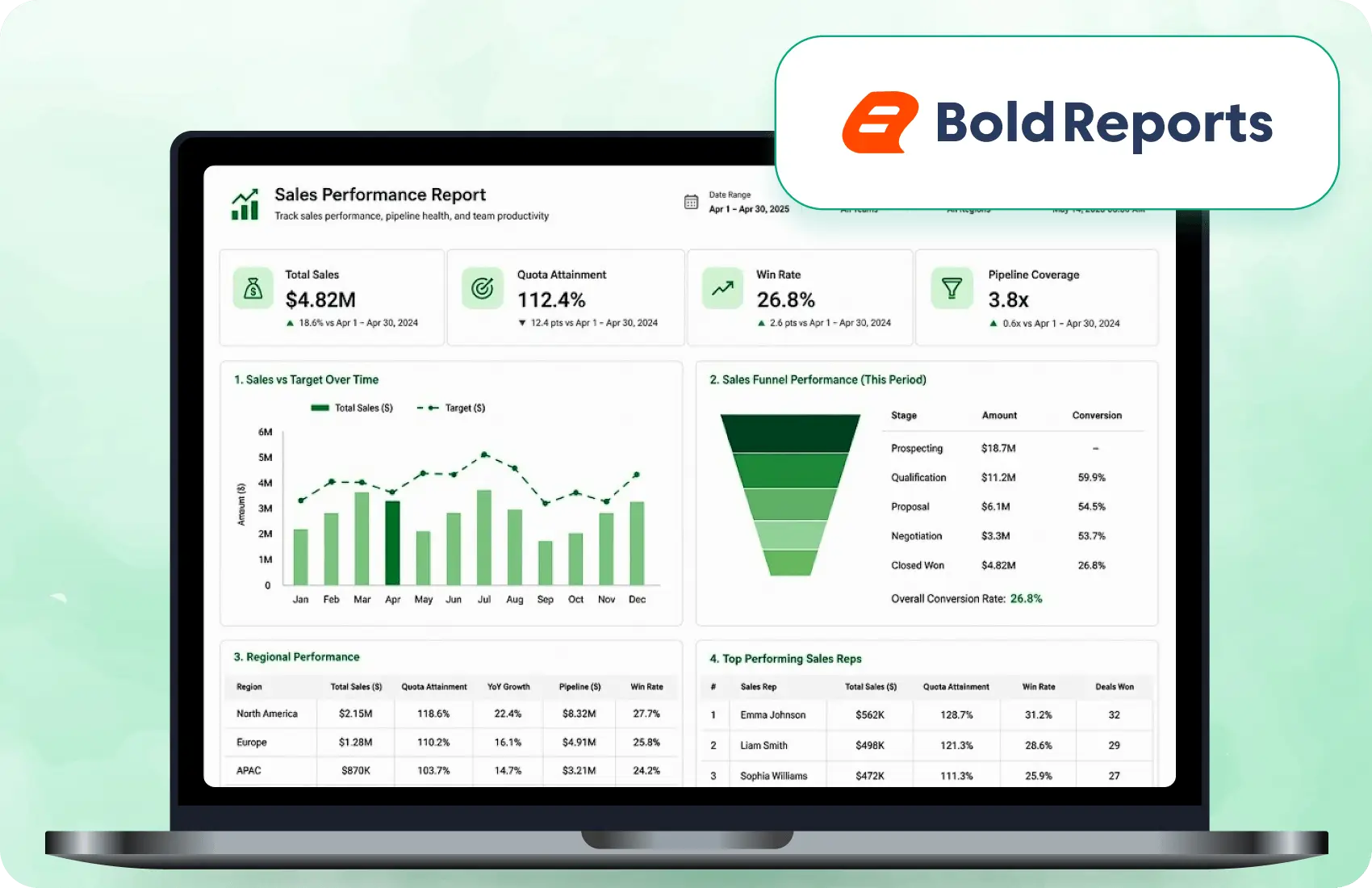








RDL Support

Import and reuse your SSRS RDL files. 

Branding

Rebrand reports to match your brand look. 

Easy Deploy

Deploy on cloud or on-premises.

No credit card required.

Used by teams at these companies
johnson-and-johnson-logo
schneider-electric-logo
bridgestone-logo
siemens-logo
verizon-logo
hp-logo
fidelity-investments
intel-logo
Move Beyond SSRS

Why Do Teams Look for an SSRS Alternative?

Teams look for an SSRS alternative because Microsoft will release no new SSRS versions after SSRS 2022, which it supports until January 11, 2033, and because SSRS 2022 installs as a Windows service on Windows Server 2016 or later.

why-teams-search-for-a-bold-reports
sql-server-2025-transition-impact
SQL Server 2025 transition impact

SSRS excluded from SQL Server 2025; teams may shift to PBIRS or RDL-compatible alternatives.

unpredictable-cost-models
Unpredictable cost models

Migrating toward PBIRS or premium licensing can add infrastructure overhead and licensing complexity.

embedding-friction
Embedding friction

SSRS has limited embedding support for React, Blazor, and SaaS apps, making integration complex.

vendor-infrastructure-lockin
Vendor and infrastructure lock-in

Rigid deployment requirements and reliance on specific technologies reduce flexibility and application control.

desktop-first-workflows
Desktop-first workflows

Dependence on Windows-based report designers slows iteration and increases reliance on IT teams.

multitenancy-is-limited
Multitenancy is limited

Managing reports across multiple customers requires additional setup and planning effort.

Migration Coverage

What Should an SSRS Alternative Support?

An SSRS alternative should keep report layouts, expressions, parameters, data connections and reporting workflows intact. Bold Reports opens existing RDL and RDLC reports natively, so most reports need little to no rework.

  • Native support for existing RDL and RDLC reports.
  • Paginated, print-ready output for invoices and statements.
  • Embedding in your own applications through SDKs and APIs.
  • Built-in multi-tenant reporting for SaaS products.
  • Deployment on cloud, on-premises, Linux or containers.
  • Report editing by business users in a web designer.
No Rebuild Required

Why Bold Reports is the Right Alternative

Bold Reports provides teams with RDL compatibility, embedding flexibility, and deployment control, enabling organizations to replace SSRS and modernize reporting without rebuilding from scratch.

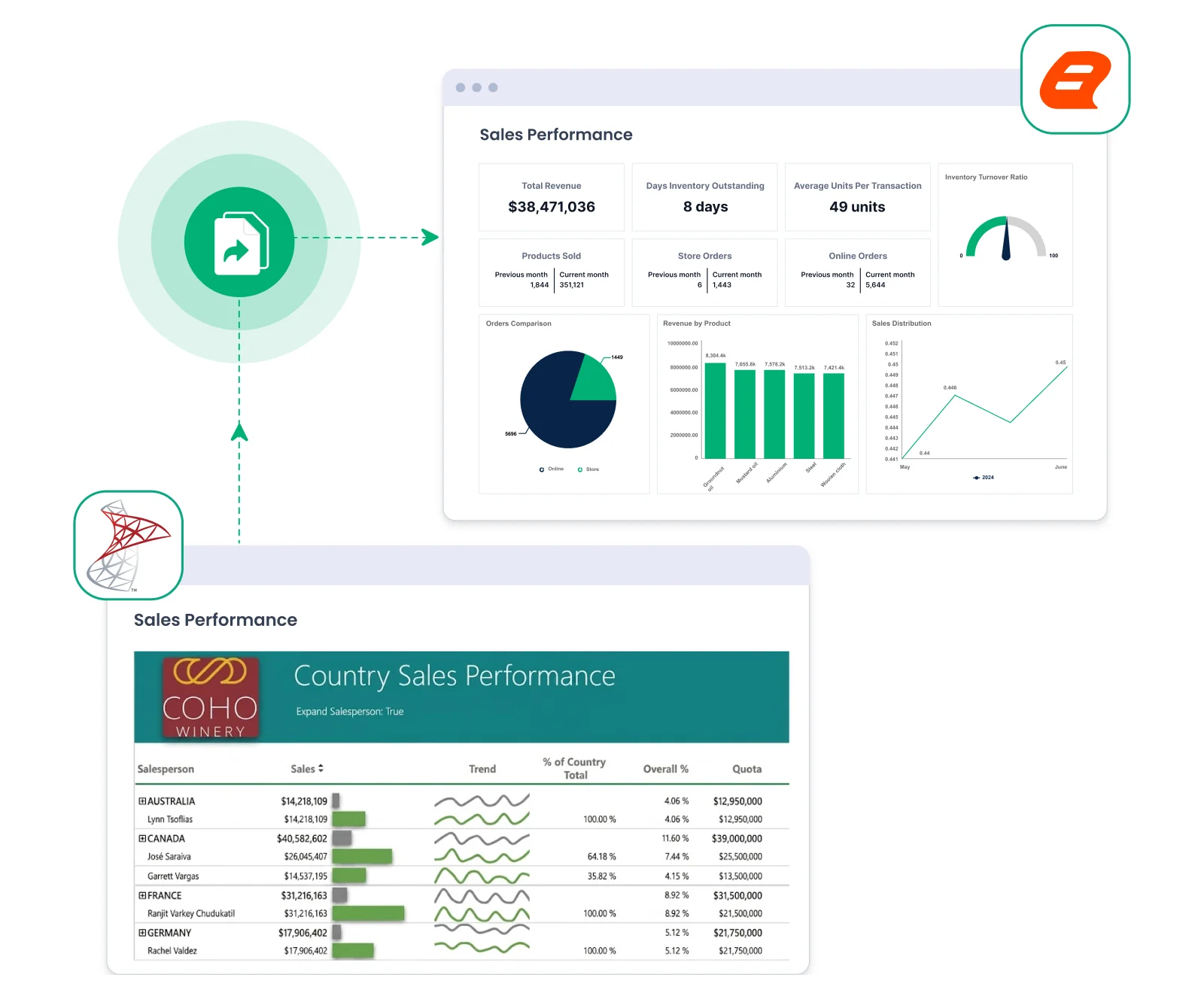
Preserve your existing report

Bold Reports opens existing SSRS RDL/RDLC reports natively, so most reports need little to no redevelopment.

  • Migrate SSRS RDL reports without redesigning.
  • Parameters and expressions continue working.
  • Keep pixel-perfect, print-ready report layouts.
Financial services

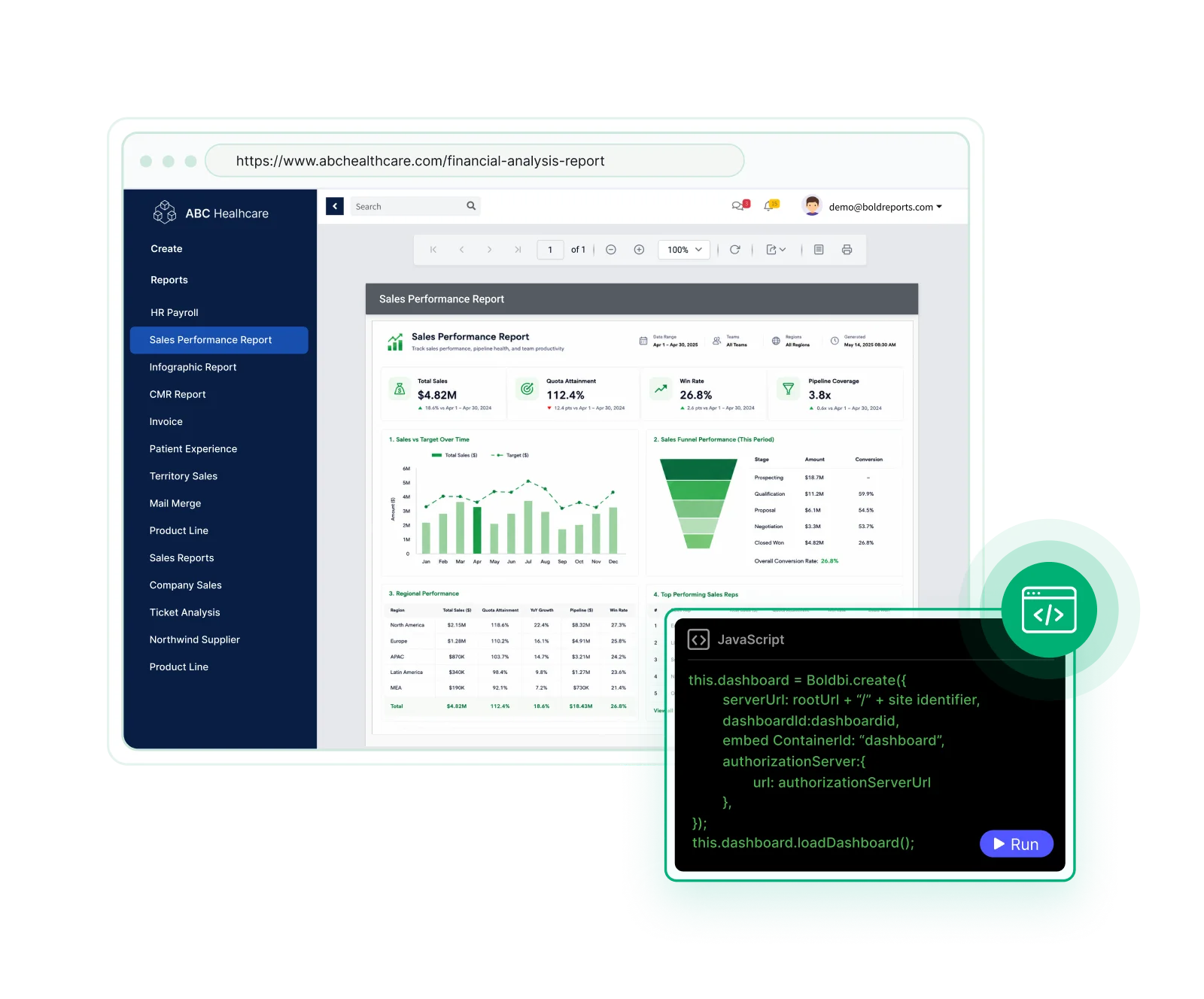
Embed Reports Inside Your Application

Embed reports into your applications using SDKs, REST APIs, and framework support.

  • Embed reports directly in SaaS, ISV, and internal applications.
  • Multi-tenant platforms serving multiple clients or departments.
  • Support .NET, ASP.NET Core, Angular, React, Blazor, and modern web stacks.
Financial services

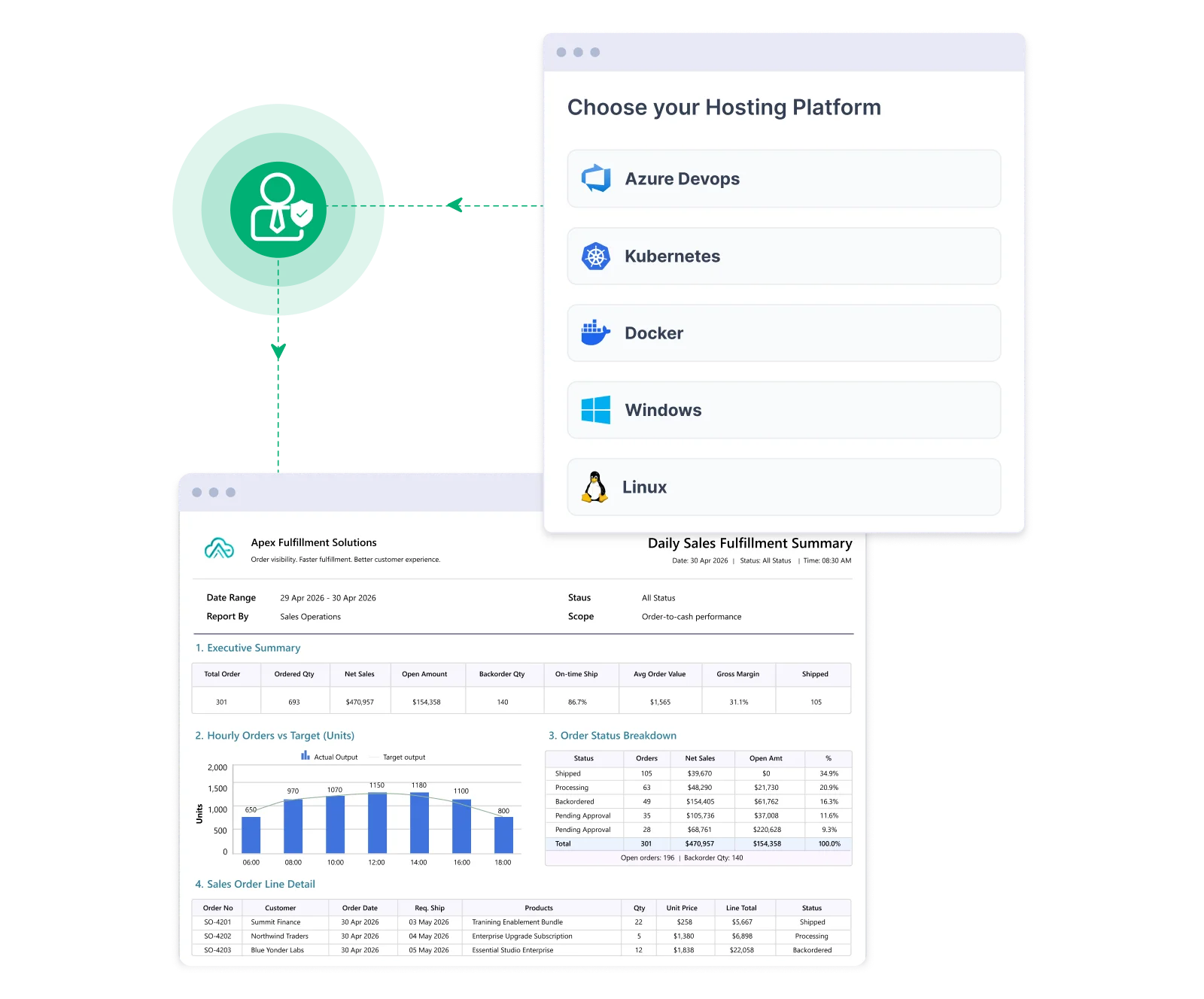
Deploy where your stack runs

Deploy reporting in environments that align with your infrastructure and scale requirements.

  • Deploy in cloud or on-premises environments.
  • Manage users, roles, and permissions centrally.
  • Support multi-tenant use cases for SaaS and internal platforms
Financial services

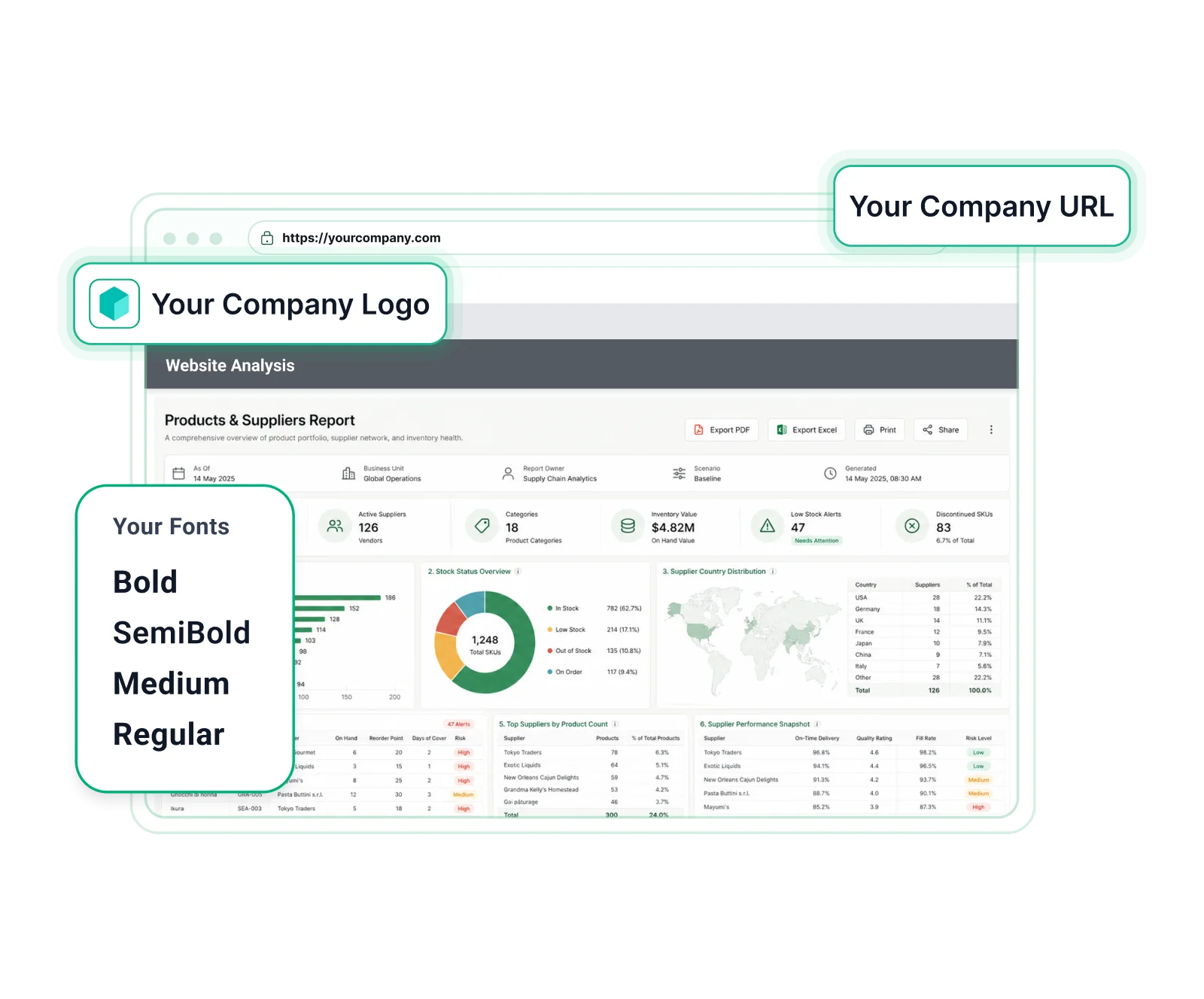
Deliver branded reporting experiences

Keep every report aligned with your brand identity without complex customization.

  • Apply tenant‑specific branding across reports and applications.
  • Match logos, colors, fonts, and domains for a consistent brand experience.
  • Rebrand login screens, headers, and email templates effortlessly.
Financial services

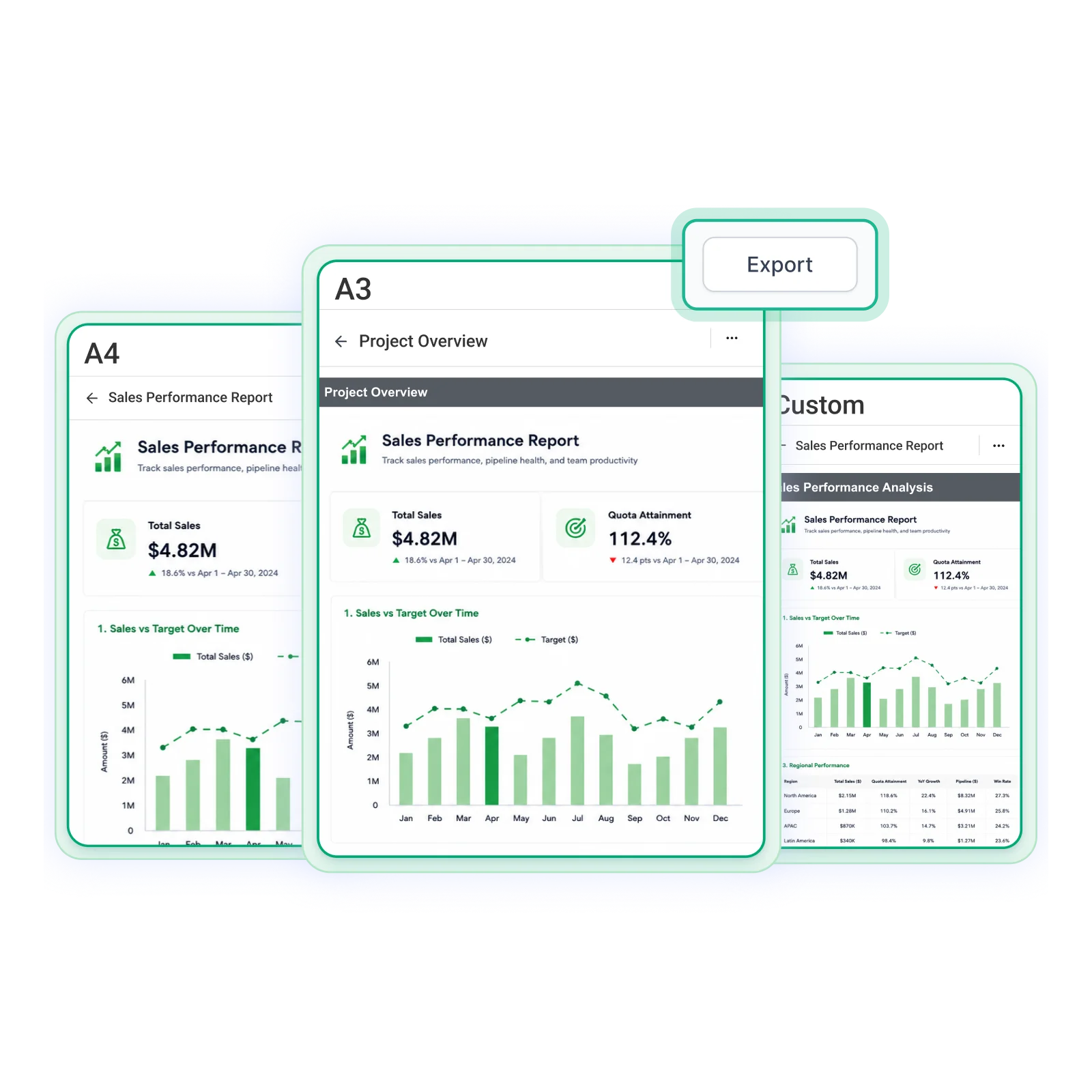
Pixel-Perfect Reporting

Preserve the exact layout and structure of your reports without rebuilding them from scratch.

  • Preserve SSRS report layouts with high visual accuracy.
  • Ensure consistency for invoices, statements, and compliance documents.
  • Export to PDF, Excel, Word, CSV, and more without formatting loss.
Financial services

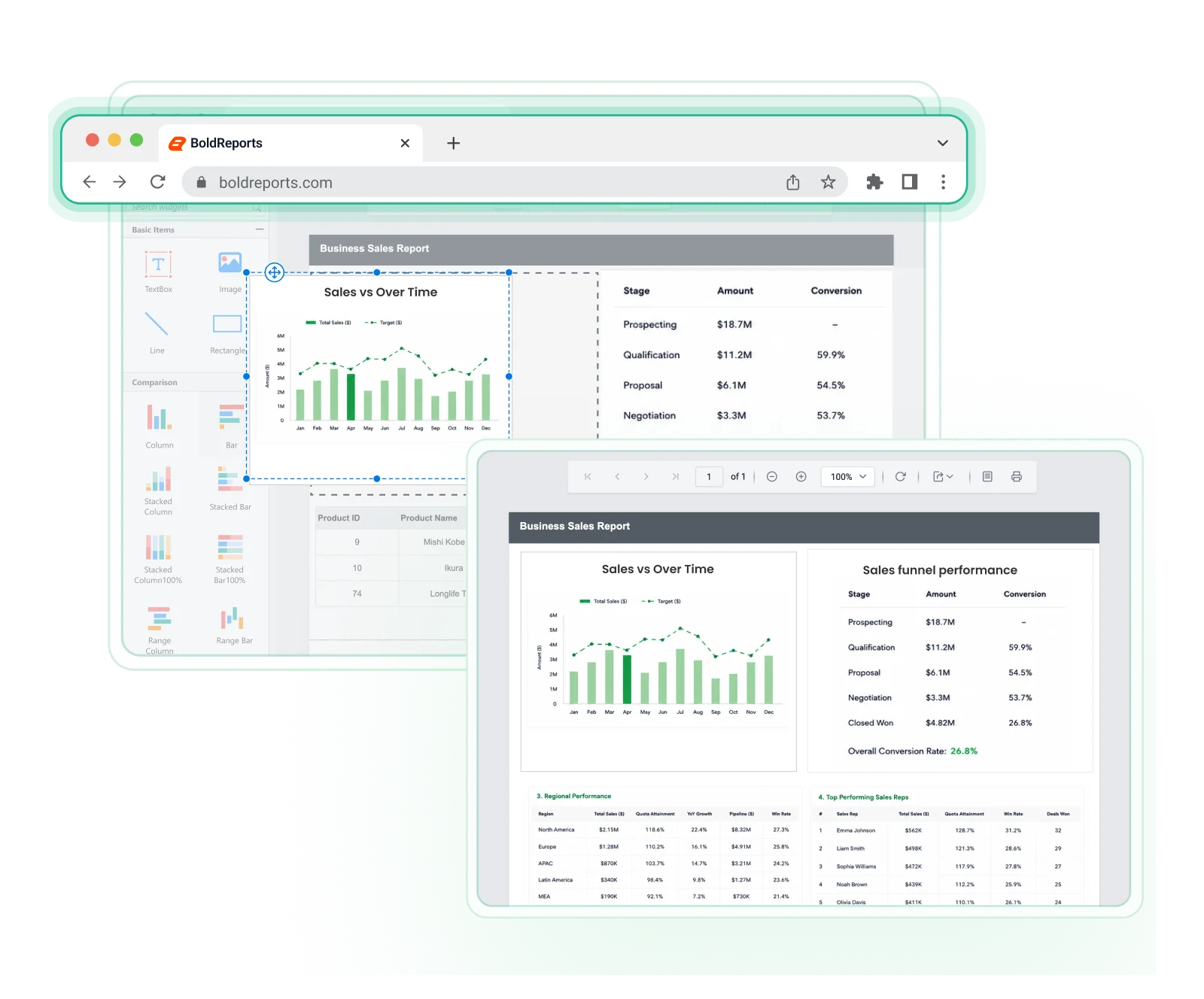
Design Reports in the Browser

Remove dependency on desktop tools and simplify report creation in a browser.

  • Make quick changes without switching tools or environments.
  • Enable teams to collaborate on reports from anywhere.
  • Access reports securely from any modern browser.
Financial services

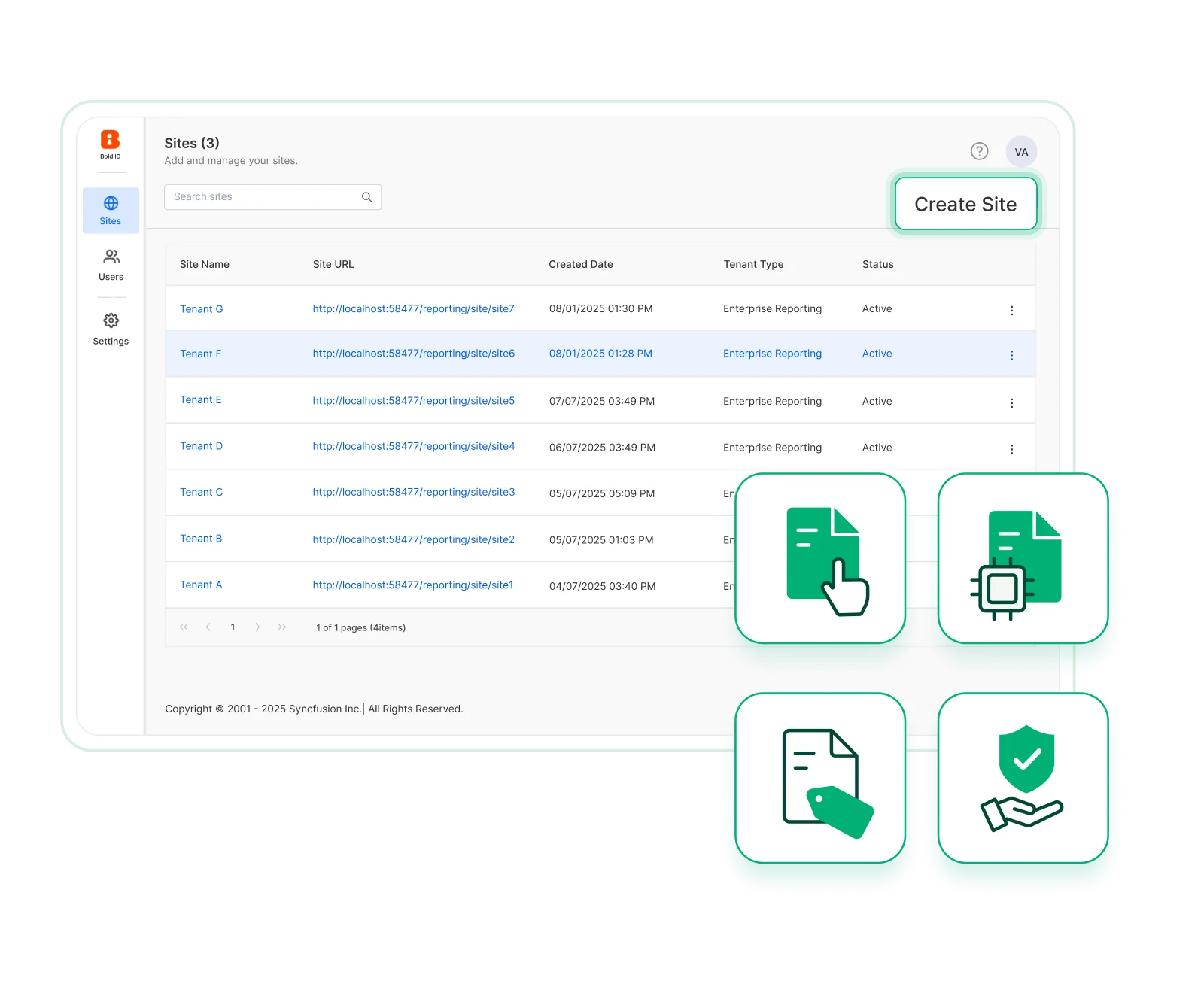
Built for SaaS and Multi-Tenant Products

Deliver reporting experiences for every customer from a single platform. Support tenant isolation, and scalable reporting without custom work.

  • Manage multiple customers from a single reporting platform.
  • Keep each tenant’s data secure with role-based access control.
  • Scale reporting as your customer base and usage grow.
Financial services
Compare Side by Side

Bold Reports vs. SSRS: Side-by-Side Comparison

Check how Bold Reports compares with SSRS across key reporting features and modernization needs. 

Capability SSRS 2022 Bold Reports
Paginated reporting Yes Yes
RDL / RDLC support Yes Yes
Web-based report designer Limited Yes
Embedded reporting for React, Angular, and ASP.NET Core apps Not compared; see Microsoft's SSRS documentation SDKs, APIs, viewer/designer components
White-label reporting Limited Yes
Multi-tenant reporting Not compared; see Microsoft's SSRS documentation Native multitenant support
Deployment flexibility Windows Server 2016 or later, or Windows 10/11 (SQL Server 2022 requirements) Cloud, on-premises, Windows Server, Linux, Docker, Kubernetes, Microsoft Azure, AWS
Security Role-based security Role, User & Group-based security

Last updated October 2026. Based on publicly available information, which may change. Sources: Microsoft Reporting Services consolidation FAQ and SQL Server 2022 documentation.

Get started in minutes.

Get Started Fast

How to Get Started in 3 Simple Steps

Follow these steps to transition your SSRS reports to a more flexible and web‑ready reporting platform.

01

Upload your SSRS RDL files

Upload your existing SSRS (.rdl) reports into Bold Reports to reuse your current layouts, parameters, and datasets.

02

Configure data connections

Reconnect your databases or APIs and verify that report data and logic are working as expected.

03

Publish and distribute reports

Publish reports securely and share them across teams or embed them into business applications.

ssrs-migration

Keep your RDL reports working

Moving from SSRS?

Modernize SSRS Without Rebuilding Reports

Reuse existing RDL and RDLC reports while moving to an SSRS alternative built for modern applications. Deliver modern, web-based reporting experiences with greater flexibility, easier deployment, and enterprise scalability.

Built for More

More Reasons to Choose Bold Reports

Bold Reports adds modern capabilities to SSRS reporting, helping teams modernize how reports are designed, managed, and delivered, without disrupting existing RDL investments. 

rdl-file-compatibility

RDL file compatibility

Reuse SSRS RDL files while preserving parameters, datasets, and expressions.

web-based-report-designer

Web Report Designer

The Bold Reports Web Report Designer lets teams design and edit RDL reports directly in the browser, with no desktop install.

flexible-data-integration

Flexible data integration

Connect to SQL databases, files and APIs through 25+ data connectors without changing existing systems.

self-service-reporting

Self-service reporting

Enable teams to update and enhance reports using an intuitive visual designer.

enterprise-grade-security

Enterprise-grade security

Protect reports with role-based access, encryption, and compliance controls.

multi-format-exporting

Multi-format exporting

Bold Reports exports to 7 core formats: PDF, Excel, Word, PowerPoint, CSV, XML and HTML, with consistent layout and formatting.

multitenant-management

Multitenant management

Manage multiple teams with data isolation and centralized access control.

cost-effective-at-scale

Cost-effective at scale

Support expanding reporting needs with predictable enterprise-ready licensing.

Free for 30 days.

Flexible Deployment

Cloud or On-Premises: Your Infrastructure, Your Rules

Run Bold Reports wherever your data and compliance requirements need it to live. All three deployment options share the same reporting engine and RDL compatibility; feature availability can differ by edition, so check the pricing page for each edition's inclusions. Only the hosting model changes.

Matrix Reports with Grouping and Drill-Down

Matrix Reports with Grouping and Drill-Down

Matrix (Tablix) reports work the same way as SSRS. 

Cascading Parameters (Dependent Parameters)

Cascading Parameters (Dependent Parameters)

Parameters behave exactly like SSRS cascading filters.

Row Grouping with Totals and Summaries

Row Grouping with Totals and Summaries

Grouped reports and totals work without changes.

Sub-Reports with Parameter Passing

Sub-Reports with Parameter Passing

Sub-reports work the same with parent-child linking.

Expressions and Conditional Formatting

Expressions and Conditional Formatting

SSRS expressions and formatting rules continue working.

Aggregates and Calculations Inside Reports

Aggregates and Calculations Inside Reports

All calculations inside reports continue working. 

No relearning is needed.

Fits Every Team

Reporting that Fits Every Team

Make reporting quick and dependable on cloud or on-premises deployments with a workflow built for ease. 

For Developers

Integrate and manage reporting within applications.

For SaaS Products

Deliver reporting as part of your product experience.

For Enterprise

Manage reporting across teams and environments.

See It Fit Your Team

Built for Every Industry

Reports Powering Enterprise Growth

From tracking KPIs to improving daily operations, Bold Reports turns complex data into clear, useful insights for every team.  

sales-reporting

Sales

Measure lead pipelines, regional sales, and team performance with interactive visualizations.

education-reporting

Education

Track enrollment, completion rates, and student performance to improve outcomes.

manufacturing-reporting

Manufacturing

Spot production gaps, downtime issues, and supply‑chain trends quickly.

retail-reporting

Retail

Understand sales patterns, customer behavior, and inventory movement.

Built for teams. Loved by users.

Here's why our customers love us

See how Bold Reports is used in businesses, as shared by customers in published reviews.

Capterra reviews
Capterra
GetApp reviews
4.8
★★★★★
★★★★★
G2 reviews
G2
GetApp reviews
4.1
★★★★★
★★★★★
GetApp reviews
GetApp
GetApp reviews
4.8
★★★★★
★★★★★
Software Advice reviews
Software Advice
GetApp reviews
4.8
★★★★★
★★★★★
Capterra reviews
Capterra
GetApp reviews
4.8
★★★★★
★★★★★
G2 reviews
G2
GetApp reviews
4.1
★★★★★
★★★★★
GetApp reviews
GetApp
GetApp reviews
4.8
★★★★★
★★★★★
Software Advice reviews
Software Advice
GetApp reviews
4.8
★★★★★
★★★★★
Capterra reviews
Capterra
GetApp reviews
4.8
★★★★★
★★★★★
G2 reviews
G2
GetApp reviews
4.1
★★★★★
★★★★★
GetApp reviews
GetApp
GetApp reviews
4.8
★★★★★
★★★★★
Software Advice reviews
Software Advice
GetApp reviews
4.8
★★★★★
★★★★★

Recognition

Fall Leader 2026
Fall Leader Small Business 2026
Fall Europe Regional Leader 2026
Fall EMEA High Performer 2026
Summer EMEA High Performer-2026
Spring Momentum Leader 2026
Spring High Performance 2026
Spring Leader 2026
Winter Momentum Leader 2026

Enterprise-Ready Compliance

Bold Reports holds a SOC 2 Type 2 report from an annual independent audit; see the security page for the scope of its other compliance statements. All activity logs are safely stored, can’t be changed, and are easy to export when needed.

soc-2-type-ii-compliance
iso-27001-certified
gdpr-compliant
hipaa-compliant
Get the Details You Need

Frequently Asked Questions

Bold Reports is a strong SSRS alternative for teams that need paginated reporting, RDL/RDLC compatibility, embedded reporting, flexible deployment, web-based design, multitenancy, and enterprise security.

Yes. Bold Reports offers a free trial with no credit card required. 

Free SSRS migrations are available to all paid Bold Reports customers across all plans.

Automation approaches such as scripting can be used to move reports, data sources, and datasets, depending on the environment and setup. 

Migration is often handled as an initial setup process, followed by validation and gradual rollout across additional reports. 

Migration typically involves importing reports, reconnecting data sources, validating outputs, and publishing reports. Teams often start with a subset of reports before expanding. 

Bold Reports provides onboarding with guided assistance and self-service options for SQL Server Reporting Services users; onboarding training is 4, 8 or 12+ hours depending on the support tier.

Microsoft's SSRS 2022 installation guide covers Windows: SSRS installs as a Windows service, and SQL Server 2022 requires Windows 10 1607 or later or Windows Server 2016 or later. Bold Reports runs RDL reports on Linux, Docker and Kubernetes as well as Windows Server, Microsoft Azure and AWS, in cloud or on-premises deployments.

With Bold Reports, publish your existing RDL reports to the Bold Reports Report Server and embed them in your application with the Web Report Viewer and Web Report Designer components, SDKs and REST APIs. The components support .NET, ASP.NET Core, Angular, React and Blazor. For multi-tenant SaaS products, Bold Reports applies tenant-specific branding and role-based access control per tenant.

For SSRS users in 2026, Microsoft names Power BI Report Server as the on-premises reporting solution from SQL Server 2025 onward, and SSRS 2022 remains supported until January 11, 2033. Third-party platforms that open RDL files, such as Bold Reports, are another option: Bold Reports runs existing RDL and RDLC reports in cloud, on-premises, Linux and Docker deployments and embeds them in web applications. Compare editions, deployment and licensing before choosing.

Yes. Bold Reports supports SSRS RDL files, helping teams reuse existing reports and reduce redevelopment effort. 

Most standard SSRS reports need little to no rework because Bold Reports provides native RDL/RDLC compatibility and keeps the RDL file intact. Known limitations exist, so teams validate a sample of reports before moving the full library; free SSRS migration support is available to paid Bold Reports customers.

Yes. Bold Reports provides embeddable report viewer and designer components, SDKs, and APIs for modern web applications.

Bold Reports supports many commonly used reporting capabilities such as tables, matrices, charts, parameters, drill-down, sub-reports, expressions, and aggregations.

Bold Reports is designed to maintain report layouts with high accuracy. Teams typically validate outputs to ensure consistency. 

Yes, parameter-based filtering, including dependent (cascading) parameters, is supported. 

Yes. Bold Reports supports Linux, Docker, Kubernetes, cloud, and on-premises deployment options.

An RDL file is a report definition written in Report Definition Language, the XML format SQL Server Reporting Services uses to store a report's data retrieval and layout information. Files with the .rdlc extension are client report definitions in the same format. Bold Reports opens both .rdl and .rdlc files natively in its Web Report Designer and Web Report Viewer.

Yes. Bold Reports opens existing SSRS .rdl and .rdlc report files natively and runs them without SQL Server Reporting Services installed. Upload the RDL file, reconnect its data sources and publish it; parameters, expressions and datasets carry over, and most reports need little to no rework.

Bold Reports natively supports both RDL and RDLC files in its Web Report Designer, Web Report Viewer and Report Writer. Microsoft's Power BI Report Server also runs RDL reports; Microsoft states that existing RDL reports are fully compatible with it. Bold Reports has known RDL limitations, so validate a sample of reports before migrating a full library.

Ready to upgrade your SSRS reporting?

Keep your existing reports, embed them into applications, and manage them without rebuilding.