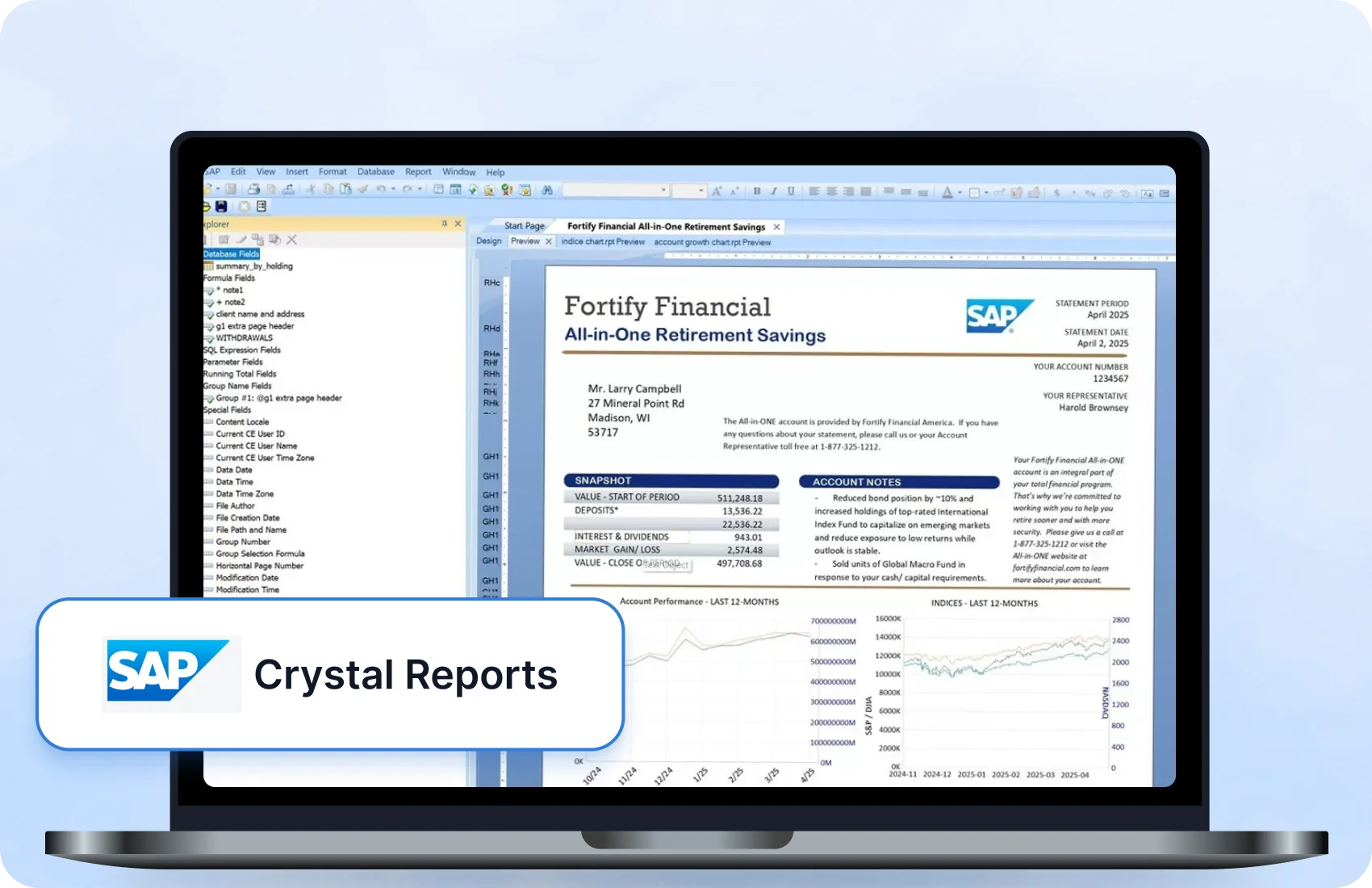
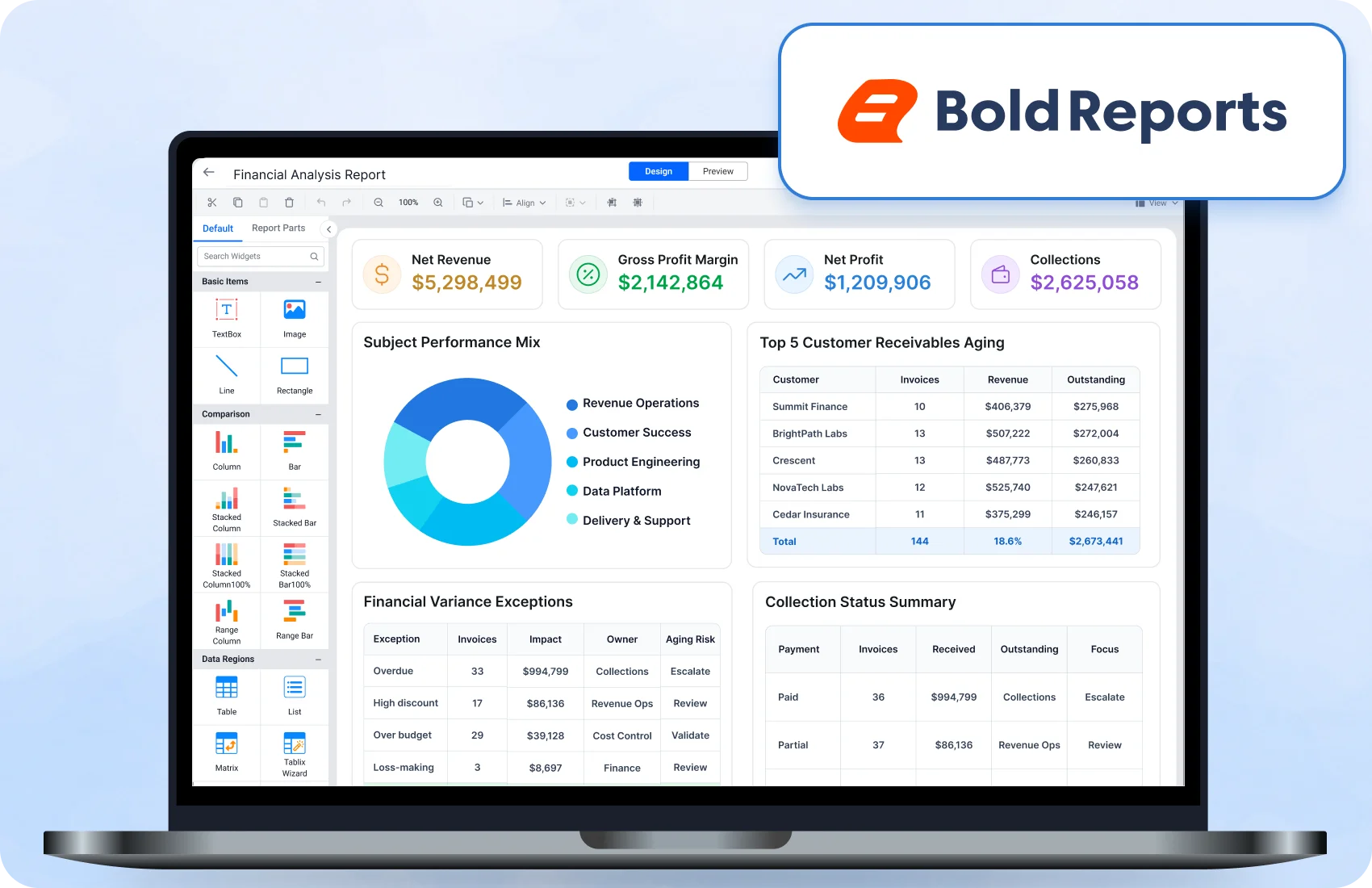







Explore SAP Crystal Reports Alternatives

Crystal Reports Alternative for Web-Based Reporting

Bold Reports is a browser-based reporting platform for teams that replace SAP Crystal Reports. It designs, embeds, and delivers pixel-perfect RDL and RDLC reports across web, cloud, and on-premises environments. 

Web-Based Designer

Design reports directly 
from your browser. 

Embed Reporting

Embed reports across
web and .NET apps.

Enterprise Scalability

Scale reporting across teams and applications. 

Trusted by leading companies
johnson-and-johnson-logo
schneider-electric-logo
bridgestone-logo
siemens-logo
verizon-logo
hp-logo
fidelity-investments
intel-logo
Why Teams Search for Software Like Crystal Reports

Why Do Organizations Look for an Alternative to Crystal Reports?

Organizations evaluating an alternative to Crystal Reports often need a reporting platform that runs in a web browser, embeds in web and .NET applications, and scales across teams. Bold Reports is designed for these three needs. 

desktop-dependency
Desktop dependency

Many reporting workflows rely on desktop tools, which can limit access and collaboration across distributed teams.

limited-web-integration
Limited web integration

Embedding reports into modern web and cloud applications may require additional configuration and effort.

complex-operations
Complex operations

Managing report servers, updates, and dependencies increases administrative effort.

scaling-challenges
Scaling challenges

Expanding reporting access across departments becomes harder as usage grows.
sap-crystal-reports-pain-point-challenges

No credit card required.

No credit card required.

Why Choose Bold Reports

How Bold Reports Compares to Other SAP Crystal Reports Competitors

Bold Reports is a Crystal Reports alternative for designing, embedding, and delivering pixel-perfect RDL and RDLC reports. It compares with other SAP Crystal Reports competitors on the six capabilities below, and ships in three editions: Cloud, Managed Private Cloud, and On-Premises.

web-report-designer
Web Report Designer

Design and customize reports directly from your browser using a WYSIWYG designer, giving you full layout control without relying on desktop-based tools.

embedded-reporting
Embedded Reporting

Bold Reports embeds reports directly into applications using APIs and SDKs for ASP.NET Core, Angular, React, and Blazor, so reports run inside your existing workflows.

pixel-perfect-reporting
Pixel-Perfect Reporting

Create highly formatted business reports with precise layout control, ensuring consistent output across documents, exports, and print formats.

flexible-deployment
Flexible Deployment

Deploy Bold Reports as Cloud Edition, Managed Private Cloud, or On-Premises Edition, on Windows Server, Linux, Docker, or Kubernetes.  

enterprise-security
Enterprise Security

Bold Reports protects reports and data with role-based access, row-level security, single sign-on (SSO), and encryption, in all three editions.

data-connectivity
Data Connectivity

Bold Reports connects to databases, APIs, and cloud sources through 25+ data connectors, without restructuring your existing data or workflows.

Crystal Reports Migration

Modernize Crystal Reports Without Starting From Scratch

Reuse your existing Crystal Reports while moving to a modern, web-based reporting platform. Convert reports to RDL, preserve pixel-perfect layouts, and deploy across web, cloud, and enterprise applications.

See the difference

Bold Reports vs. Crystal Reports: A Side-by-Side Comparison

Compare Bold Reports v15.1 with SAP Crystal Reports on deployment, licensing, embedding, data connectivity, report format, migration, and support.

Where Crystal Reports may fit: teams that want to keep designing in the Crystal Reports Windows desktop designer, without web or embedded reporting, may prefer to stay on Crystal Reports.

Features Crystal Reports Bold Reports
Deployment Windows desktop designer + on-prem server Browser-based, cloud or self-hosted
Licensing model Per-CPU / per-named-user licensing No per-user or per-developer fee; quote-based pricing by edition (see pricing)
Embedded reporting .NET SDK and runtime White-label embed via JS/iframe SDK
Data connectors ODBC-based database connectivity 25+ data connectors, with ETL through Bold Data Hub
Version control Binary .rpt files RDL and RDLC report definitions
Migration path Not applicable (source product) Crystal Reports to RDL conversion utility (limits apply), with migration guidance
Support & roadmap Maintained by SAP, with published maintenance dates Public roadmap and published release notes

Last updated October 2026. Based on publicly available information, which may change. Sources: SAP Crystal Reports documentation and Bold Reports pricing.

Easy Start

How to Get Started in 3 Simple Steps

Follow a structured process to move your reports from Crystal Reports to a modern platform, ensuring smooth conversion, validation, and deployment with minimal effort.

01

Set up the converter

Install the Crystal Report to SSRS Converter on Windows, with the Crystal Reports Runtime and .NET 4.8.

02

Convert to RDL format

Convert .rpt files straight to RDL, one report or a whole folder, with the Crystal Report to SSRS Converter.

03

Import, publish and share

Import RDL files, review the conversion log, validate accuracy, and share reports across teams or applications.

See reporting in a new way.

Bold Reports for enterprise reporting

Is Bold Reports the Right Crystal Reports Alternative?

Whether you're modernizing legacy reporting, integrating reports into applications, or supporting growing business needs, Bold Reports provides the tools required to create, distribute, and manage reports efficiently.

multi-tenant-architecture

Multi-Tenant Architecture

Manage multiple customers, departments, or business units with secure data isolation and centralized administration.

white-label-customization

White-Label Customization

Customize logos, colors, themes, and report interfaces in Bold Reports so reports carry your own brand.

enterprise-ready-pricing

Enterprise-Ready Pricing

Support growing reporting requirements with predictable licensing designed for business and SaaS applications.

migration-assistance

Migration Assistance

Accelerate adoption with expert guidance, helping teams move reports and get up and running faster.

multi-format-exporting

Multi-Format Exporting

Export reports to PDF, Excel, Word, CSV, PowerPoint, HTML, and other formats for sharing and analysis.

report-delivery-and-scheduling

Report Delivery & Scheduling

Automate report delivery through email, subscriptions, and scheduled exports to keep stakeholders informed.

enterprise-grade-security

Enterprise-Grade Security

Protect business data with role-based access control, user permissions, authentication, and secure deployment options.

large-scale-reporting

Large-Scale Reporting

Generate high volumes of invoices, statements, forms, and reports with consistent performance.

Explore what you can build.

Built for teams. Loved by users.

Here's why our customers love us

See how Bold Reports is making an impact in businesses with powerful reporting, as shared by our satisfied customers.

Capterra reviews
Capterra
GetApp reviews
4.8
★★★★★
★★★★★
G2 reviews
G2
GetApp reviews
4.1
★★★★★
★★★★★
GetApp reviews
GetApp
GetApp reviews
4.8
★★★★★
★★★★★
Software Advice reviews
Software Advice
GetApp reviews
4.8
★★★★★
★★★★★
Capterra reviews
Capterra
GetApp reviews
4.8
★★★★★
★★★★★
G2 reviews
G2
GetApp reviews
4.1
★★★★★
★★★★★
GetApp reviews
GetApp
GetApp reviews
4.8
★★★★★
★★★★★
Software Advice reviews
Software Advice
GetApp reviews
4.8
★★★★★
★★★★★
Capterra reviews
Capterra
GetApp reviews
4.8
★★★★★
★★★★★
G2 reviews
G2
GetApp reviews
4.1
★★★★★
★★★★★
GetApp reviews
GetApp
GetApp reviews
4.8
★★★★★
★★★★★
Software Advice reviews
Software Advice
GetApp reviews
4.8
★★★★★
★★★★★

Recognition

Fall Leader 2026
Fall Leader Small Business 2026
Fall Europe Regional Leader 2026
Fall EMEA High Performer 2026
Summer EMEA High Performer-2026
Spring Momentum Leader 2026
Spring High Performance 2026
Spring Leader 2026
Winter Momentum Leader 2026
Get the Details You Need

Frequently Asked Questions

Bold Reports offers a browser-based Web Report Designer, native RDL and RDLC support, embedding SDKs for JavaScript, Angular, React, Blazor, and ASP.NET Core, and three editions (Cloud, Managed Private Cloud, and On-Premises) for enterprise reporting. 

Teams look for web-based access, easier application integration, and scalable reporting to meet growing business demands. 

Yes, for most reports. Bold Reports supports designing, managing, and delivering highly formatted reports. Crystal Reports .rpt files are converted to RDL with a migration utility that has limits, so validate each converted report before you deploy it. 

While Crystal Reports focuses primarily on report design and generation, Bold Reports provides a complete reporting platform for creating, managing, embedding, and delivering reports. It includes a browser-based WYSIWYG designer, application integration, multi-tenant support, flexible deployment options, and enterprise-grade administration capabilities.

Yes. Bold Reports supports paginated reports with full control over layouts, formatting, and multi-page documents. 

Yes. Bold Reports allows embedding reports into modern applications using APIs and SDKs across popular frameworks. 

Bold Reports offers a 30-day free trial that requires no credit card. Bold Reports also has a free tier with limits: it excludes white-label branding, multi-tenant management, advanced compliance, and custom connectors, and accounts inactive for 15 days are deleted. Eligible organizations can apply for the Bold Reports Community License, and the Crystal Report to SSRS Converter converts existing .rpt files to RDL.

Reporting tools commonly compared with SAP Crystal Reports include Bold Reports, SQL Server Reporting Services (SSRS), Power BI Report Server, DevExpress Reports, Telerik Reporting, Jaspersoft, and Stimulsoft. These tools are similar to Crystal Reports because they produce paginated, print-ready reports from databases. Bold Reports publishes a comparison for each: SSRS, Power BI Report Server, DevExpress, Telerik, Jaspersoft, and Stimulsoft. The right choice depends on your framework, deployment model, and report format.

Yes. Bold Reports includes a browser-based WYSIWYG designer for creating and managing reports from anywhere. 

Yes. Bold Reports is designed for high-volume generation of invoices, statements, forms, and operational reports, and can deliver them on a schedule by email or to a file location. 

Yes. Bold Reports supports pixel-perfect report generation, helping preserve layouts, formatting, and document consistency for business-critical reports. 

Yes. Bold Reports exports reports to 7 core formats: PDF, Excel, Word, PowerPoint, CSV, XML, and HTML, for sharing, printing, and analysis. 

Bold Reports uses role-based access control, authentication, and secure deployment to protect report data and user access. 

Yes. Bold Reports supports multi-tenant architectures with secure data isolation and centralized administration for enterprise and SaaS use cases.  

Bold Reports is a Crystal Reports alternative for .NET web applications that embeds a Web Report Viewer and Web Report Designer in the browser. Bold Reports provides embedding SDKs for ASP.NET Core and Blazor, plus JavaScript, Angular, and React for the front end. Reports use the RDL and RDLC formats, and existing Crystal Reports .rpt files can be converted to RDL with the Crystal Reports migration utility, which has limits. For .NET applications that generate documents without a viewer, the Bold Reports Report Writer exports RDL and RDLC reports to formats such as PDF, Excel, and Word.

For an ASP.NET application, Bold Reports replaces the Crystal Reports viewer with the Bold Reports Web Report Viewer, which renders RDL and RDLC reports in the browser through its ASP.NET Core SDK. The Bold Reports Web Report Designer lets users create and edit reports in the browser instead of a desktop designer. Converted reports should be validated before deployment, because the .rpt to RDL utility has limits.

Modernize Your Reporting

Ready to Replace SAP Crystal Reports?

Replace SAP Crystal Reports with a modern reporting platform built for web, cloud, and on-premises environments.