SAMPLE REPORT FOR DATA VISUALIZATION

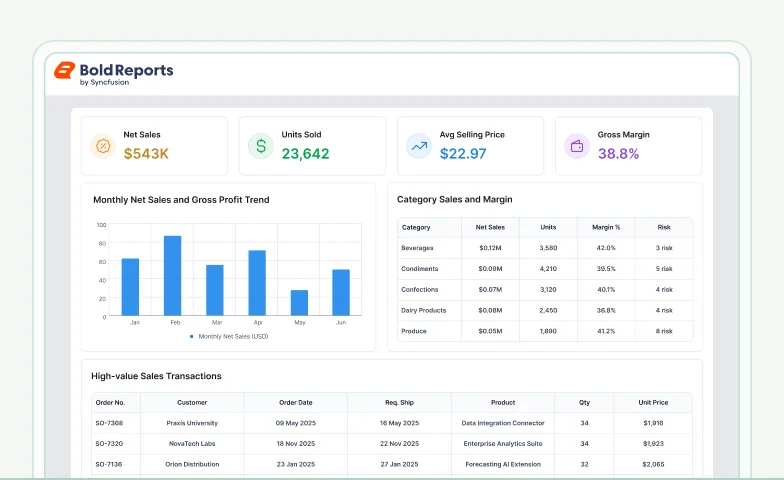
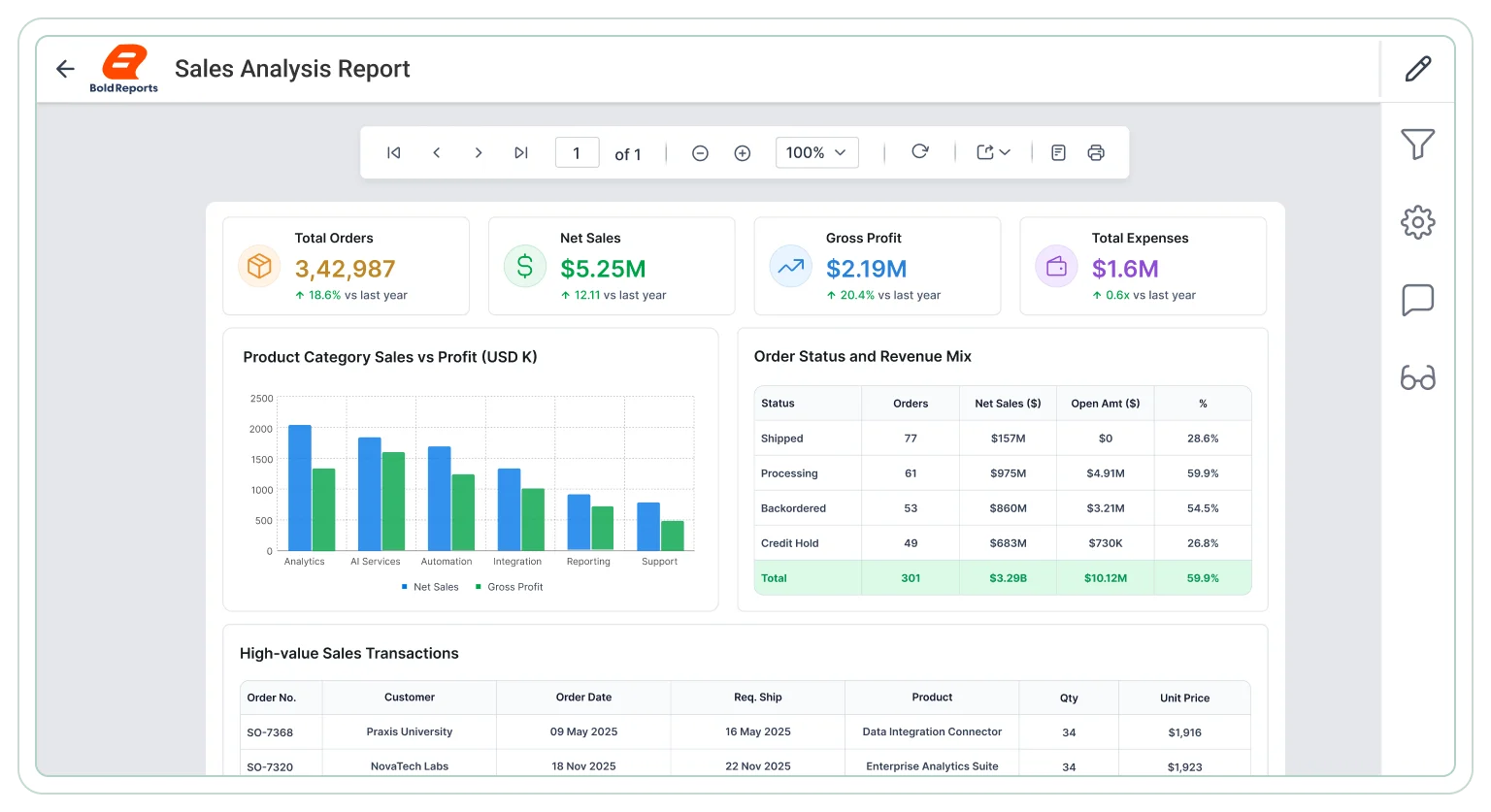
Sales Analysis Report

Build pixel-perfect, export-ready sales reports for pipeline stages, rep performance, revenue forecasting, and CRM activity across recurring reporting workflows.

Editable .rdl file i The download includes the report .rdl file only. Upload it to Bold Reports Designer to preview, edit, and customize the report based on your requirements.

Need help customizing the report? Explore the documentation or contact our support team.

Sales analysis report
Trusted by leading companies

J&J

Schneider

Bridgestone

Siemens

Verizon

HP

Fidelity

Intel

Core reporting capabilities

Explore key use cases

Sales reporting supports revenue evaluation, demand analysis, regional comparison, and trend assessment. Bold Reports offers export-ready reports for reviews, forecasting, and performance improvement.

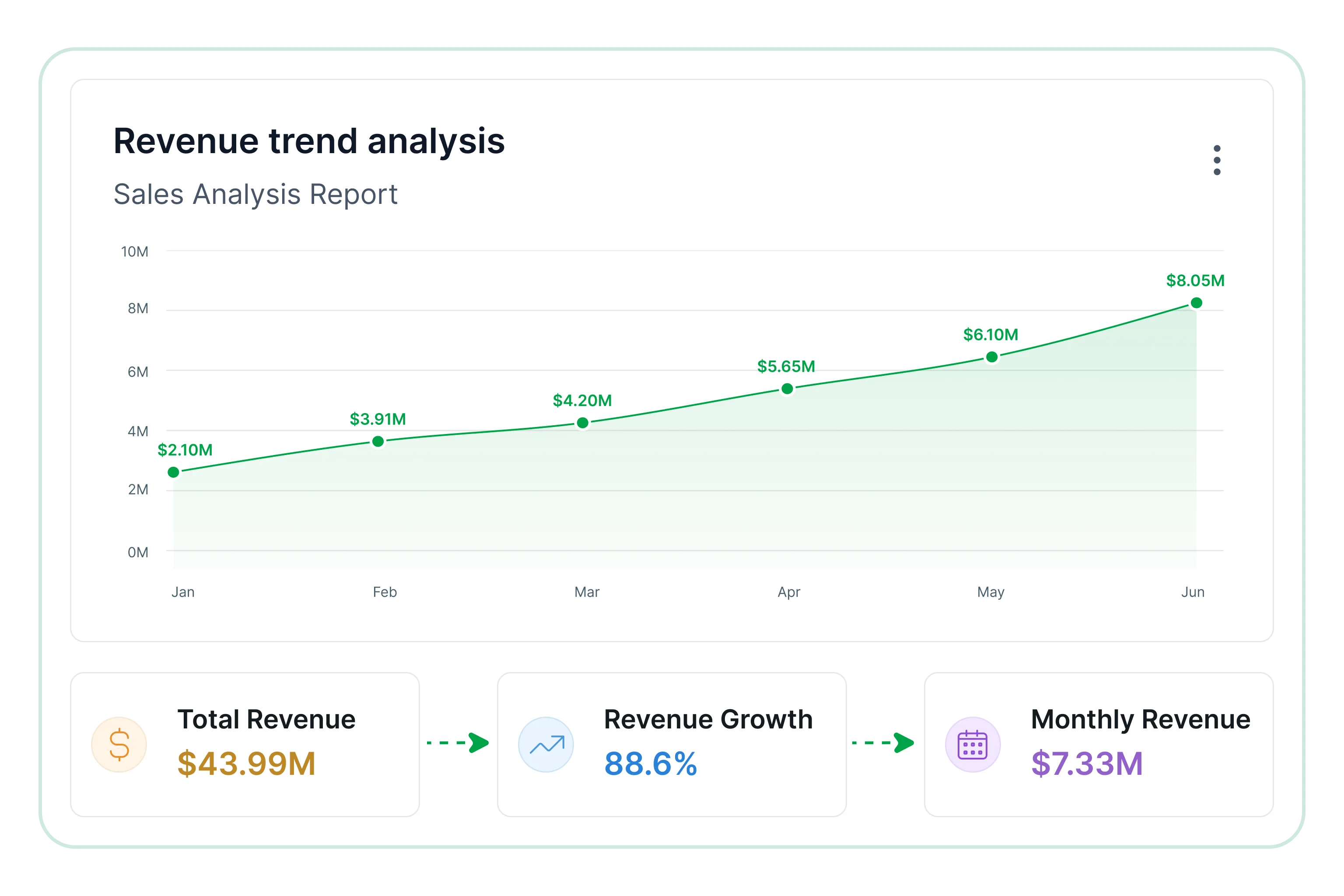
Revenue trend analysis

Examine revenue performance over time to identify growth patterns, seasonal shifts, and key contributors across products and regions

  • Review revenue across different reporting periods.
  • Identify consistent growth or decline in performance.
  • Examine seasonal changes affecting overall sales.
  • Measure contribution by product lines and regions.
Revenue trend analysis

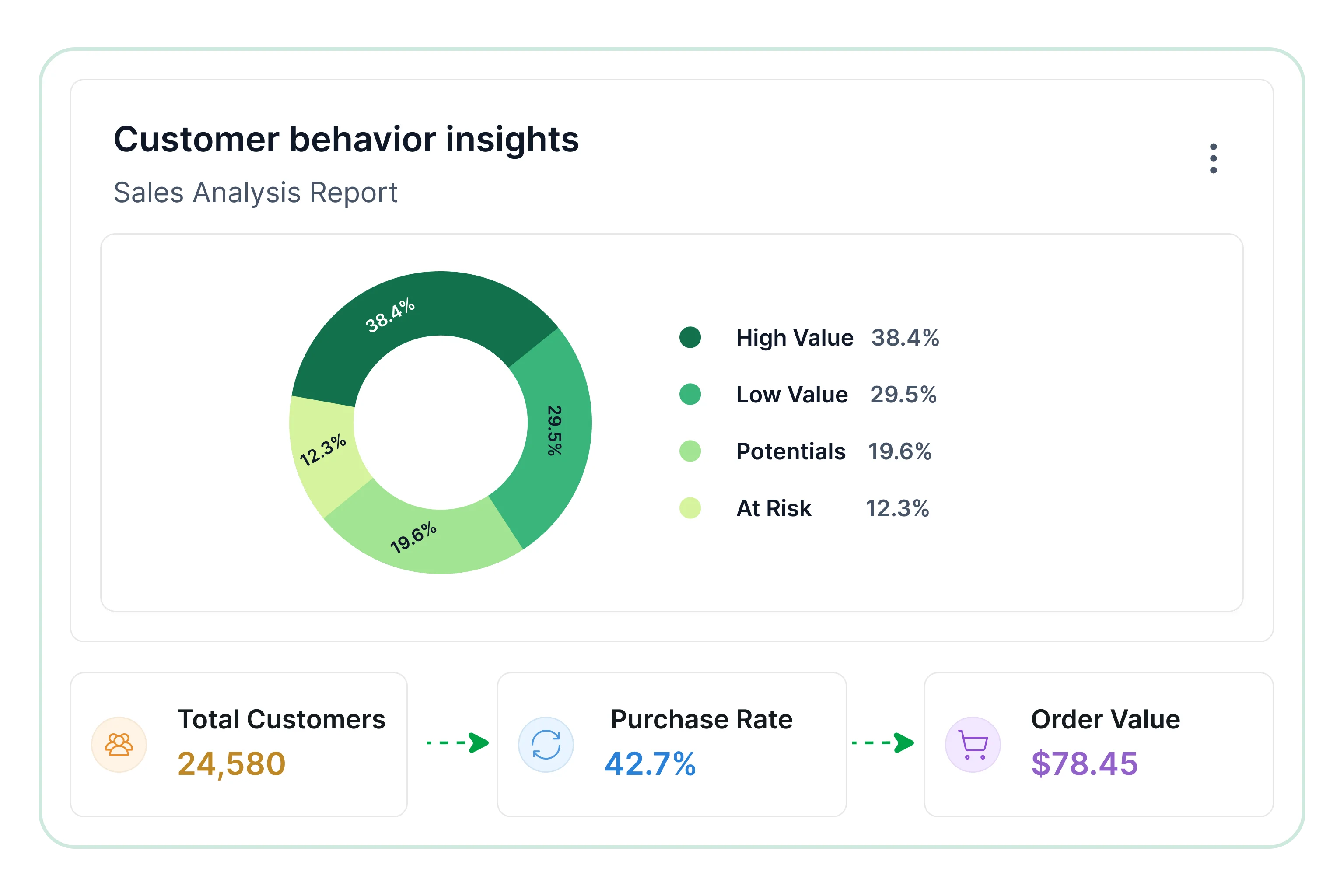
Customer behavior insights

Understand purchasing behavior, customer value, and revenue contribution to support retention and growth strategies.

  • Review buying frequency across customer segments.
  • Identify repeat purchases across reporting periods.
  • Evaluate contribution to total revenue by segment.
  • Highlight high-value customer groups for engagement planning.
Customer behavior insights

Product sales analysis

Evaluate product and category performance to identifytop sellers, changing demand trends, and underperforming items.

  • Review sales across products and categories.
  • Identify top-performing and low-performing products.
  • Evaluate category contribution to overall revenue.
  • Examine demand changes across reporting periods.
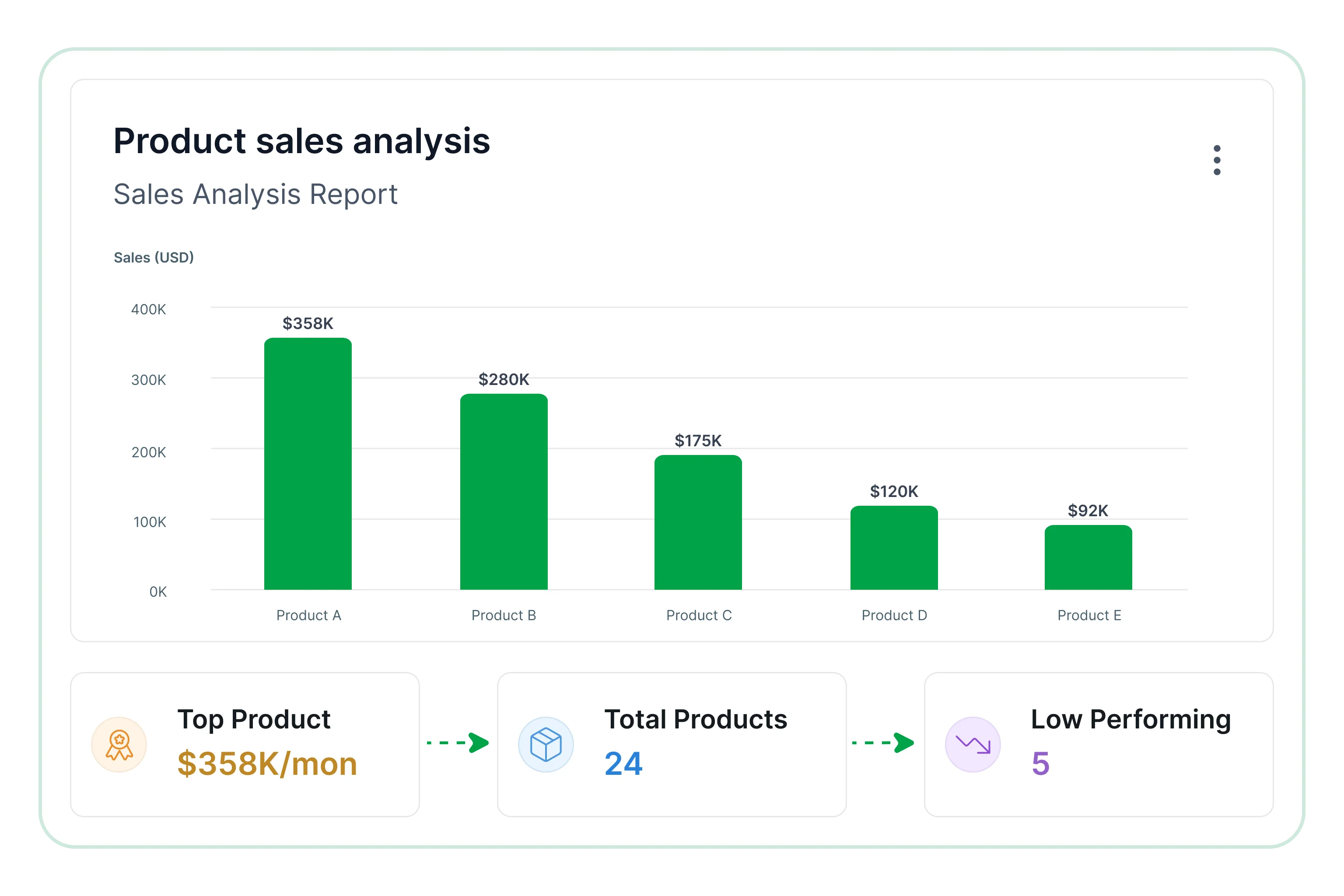
Product sales analysis

Regional performance monitoring

Examine geographic sales distribution to identify strong markets, uncover weaker regions, and understand demand variations.

  • Review revenue distribution across regions.
  • Identify strong and underperforming markets.
  • Assess demand differences across locations.
  • Examine geographic trends over reporting periods.
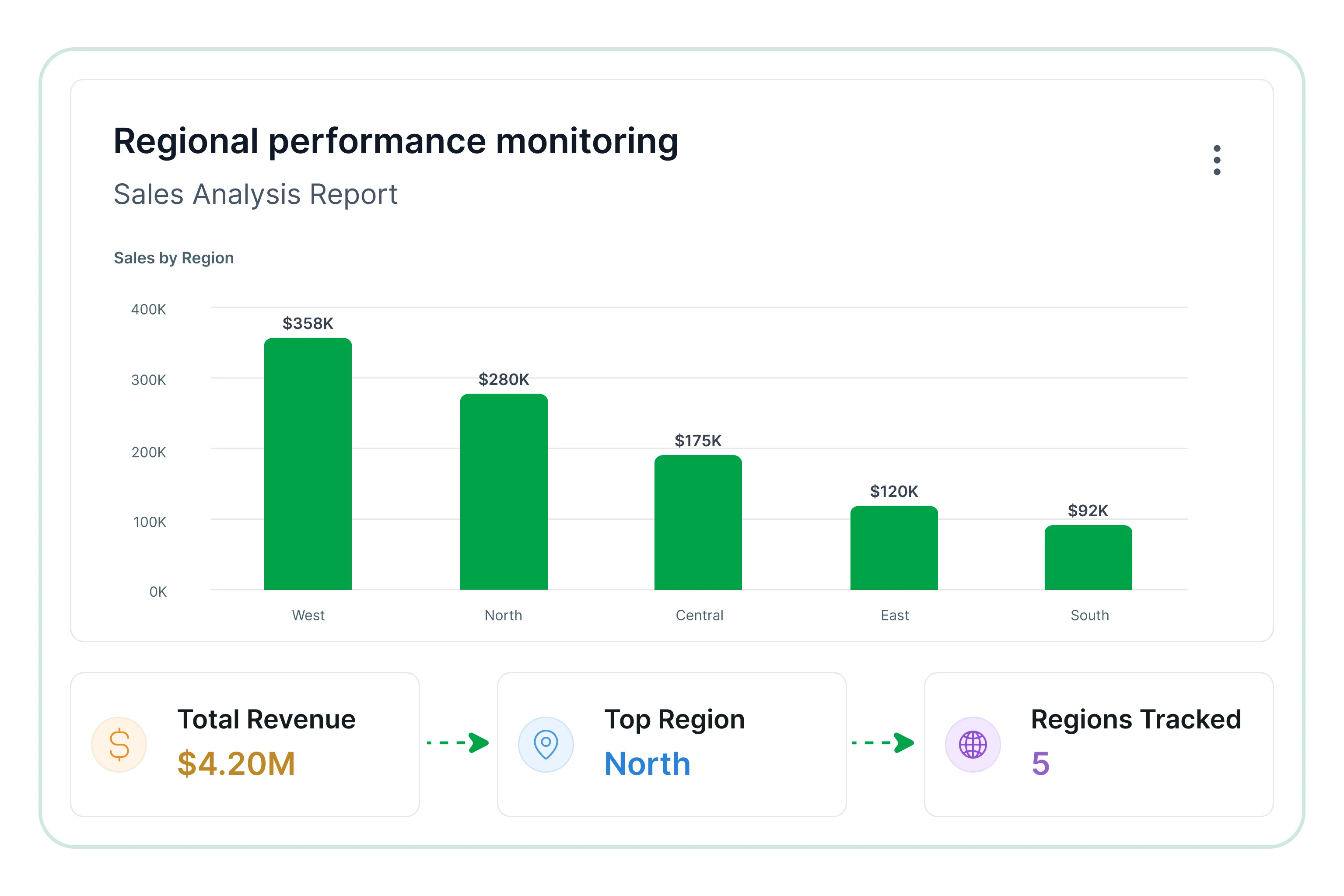
Regional performance monitoring
Monitor critical KPIs

Track key metrics

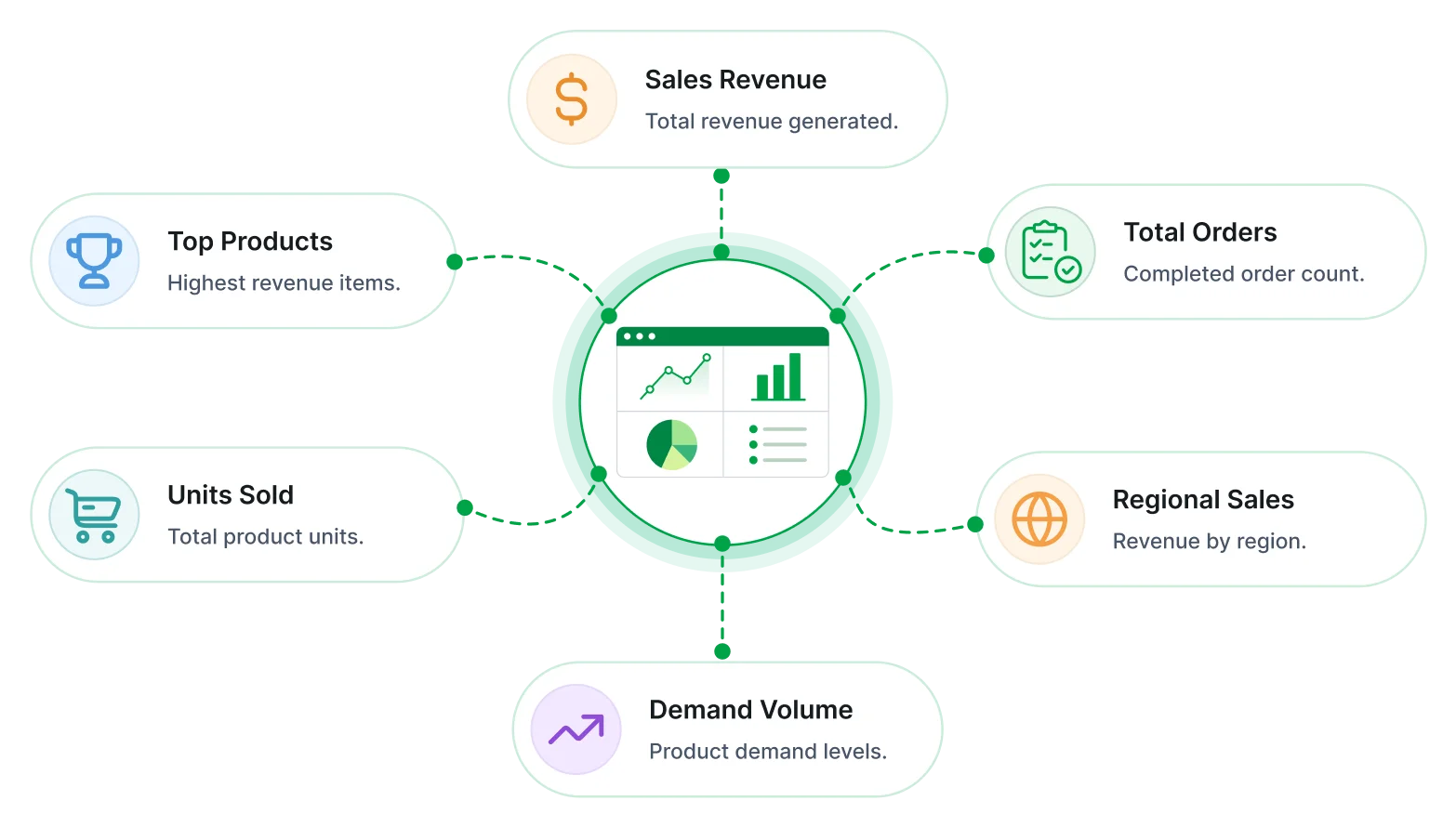
These metrics provide a clear view of sales effectiveness, customer contribution, and growth patterns.

Sales analysis report key metrics
Overview of this report

What is a sales analysis report ?

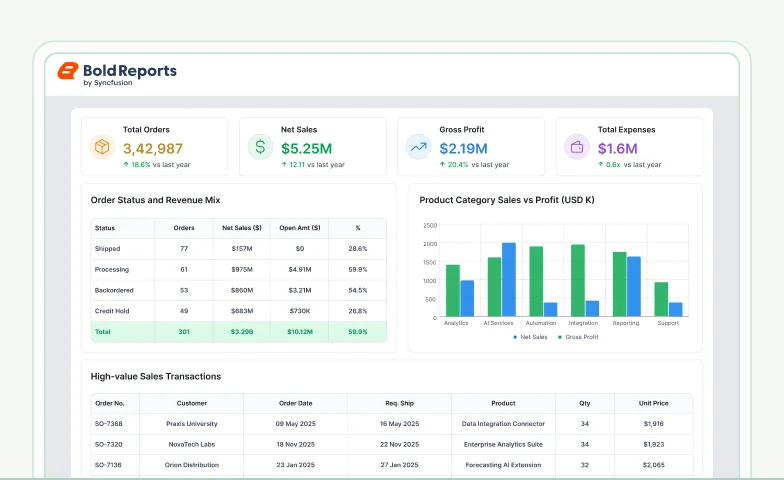
The Sales Analysis Report combines revenue activity, customer performance, product demand, and regional sales data into a unified reporting view. Teams use it to evaluate trends, compare performance, and support recurring revenue planning decisions.

faster migration
Faster migration

Modernize existing reporting workflows without rebuilding reports from scratch.

Stronger security
Stronger security

Protect business reports with role-based access and authentication controls.

Easier embedding
Easier embedding

Deliver reporting experiences directly within internal business applications.

Better control
Better control

Manage reports, users, and permissions through a centralized reporting platform.

Reduced manual work
Reduced manual work

Automate report scheduling, exports, and recurring report delivery processes.

Branded reporting experience

Customize report appearance and delivery experiences for internal teams and external stakeholders.
No credit card required.

Built for your team

Designed for sales & business teams

Access structured insights into revenue, customer activity, and product performance through a unified reporting approach.

Designed for sales & business teams
Centralized reporting

Centralized reporting

Combine sales data sources into a single reporting view to support consistent and accurate analysis.

Secure & role-based access

Secure & role-based access

Control access through role-based permissions to support secure handling of sales information.

Automated report delivery

Automated report delivery

Deliver recurring sales reports through scheduled reporting workflows to ensure timely and consistent updates.

Revenue performance visibility

Revenue performance visibility

Review revenue movement, growth trends, and contribution across products and regions.

Customer and demand analysis

Customer & demand analysis

Understand purchasing behavior, product demand, and customer contribution patterns.

Regional sales comparison

Regional sales comparison

Compare sales across regions and units to identify performance gaps and growth opportunities.

Tailor to your needs

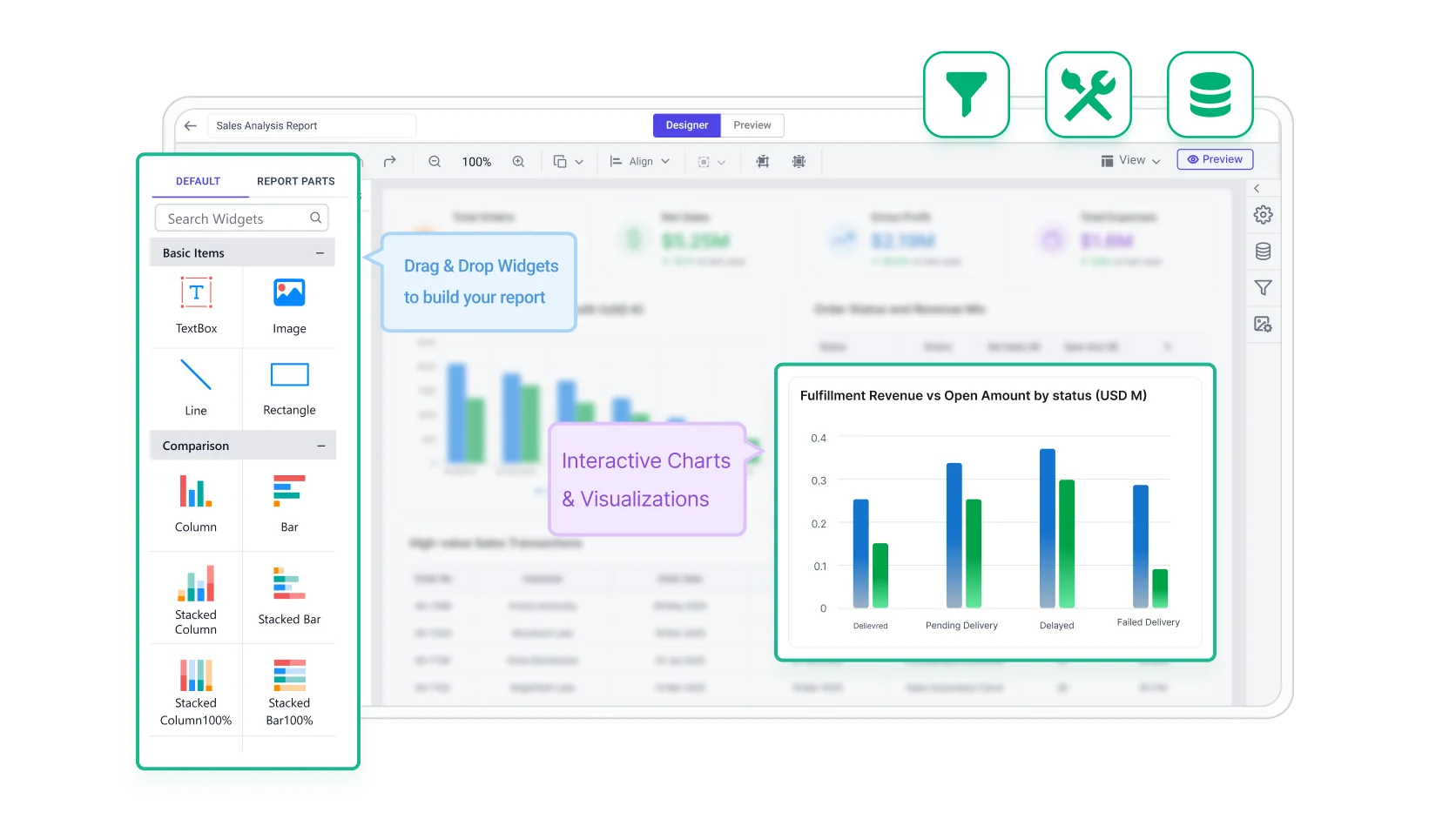
Build & customize

Sales reporting can be configured around KPIs, filters, and recurring delivery requirements. Bold Reports supports export-ready layouts and scheduled outputs for pipeline and revenue reporting workflows.

Filter icon

Add filters for region, and reporting period.

Configure KPIs icon

Configure KPIs for pipeline performance.

Drill-down icon

Enable drill down by deal, account, or owner.

Export reports icon

Export reports in shareable formats.

Schedule recurring report icon

Schedule recurring report delivery.
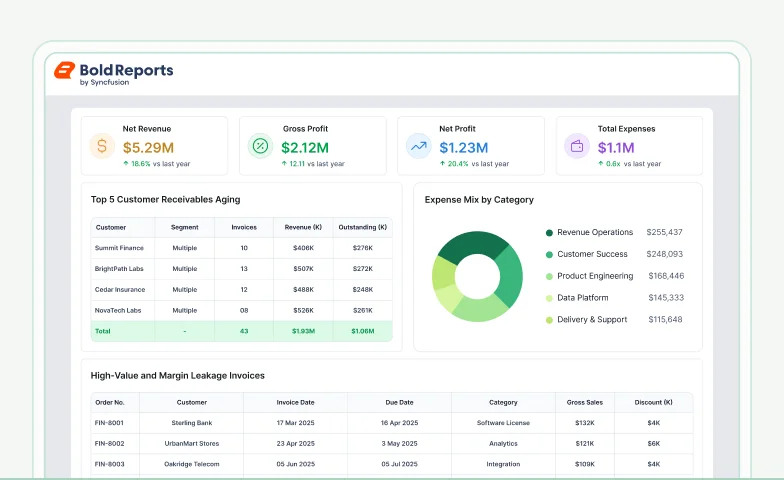
build and customize sales analysis report

No credit card required.

Templates

Sales report templates

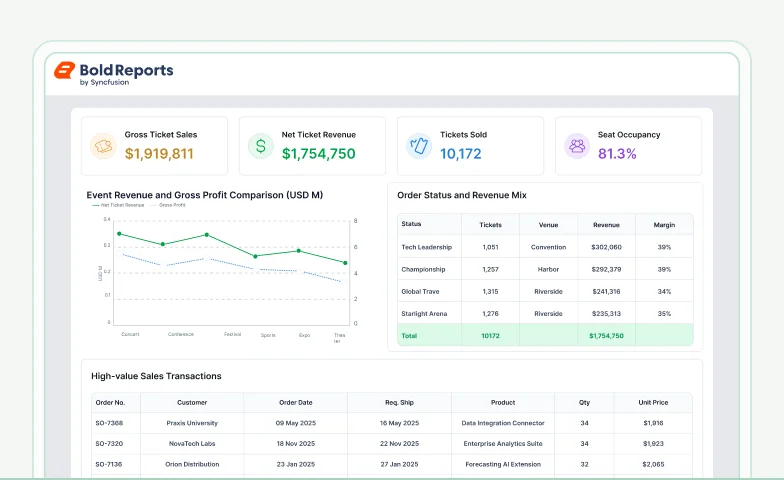
Track sales performance, uncover trends, financial breakdown, ticket sales, and support forecasting with structured, data-driven reporting.

Connectors

Data integrations

Connect to over 25+ data sources from files and databases to web services for flexible integration, transformation, and storage, all ready for reporting.

Common questions answered

Frequently asked questions

Learn how sales data is broken down by time, region, product, and customer to identify trends and performance gaps for informed decision making.

Stop Exporting Data. Start Embedding Reports.

Turn your data into production-ready reports instantly

Create pixel-perfect, print-ready reports with powerful exporting and zero complexity.

No credit card required.