
SAMPLE REPORT FOR DATA VISUALIZATION
Student Details Report
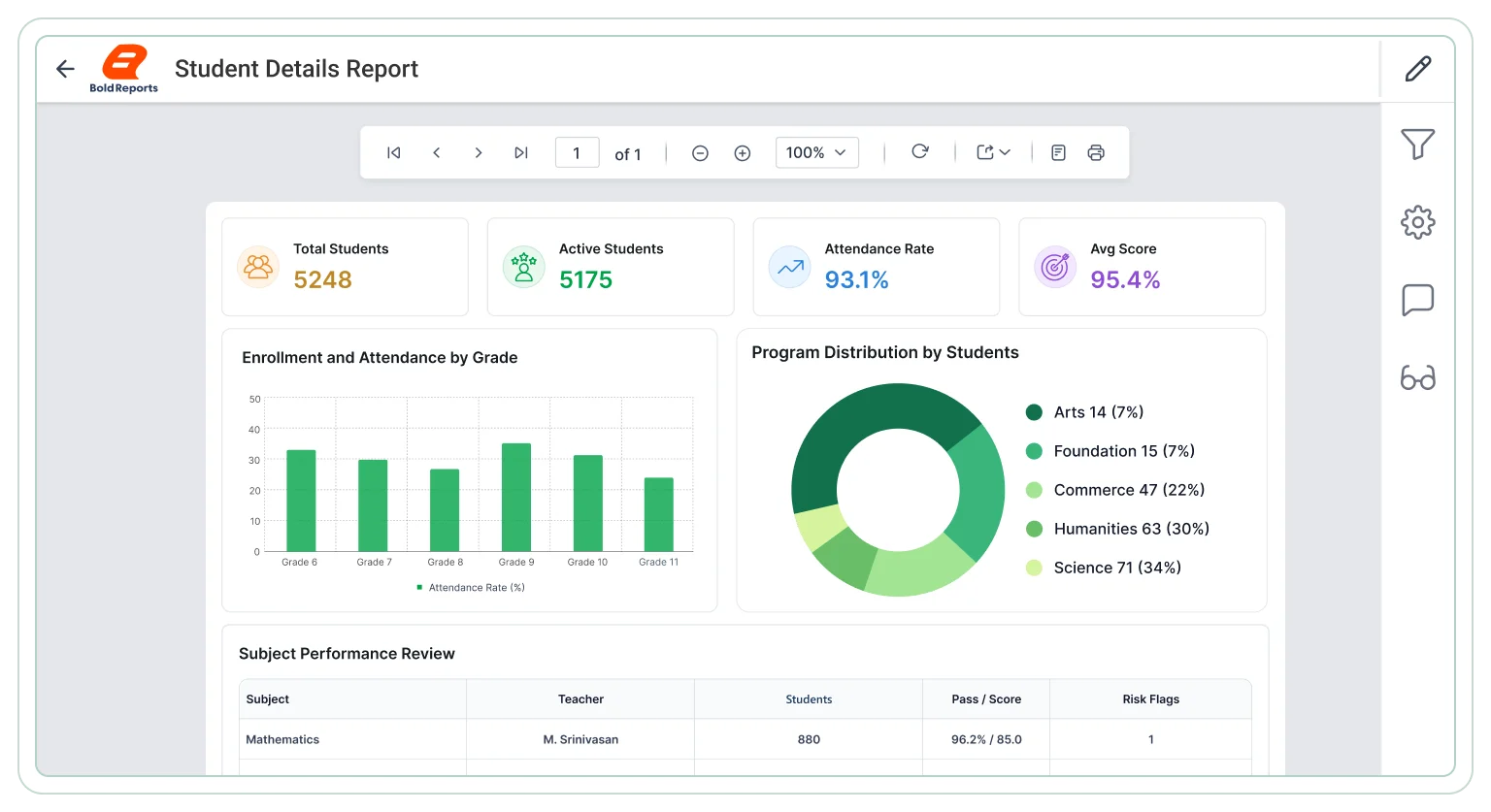
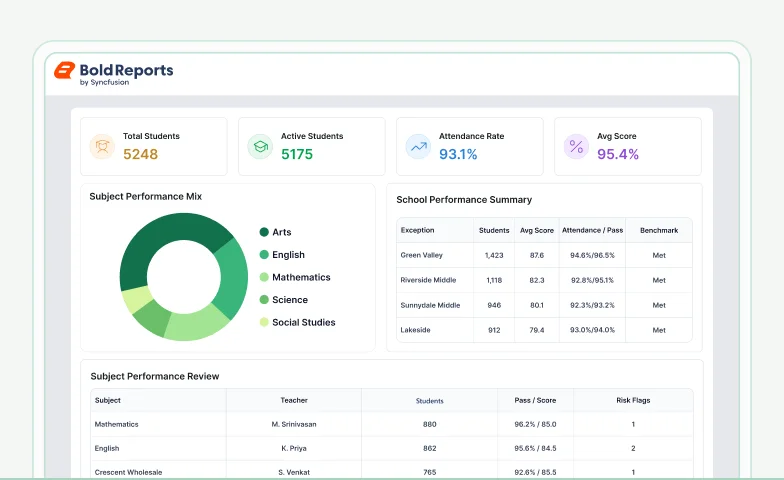
The Student Details Report is a sample paginated report built with Bold Reports for education and administration teams at schools and universities. Review student information in a paginated report for structured analysis of enrollment, academic records, attendance patterns, demographics, and comparison across recurring workflows. Download it as an editable RDL file and connect it to your own student data.
Trusted by leading companies








Core reporting capabilities
Explore key use cases
The Student Details Report in Bold Reports covers four use cases: student profile overview, academic performance tracking, attendance monitoring, and enrollment and demographic analysis. Bold Reports creates export-ready reports for academic planning, student admin, and decisions.
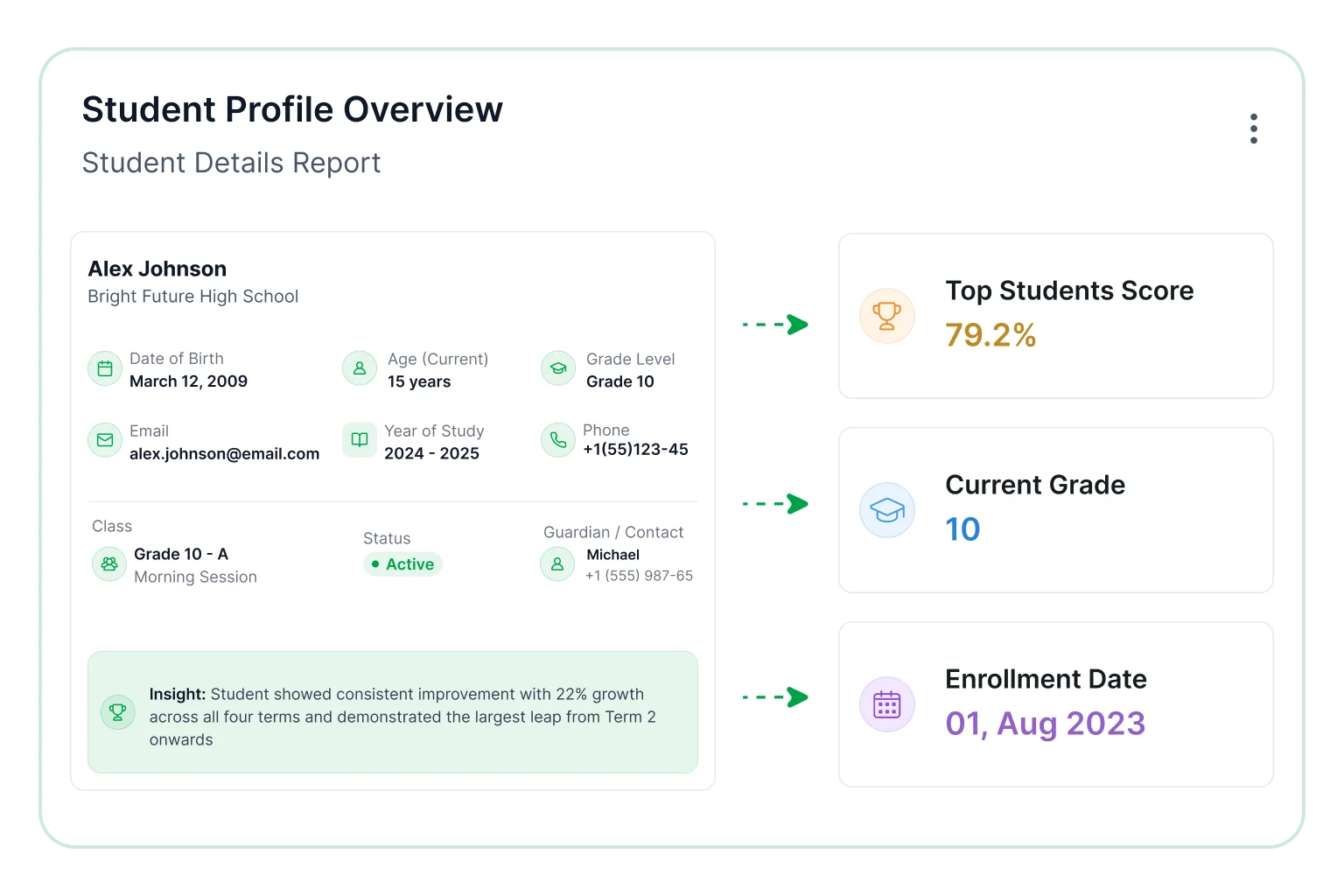
Student profile overview
Review student information across academic periods to understand enrollment distribution, demographic composition, and institutional trends.
- View student enrollment details across academic periods.
- Capture demographic and classification data for records.
- Map student distribution across departments clearly.
- Review enrollment trends across defined time periods.
- Compare student populations across academic programs.
Academic performance tracking
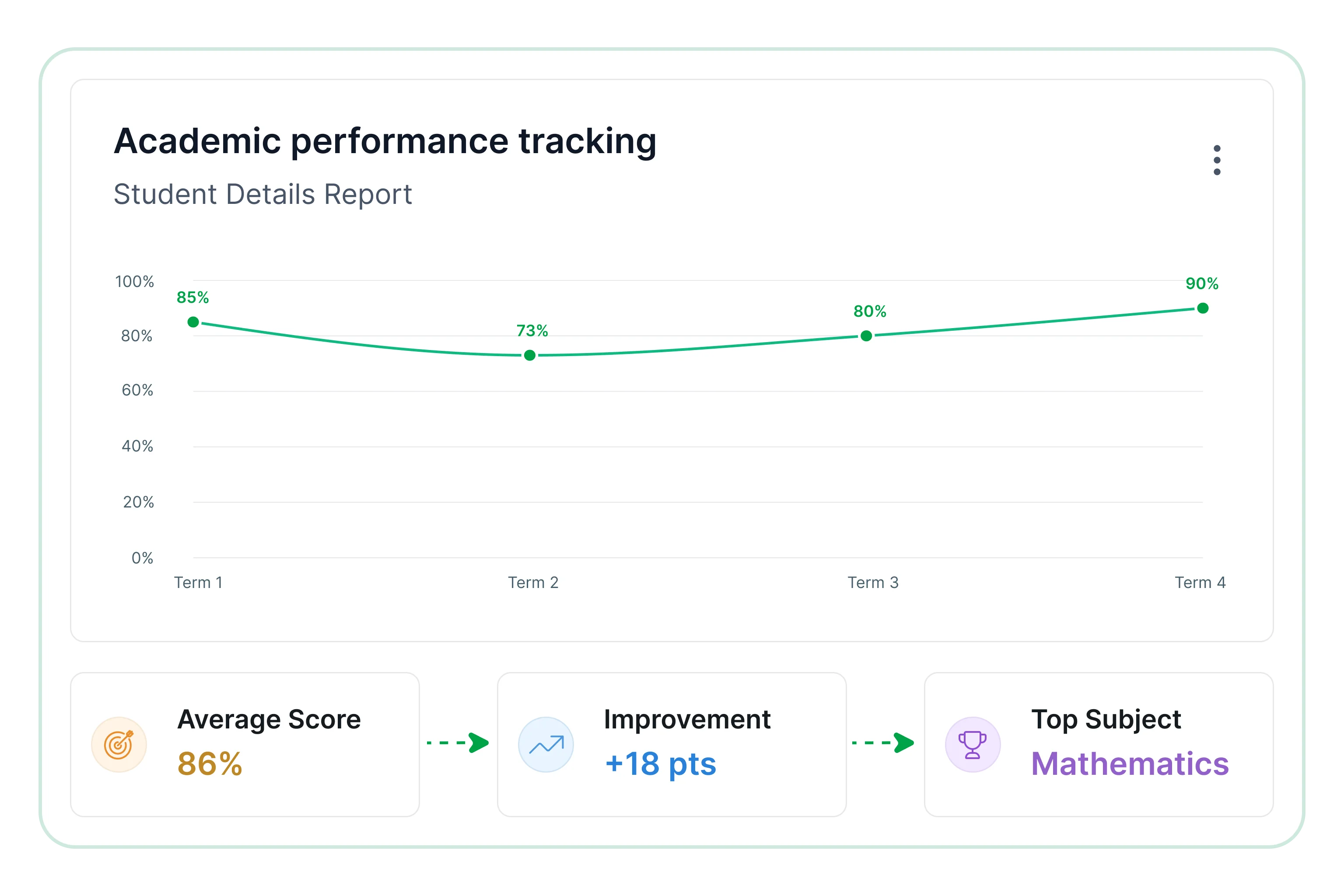
Assess student progress and academic outcomes to evaluate learning performance across subjects and reporting periods.
- Examine grades and academic records across subjects.
- Track performance changes across reporting periods.
- Identify high-performing and at-risk students early.
- Evaluate subject-level outcomes across assessments.
- Highlight academic achievement trends over time.
Attendance monitoring
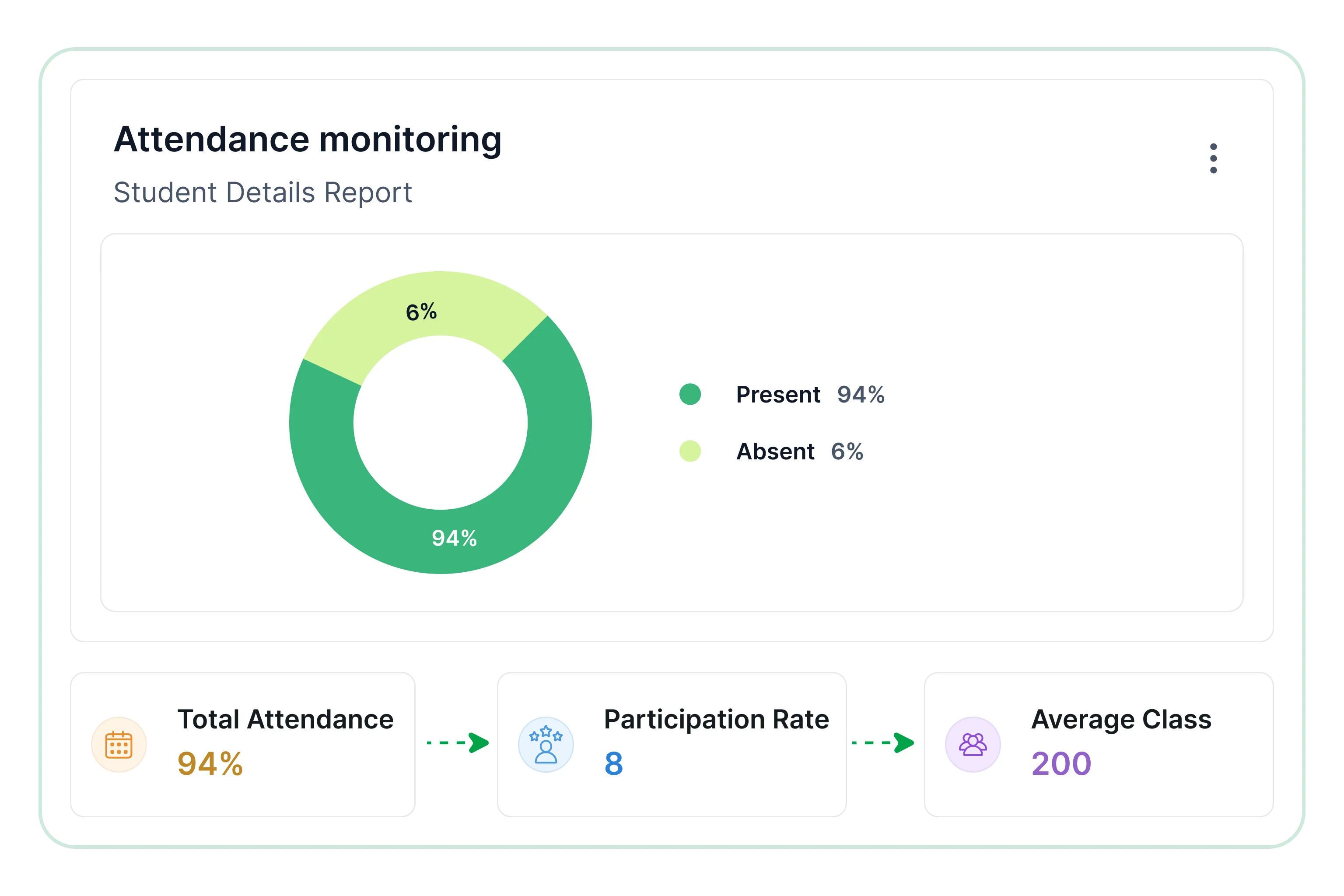
Review attendance activity and participation trends to understand student engagement and consistency.
- Track attendance by student and class consistently.
- Observe attendance patterns across reporting periods.
- Detect irregular attendance behavior across groups.
- Measure participation consistency across time ranges.
- Review attendance performance across departments and programs.
Enrollment and demographic analysis
Analyze student distribution across programs, departments, and demographic groups to identify trends and institutional patterns.
- Measure enrollment distribution across departments.
- Outline demographic distribution across student groups.
- Identify intake and enrollment trends across reporting periods.
- Evaluate student participation across academic programs.
- Assess changes in student population over time.
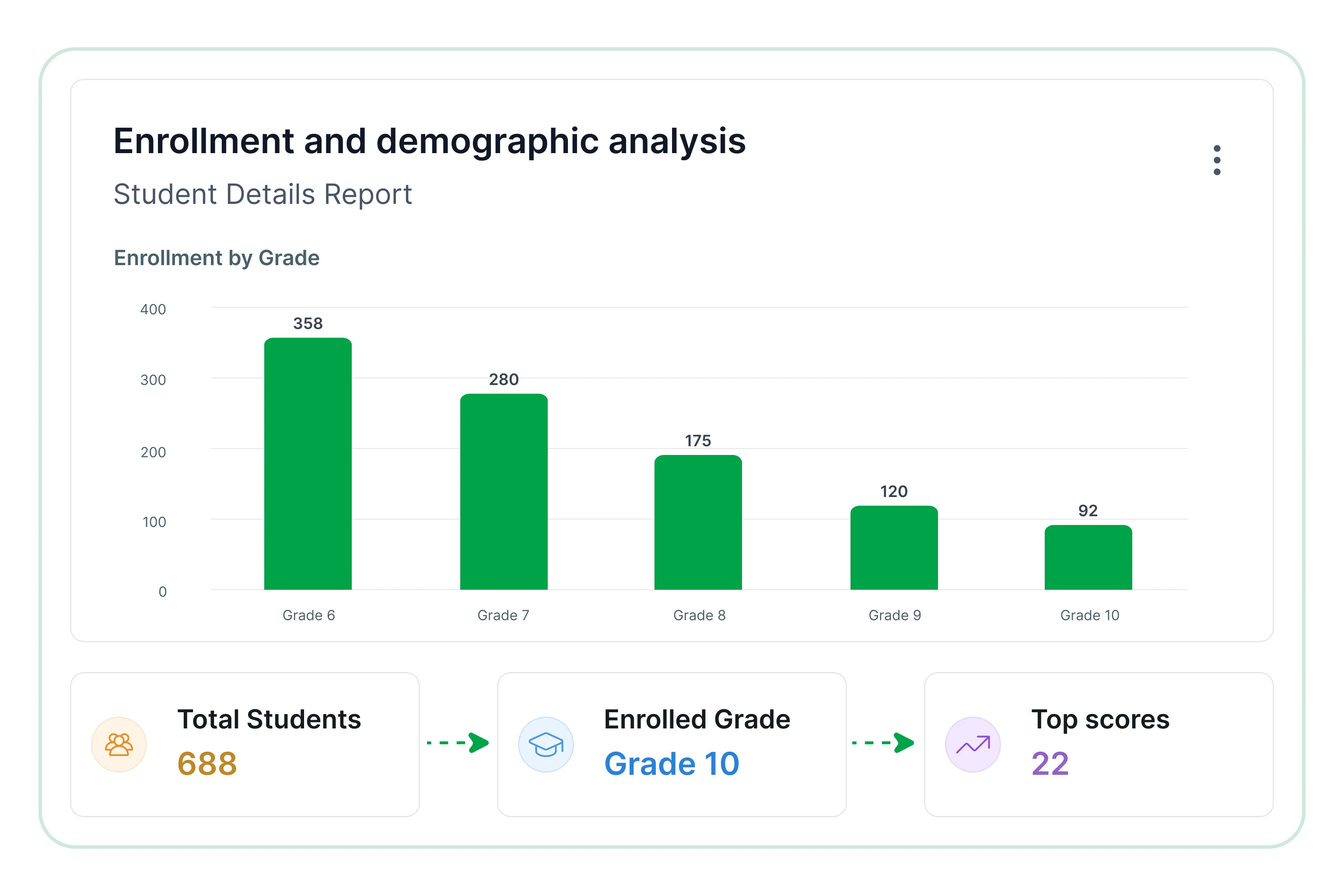
Review key performance indicators
What key metrics does the Student Details Report track?
The Student Details Report tracks enrollment by academic period, grades and examination outcomes by subject, attendance by student and class, and student distribution by department and program. Key metrics help evaluate enrollment activity, academic performance, attendance behavior, and overall student distribution across institutions for strategic planning.
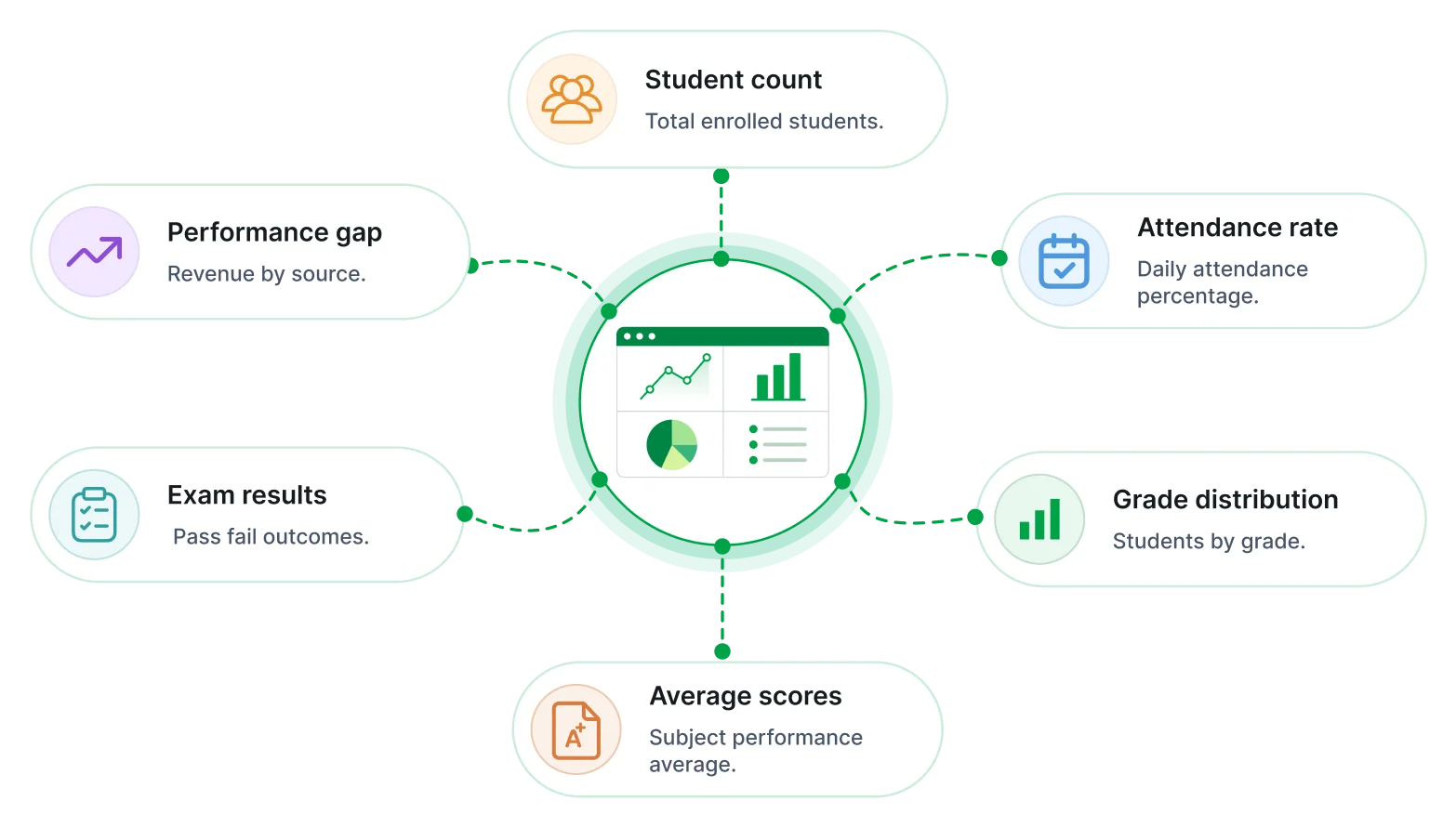
Overview of this report
What is a student details report?
The Student Details Report combines enrollment, academic performance, attendance, and demographic data. Institutions use it to monitor student activity, evaluate progress, and support academic and administrative planning.
No credit card required.
Comprehensive student visibility
Access enrollment, academic, attendance, and demographic information through a consolidated reporting view.
Enrollment and demographic visibility
Understand student distribution across programs, departments, grades, and demographic categories.
Academic performance analysis
Review grades, examination outcomes, and subject-level performance across reporting periods.
Institutional monitoring
Track student activity and academic performance through structured reporting workflows.
Attendance and engagement insights
Evaluate attendance trends and participation behavior across student groups.
Decision support
Support academic planning, student services, and administrative decision-making with reliable reporting insights.
Built for your team
Designed for education and administration teams
Bold Reports gives education and administration teams structured insights into student information, academic performance, attendance activity, and enrollment trends through a unified reporting approach.
Centralized reporting
Combine student data sources into a single reporting view for consistent analysis.
Student record management
Review enrollment, academic, and attendance records through a centralized reporting framework.
Secure and role-based access
Protect sensitive student information through controlled access and permissions.
Attendance and performance insights
Analyze participation levels, academic outcomes, and performance trends overall.
Automated report delivery
Schedule student detail reports to support academic reviews and administrative processes.
Enrollment visibility
Compare student distribution across departments, programs, and academic levels.
Tailor to your needs
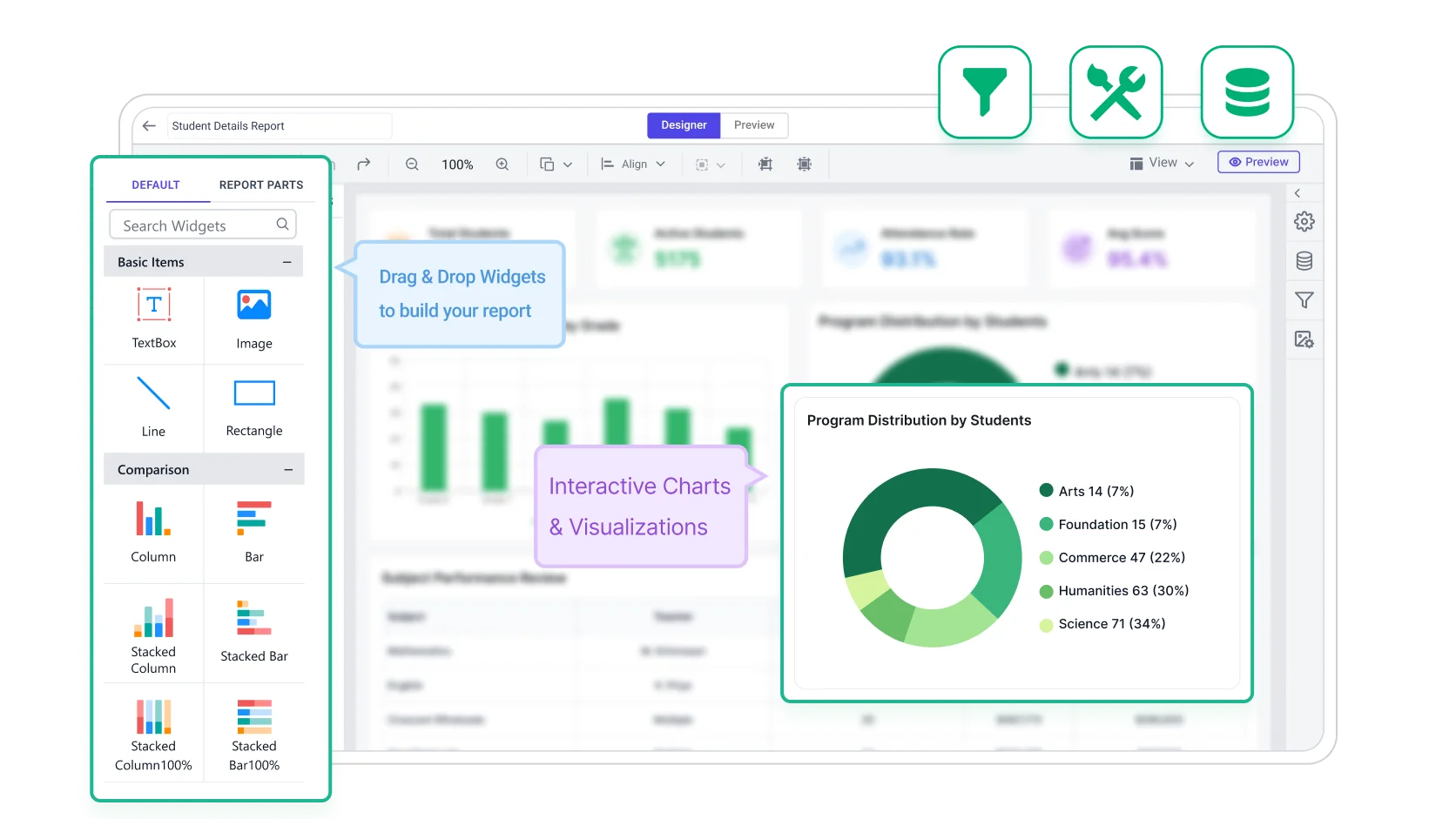
Build & customize
Student reporting can be configured around KPIs, filters, and recurring delivery requirements. Bold Reports supports export-ready layouts and scheduled outputs for academic and administrative reporting.
 Filter by year, class, department.
 Track enrollment, performance, attendance.
 Drill down into detailed student records.
 Export to PDF, Excel, Word, and more.
 Schedule recurring report delivery.
No credit card required.
Templates
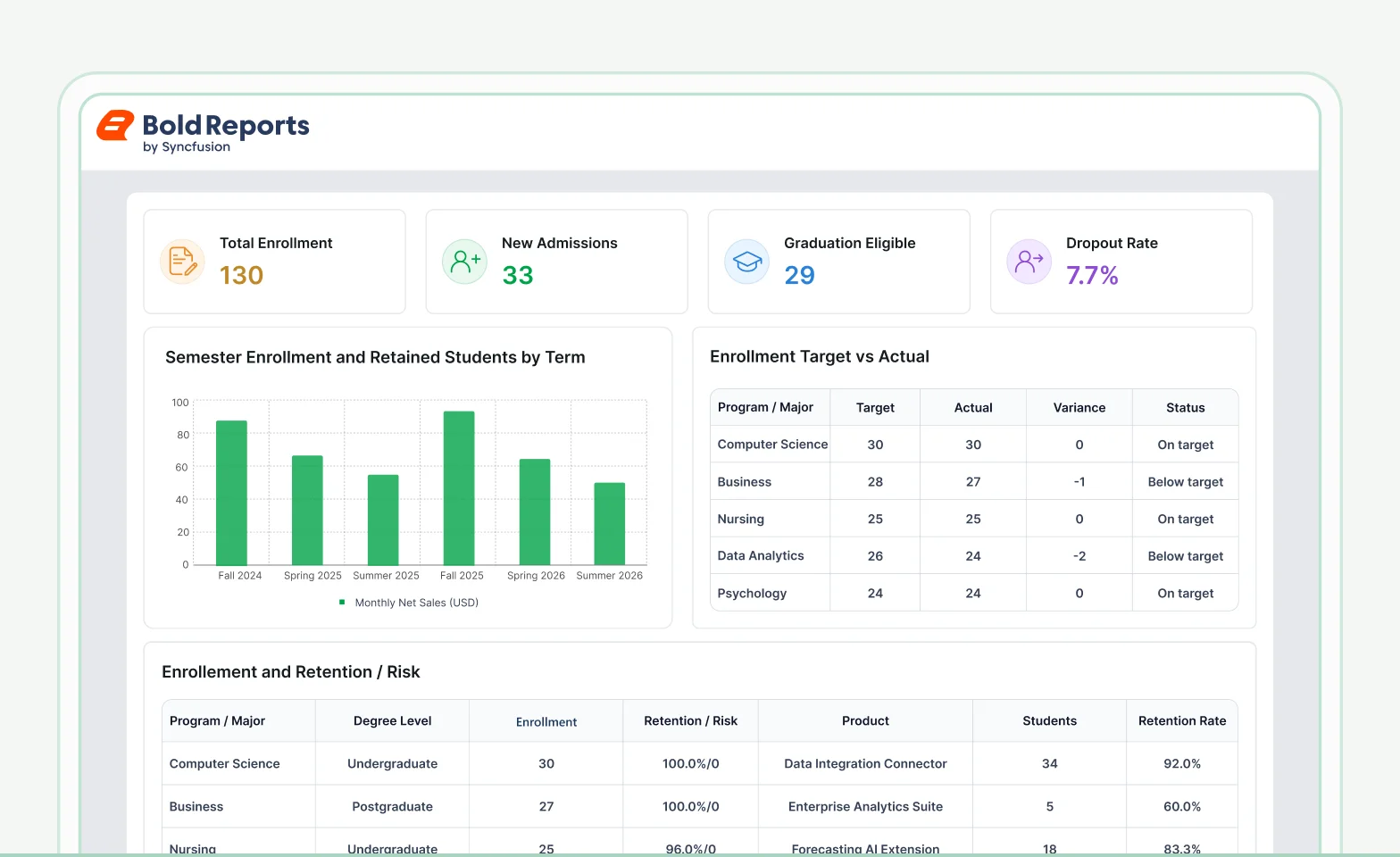
Student details report templates
Understand student performance, enrollment trends, and institutional outcomes through clear, structured reporting and analysis.
Higher Education Enrolment & Retention Report
Understand how enrolment trends, retention rates, and student progression are measured and reported.
Open templateSchool Performance Report
Track academic outcomes and institutional performance that brings together results, attendance, and key education metrics.
Open template
Connectors
Data integrations
Connect to the 27 data connectors in Bold Reports, from files and databases to web services, for flexible integration, transformation, and storage, all ready for reporting.
Common education reporting questions
Frequently asked questions
Get clarity on student profiles, enrollment data, academic information, and record tracking for better monitoring, analysis, and decision-making.
Can the report include historical enrollments?
Yes. Enrollment history across academic terms and years can be included to help institutions track student progression and maintain historical records.
How are sensitive student fields handled in exports?
Sensitive information can be masked, restricted, or excluded based on institutional policies and access permissions to support secure data sharing.
Which export formats are supported?
Bold Reports can export the Student Details Report in 7 formats (PDF, Excel, Word, PowerPoint, CSV, XML, and HTML) for review, collaboration, and administrative reporting.
Can Student Details Reports be scheduled automatically?
Yes. Bold Reports can schedule the Student Details Report to run automatically at defined intervals and deliver it by email or to a file location, ensuring timely updates without manual effort.
Can multiple student data sources combine in one?
Yes. Student Information Systems (SIS), enrollment systems, databases, spreadsheets, and other academic data sources can be combined into a unified reporting view.
Is role-based access supported for Student Details Reports?
Yes role based permissions help ensure that only authorized users can access student information and report data.
Stop Exporting Data. Start Embedding Reports.
Turn your data into production-ready reports instantly
Create pixel-perfect, print-ready reports with export to 7 formats and zero complexity.
No credit card required.