
Sign in securely, access instantly
Enterprise Authentication for Embedded and On-Premises Reporting
Reports carry some of the most sensitive data in an organization: revenue, customer records, operational metrics. Weak or inconsistent sign-in is one of the fastest ways that data leaks.
30-day free trial. No credit card required.
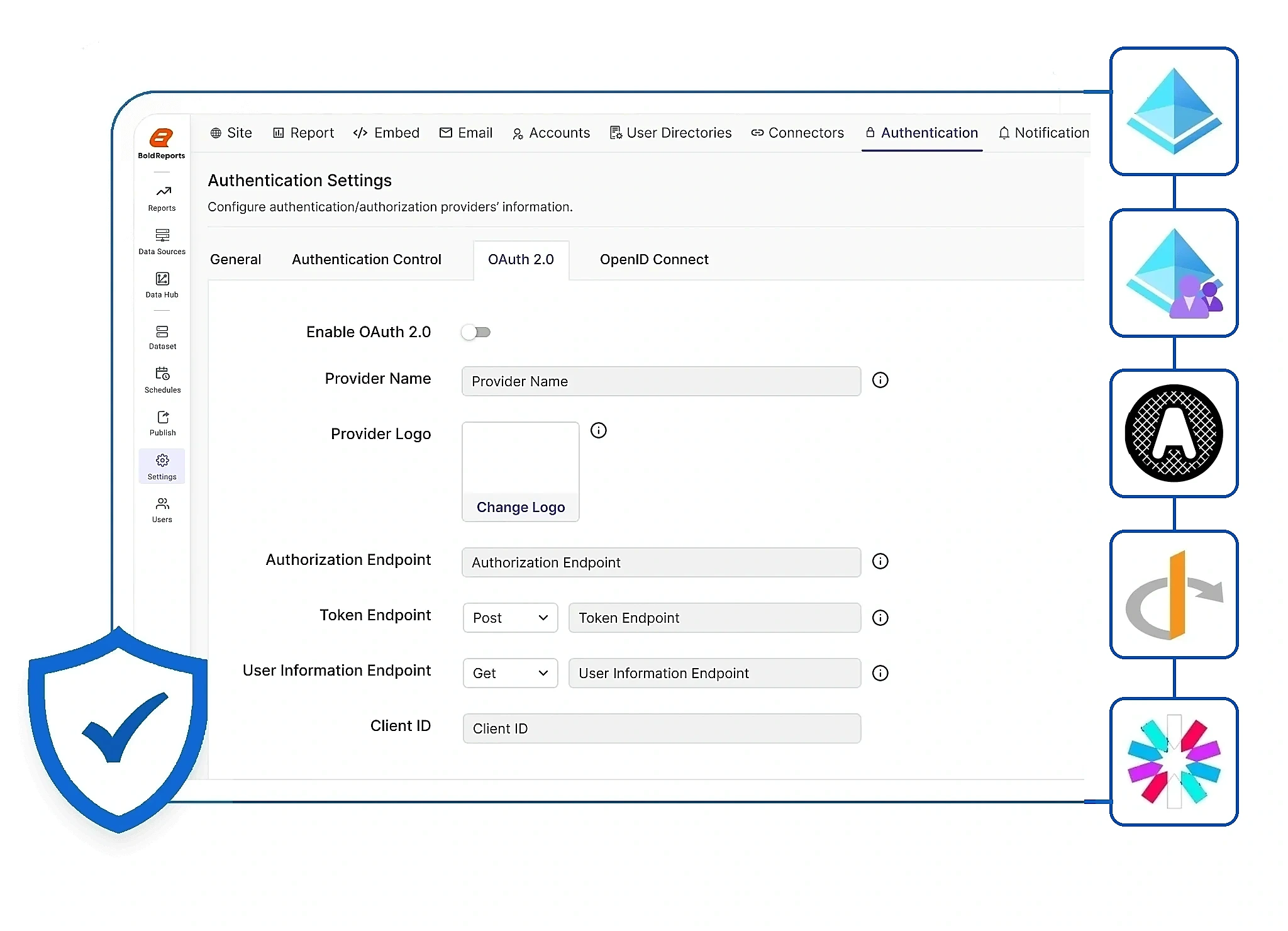
Authentication methods
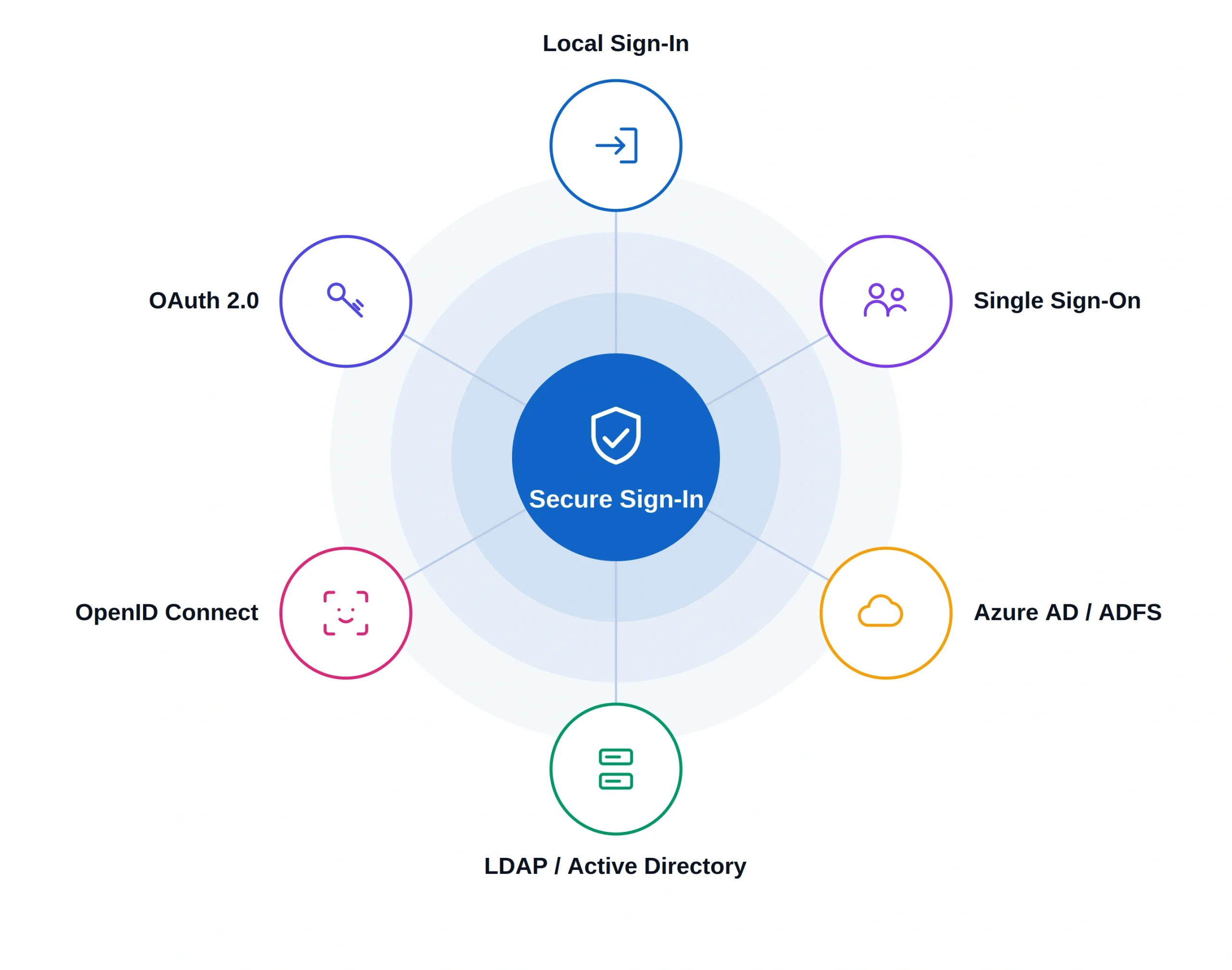
Choose the Method That Matches Your Identity Provider
Bold Reports validates users locally out of the box, or against the identity provider your organization already runs, on-premises or in the cloud.

Local Sign-In
Validate users directly against Bold Reports' own database. No external identity provider required, making this the fastest way to get started.

LDAP / Active Directory
Bind to an on-premises LDAP instance and authenticate with existing corporate credentials, tied to existing AD groups and policies.

Windows Authentication
Use Integrated Windows Authentication so users already signed in to the corporate network reach Bold Reports without a separate login screen.

Azure AD (Microsoft Entra ID)
Import users, validate sign-in, and apply Azure's built-in access controls. The most common path for teams standardized on Microsoft 365.

OpenID Connect
Built on OAuth 2.0. Sign in once with Auth0, Okta, Keycloak, or a similar identity layer and carry that session into Bold Reports.

OAuth 2.0
Regulators ask who accessed what data and when it happened. Without a record, that question has no answer at all.

Multi-Factor Authentication (MFA)
Layer a one-time verification code on top of any sign-in method for a second factor of identity proof.

JWT SSO
Sign in with a JSON Web Token issued by your own authentication server, without a full OAuth or SAML exchange.
For developers
Embed Reports in Your App Without Importing Every User
Token-based access, for when your application already has its own user base.
Embedding reports in your own SaaS app is a different problem: importing every one of your app's users into Bold Reports doesn't scale. Instead, Bold Reports issues a short-lived access token through its Authentication API, and your app controls who each user is.
- Backend requests a token through the Authentication API, using a service account.
- Frontend initializes the viewer with that token; no separate login screen.
- Row-level filtering follows automatically from attributes carried in the token, like region or role.
- New users need no setup on the Bold Reports side; your app just issues a token.
Data-driven (burst) scheduling

Your app
Owns identity

Embed token
Service account

Report viewer
Tailored view
North region · role: manager
Row-level filtered
South region · role: analyst
Row-level filtered
Architecture
How Embed Token Authentication Flows
Your application stays the single source of identity. Bold Reports never imports a user; it just honors the token it's handed.
01
Your app
Owns identity, roles, and permissions
02
Backend
Requests an embed token via a service account
03
Frontend
Initializes the report viewer with that token
04
Bold Reports
Renders that user's personalized, permission-filtered view
Onboarding 100, 500, or any number of new app users needs no configuration change in Bold Reports: your app simply issues a token for each one. Your application still enforces view/edit permissions and role or group restrictions through the Bold Reports Server API; Bold Reports simply renders based on what the token allows.
Beyond sign-in
Security Controls That Sit Alongside Authentication
Authentication is the front door. These are the controls that keep data protected once someone is inside.
Data sovereignty: Host in your own data center or cloud account while keeping your data under your control.
Row-level security: Apply access rules by role or group so users see only the data they are authorized to view.
Encryption at rest: Protect stored credentials, tokens, and configuration data with unique per-deployment encryption keys.
Encrypted traffic: Use SSL to protect requests between clients, servers, and databases.
Secure document export: Maintain encryption standards when exporting reports to PDF, Excel, and Word.
Governance-ready: Support security and compliance requirements with centralized settings designed to help align with standards such as GDPR and HIPAA.
These controls work alongside authentication to create a layered security model. Explore the complete security capabilities on the Bold Reports security page.
Deployment
Choose Your Deployment Model
The same identity layer follows you across editions, so switching deployment models later doesn't mean reconfiguring authentication.
Recommended
Cloud Deployment
Fully managed, shared infrastructure with secure authentication from day one, giving teams a simple way to deploy and access reports. See Cloud Edition.
Managed Private Cloud
Dedicated, isolated infrastructure with the same identity layer, for compliance-sensitive teams, including multi-tenant deployments. Learn more.
On-Premises
Self-hosted, air-gap capable, and connected to your corporate directory, giving you greater control over authentication and infrastructure. See On-Premises Edition.
FAQ
Frequently Asked Questions
Yes. Bold Reports supports SSO through Azure AD (Microsoft Entra ID), OpenID Connect, and OAuth 2.0, so users can sign in with the credentials they already use.
Yes. On-premises deployments support Integrated Windows Authentication alongside LDAP and Active Directory, so users on the corporate network sign in with their existing Windows session.
Yes. Local authentication validates users directly against Bold Reports' own database, with no external identity provider required.
Yes. The same identity layer, including your configured authentication method and access rules, follows you across all three deployment tiers.
Both. Authentication verifies who a user is; Row-Level Security and role or group rules then determine what data that user is authorized to see.
In the server's security settings, an administrator sets the authentication provider once for the whole deployment.
Your backend requests a short-lived access token from the Bold Reports Authentication API using a service account, and the report viewer uses that token to render a personalized, permission-filtered view.
No. An embed token represents each of your app's users to Bold Reports, so there's no need to import or provision them as Bold Reports users.
Yes. Attributes carried in the token, like region or role, drive Row-Level Security automatically, with no separate configuration per user.
Yes. Row-Level Security applies access rules by role or group, so every user sees only the data they're authorized to view.
Onboarding 100 or 1,000 new app users needs no configuration change in Bold Reports: your app simply issues a token for each one through the Authentication API.
Bold Reports is SOC 2 Type 2 certified and supports GDPR and HIPAA-aligned deployments through centralized security configuration.
Only your organization. Hosting in your own data center or cloud account means no third party, including Syncfusion, accesses your data.
Unique per-deployment keys encrypt stored credentials, tokens, and configuration data at rest.
Yes. SSL protects every request between clients, servers, and databases.
Ready when you are
Get started with secure authentication for reporting
Connect your existing identity provider with the right authentication method and follow the setup guide. For embedded reporting, generate an access token and securely initialize the report viewer.
No credit card required.