










DevExpress Reports alternative

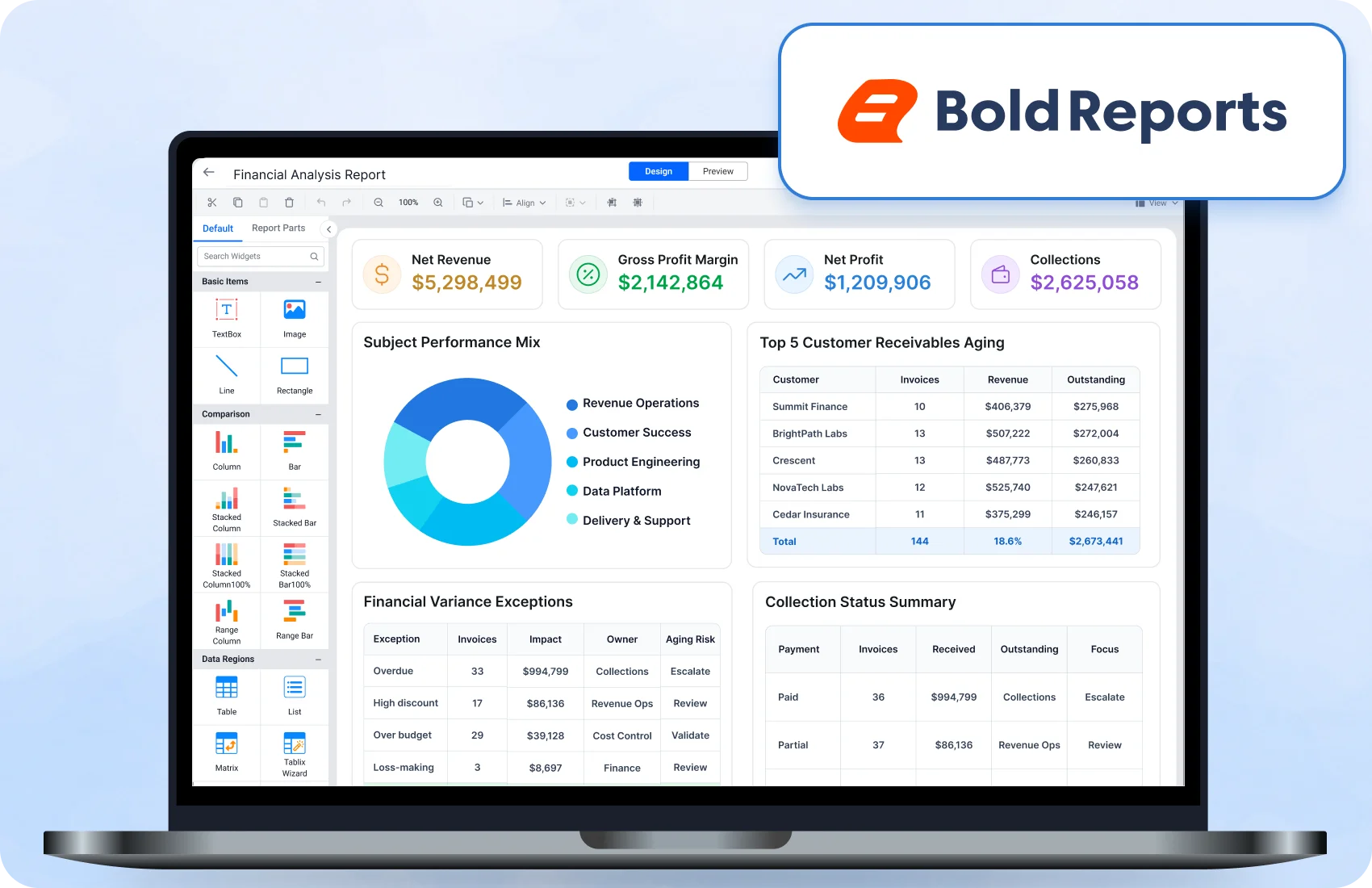
Bold Reports: the modern DevExpress Reports alternative

Design, embed, and deliver pixel-perfect reports faster with a reporting platform built for SaaS, enterprise, and .NET applications. No per-developer licensing.

No credit card required. 30-day trial. Migration guidance available.

Trusted by leading companies

J&J

Schneider

Bridgestone

Siemens

Verizon

HP

Fidelity

Intel

Why teams switch

What DevExpress makes you pay or build for, Bold Reports includes

Four differences that show up fastest once you look past the feature list and into how each platform is licensed, secured, and deployed.

No licence per developer

No licence per developer

Team size is not a line item. Report access is licensed in bands with an allowance included per edition, rather than per named user.

Your existing RDL and RDLC already run

Your existing RDL and RDLC already run

Native RDL in the SSRS schema, so layouts, parameters, expressions, and grouping logic carry over instead of being rebuilt.

Enterprise identity out of the box

Enterprise identity out of the box

SSO through Active Directory, Azure AD, Okta, and any provider supporting OAuth 2.0, OpenID Connect, or SAML, alongside Windows Authentication.

Runs where other tools are ruled out

Runs where other tools are ruled out

Kubernetes, air-gapped infrastructure, and fully offline data centres, operating with no outbound internet connectivity.

Buyer fit questions

Why teams evaluate DevExpress Reporting alternatives

Three things surface repeatedly in evaluations. None is a defect. Each is a documented characteristic of how DevExpress Reporting is packaged, and each changes either your cost or your migration scope.

Cost scales on two axes

Components are licensed per developer, with no floating licences. The Report and Dashboard Server is licensed separately by Client Access Licence, "the right to have an account in the Report and Dashboard Server", with 15 included.

UI customization can require a second subscription

DevExpress states that its Reporting subscription "includes pre-built Preview and Designer controls with limited API-based customizations", and that "adding additional DevExpress UI controls to a project/app requires a subscription that includes relevant UI controls".

Reports are .repx, not RDL

DevExpress stores report definitions in its own format. A one-way conversion utility exists for bringing RDL and RDLC in, but reports then live as .repx rather than as RDL.

Quoted from the DevExpress Reporting subscription and Report and Dashboard Server pages, reviewed 2026-09-06. DevExpress is a trademark of Developer Express Inc.

Report definitions

Your report estate is the asset, not the renderer

Most .NET teams evaluating a switch are not shopping for a rendering engine. They are protecting years of report definitions.

Bold Reports opens native RDL files, the same report definition format used by SSRS, following the same XML schema, so layouts, parameters, expressions, grouping logic, and export behaviour carry over rather than being rebuilt. RDLC files run on the same path. DevExpress stores reports as .repx instead, which is why a move off it is scoped report by report rather than imported.

Deployment and identity

Runs where you are required to run it, with the identity you already use

Reporting projects stall on where the software is permitted to run, and on whether it fits the identity stack.

Bold Reports installs on Windows Server, Linux, Docker, or Kubernetes, behind your firewall, inside your VPC, or air-gapped, and operates without outbound internet connectivity, including in fully offline data centres. SSO runs through Active Directory, Azure AD, Okta, or any OAuth 2.0, OpenID Connect, or SAML provider. Cloud, Managed Private Cloud, and On-Premises differ in who operates the platform and where data resides, not in what the product does.

Embedding

Embeds into the .NET stack you already ship

Embedded reporting only counts if it renders inside your existing application.

Bold Reports publishes report viewer and report designer components for JavaScript, Angular, React, ASP.NET Core, ASP.NET MVC, ASP.NET Web Forms, and Blazor. One RDL definition drives every one of them, so a report authored for an Angular admin console renders unchanged in a Blazor customer portal, with no per-framework report fork to maintain.

JavaScript
Angular
React
ASP.NET Core
ASP.NET MVC
ASP.NET Web Forms
Blazor
Side by side

Bold Reports vs DevExpress Reports

A category-by-category look at how the two platforms differ in format, licensing, deployment, and platform coverage.

Category DevExpress Reports Bold Reports
Report format .repx, an XML-based DevExpress report definition format Native RDL and RDLC, the SSRS report definition schema
Report designer Visual Studio Report Designer (2022/2026), JetBrains Rider, and VS Code; End-User Report Designer for WinForms, WPF, Blazor, ASP.NET, Angular, and React Web-based WYSIWYG designer in the Report Server, plus embeddable designer components
Customizing the viewer and designer UI Shipped Preview and Designer controls allow "limited API-based customizations." For WinForms, UI customization "(code or design-time)" requires a subscription that includes DevExpress WinForms UI controls Theme Studio, toolbar customization, custom styles, and white-labelling. No separate purchase required
Licensing model Per developer; no floating licences. Report and Dashboard Server licensed separately by Client Access Licence, one per account, 15 included No per-developer fee. Report access priced by band rather than per seat, with a user allowance included per edition
Platform coverage WinForms, WPF, ASP.NET Web Forms/MVC/Core, Blazor Server and WebAssembly, Angular, React, Vue, HTML/JavaScript, .NET MAUI. .NET 10 and .NET Framework 4.6.2+ JavaScript, Angular, React, ASP.NET Core, ASP.NET MVC, ASP.NET Web Forms, Blazor
Deployment options Windows, Linux, macOS; Docker; Azure and AWS Windows Server, Linux, Docker, Kubernetes, Azure App Service; Azure, AWS, GCP, Digital Ocean. Firewall, VPC, or air-gapped
Air-gapped / offline Not stated on the subscription page reviewed Operates without outbound internet connectivity, including fully offline and air-gapped data centers
Authentication Report and Dashboard Server: Windows Authentication, Server Authentication, and external identity providers via OpenID Connect or WS-Federation, such as Microsoft Entra ID / Azure AD Active Directory, Azure AD, Okta, and any OAuth 2.0, OpenID Connect, or SAML provider; Windows Authentication
Hosting model Embeddable components, plus the separately licensed DevExpress Report and Dashboard Server, a web-based ASP.NET MVC application with a built-in designer, scheduling, delivery, and security groups Embeddable components, plus a Report Server included in Cloud, Managed Private Cloud, or On-Premises editions
Fit check

When DevExpress Reporting is the right call

Three situations where we would not recommend switching.

Platform

Your reports render on desktop or native mobile

DevExpress covers WinForms, WPF, and .NET MAUI for Android and iOS, plus Vue on the web side. Bold Reports' published viewer and designer components target JavaScript, Angular, React, ASP.NET, and Blazor. If your reporting surface is a Windows desktop application or a native mobile app, that coverage decides it.

Licensing

You already hold a DevExpress subscription

Reporting is included in the Universal, DXperience, WinForms, WPF, and ASP.NET & Blazor subscriptions. If your team already licenses those for UI controls, reporting arrives at no marginal cost, and no comparison of list prices changes that arithmetic.

Workflow

Your team authors reports in the IDE

DevExpress ships design-time report designers in Visual Studio, JetBrains Rider, and VS Code. If report definitions live alongside your source code and your developers want them there, that workflow is the more mature one.

The other side

When Bold Reports is the better fit

Three situations where switching pays off.

You serve multiple customers from one deployment

Multi-tenant architecture with per-tenant isolation, row-level security, and role-based permissions at both report and data level.

You want authoring, management, and delivery in one platform

The browser designer, scheduling, and centralized administration ship together, not as components plus a separately licensed server.

Your analysts should not need a developer

Enabling browser-based authoring is a permission change, not an integration task.

Migration

What a migration actually involves

DevExpress stores reports as .repx and Bold Reports runs native RDL, so a DevExpress migration is a rebuild-and-validate path, not a file import. Scope it report by report.

01

Inventory

Catalogue every .repx report, its data sources, and its business logic, then group by complexity.

02

Extract

Pull out SQL queries, calculated fields, and business logic, and prepare them for RDL.

03

Rebuild in RDL

Recreate each report using tablix, charts, and parameters, matching the original layout.

04

Validate and deploy

Compare output against the originals, tune performance, then deploy.

There is no .repx conversion utility, so DevExpress reports are recreated by hand. The Bold Reports team assists with that rebuild during onboarding, alongside report validation and deployment guidance. Data sources carry over unchanged, since Bold Reports connects to the same SQL Server, PostgreSQL, MySQL, and Oracle databases, so the work is layout and logic rather than plumbing.

Existing SSRS reports are a different case: RDL and RDLC files import natively on the same schema, with free SSRS migration available for eligible paid customers.

Built for teams. Loved by users.

Here's why our customers love us

See how Bold Reports is making an impact in businesses with powerful reporting, as shared by our satisfied customers.

RECOGNITION

Regional Leader - Fall 2025 EMEA

Momentum Leader - Fall 2025

High Performer - Winter 2025

Best Support - Winter 2025

TrustRadius Tech Cares

Capterra - 4.8/5

G2- 4.1/5

GetApp - 4.8/5

Software Advice - 4.8/5

FAQ

Common questions

Bold Reports is a web-first alternative. It offers a single browser-based designer across platforms, native RDL and RDLC support, deployment on Windows, Linux, Docker, or Kubernetes including air-gapped environments, and licensing that is not priced per developer.

Common reasons include licensing that scales with developer headcount and, for the Report and Dashboard Server, with account count; deployment requirements such as air-gapped, offline, or Kubernetes environments; and an existing RDL or RDLC estate teams would rather reuse than rebuild.

Yes. DevExpress ships Web Document Viewer and Web Report Designer components alongside its Visual Studio, Rider, and VS Code designers, and an End-User Report Designer for WinForms, WPF, Blazor, ASP.NET, Angular, and React.

Yes. DevExpress licenses its components on a per-developer subscription and does not offer floating licenses. Licenses can be reassigned between developers through the DevExpress account portal.

No. Bold Reports charges no per-developer licence fee. Report access is licensed in bands, with an allowance included per edition, rather than per named user.

Yes. Role-based permissions at both report and data level, row-level security, SSO through Azure AD, Okta, OAuth 2.0, OIDC, or SAML, scheduled delivery, and on-premises or air-gapped deployment. Uptime and compliance specifics depend on plan and deployment model.

JavaScript, Angular, React, ASP.NET Core, ASP.NET MVC, ASP.NET Web Forms, and Blazor, all driven by the same RDL definition.

No. Bold Reports is web-native, so embedding targets a browser-based viewer rather than a desktop control.

Yes. Bold Reports publishes viewer and designer components for JavaScript, Angular, React, ASP.NET Core, ASP.NET MVC, ASP.NET Web Forms, and Blazor, driven by a single RDL definition across all of them.

No. .repx and RDL are different formats, and there is no conversion utility, so reports are recreated by hand with onboarding assistance. Data sources carry over, since Bold Reports connects to the same SQL Server, PostgreSQL, MySQL, and Oracle databases.

Those import natively. Bold Reports follows the same XML schema as SSRS, so RDL and RDLC reports run without manual changes, with no transformation layer or conversion tooling.

Your reports are RDL files following the SSRS schema, the same format SQL Server Reporting Services and Power BI Report Builder open. You keep definitions that other tools can read, rather than exporting from one product to import into another.

Yes. The Bold Reports team assists with recreating DevExpress reports during onboarding, along with report validation and deployment guidance. Free SSRS migration is available for eligible paid customers, since RDL and RDLC import natively.

Cloud, Managed Private Cloud, and On-Premises. The pricing page states the difference is who operates the platform and where data resides, not what the product can do.

Yes. Bold Reports operates without outbound internet connectivity, including in fully offline and air-gapped data centres, with offline licensing for restricted setups.

Yes. Reports run hourly, daily, weekly, monthly, or yearly with time-zone aware start times, delivered by email to users, groups, and external recipients, or to a file location, FTP or SFTP server, or Amazon S3 bucket, in PDF, Excel, Word, HTML, PPT, CSV, or XML. Schedules can also be managed through the Bold Reports REST API.

Next step

Test it against your own reports

Load your existing RDL files into Bold Reports and see what renders unchanged. Start free, migrate at your own pace, and move to a platform priced for teams rather than per developer.