TL;DR:
Audit-ready enterprise compliance reporting depends on governed data, standardized templates, and automated delivery with evidence, RBAC, and audit logs built in. Bold Reports helps teams generate consistent, pixel-perfect compliance reports with scheduling, governance controls, and flexible deployment.
Introduction
Enterprise compliance reporting isn’t “just reporting.” It’s a mission-critical operational requirement. Regulations evolve, audit expectations rise, and data footprints grow for SaaS apps, internal systems, and distributed teams. When enterprise compliance reports are inconsistent or manually assembled, organizations risk delays, audit findings, and avoidable rework.
This guide explains why enterprise compliance reporting fails when scaling, the principles behind audit-ready reporting, and six best practices to build reliable regulatory reporting systems. You’ll also see what audit-ready compliance reporting looks like in practice and how Bold Reports supports governance, automation, and pixel-perfect reporting for audit and regulatory needs.
What is enterprise compliance reporting?
Enterprise compliance reporting is the process of collecting, validating, and presenting evidence that an organization meets regulatory requirements, industry standards, and internal policies in an audit-ready way.
It becomes complex in enterprises because systems and owners multiply, and evidence must remain consistent across regions and business units. Common complexity drivers include:
-
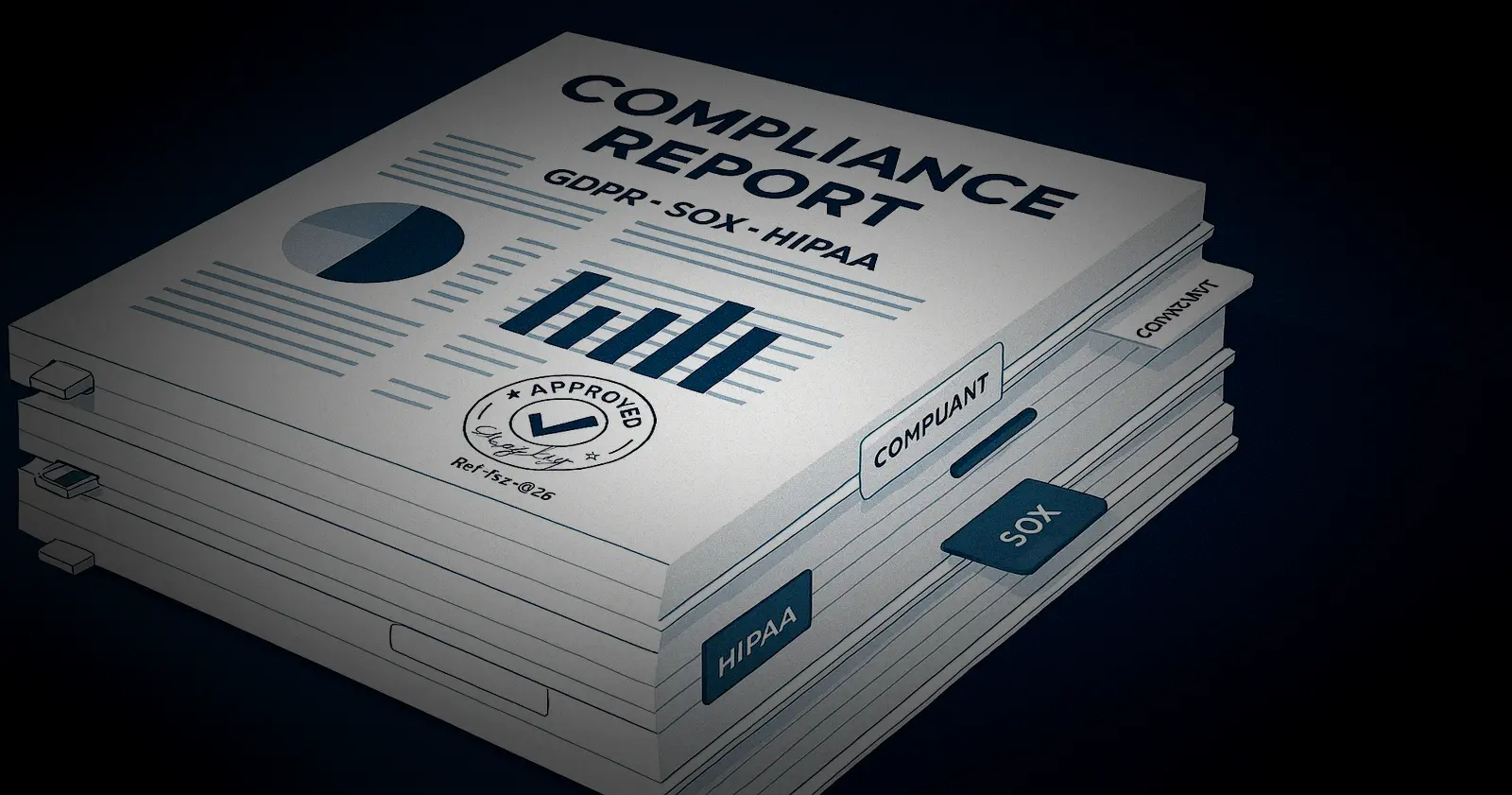
- Overlapping regulations and frameworks (e.g., GDPR, SOX, HIPAA).
- Fragmented data across tools, teams, and regions.
- Inconsistent control definitions and interpretations.
- Audit-grade reproducibility (time-bound results, lineage, approvals).
Why compliance reporting fails in large organizations
Compliance reporting breaks down at scale when data is inconsistent, workflows are manual, and ownership is unclear. When evidence is spread across teams and tools, results become hard to reproduce, slow to review, and easier to challenge during an audit.
1. Data fragmentation creates conflicting truth
Evidence lives across HR and finance identity systems, ticketing tools, cloud logs, and spreadsheets, often with different identifiers and refresh cycles. As a result, teams can report the same control differently.
Issues:
-
- The same entities such as users, devices, and vendors appear under different IDs and statuses.
- Terms like active, privileged, in scope, and exception are defined differently across teams.
- Missing lineage makes it hard to prove the source and logic behind a number.
- Different refresh timings cause mismatched totals between reports.
Impact: Teams end up with conflicting results for the same control, which slows reviews and creates reconciliation work. Auditors can challenge outcomes more easily when sources, definitions, and refresh timing do not align.
2. Manual workflows introduce variability and audit risk
Manual exports and spreadsheet handling create small changes that are difficult to detect and even harder to reproduce later. Under audit pressure, these gaps become visible fast:
-
- Filters, cutoffs, and scope shift between runs without clear visibility.
- Spreadsheet formulas and lookups drift or break over time.
- Evidence loses context such as time stamps, identifiers, and exception reasons.
- Recreating a prior period report becomes slow and error prone.
Impact: Results become hard to reproduce and defend, even when the numbers are correct. Audits take longer, require more follow ups, and increase the risk of findings because evidence is inconsistent or missing context.
3. Lack of standard templates slows validation
Even when the numbers are right, inconsistent formats make reviews harder than they need to be. Reviewers spend time interpreting reports instead of validating controls.
Issues:
-
- Layouts and naming conventions vary across departments.
- Control IDs, timeframes, scopes, owners, and exception notes are missing or inconsistent.
- Evidence packets differ by team, which increases follow ups and rework.
- The same control is mapped to different metrics depending on the group.
Impact: Reviews slow down because teams spend time decoding formats instead of validating controls. This increases follow-ups, rework, and the risk of missing gaps in scope, ownership, or control mapping.
4. Point in time reporting hides gaps
Periodic snapshots can show a status, but they often fail to prove that a control operated consistently throughout the time period. Exceptions surface late, when there is little time left to fix them.
Issues:
-
- Access posture and privileged activity drift between reporting cycles.
- SLA breaches and overdue remediation are discovered too late.
- Teams explain spikes after the fact instead of preventing them.
- Limited monitoring turns compliance into reactive cleanup.
Impact: This makes compliance reactive, with issues found late. Auditors may also question whether controls operated consistently if continuous evidence is missing.
5. Scaling exposes governance and performance limits
As scope expands across regions, systems, and teams, reporting becomes harder to secure and slower to run unless specifically designed for governance and performance.
Issues:
-
- Weak access controls increase the risk of oversharing sensitive evidence.
- Limited logging makes it hard to prove who accessed or changed reports.
- Old reports remain in circulation without lifecycle controls.
- Higher volume slows reporting and causes missed cutoffs.
Impact: At scale, reporting becomes a security risk and an operational bottleneck. Missed deadlines, unclear accountability, and weak audit trails increase the chance of audit exceptions and control failures.
Core principles of audit-ready compliance reporting
Audit-ready compliance reporting means your reports are not only accurate but provable.
Each cycle should produce consistent results from governed data with clear definitions, traceable lineage, and controlled access.
These principles make compliance reporting repeatable, defensible, and scalable over time.
1. Single source of truth
Audit-ready reporting relies on governed data, consistent definitions, and clear ownership, so outputs are stable and defensible:
-
- Use certified datasets for official compliance reporting and limit ad hoc sources.
- Define each metric in writing with calculation logic and the reporting window.
- Maintain a shared data dictionary that maps metrics to systems of record.
- Assign accountable owners and a controlled change process for metric updates.
2. Repeatability and traceability
Auditors need the same report to produce the same result for the same time period, with clear lineage from source to output:
-
- Standardize report parameters such as time period, entity, region, and scope.
- Version report templates and transformation logic so runs can be recreated.
- Capture run metadata including filters, time stamps, and definition versions.
- Track lineage back to source tables and refresh jobs for each report.
3. Standardization across teams
Standard templates and shared definitions reduce variance and speed up reviews across business units and regions:
-
- Use consistent report layouts and evidence packets for each control.
- Reuse shared metric definitions to prevent local reinterpretation.
- Keep a control in metric mapping so the same measures are used everywhere.
- Standardize the reporting calendar with consistent cutoffs and deadlines.
4. Governed access and accountability
Compliance reporting must be tightly controlled, with clear approvals and logs that show who did what and when:
-
- Apply role-based access with least privilege for viewing, editing, and publishing.
- Require approvals and segregation of duties where controls demand independence.
- Log access, changes, exports, and approvals with user identities and times.
- Review access and audit logs regularly and remediate exceptions quickly.
5. Automation-first approach
Automation reduces risk by making reporting predictable and evidence capture automatic:
-
- Automate scheduling, refreshing, and delivery using consistent cutoff rules.
- Add failure alerts and clear ownership for responses and reruns.
- Auto generate evidence context such as run metadata, versions, and lineage references.
- Support controlled reruns and restatements while preserving report history.
6 best practices for enterprise compliance reporting
Enterprise compliance reporting works best when it’s repeatable, governed, and easy to defend in audits. These practices reduce reconciliation, speed up evidence collection, and improve traceability across teams.
1. Centralize data into a governed source of truth
A single, approved source prevents metric drift and eliminates constant reconciliation across teams. You should:
-
- Define each metric clearly with consistent calculation rules.
- Assign clear owners for datasets and metrics with a formal change-approval process.
- Publish a shared data dictionary that maps metrics to authoritative systems and source fields.
- Automate data quality checks for freshness, completeness, duplicates, and integrity.
The result is that teams stop arguing about which number is right because definitions and data are governed and testable.
2. Automate report generation, scheduling, and delivery
Automation makes compliance reporting repeatable, timely, and less dependent on manual effort. You should:
-
- Standardize report parameters like time period, scope, entity, region, and thresholds.
- Run reports on a fixed schedule with consistent cutoffs every period.
- Produce consistent deliverables in the same format each run and retain prior versions.
Support reruns and restatements with clear rules for superseded reports.
3. Attach audit-ready evidence to every report
Reports become defensible when they include the context and lineage needed to reproduce results. To achieve this:
-
- Include run details such as the reporting period, filters used, and generation time.
- Record dataset and definition versions so outputs can be reproduced later.
- Capture lineage back to source systems and transformation jobs.
- Store immutable evidence copies for the audited time period.
Auditor follow-ups drop when each report is self-explanatory and traceable end to end.
4. Enforce role-based access with audit trails
Strong access controls protect sensitive reporting and prove that governance is working in practice:
-
- Separate roles for viewing, editing, publishing, approving, and administration using least privilege.
- Restrict exports for sensitive data and apply watermarking when appropriate.
- Log who accessed, exported, changed, approved, and shared reports with time stamps.
- Enforce segregation of duties for controls that require independence.
5. Monitor critical controls continuously
Continuous monitoring surfaces issues early, when they are cheaper to fix and easier to explain. Make sure to:
-
- Identify high-impact controls such as privileged access, logging, and policy drift.
- Set near-real-time alerts with clear severity and escalation paths.
- Track exceptions through triage, remediation, and closure with evidence attached.
- Check trends in results over time to catch slow degradation and recurring issues.
It’s best when remediation becomes routine, and audits become verification rather than discovery.
6. Design for scale and governance
Enterprise reporting must handle data growth, peak loads, and retention requirements without breaking. You should:
-
- Design for performance with incremental refresh, partitioning, and summary tables where needed.
- Separate development, test, and production with controlled releases and rollback.
- Define retention and legal hold rules for datasets, logs, and evidence outputs.
- Build resilience with failure alerts, rerun procedures, and clear freshness expectations.
Compliance reporting vs. operational reporting: key differences
Confusing operational reporting with compliance reporting is a common source of audit pain. Operational reporting optimizes for speed and iteration, while compliance reporting optimizes for consistency, traceability, and defensibility.
| Dimension | Compliance Reporting | Operational Reporting |
| Primary purpose | Demonstrates adherence to policies and regulations and provides audit evidence. | Supports day-to-day execution and helps teams make fast decisions. |
| Primary audience | Auditors, regulators, compliance leaders, risk and legal stakeholders. | Operators, managers, and internal decision-makers. |
| Time orientation | Based on a specific time period with a defined cutoff and reproducible results. | Frequently updated and focused on trends and current state. |
| Data requirements | Validated, governed, and traceable back to source systems. | Flexible and fast, often combining multiple sources. |
| Change tolerance | Low because stability across time periods matters. | High because iteration is expected. |
| Format | Standardized reports with fixed templates and controlled parameters. | Interactive dashboards with filters and drilldowns. |
| Controls and governance | Strong access control, audit logs, versioning, and retention. | Governance varies and speed and usability often take priority. |
Operational reporting runs the business; compliance reporting defends it in audits. Mixing them leads to inconsistent numbers and weak evidence.
Measurable business benefits of effective compliance reporting
When compliance reporting is standardized and automated, enterprises get benefits that show up in audit outcomes, cycle time, cost, and risk, not just faster reporting. Common, measurable benefits include:
- Higher audit pass rates and fewer findings: Evidence is complete, consistent, and tied to the correct control and reporting period, which reduces follow-up questions and exceptions.
- Faster audit cycles and response times: Teams can reproduce reports and supporting evidence on demand, cutting request turnaround from weeks to hours or days.
- Lower compliance operating costs: Automation reduces manual compilation, email-based approvals, and last-minute escalations, which also limits one-off report builds during audits.
- Stronger governance and traceability: Standard definitions, clear ownership, and lineage make it easier to show how metrics were calculated, who approved changes, and what data version was used.
- Reduced risk exposure: Role-based access, controlled exports and sharing, and consistent retention policies lower the chance of leakage or uncontrolled distribution.
These benefits compound over time for audit results, efficiency, governance strength, and risk reduction.
How Bold Reports enables audit-ready compliance reporting at scale
Bold Reports enables audit-ready compliance reporting at scale by standardizing how reports are generated and delivered. It produces consistent, pixel-perfect output every time. With controlled access and automated delivery, audit evidence stays reliable across teams and reporting periods. Bold Report gives you:
-
- Pixel-perfect audit reports: Create structured, repeatable reports for when formatting must stay consistent. This is necessary for audit packs, standardized compliance reporting, and regulated documentation.
- SSRS-compatible modernization: For teams using SSRS-style reporting, Bold Reports supports RDL-based workflows, helping modernize scheduling, governance, and delivery without rebuilding every report from scratch.
- Automated scheduling and distribution: Generate and deliver reports at a reliable cadence. Reduce manual steps and ensure consistency across teams, locations, and reporting periods.
- Embedded reporting for enterprise apps: Embed compliance reports into internal portals and business applications so stakeholders can access reports without switching tools or losing governance.
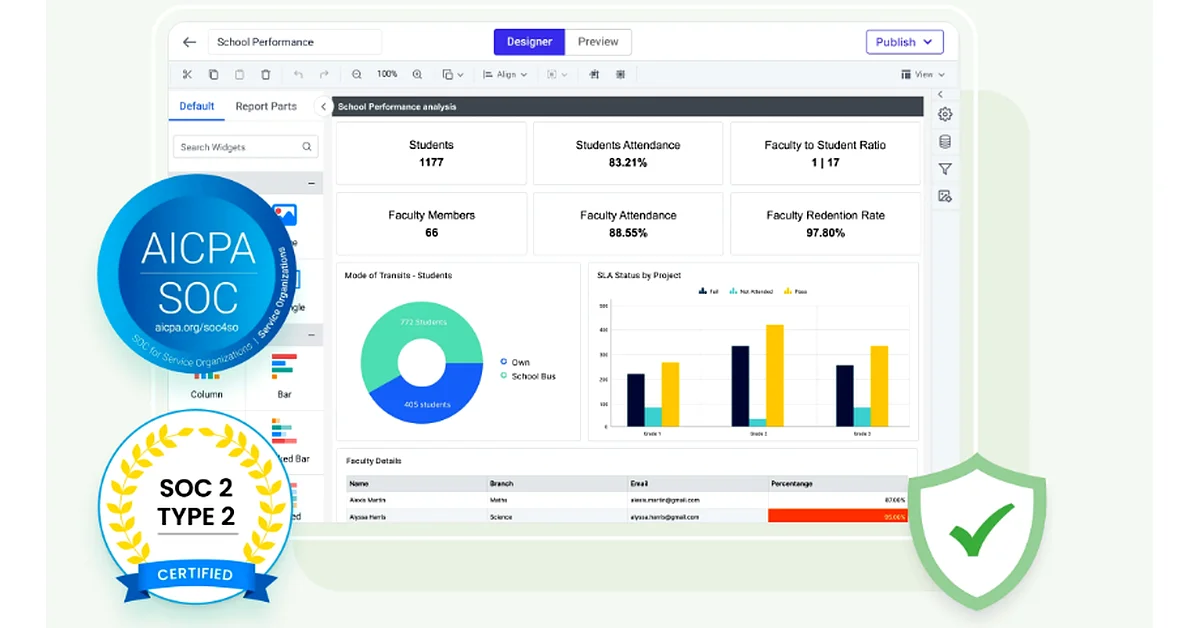
- Enterprise-grade security and governance: Share while staying in control with RBAC and activity tracking. Align with audit expectations around access, exports, and evidence handling.
- Flexible deployment (cloud/on-premises): Choose a deployment model that fits regulated environments and internal requirements for security, infrastructure, and data residency.
Final thoughts
Compliance reporting often fails for the same reasons: manual handoffs, version sprawl, and unclearly sourced metrics. The biggest improvement comes from treating reporting as an always-ready process, not an end-of-quarter rush.
Standardize report templates and definitions. Set clear ownership for governed datasets. Enforce role-based access and keep audit trails. This removes ambiguity and makes results easier to defend.
Once governance is in place, automation becomes reliable. Schedule parameter-based runs. Generate consistent PDF and Excel exports. Distribute reports in a controlled way. Capture run history and supporting evidence automatically.
To apply this with minimal overhead, start a free 30-day trial of Bold Reports or book a personalized demo to see how it fits your compliance reporting workflow.
Frequently asked questions
- 1.
What is compliance reporting in simple terms?
Compliance reporting is creating reports that prove your organization follows required rules, laws, standards, and internal policies using consistent data and traceable evidence.
- 2.
How do you automate compliance reporting?
Automate compliance reporting by using governed data sources, standardized templates, and scheduled report generation and delivery, plus RBAC and audit logs to keep outputs controlled and defensible.
- 3.
What is audit-ready reporting?
Audit-ready reporting means reports are reproducible for a specific time period with documented definitions, consistent templates, traceable sources, and evidence showing what changed and who accessed what.
- 4.
What are examples of compliance reports?
Examples include access-review reports, SOX control testing summaries, HIPAA audit log summaries, GDPR data-request handling reports, risk-register reports, and policy attestation reports.
- 5.
What features should compliance reporting tools have?
Look for pixel-perfect templates, scheduling, RBAC, audit logs, versioning, governed data access, export controls (PDF/Excel), and deployment flexibility.
- 6.
Which industries need compliance reporting the most?
Finance, healthcare, manufacturing, and SaaS companies commonly need strong compliance reporting due to frequent audits, regulated data handling, and repeatable evidence requirements.
- 7.
What’s the difference between compliance reporting and audit reporting?
Compliance reporting is ongoing, consistent reporting for control adherence. Audit reporting is producing evidence for a specific audit event. This is usually faster and easier when compliance reporting is already audit-ready.