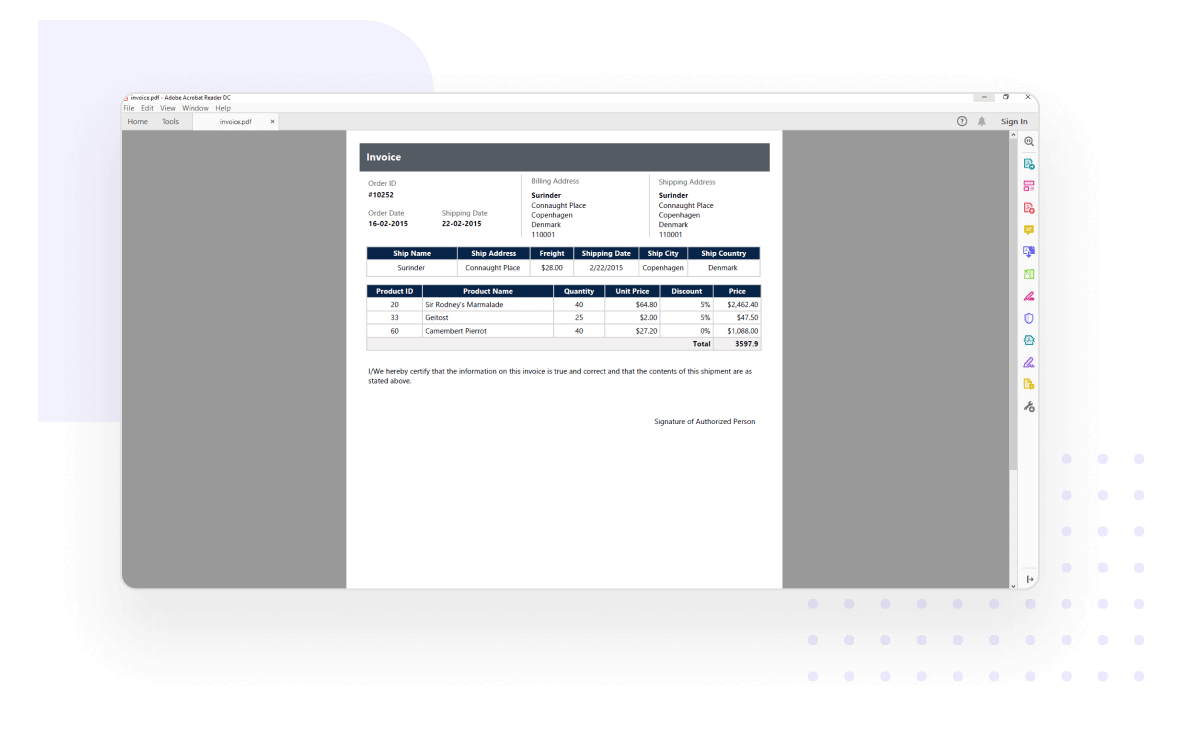
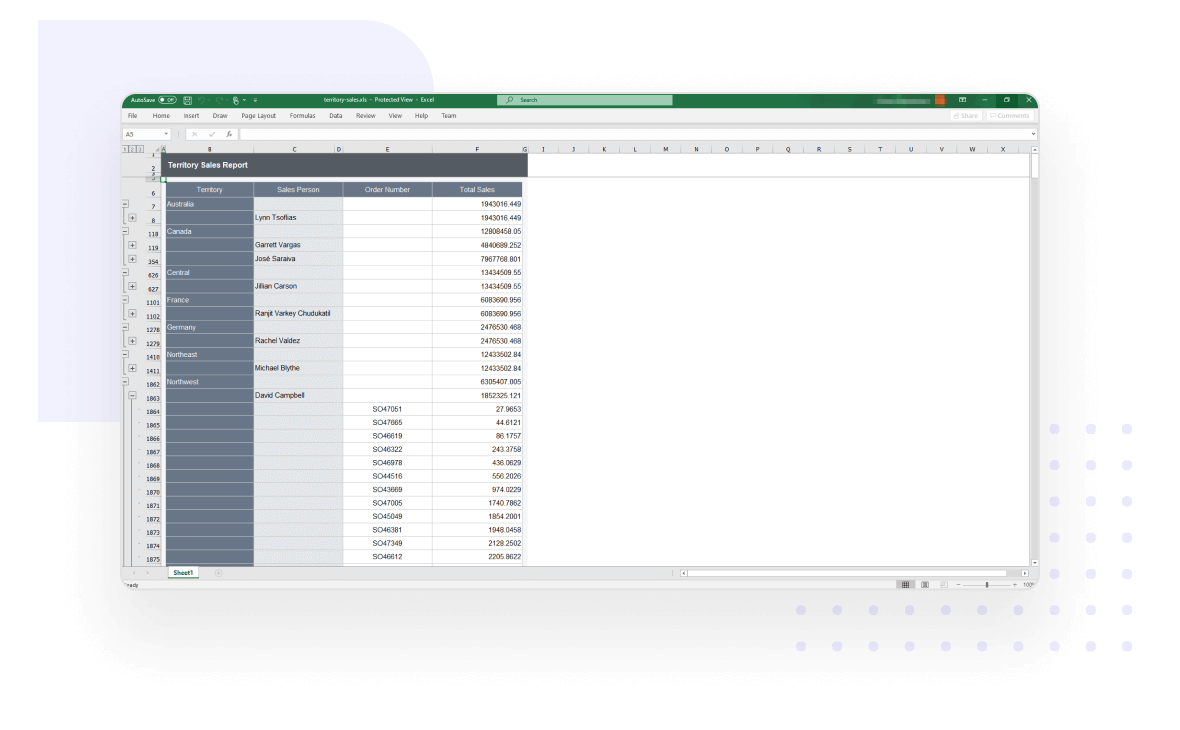
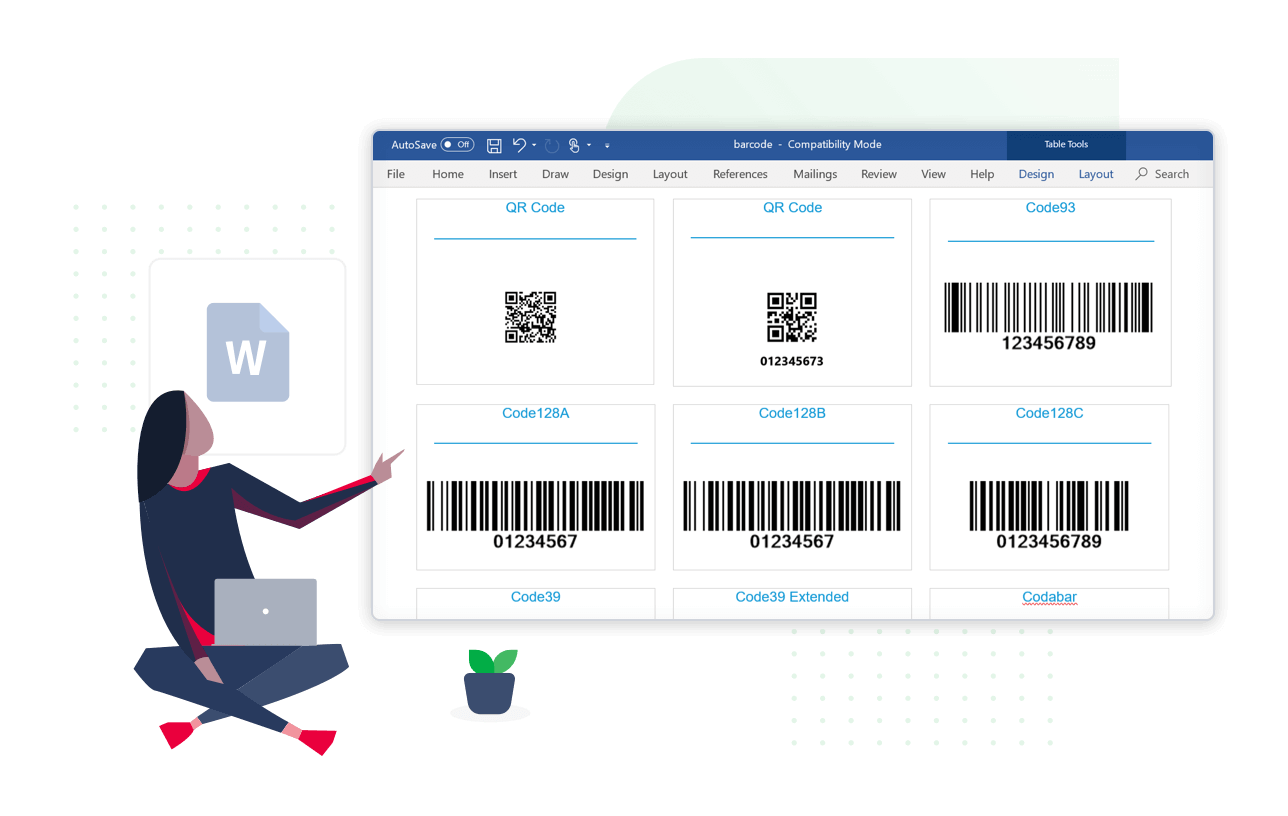
Bold Reports ASP.NET Web Forms Report Writer is a library that enables exporting SSRS RDL and RDLC reports from various reporting applications.
It supports silent printing of reports in multiple formats, such as PDF, Word, and Excel, without rendering or viewing from a report viewer control. The library also offers developer-friendly APIs to create reports programmatically without a user interface and allows customization of exporting options.
What you can do with ASP.NET WebForms Report Writer
Reports from anywhere
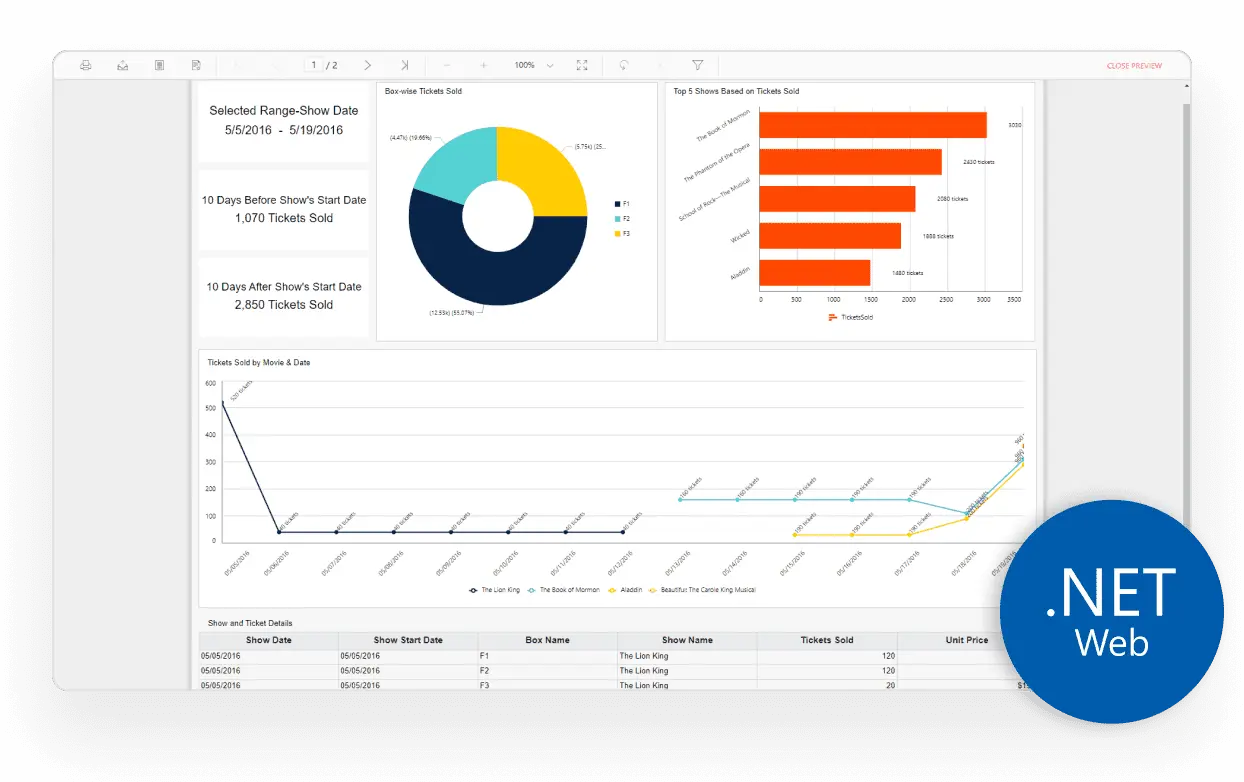
Create and export SSRS RDL and RDLC reports with the Bold Reports ASP.NET Web Forms Report Writer.
With or without a report server, the writer allows easy access to reports from Microsoft SSRS, SSRS SharePoint, as well as applications, cloud storages, and databases.
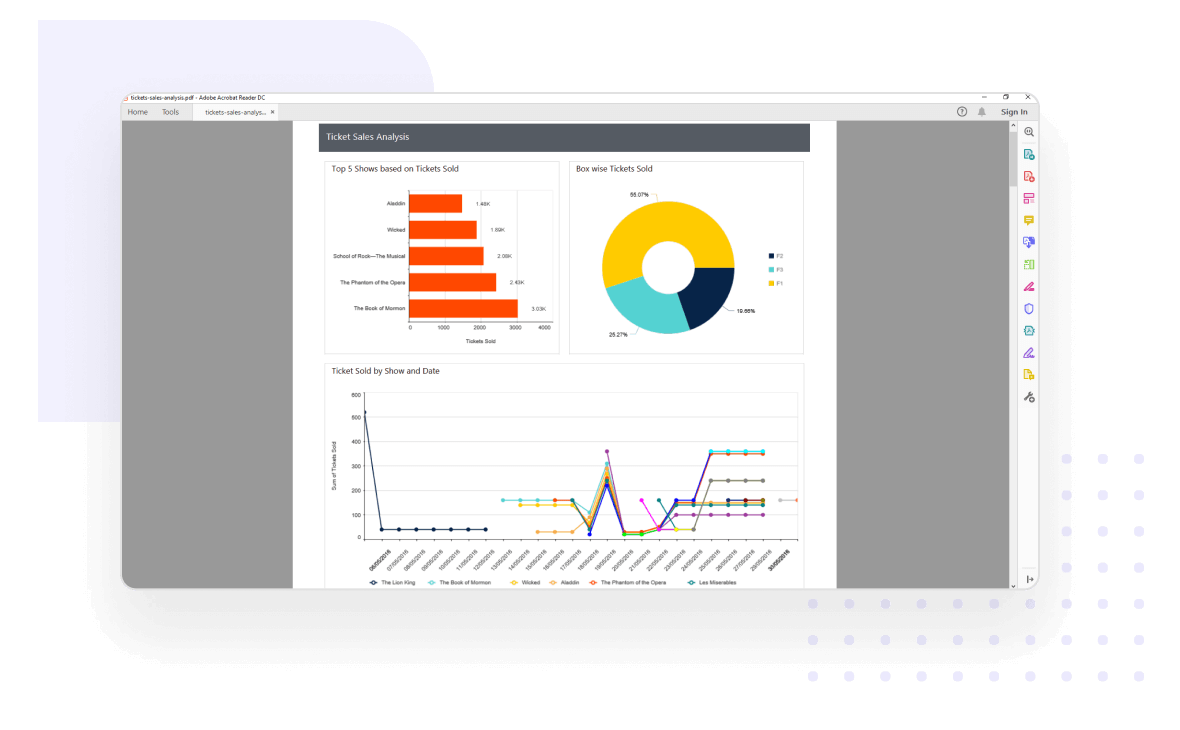
Export reports in commonly used file formats, like PDF, Word, Excel, CSV, PowerPoint, XML, and HTML.
Create SSRS RDL/RDLC reports programmatically in C#
Use simple APIs to create SSRS RDL/RDLC reports programmatically in C# and change report item properties without using a visual design interface.
Connect to any data source
Export reports created using a built-in data source, business object collection, or data processing extension against any data source:
Built-in data sources:Microsoft SQL Server, Microsoft SQL Azure, SQL CE, XML, Microsoft Access, Oracle, OLEDB, and ODBC.
Business object data sources:IList, DataSet, and DataTable.
Custom data processing extensions:MySQL, SQLite, PostgreSQL, and more.
Eye-popping data visualization
Share insights by exporting reports containing a variety of report items using the ASP.NET Web Forms Report Writer:
Basic items:Text box, image, line, and rectangle.
Data region items:Table, matrix (pivot table), and list.
Data visualization:Charts, sparklines, data bars, gauges, indicators, and maps.
Subreports.
Custom report items:Barcodes, QR barcodes, and more.
Presentation-ready reports
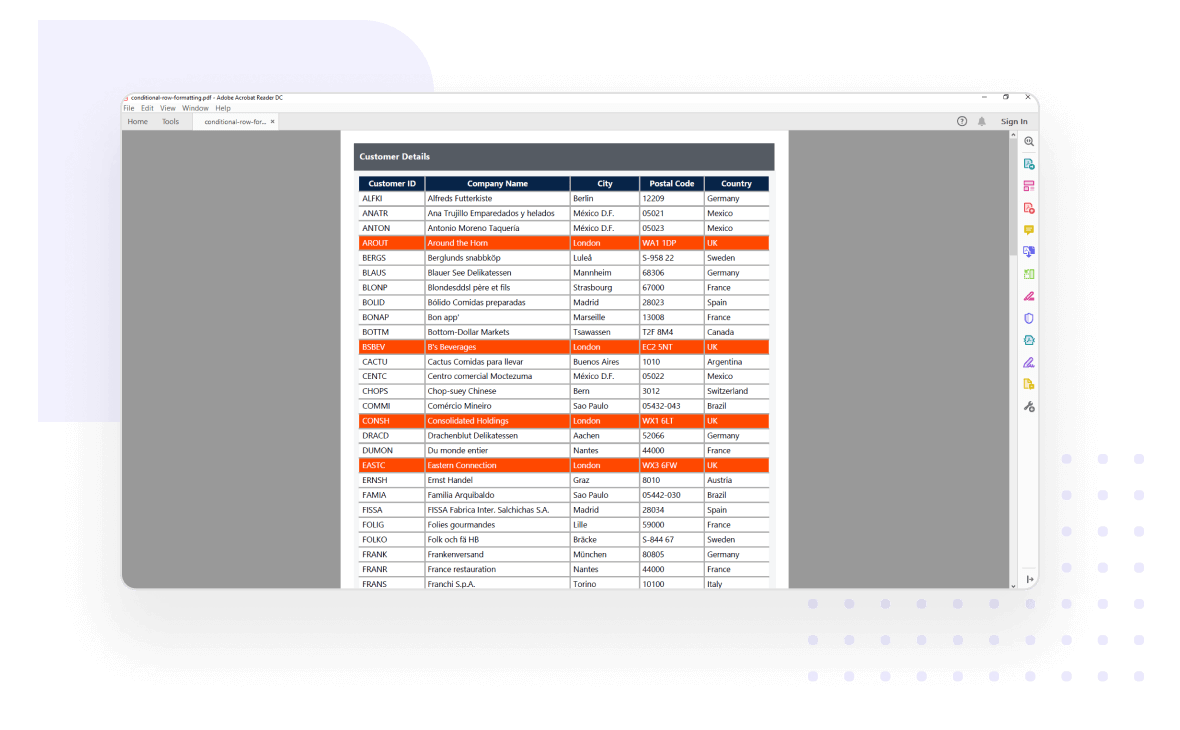
Export reports with highlighted data, using conditional formatting and expressions in the ASP.NET Web Forms Report Writer.
Style your reports using the following data customization options:
HTML/rich text rendering.
Conditional formatting.
Simple and complex expressions.
Data shaping
Export organized and shaped data using the following options to make bolder business decisions:
Sorting
Filtering
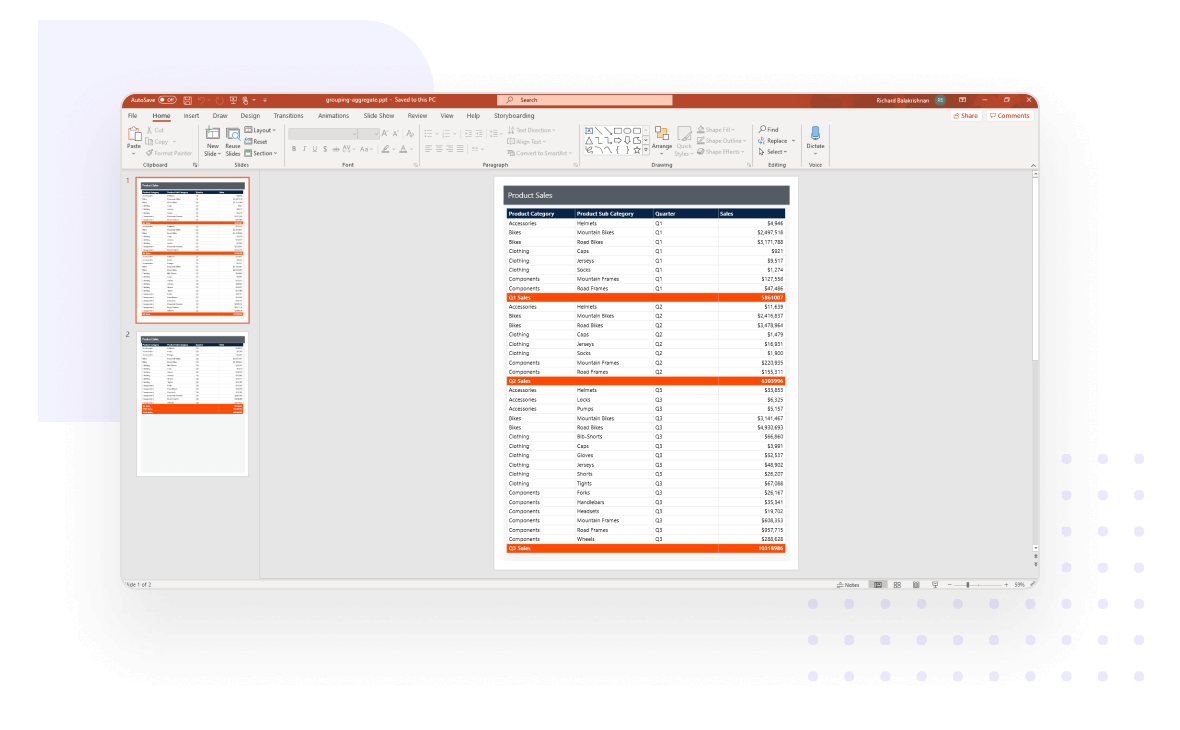
Grouping
Summaries and aggregates
Calculated fields
Report parameters
Set the following parameter types to interact with the report on the fly to modify the data exported from RDL/RDLC reports:
Cascading parameters
Non-queried parameters
Queried parameters
Multivalued parameters
Custom parameter layouts
Interactive reports
The ASP.NET Web Forms Report Writer exports reports with interactive features like drill down, hyperlinks, bookmarks or anchors, document map, sub-reports, and nested data regions.
Silently print reports
End users can silently print reports without viewing or rendering them in Report Viewer.
Encrypt and secure documents
Encrypt and password-protect exported documents with a range of low to high encryption standards.
Change the default file format
Users can change the default file format to any other file format version that is supported by the selected file type. APIs are included for setting the format before exporting the document:
Word file formats:doc, docx, and more.
Excel file formats: xls, xlsx, and more.
Advanced layouts for merged cells
Report Writer supports additional export layouts in Word and Excel formats to eliminate tiny columns, rows, and merged cells. These layouts:
Overcome the merging problem with tiny cells, rows, and columns in SSRS Excel and Word exporting.
Provide clear readability by eliminating the tiny columns, rows, and merge cells.
Allow you to perform data manipulations such as sorting, filtering, and grouping in Excel
Developer-friendly APIs
The Report Writer exposes developer-friendly APIs to configure export behavior, such as setting the file format before exporting a document.
Enterprise-Ready Compliance
Bold Reports holds SOC 2 Type II and ISO 27001 reports from independent audits, and provides features that support GDPR and HIPAA requirements. See the security page for scope. All activity logs are safely stored, can’t be changed, and are easy to export when needed.
Bold Reports holds SOC 2 Type II and ISO 27001 reports from independent audits, and provides features that support GDPR and HIPAA requirements. See the security page for scope. All activity logs are safely stored, can’t be changed, and are easy to export when needed.