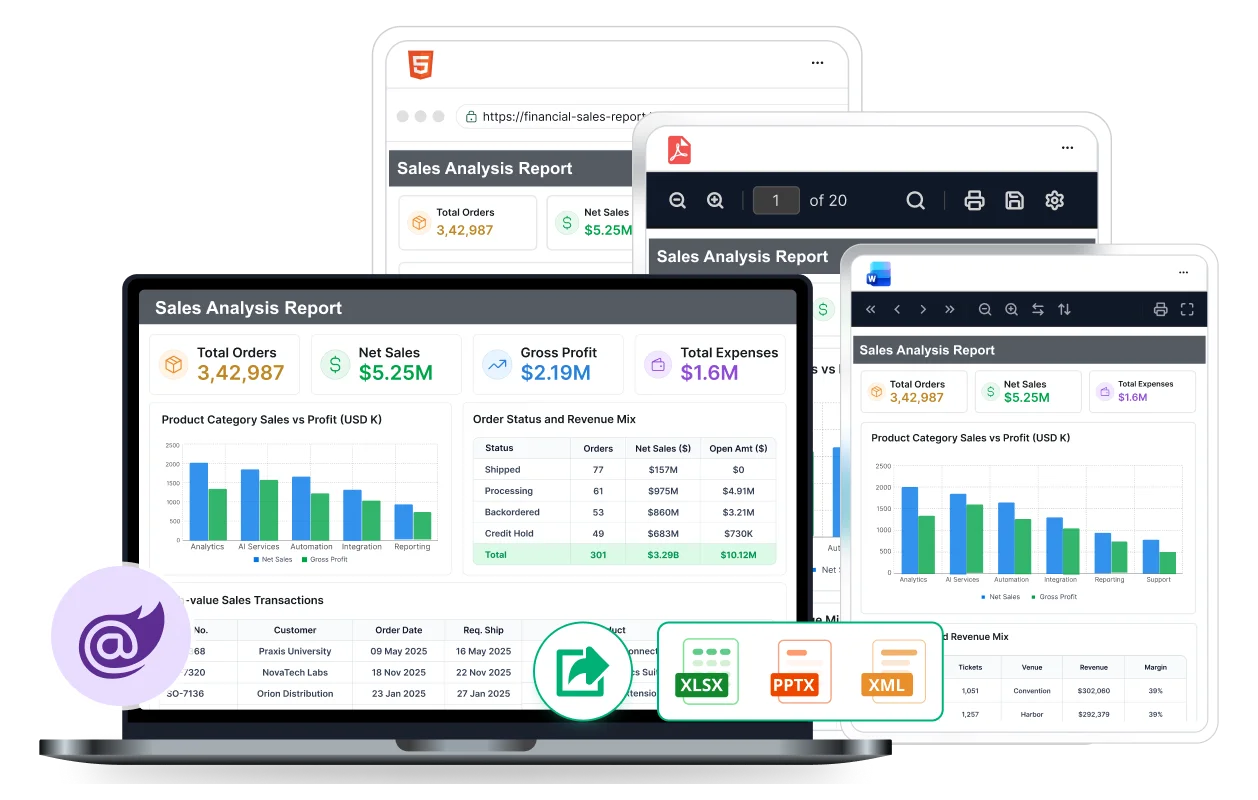







Export RDL/RDLC Reports in C# for Blazor Applications

Convert SSRS, RDL, and RDLC reports into multiple supported document formats using simple APIs. 

  • Support PDF, Word, Excel, CSV, PowerPoint, XML, and HTML.
  • Customize document format versions before exporting.
  • No report viewer required for export report.
Writer page blazor
Trusted by leading companies

J&J

Schneider

Bridgestone

Siemens

Verizon

HP

Fidelity

Intel

overview

Overview

Blazor Report Writer is a powerful library that enables exporting SSRS RDL and RDLC reports from various reporting applications. It supports silent printing of reports in multiple formats, such as PDF, Word, and Excel, without rendering or viewing from a report viewer control. The library also offers developer-friendly APIs to create reports programmatically without a user interface and allows customization of exporting options.

.NET Platforms
.NET Core
.NET Core
.NET Web
dotnet-web-reporting
.NET MVC
dotnet-mvc-reporting

Feature-Rich Blazor Report Writer for Modern Applications

Easily build polished reports using versatile data sources, advanced visuals, and flexible formatting.

presentation ready

Presentation-ready reports

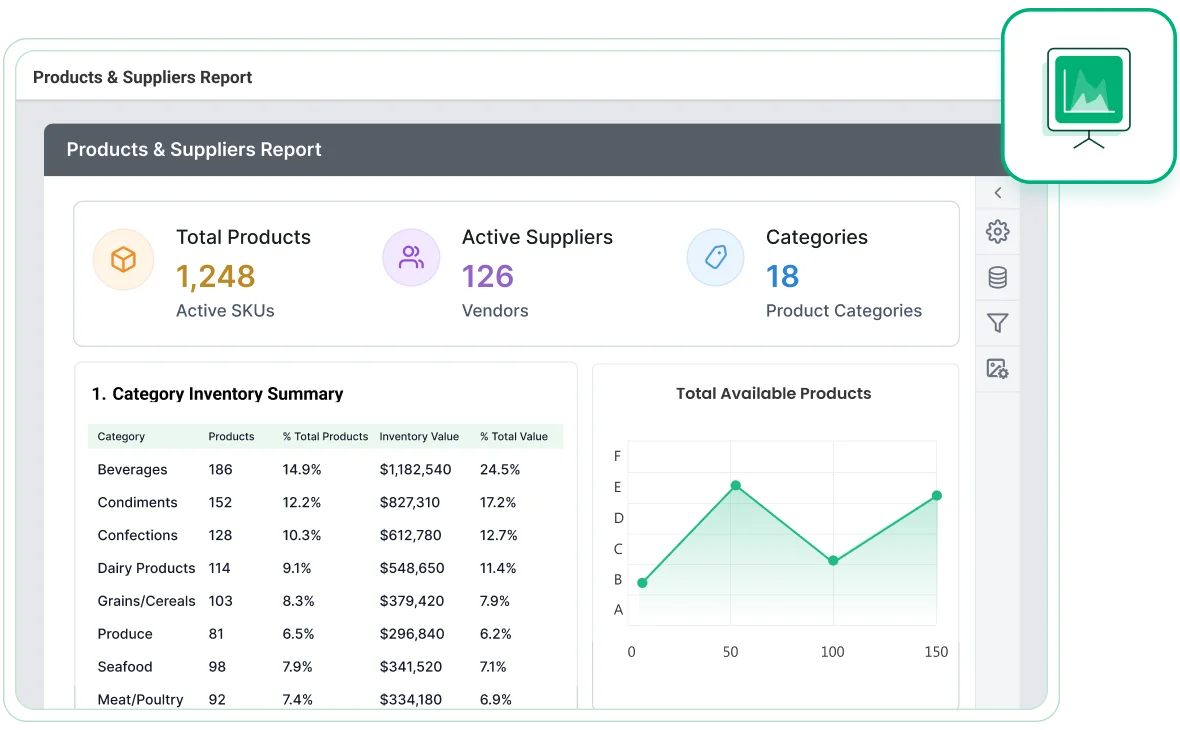
Export reports with unmatched clarity by highlighting data on demand using the Blazor Report Writer. Style your reports using the following data customization options:

  • HTML/rich text rendering
  • Conditional formatting
  • Simple and complex expressions
format

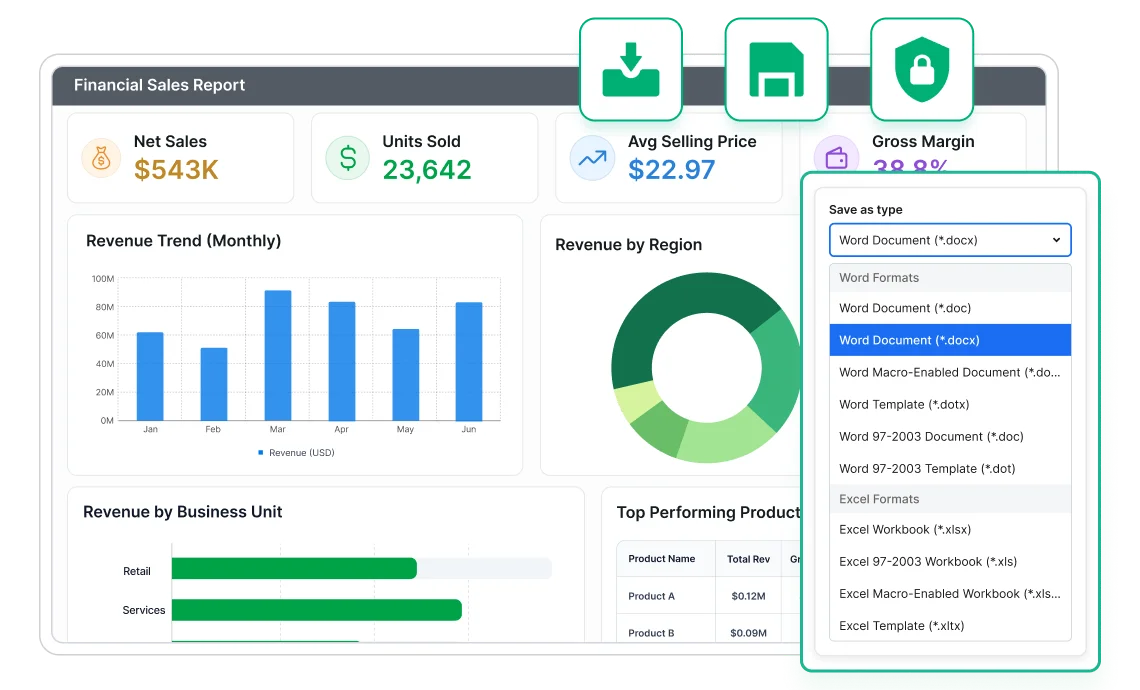
Change the default file format

Users can change the default file format to any other file format version that is supported by the selected file type. APIs are included for setting the format before exporting the document:

  • Word file formats: doc, docx, and more.
  • Excel file formats: xls, xlsx, and more.

Advanced layouts for merged cells

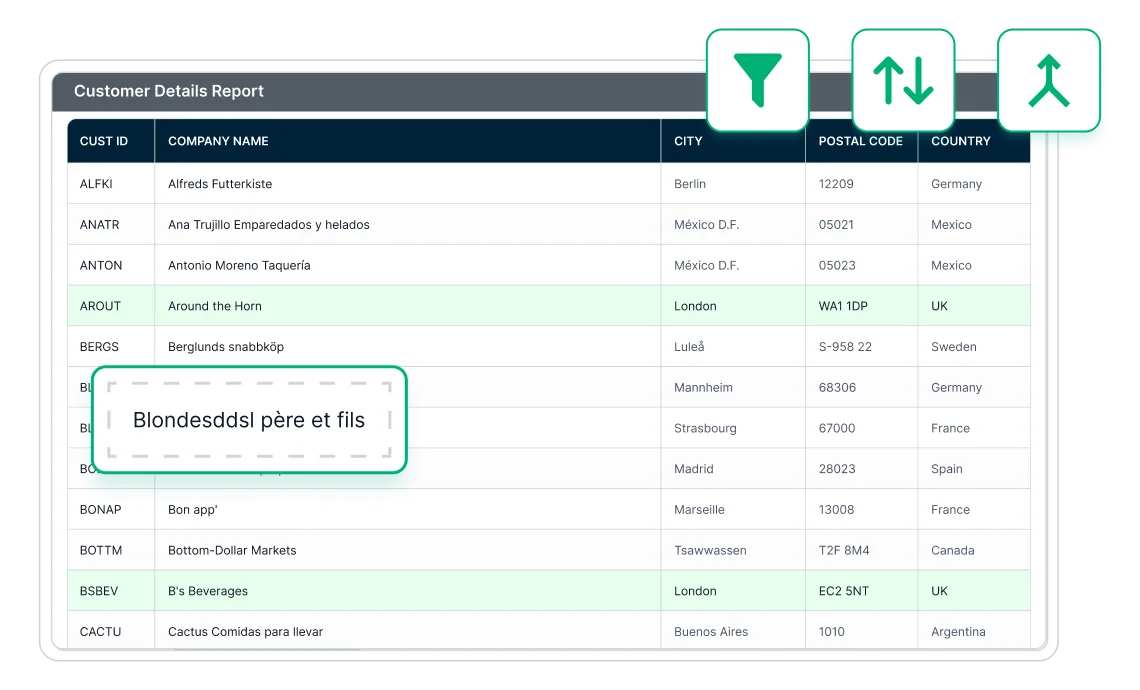
Report Writer supports additional export layouts in Word and Excel formats to eliminate tiny columns, rows, and merged cells. These layouts:

  • Overcome the merging problem with tiny cells, rows, and columns in SSRS Excel and Word exporting.
  • Provide clear readability by eliminating the tiny columns, rows, and merge cells.
  • Allow you to perform data manipulations such as sorting, filtering, and grouping in Excel.
Advanced layouts
Blazor

Integrate Report Writer APIs in Minutes

Generate export-ready reports from SSRS, RDL, and RDLC files with scalable APIs that fit seamlessly into your development workflow.

Enhanced Reporting Experience with Blazor Writer

Deliver dynamic, secure, and customizable reporting with rich interactivity, flexible exports, and full control over report behavior.

silently-print-reports

Silently print reports

End users can silently print reports without viewing or rendering them in Report Viewer.

encrypt-and-secure-documents

Encrypt & secure documents

Encrypt and password-protect exported documents with a low to high encryption standards.

export formats

Export formats

Export reports in file formats including PDF, Word, Excel, CSV, PowerPoint, XML, and HTML.

developer friendly

Developer-friendly APIs

Control all Report Writer behaviors through a rich set of developer-friendly APIs for your applications.

Enhanced Reporting Experience with Blazor Writer

Deliver dynamic, secure, and customizable reporting with rich interactivity, flexible exports, and full control over report behavior.

Multi-column reports

Users can create and visualize data across multiple adjacent columns for structured layouts such as mail merge, business cards, newspapers, and more to improve readability.

Interactive reports

Display data in data regions that support user interactivity at runtime with features like drill down, drill through, hyperlinks, bookmarks, document map, subreports, and nested layouts.

Export and Print Reports

Export reports instantly in a single click to formats such as PDF, Word, Excel, PowerPoint, CSV, XML, and HTML, while consistent maintaining pixel-perfect accuracy.

Stunning built-in themes

Pixel-perfect built-in themes are available in Material, Bootstrap, and Fabric designs. In addition, the library comes with an accessible high-contrast theme for improved usability.

multi column reports

Silently print reports

End users can silently print reports without viewing or rendering them in Report Viewer.

interactive reports

Encrypt & secure documents

Encrypt and password-protect exported documents with a low to high encryption standards.

Export Formats

Export formats

Export reports in file formats including PDF, Word, Excel, CSV, PowerPoint, XML, and HTML.

Developer Friendly API

Developer-friendly APIs

Control all Report Writer behaviors through a rich set of developer-friendly APIs for your applications.


Enterprise-Ready Compliance

Bold Reports helps you meet key security and compliance standards. All activity logs are safely stored, can’t be changed, and are easy to export when needed.

soc-2-type-ii-compliance
iso-27001-certification
gdpr-compliance
hipaa-compliance

Ready to Add Automated Report Generation to Your Application?

Transform manual reporting processes into automated workflows that save time and streamline report exports across your Blazor applications.

No credit card required.