
Version 11.1.10
Main release
- 7New features
- 4Improvements
- 6Bug fixed
What’s New
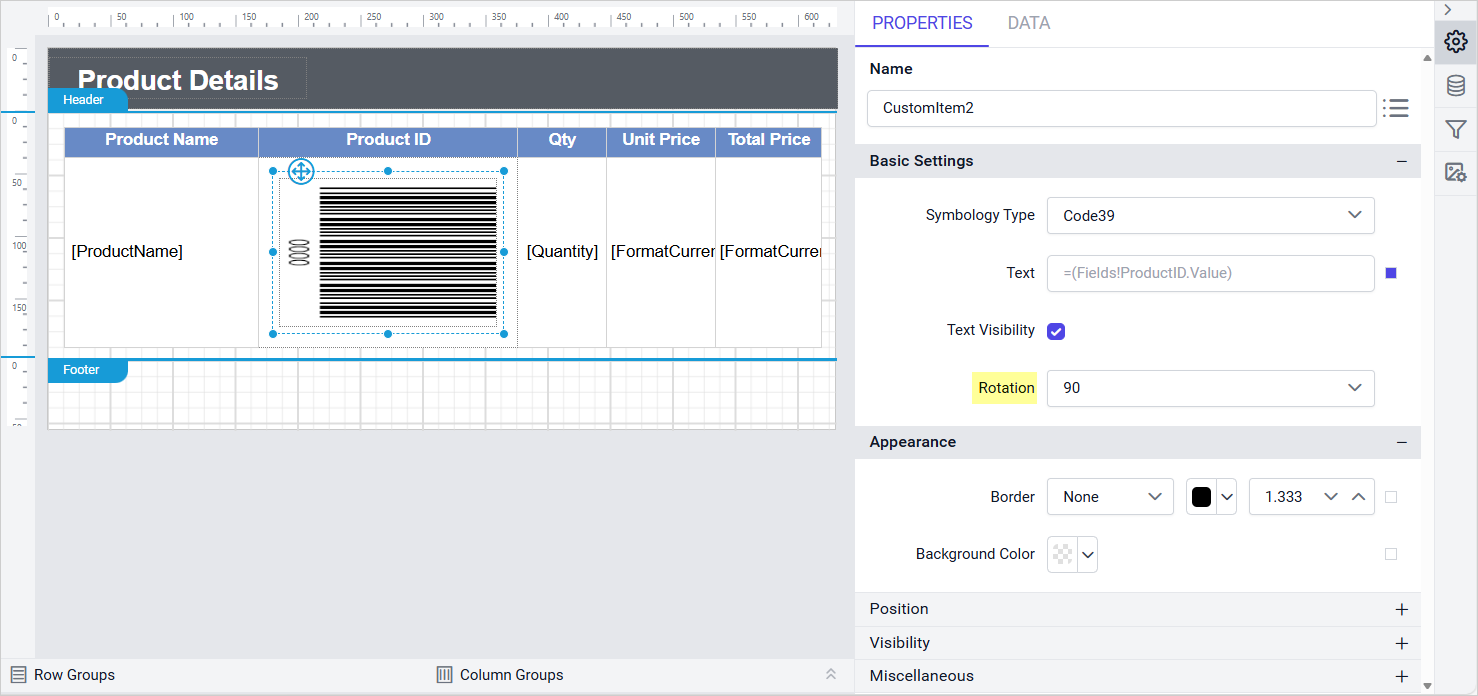
Rotation Property for Barcode Report Items
Added a Rotation property for Barcode custom report items, so a barcode can be rotated to fit a label layout or align with the surrounding report content instead of always rendering horizontally. This is useful for shipping labels, badges, and other constrained layouts where a horizontal barcode would otherwise overlap adjacent content.
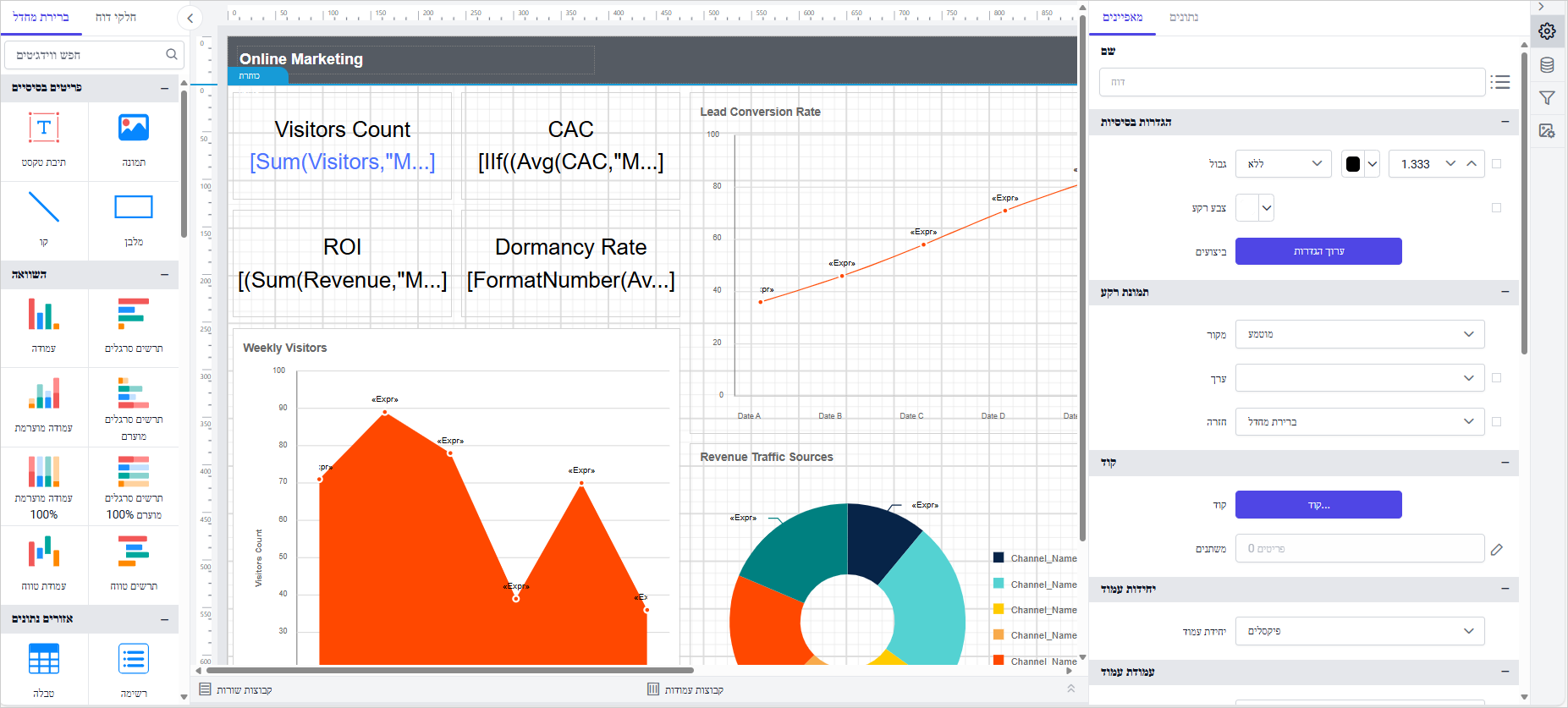
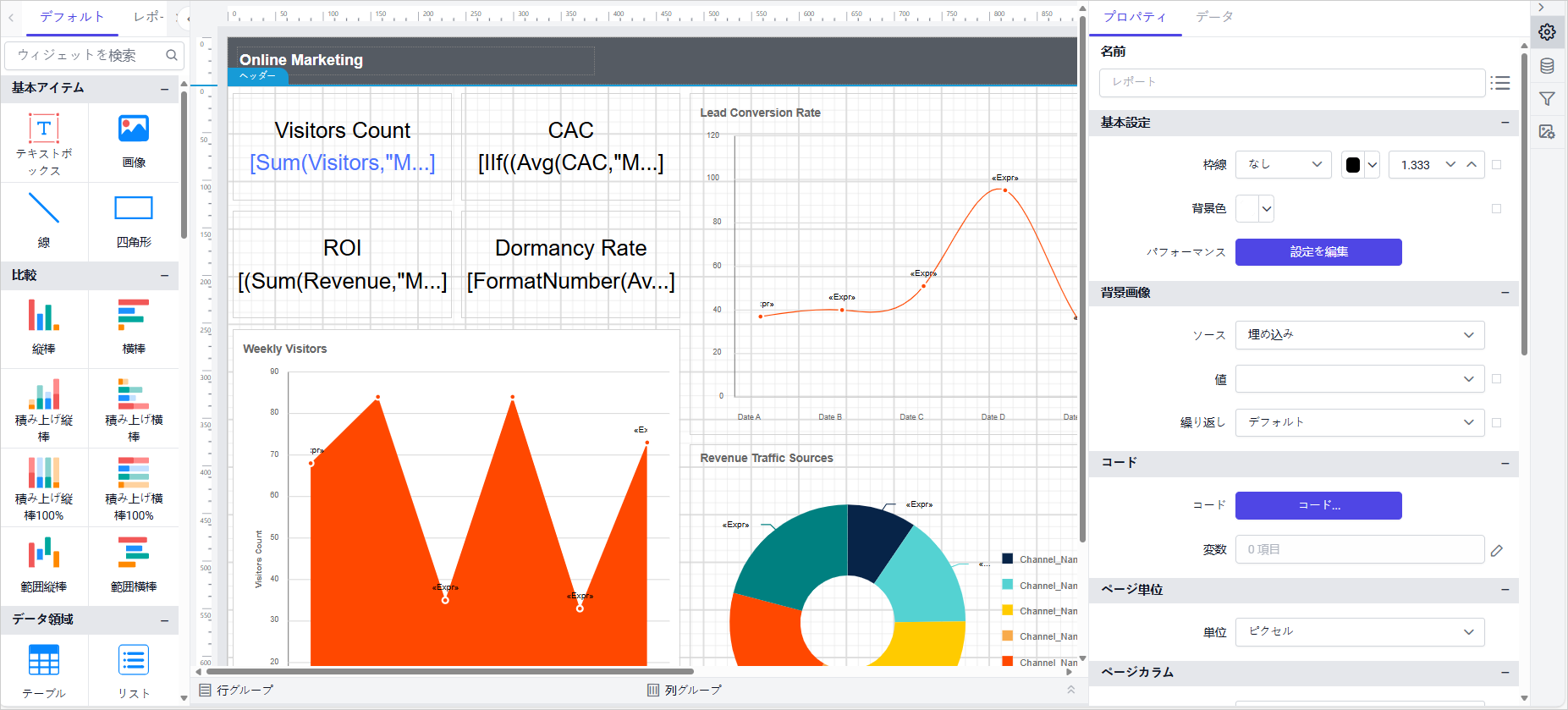
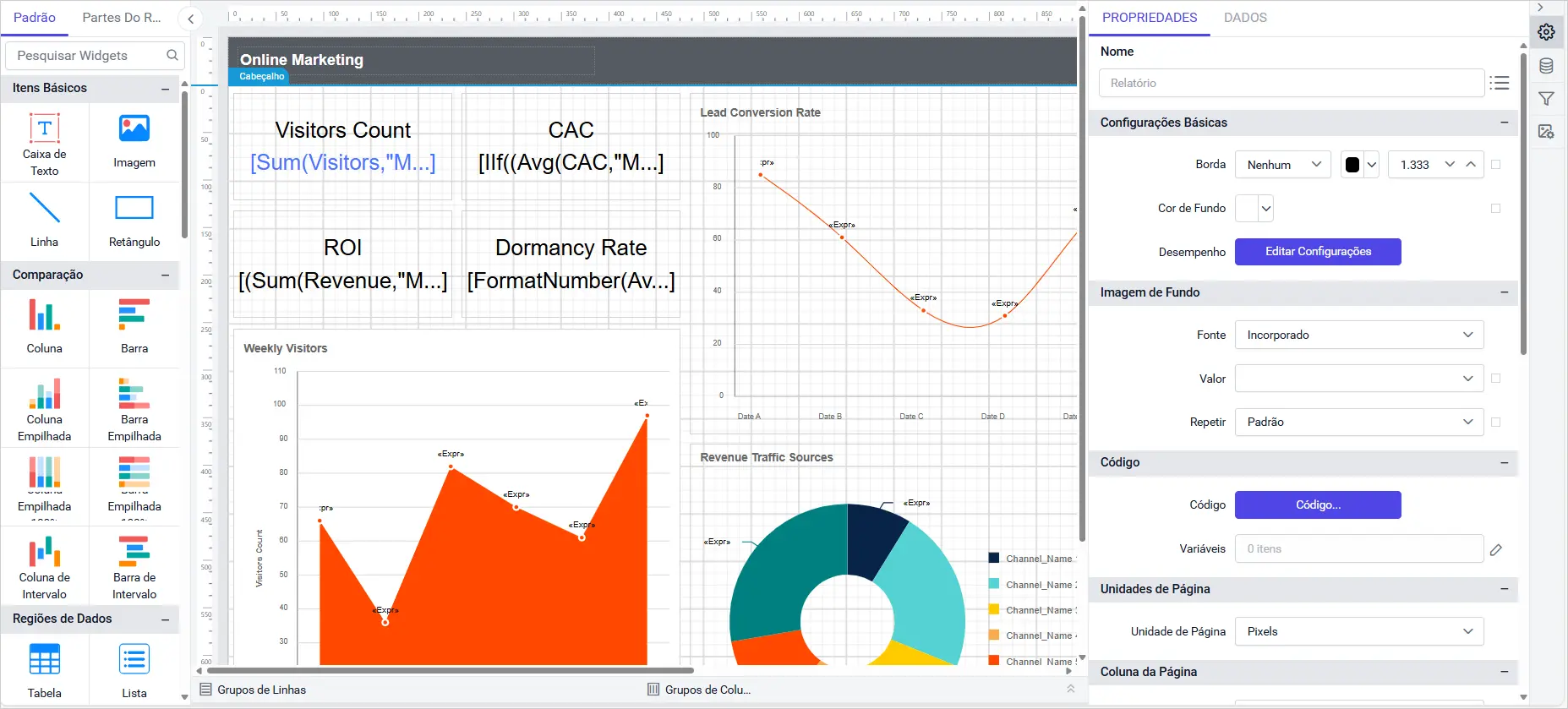
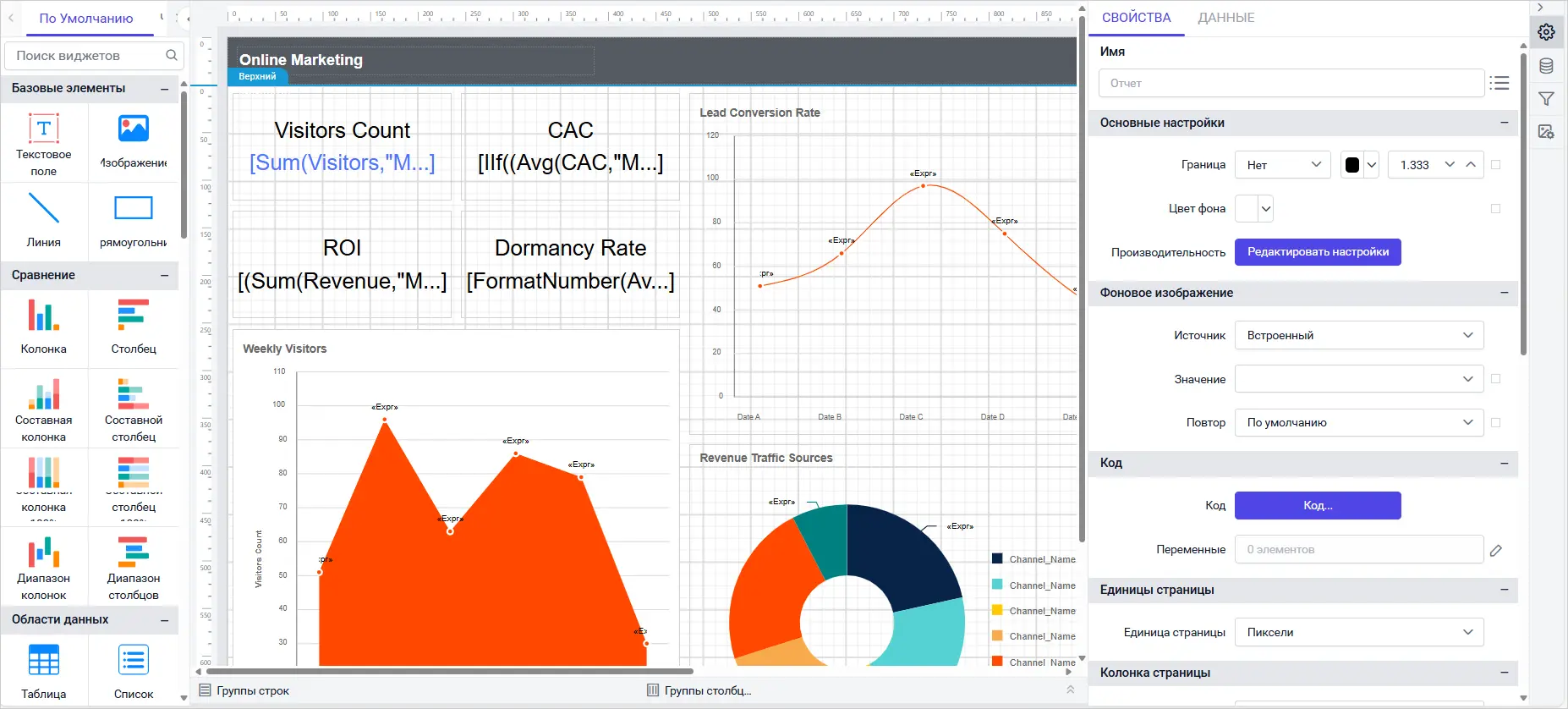
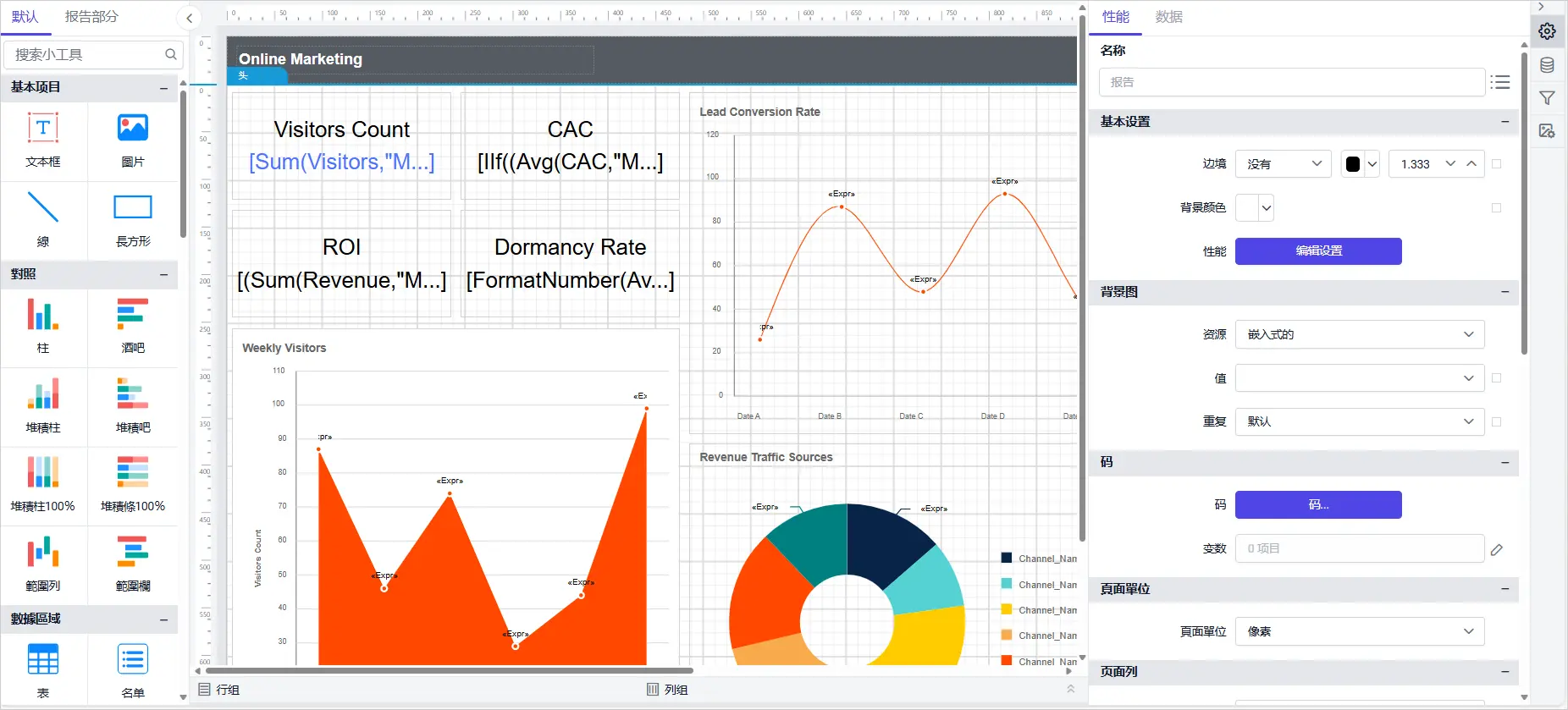
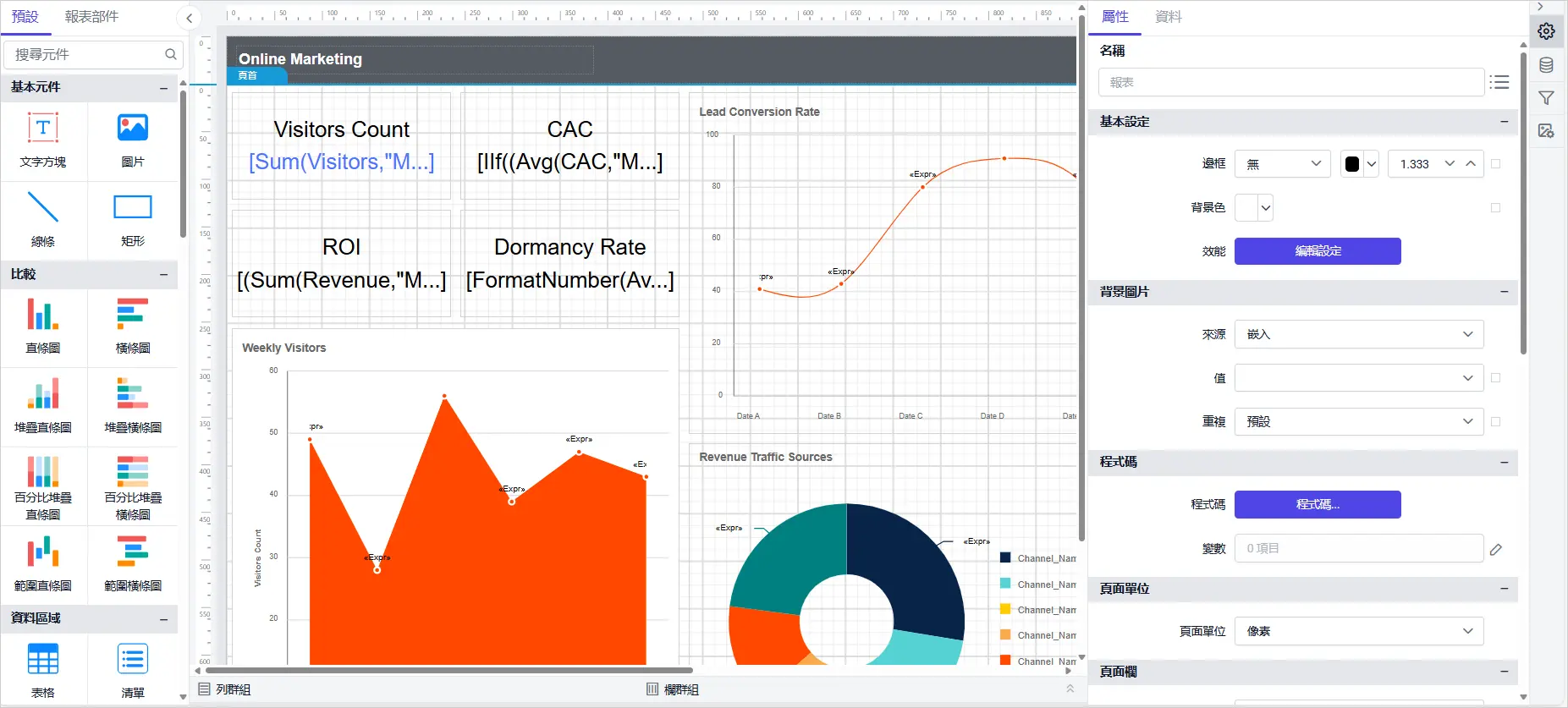
Six New Localization Cultures
Added support for Hebrew (he-IL), Japanese (ja-JP), Portuguese (pt-PT), Russian (ru-RU), Simplified Chinese (zh-Hans), and Traditional Chinese (zh-Hant), extending the designer’s language coverage so the interface, including menus, dialogs, and messages, can display natively in each of these six languages instead of falling back to English.
Improvements
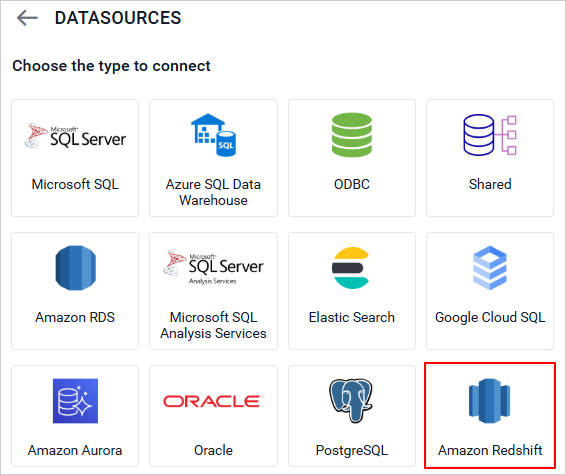
Amazon Redshift Spectrum Support
Enhanced the Amazon Redshift data connector with Spectrum support, so reports can now query data held in external tables stored in Amazon S3 through Redshift Spectrum, alongside data in standard Redshift tables, without first loading or duplicating that data into Redshift itself. This lets teams report against large datasets already living in a data lake using the same connector and query experience they use for native Redshift tables.
Combinable Stacked Chart Series
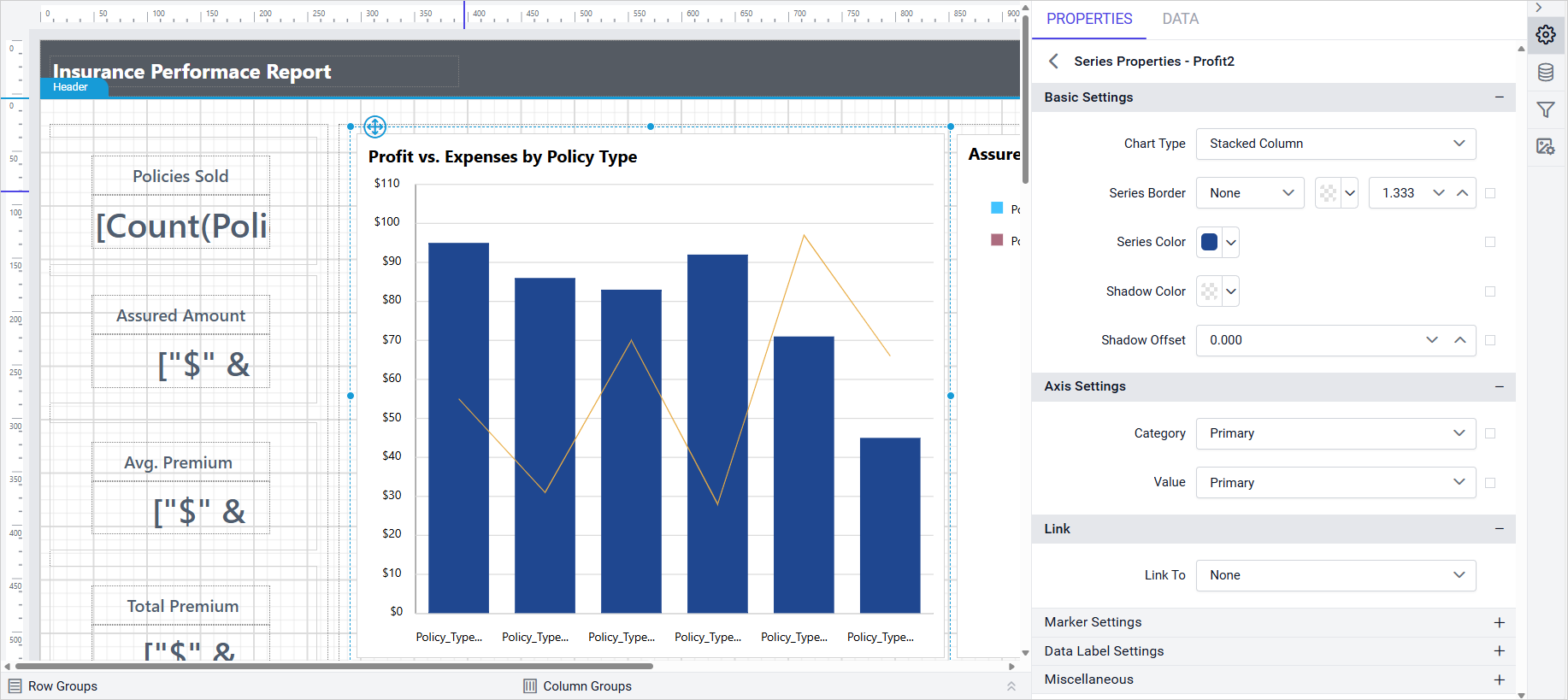
Improved stacked chart series types so they can now be combined with other chart types within the same visualization, rather than being restricted to a chart made entirely of stacked series. This enables mixed chart layouts, such as a stacked column series paired with a line series, or a stacked bar paired with a scatter series, so a single chart can show a cumulative breakdown alongside a trend line or comparison metric.
Transparency in the Color Picker
Enabled a transparency setting in the color picker used throughout the Report Designer, so a fill or border color can now include an alpha channel instead of always being rendered fully opaque. This gives authors finer visual control when layering colors, such as shading a region behind existing content, tinting an overlay, or softening a highlight, without that color fully obscuring what sits underneath it.
Searchable Combo Box Controls
Enabled a search option for combo box controls across the designer’s property panels, letting authors type to filter a long list of values down to matching entries instead of scrolling through every option one at a time. This speeds up configuration on properties backed by large lists, such as font families, data field pickers, and other long dropdowns.
WebView Folder Permission Fix
Resolved a read/write permission issue for the WebView user data folder.
Bug Fixes
Report Designer
- Fixed CSP violation failures caused by ‘unsafe-eval’.
- Fixed security vulnerabilities to improve application safety and compliance.
- Fixed issue to hide the hyperlink in the performance settings tooltip.
- Fixed table drag-and-drop issue in Query Designer when designer ID contains special characters.
- Fixed issue where clicking parent item with submenu triggers the first item by default.
- Fixed issue with reading custom-styles file from preconfigured location for Azure applications.