Fixed an issue where the Tablix context menu would close when opened near the edge of the viewport.
Version 14.1.12
Main release
2New features
5Improvements
4Bug fixed
What’s New
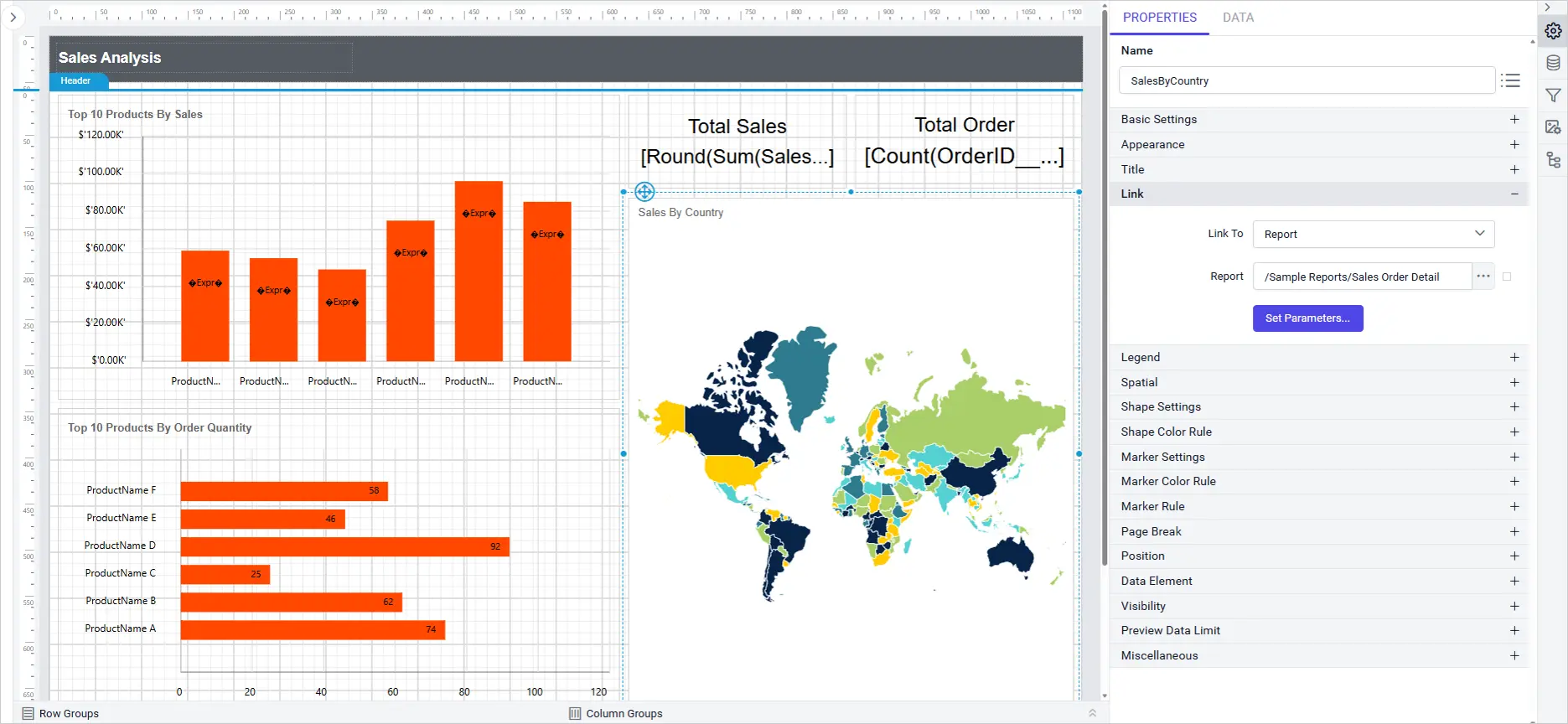
Map Report Item Link Property
Link Property support introduces interactive navigation for map report item, enabling users to add clickable actions such as URLs, reports, and bookmarks directly from the property panel. This enhancement streamlines report interactivity and user experience.
Key Benefits
Flexible navigation: Easily link map item to external URLs, other reports, and specific bookmarks.
Intuitive configuration: All link options are accessible and configurable from a single dropdown in the property panel.
Smart feedback: Bookmark dropdown displays available bookmarks or “Data not found” when none exist.
Enhanced interactivity: Clicking a map item in report preview navigates to the configured destination.
StripLines support introduces advanced visual customization charts, allowing you to highlight specific ranges or values directly on both category and value axes. This enhancement improves data interpretation and presentation within your reports.
Key Benefits
Enhanced data clarity: Users can easily emphasize important ranges or thresholds on charts.
Improved customization: Flexible configuration options for both primary and secondary axis.
Intuitive interaction: Add, edit, show/hide, and delete striplines directly from the chart axis properties panel for a seamless design experience.
Consistent experience: StripLines settings are saved with the report and work across all supported themes and cultures.
The Tablix Wizard field picker now supports search, multi-selection, and a one-click reset, making it faster to build tables and matrices from wide datasets.
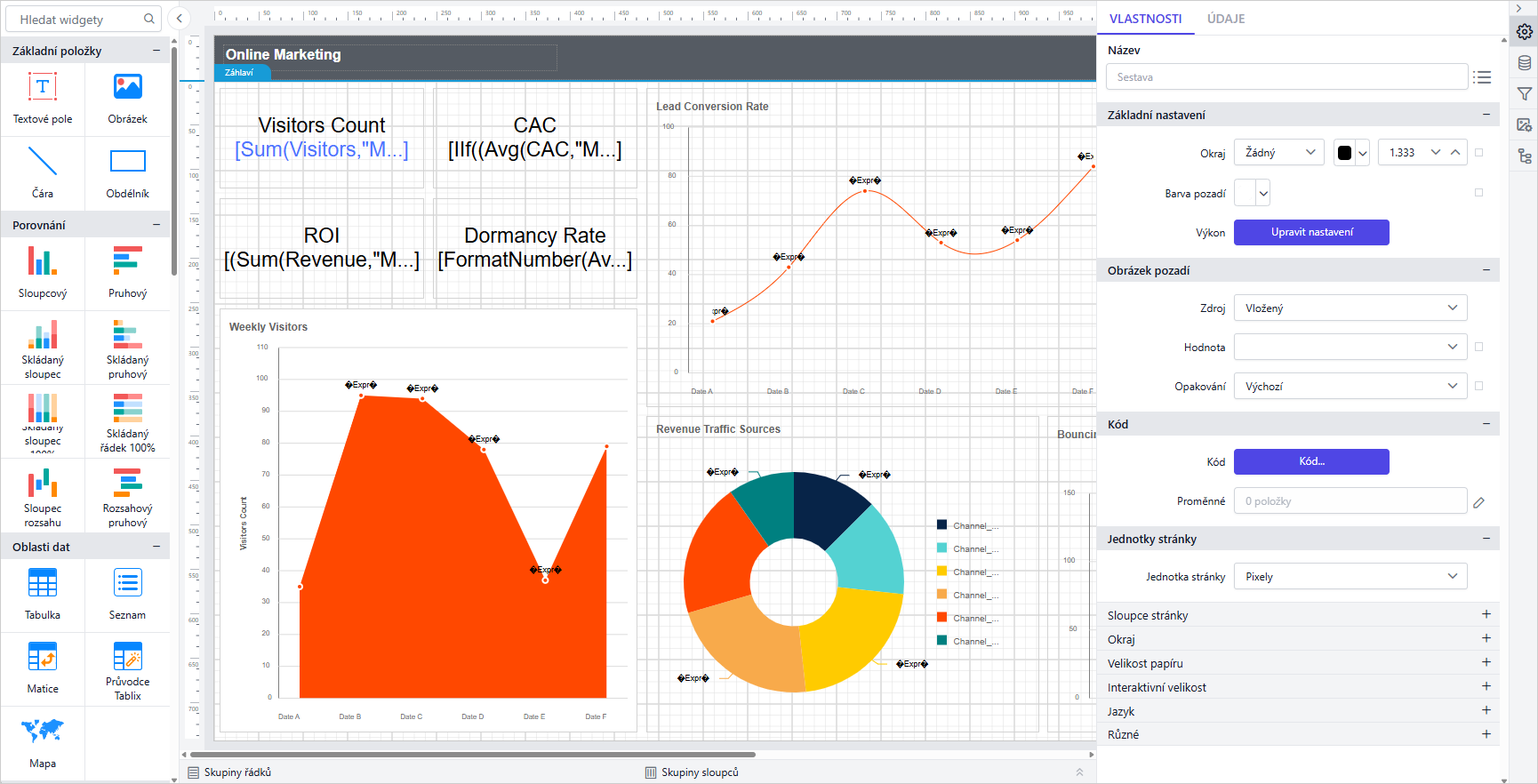
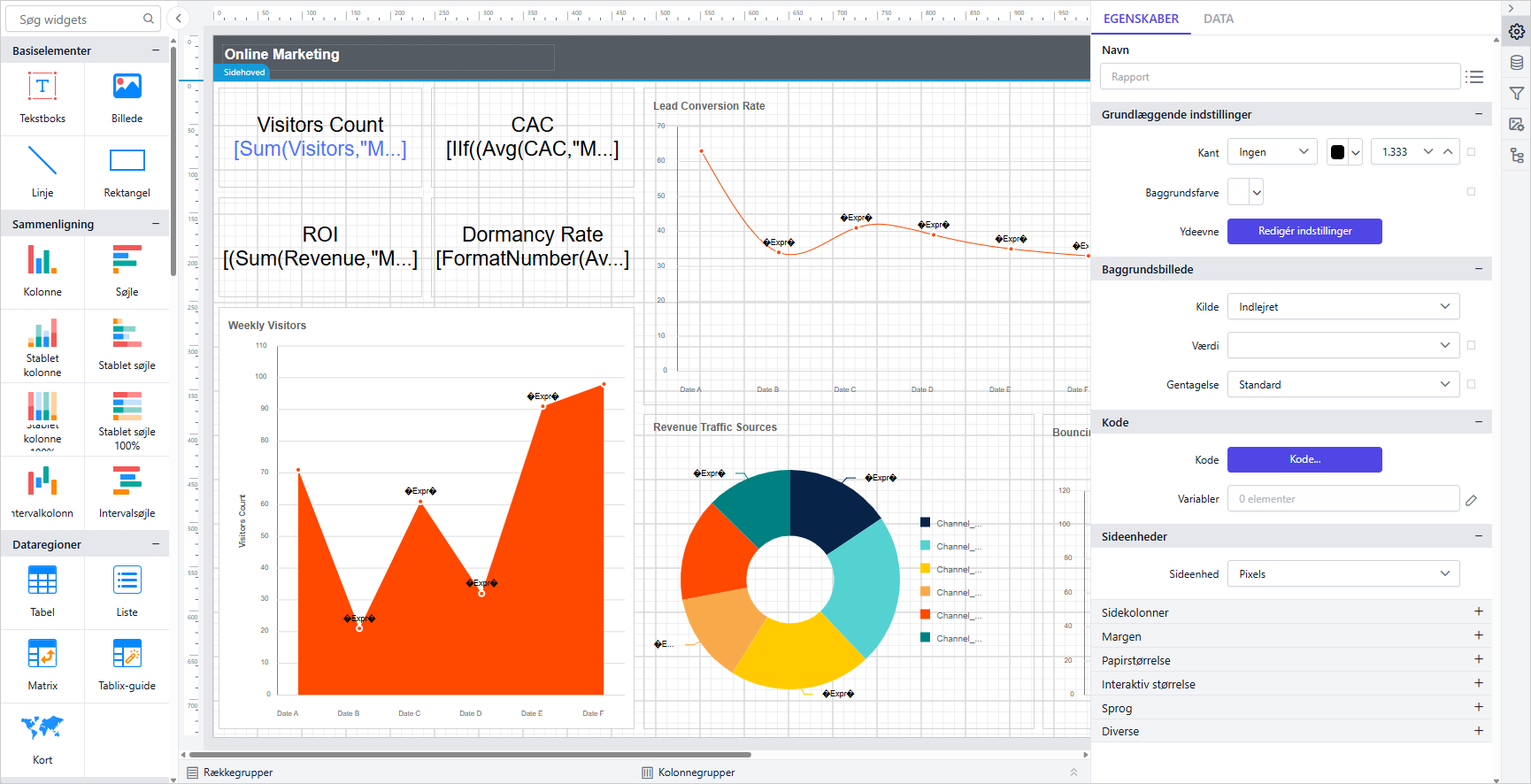
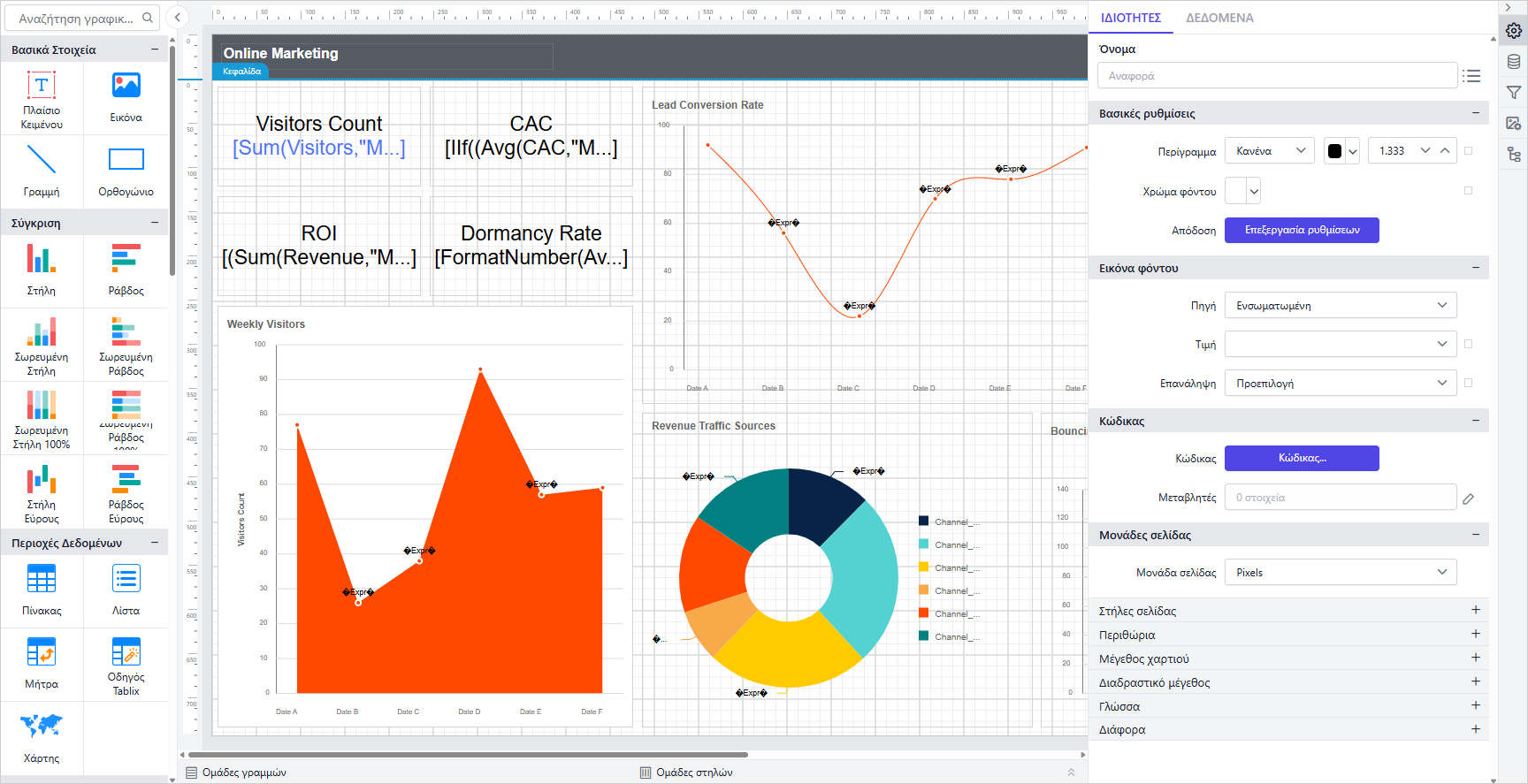
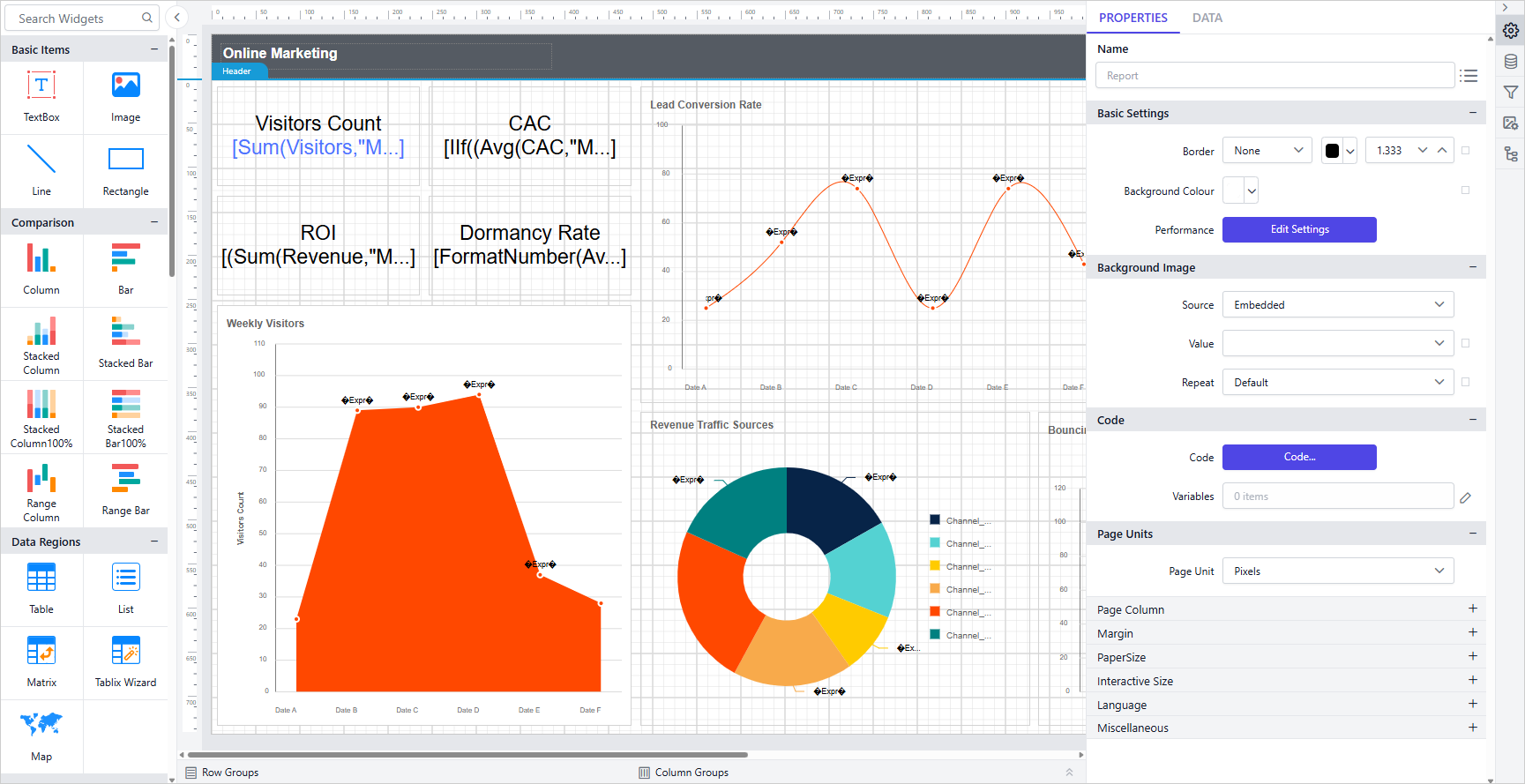
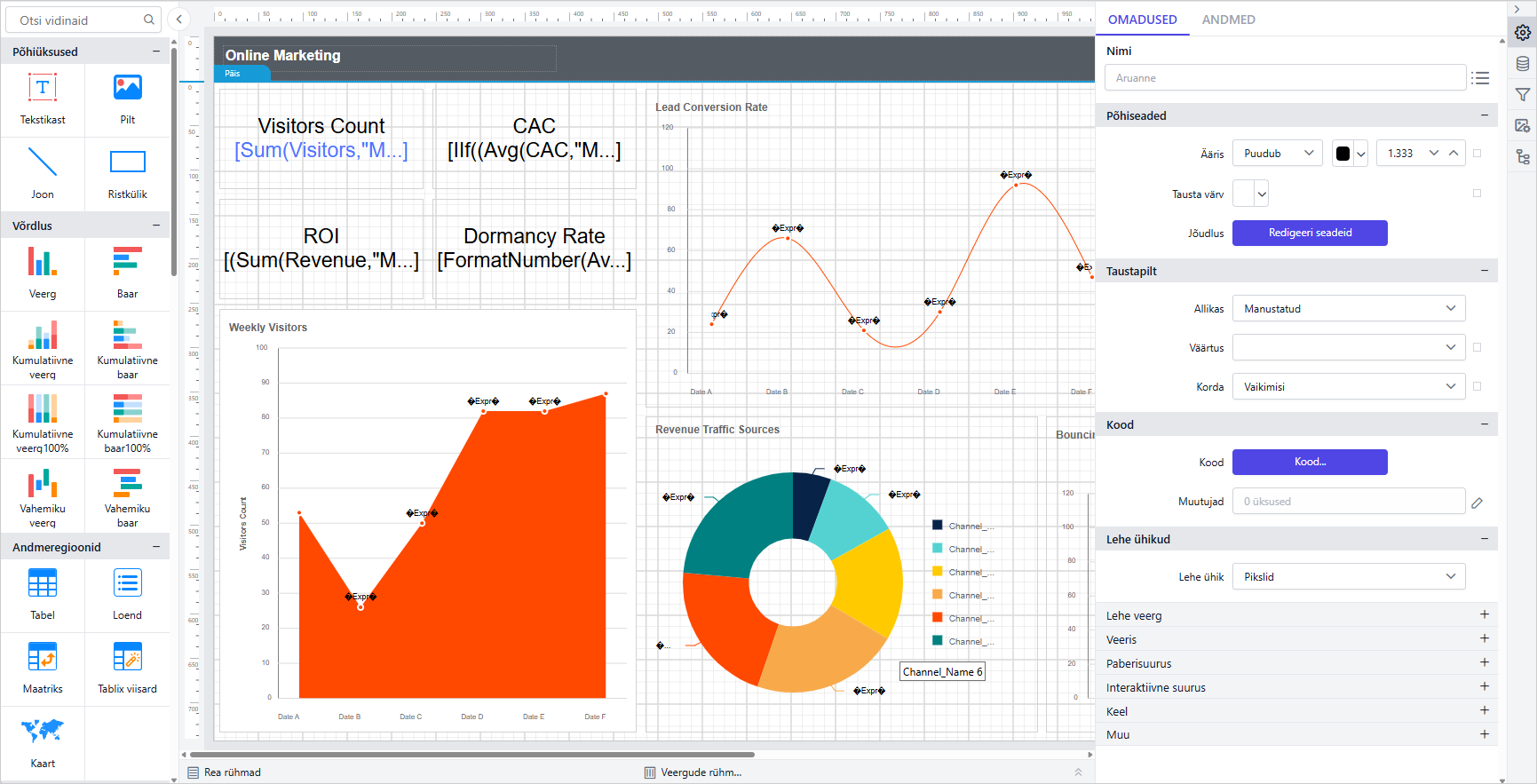
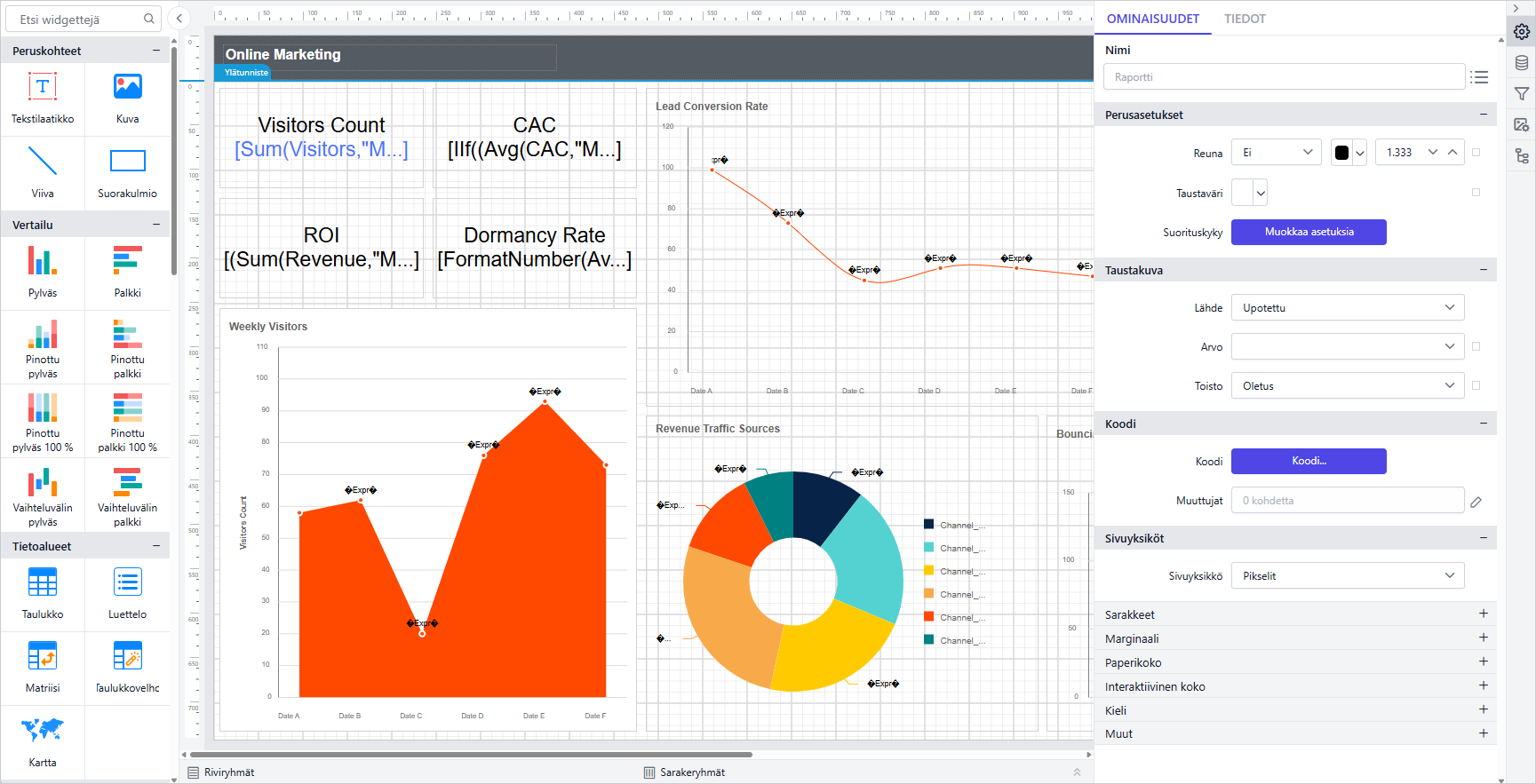
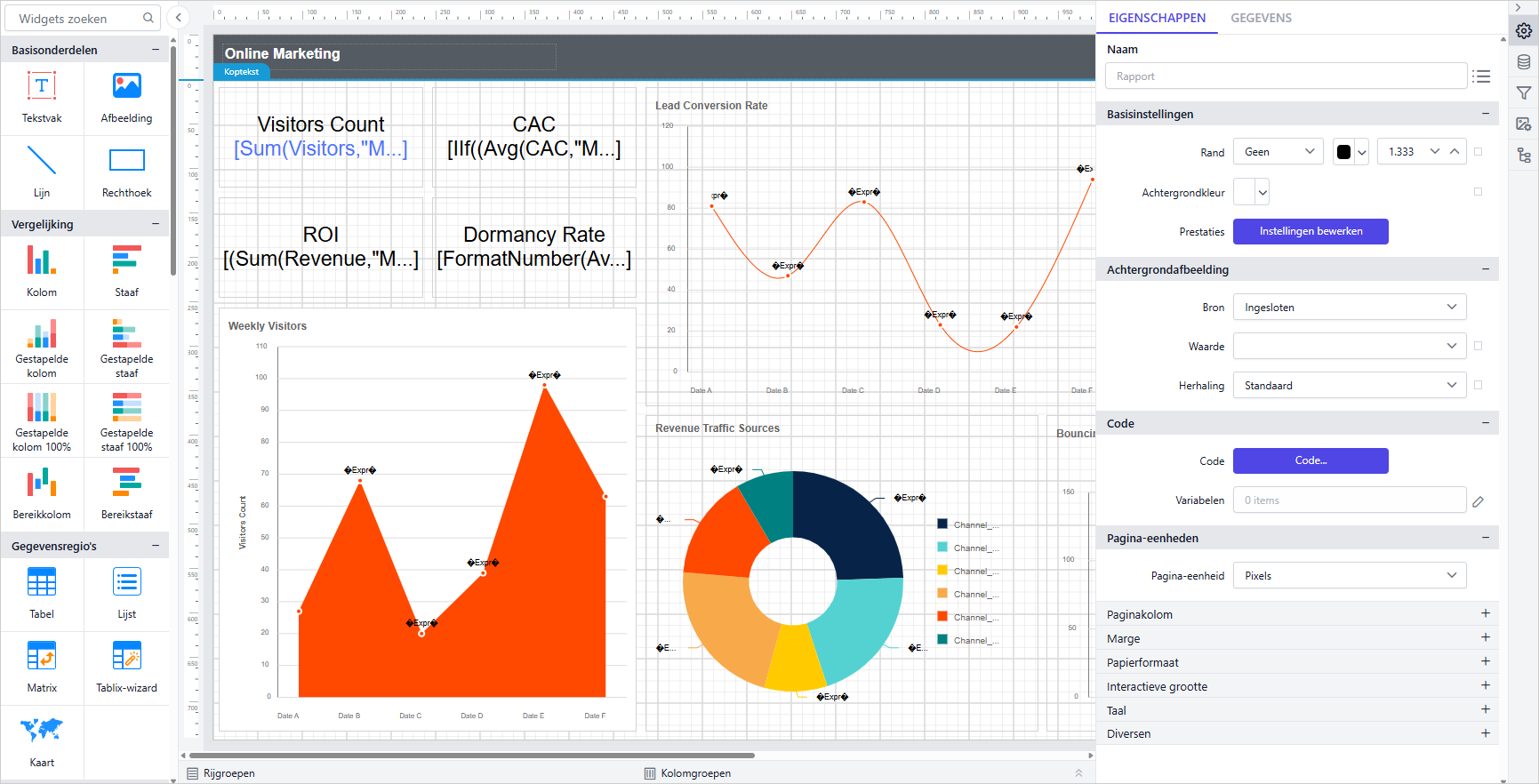
The Report Designer now supports eight additional locales: el-GR, en-GB, nl-NL, da-DK, fi-FI, cs-CZ, et-EE, and th-TH, extending native-language design to more regional teams.
Security Hardening
Security vulnerabilities were fixed to improve overall application security, part of the ongoing work to keep the designer resilient against emerging threats and aligned with current best practices.
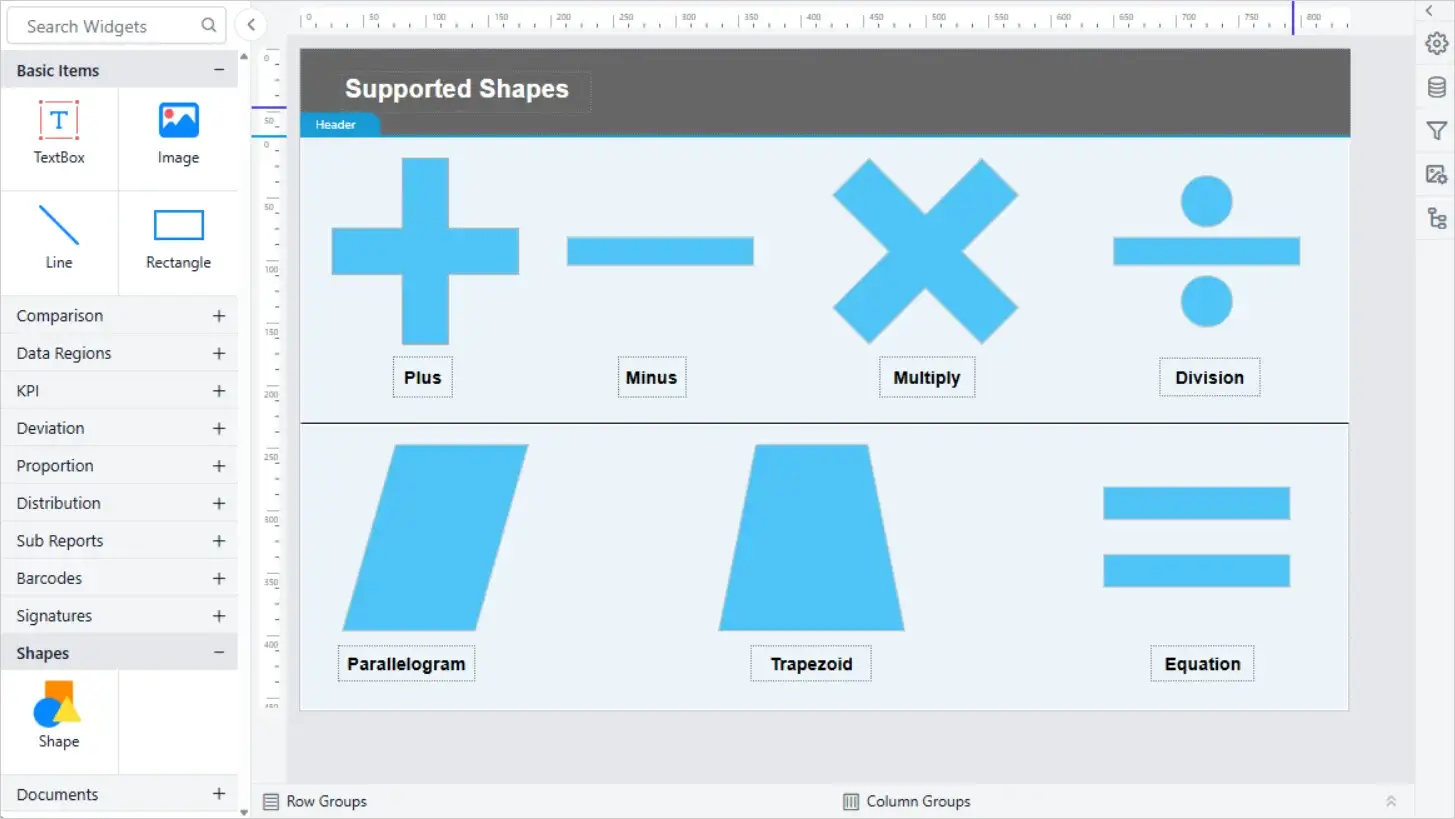
New Shape Types in Shape CRI
The Shape custom report item supports additional shape types, including the operator and flow shapes used in process and calculation diagrams.