
SSRS to Power BI Migration: What It Really Costs

TL;DR:
Migrating SSRS to Power BI is a major investment in time, skills, and budget. It is not just a tool switch. If you have many complex, operational reports and limited Power BI expertise, expect higher cost and complexity before making the move.
Introduction
Migrating from SQL Server Reporting Services (SSRS) to Power BI often feels like the next obvious step in your reporting journey. With better visuals, interactive dashboards, and cloud features, it looks like a clear upgrade.
But what many teams don’t realize is this: the real cost of migration goes far beyond licensing. You need additional time to rebuild reports, adjust your data, train your team, and manage everything long-term.
Before migrating, it’s important to understand what actually changes.
Why businesses consider moving from SSRS
SSRS has been a reliable workhorse for years, but many organizations are exploring migration due to:
-
-
- Demand for interactive dashboards.
- Cloud-first strategies.
- Self-service analytics expectations.
- Executive push for visually appealing reports.
- SSRS and Power BI report server coexist as part of Microsoft’s reporting ecosystem.
-
Regardless of the reason, the key question is not “Is Power BI better?” It’s “What are the costs and operational changes involved?”

The cost nobody budgets for: Rebuilding logic and reports
SSRS isn’t just a reporting tool; it’s where a lot of your business logic already lives. Over time, teams have built:
-
- Stored procedures.
- Optimized complex SQL joins.
- Embedded calculations.
- Role-based access and data rules.
When moving to Power BI, some of this logic won’t transfer directly.
Instead, it is reimplemented using:
-
- DAX instead of SQL-based logic.
- Semantic models instead of direct database queries.
- In-memory optimization instead of query-level tuning.
What this really means is that you’re not only migrating reports; you’re redesigning how your data works.
What you can keep vs. what you must rebuild when migrating from SSRS to Power BI
| SSRS asset | What happens to it |
| RDL files |
Can be migrated as paginated reports; revisions often needed
|
| SQL logic | Frequently adapted using DAX or Power Query |
| Report layouts | Often redesigned |
| Scheduling and subscriptions | Usually re-created or reconfigured |
| Role-based access | Typically reconfigured |
| Data sources | Often reusable with modifications |
While core data sources can often be reused, much of the surrounding reporting structure needs to be redesigned.
The real costs of migrating from SSRS to Power BI
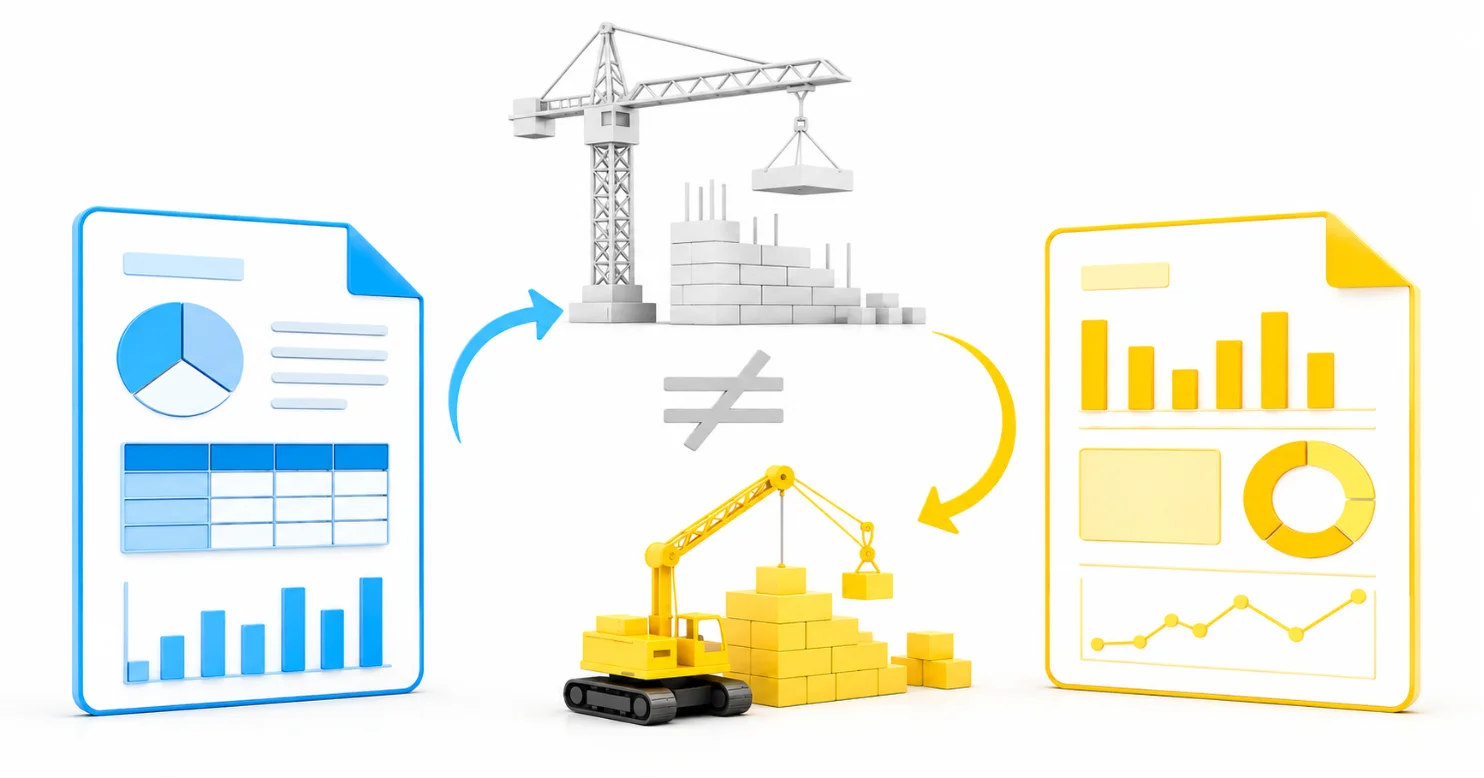
1. Rebuilding reports (RDL ≠ PBIX)
SSRS reports use RDL files, which don’t directly translate into Power BI reports.
-
- Complex paginated reports need to be redesigned.
- Stored-procedure-based reports require data model restructuring.
- Pixel-perfect layouts often need workarounds to achieve output parity.
Impact: In many cases, teams are not just migrating reports; they are rebuilding significant parts of the reporting experience.
2. Licensing and infrastructure costs
Power BI pricing depends on licensing (Free, Pro, Premium Per User) and how content is shared, rather than report type alone. Organizations should consider:
-
- User licensing (Free, Pro, PPU)
- Workspace roles and sharing model
- Capacity (Premium or Fabric) for broader distribution
- Embedded and Azure-based scaling scenarios
Impact: Costs may increase based on licensing, capacity needs, and the scale of report migration and distribution.
3. Data model transformation
SSRS relies heavily on SQL queries and stored procedures. Power BI implementations involve:
-
- Star schema modeling.
- Power Query transformations.
- DAX calculations.
Impact: Data teams need additional time to develop new skills, adapt workflows, and support the new reporting architecture.

4. Training and adoption
Teams coming from SSRS to Power BI need to learn:
-
- Power BI Desktop
- DAX
- Power Query
Impact: Similar to data modeling, significant training is required before productivity and development speed improve.
5. Loss of pixel-perfect operational reporting
Power BI is widely used for interactive dashboards and visual analytics, but SSRS is preferred for:
-
- Invoices.
- Forms.
- Operational and highly formatted reports.
Paginated reports are supported in Power BI, though they require additional configuration.
Impact: In certain operational reporting scenarios, organizations may introduce additional operational overhead or increased development effort after migrating to Power BI because they want to reproduce exactly what they had in SSRS.
6. Governance and control challenges
SSRS provides structured deployment and centralized control.
Power BI environments introduce:
-
- Increased workspace management complexity.
- Dataset duplication risks.
- Additional governance layers.
Impact: Organizations may need to invest more effort in maintaining consistency, governance, and compliance across reporting environments.
Why SSRS to Power BI migrations become complex
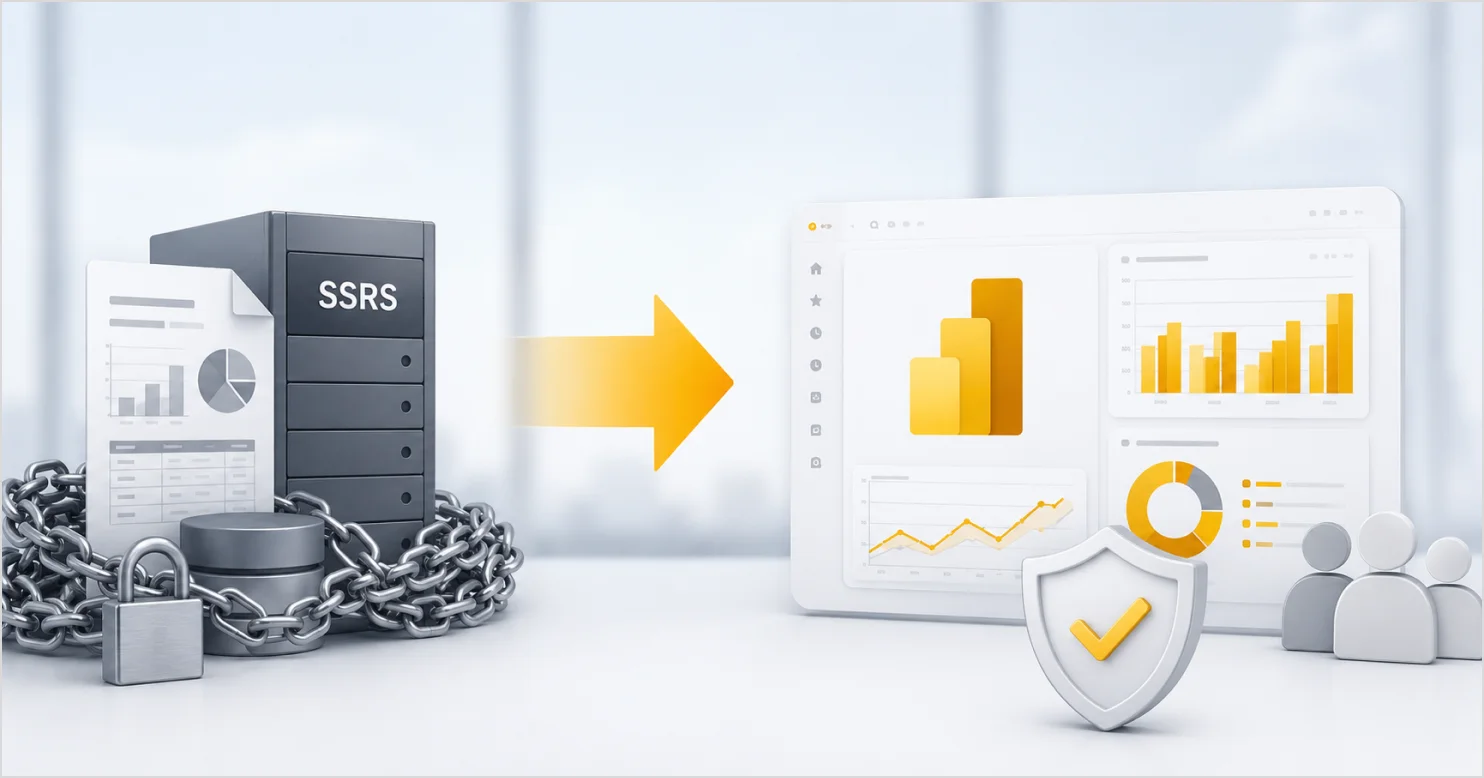
In many cases, challenges arise because teams approach migration as a direct replacement rather than a broader architectural change.
A common assumption is that Power BI is the next step after SSRS, so it should handle every reporting scenario more effectively.
In practice, these platforms are designed for different reporting and analytics use cases.
| Capability | Use case | SSRS support | Power BI support | Risk of issues in Power BI migration | Migration impact |
| Pixel-perfect reports | Invoices, exports, operational documents | Strong support | Supported with limitations | Higher | Significant redesign effort may be required |
| Dashboards | Executive overviews, analytics, KPIs | Limited dashboard capabilities | Strong interactive capabilities | Lower | Often aligns well with native platform support |
| Operational reporting | Daily workflows, internal reporting | Commonly preferred | May require additional configuration | Higher | Some workflows may require process adjustments |
| Data modeling | Analytics, data exploration | Basic modeling capabilities | Advanced modeling features | Moderate | Teams may need additional modeling and DAX expertise |
| Report reuse | Existing SSRS-heavy environments | Native RDL support | Limited direct reuse of RDL assets | Higher | Many reports may require partial or full redevelopment |
So, is migration to Power BI worth it?
Yes, if your goal is analytics and dashboards.
Not always, especially if your core need is highly formatted operational reporting.
Many SaaS teams separate reporting responsibilities, using different tools for different needs to remain flexible, scalable, and cost-efficient. A common approach is:
-
- Operational reporting layers use SSRS.
- Analytics layers use Power BI.
This can help reduce large-scale report redevelopment, performance bottlenecks, user frustration, and adoption challenges.
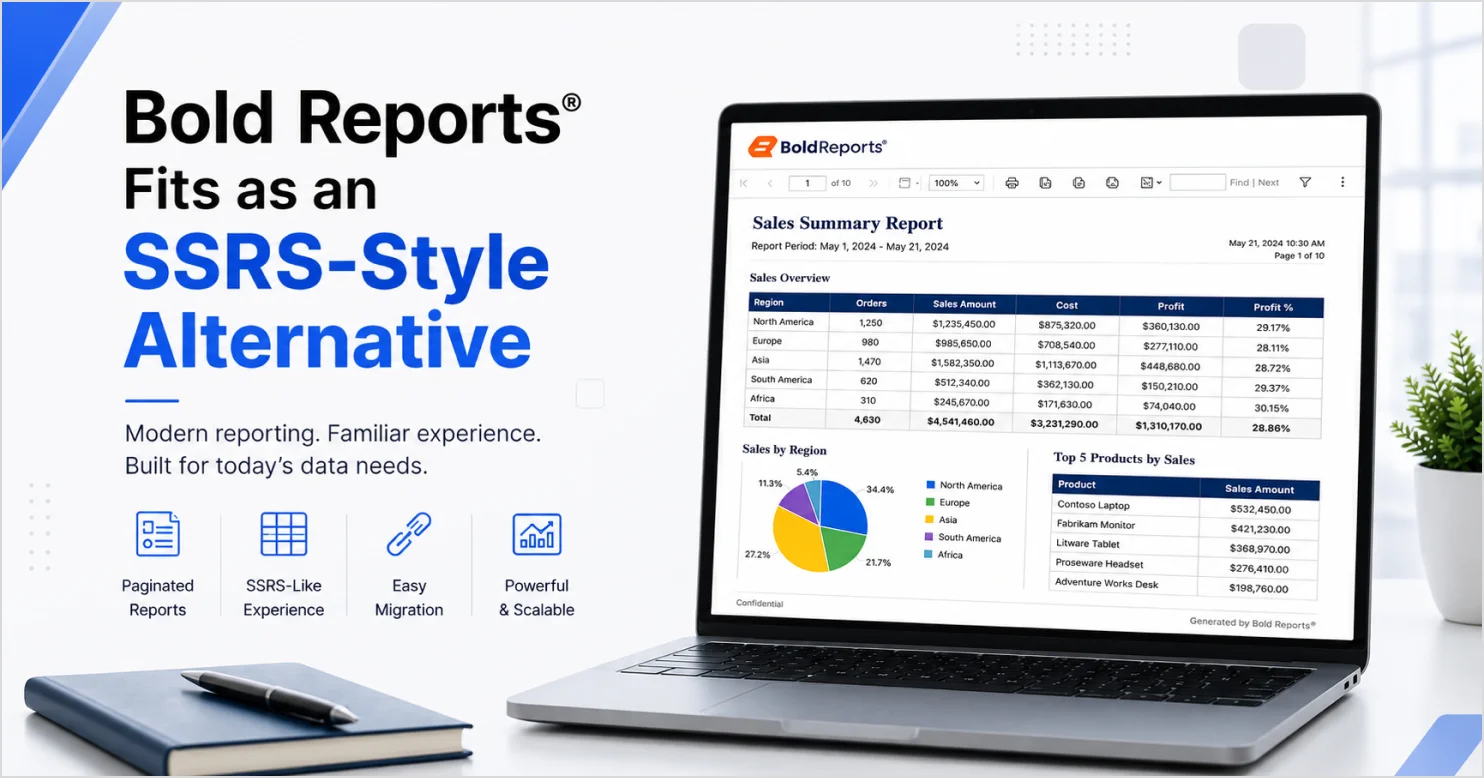
Where Bold Reports fits as an SSRS-style alternative
Bold Reports supports:
-
- RDL compatibility and reduced migration effort: Native RDL support helps organizations reuse many existing reports, potentially reducing redevelopment time and migration complexity.
-
- Operational reporting: Support for pixel-perfect layouts, scheduling, exports, and structured reporting workflows commonly used in operational environments.
-
- Modern delivery with familiar reporting logic: Web-based deployment, embedding capabilities, and API-driven integration options allow teams to modernize report delivery while retaining existing reporting approaches where possible.
-
- Flexible licensing: Custom pricing offers flexibility depending on your deployment needs, compared to per-user licensing models in some deployment scenarios.
If Bold Reports is your next step, take advantage of our migration support.
Conclusion
Migrating from SSRS to Power BI isn’t just about upgrading your reporting tool. It’s about reshaping your entire data strategy.
If your organization:
-
- Has hundreds of SSRS reports.
- Relies on structured operational reporting.
- Wants to reduce large-scale redevelopment effort.
Then a full migration to Power BI isn’t the most practical approach.
In these scenarios, Bold Reports can help organizations modernize their reporting while continuing to leverage existing SSRS investments and reporting workflows. Take the next step toward a smoother migration. Request a demo to see how Bold Reports can help modernize your reporting while minimizing disruption and rework.
Frequently asked questions
- 1.
Is SSRS to Power BI migration worth it?
It can be worthwhile if your primary goal is interactive analytics and dashboards. For organizations focused on operational reporting, migration may introduce additional cost and complexity depending on the reporting environment and migration scope.
- 2.
Can SSRS reports be directly converted to Power BI?
Not always. SSRS (RDL) reports can often be migrated to Power BI paginated reports with some adjustments. However, converting them into Power BI interactive (PBIX) reports typically requires partial or full redesign due to differences in architecture and reporting models.
- 3.
Can Power BI replace SSRS completely?
It depends on your reporting requirements. Power BI is strong for dashboards and analytics, while SSRS is often preferred for pixel-perfect, operational, and document-style reporting scenarios.
- 4.
What is the highest cost in SSRS to Power BI migration?
For many organizations, the greatest effort comes from rebuilding reports, data models, and business logic rather than licensing alone.
- 5.
Is there a way to modernize SSRS without migrating to Power BI?
Yes, platforms like Bold Reports help organizations modernize report delivery and embedding while continuing to use existing RDL-based reports.
- 6.
What is the alternative to Power BI for SSRS users?
For reporting-heavy and operational reporting use cases, Bold Reports is a practical alternative. It modernizes SSRS environments while reducing the costs of large-scale migration and report rebuilding.






