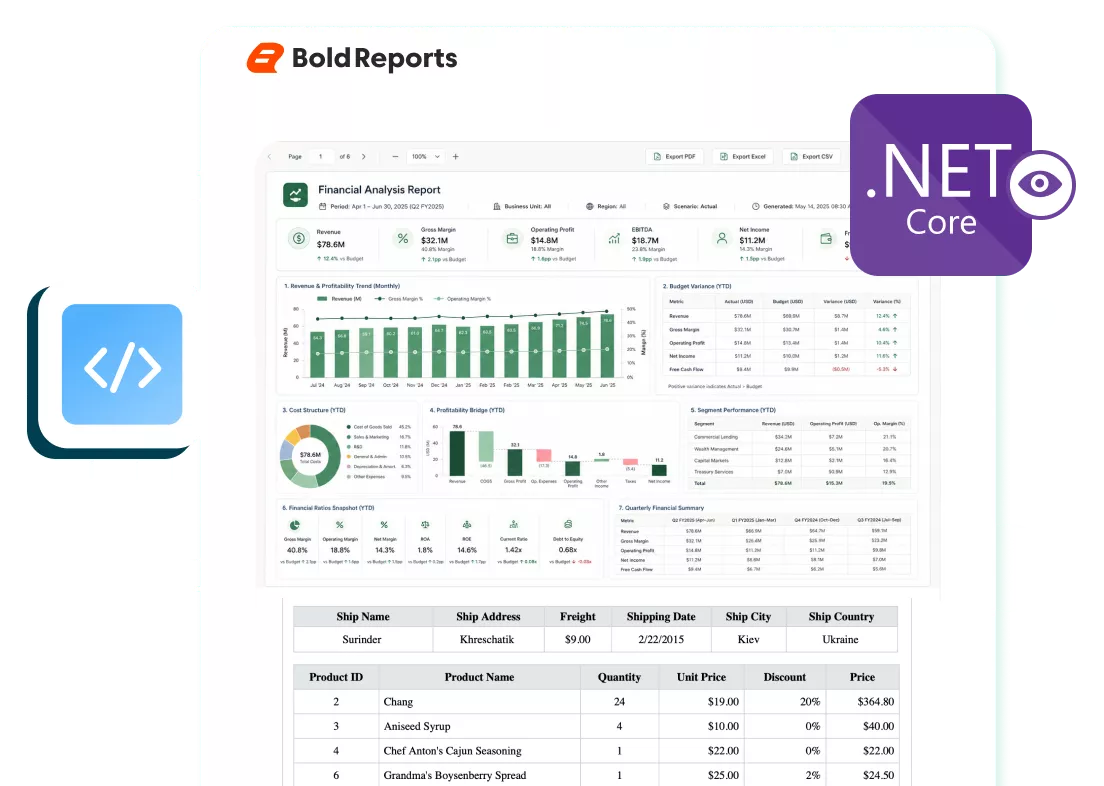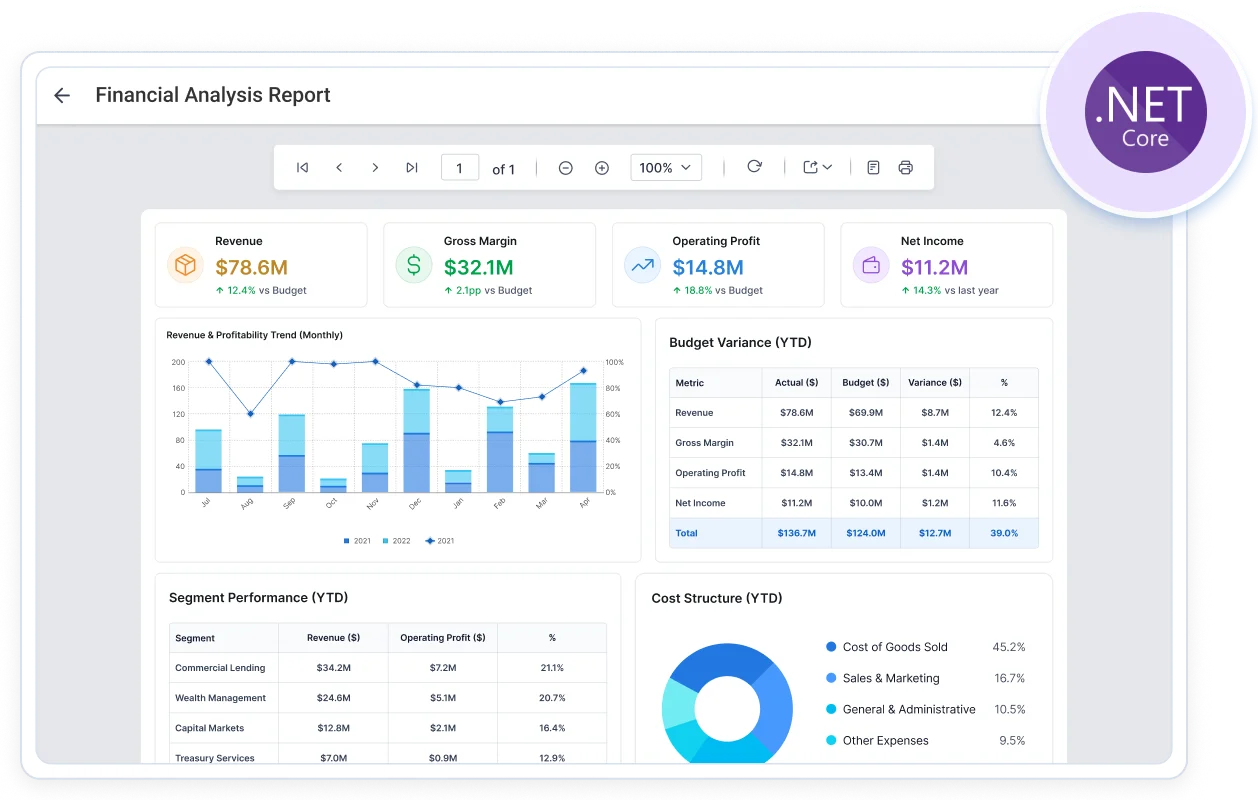








ASP.NET Core Report Viewer - Transform Data into Stunning Reports
-
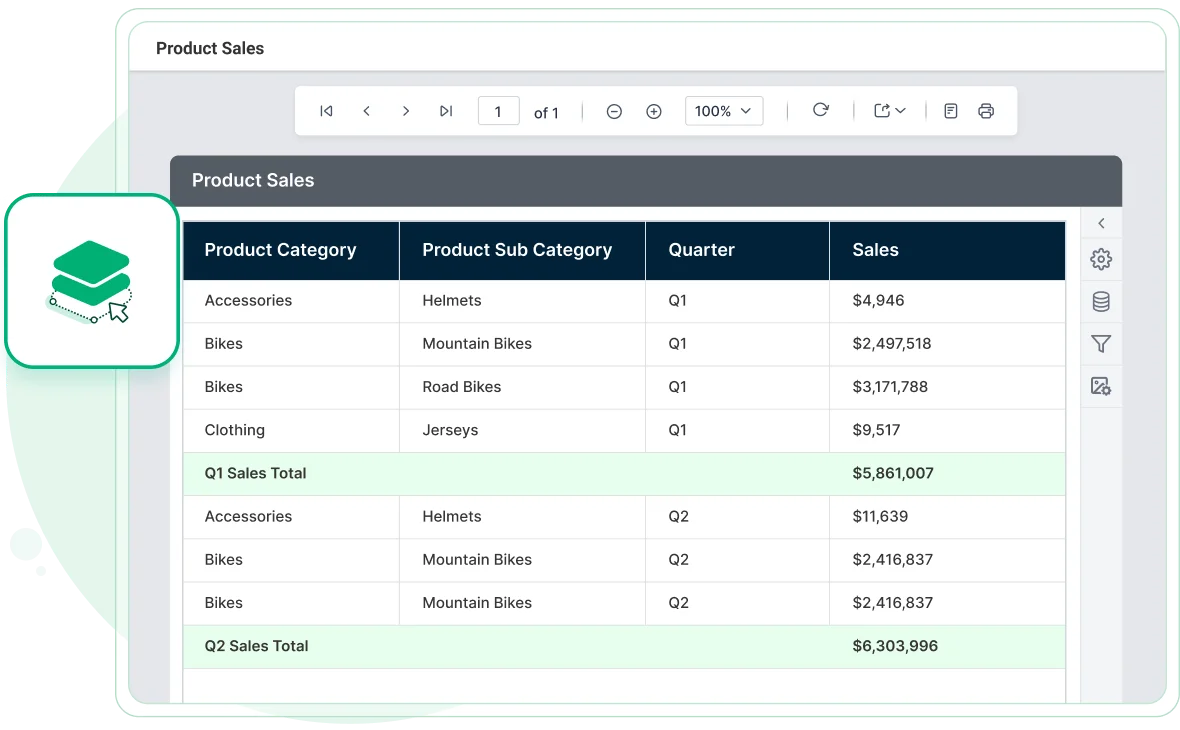
Easy-to-display paginated and printable reports.
-
Supports popular Microsoft SSRS RDL and RDLC reports.
-
Effortlessly display large-scale reports with instant load times.
-
Easily print or export reports in various formats from the application.
-
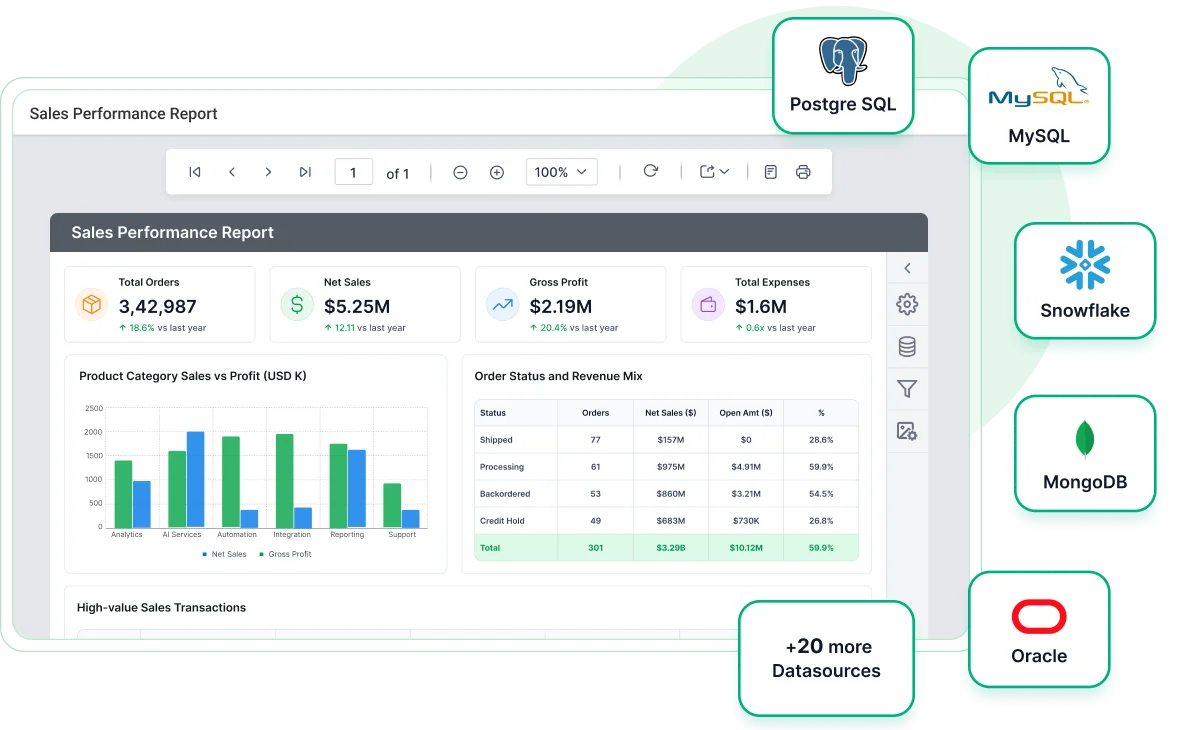
Supports SQL Server, MySQL, PostgreSQL, and 20+ data connectors.
No credit card required.
J&J
Schneider
Bridgestone
Siemens
Verizon
HP
Fidelity
Intel
Overview
The ASP.NET Core Report Viewer efficiently accesses, displays, and interacts with SSRS RDL and RDLC reports from diverse data sources. It supports localization, multiple export formats (PDF, Excel, CSV) and customizable printing. Interactive features like drill-down, drill-through, hyperlinks and subreports enrich user experience. Seamlessly integrates with applications, offering role-based access control for security.
Feature-Rich Reporting Built for ASP.NET Core Report Viewer
Deliver a seamless and intuitive report viewing experience using the ASP.NET Core Report Viewer, designed for clarity, accessibility, and performance across all devices.
Reports from anywhere
The ASP.NET Core Report Viewer displays reports that provide information, insights, and trends:
-
Access RDL and RDLC reports from any location using the ASP.NET Core Report Viewer.
-
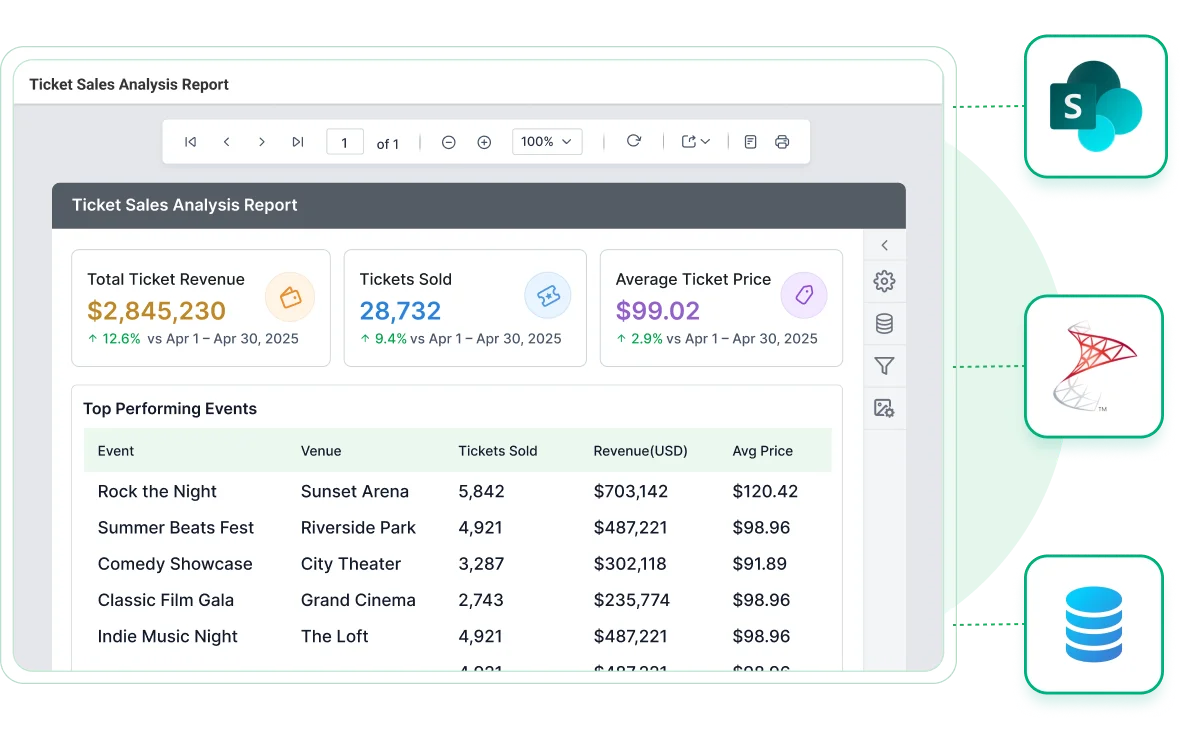
You can connect with a report server, whether from Microsoft SSRS, SharePoint, cloud storage, or embedded applications.
Connect to any datasource
Connect data from a wide variety of data providers that are in local or server databases:
-
Built-in data source: MySQL, PostgreSQL, Microsoft SQL Server, Microsoft SQL Azure, XML, Oracle, and ODBC.
-
Business object data sources: IList, DataSet, and DataTable.
-
Custom data processing extensions: MySQL, SQLite, PostgreSQL, and more.
Eye-popping data visualization
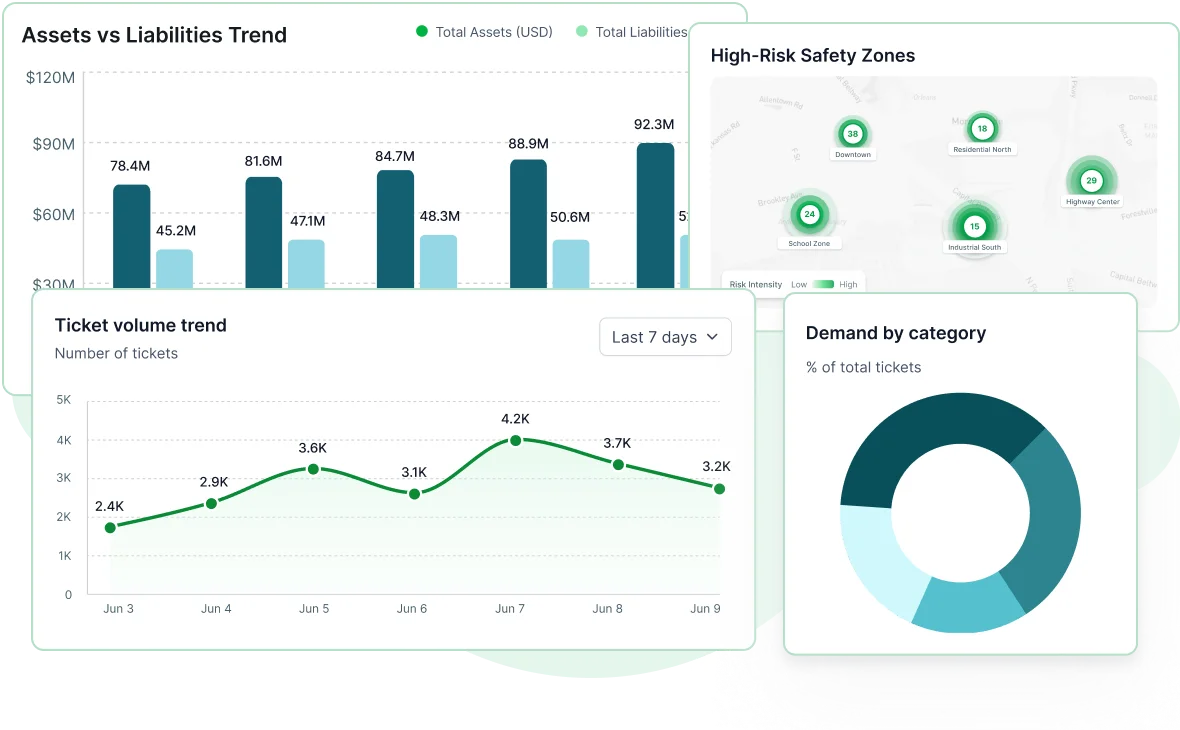
The ASP.NET Core Report Viewer displays reports that provide information, insights, and trends:
-
Basic items: Text box, image, line, and rectangle.
-
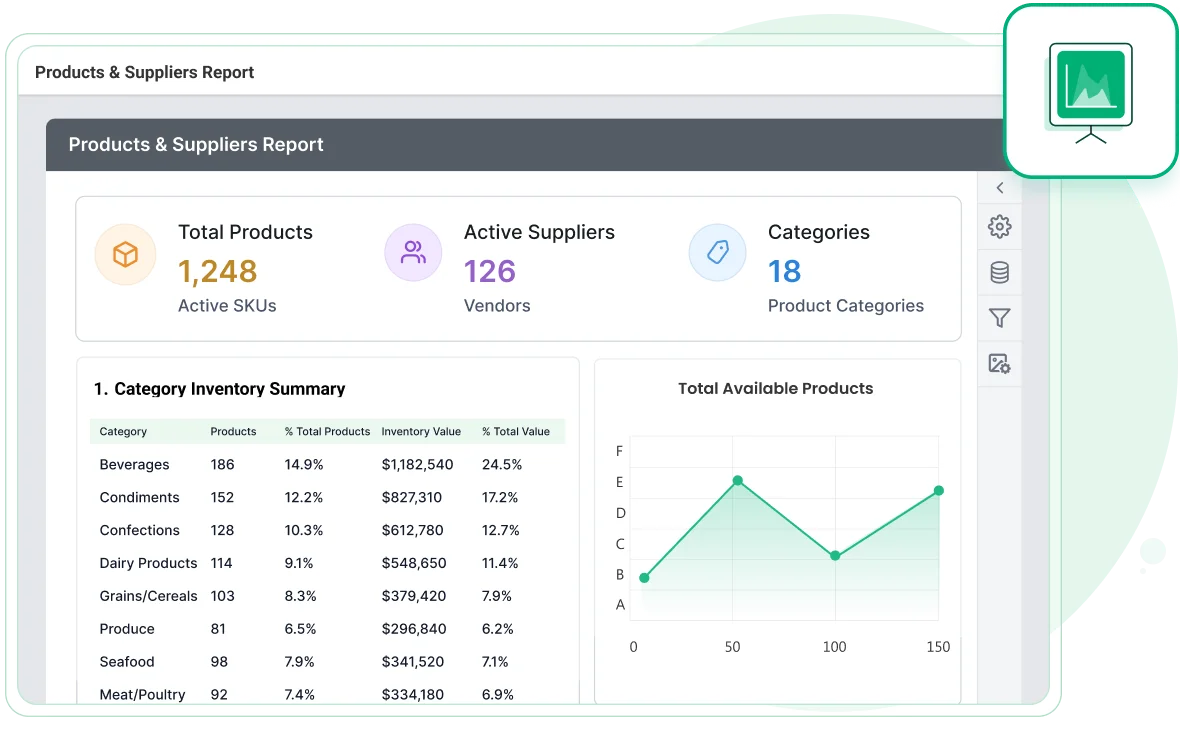
Data region items: Table, matrix (pivot table), and list.
-
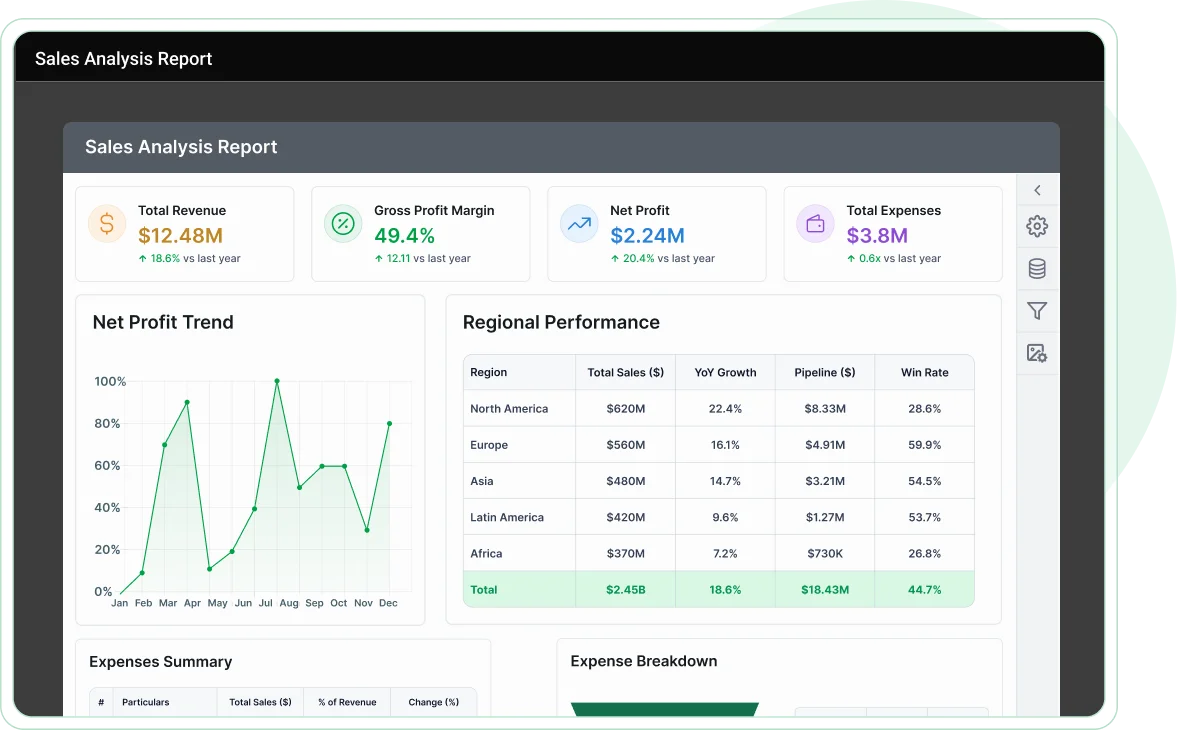
Data visualization: Charts, sparklines, data bars, gauges, indicators, and maps.
-
Custom report items: Barcodes, QR barcodes, E-signature, and more.
Presentation-ready reports
Visualize your information with unmatched clarity by highlighting data on demand using the ASP.NET Core Report Viewer. Supported data customization options include:
-
HTML/rich text rendering.
-
Conditional formatting.
-
Simple and complex expressions.
Data shaping
View organized and shaped data to make bolder business decisions using the following techniques:
-
Sorting
-
Filtering
-
Grouping
-
Summaries and aggregates
-
Calculated fields
Report parameters
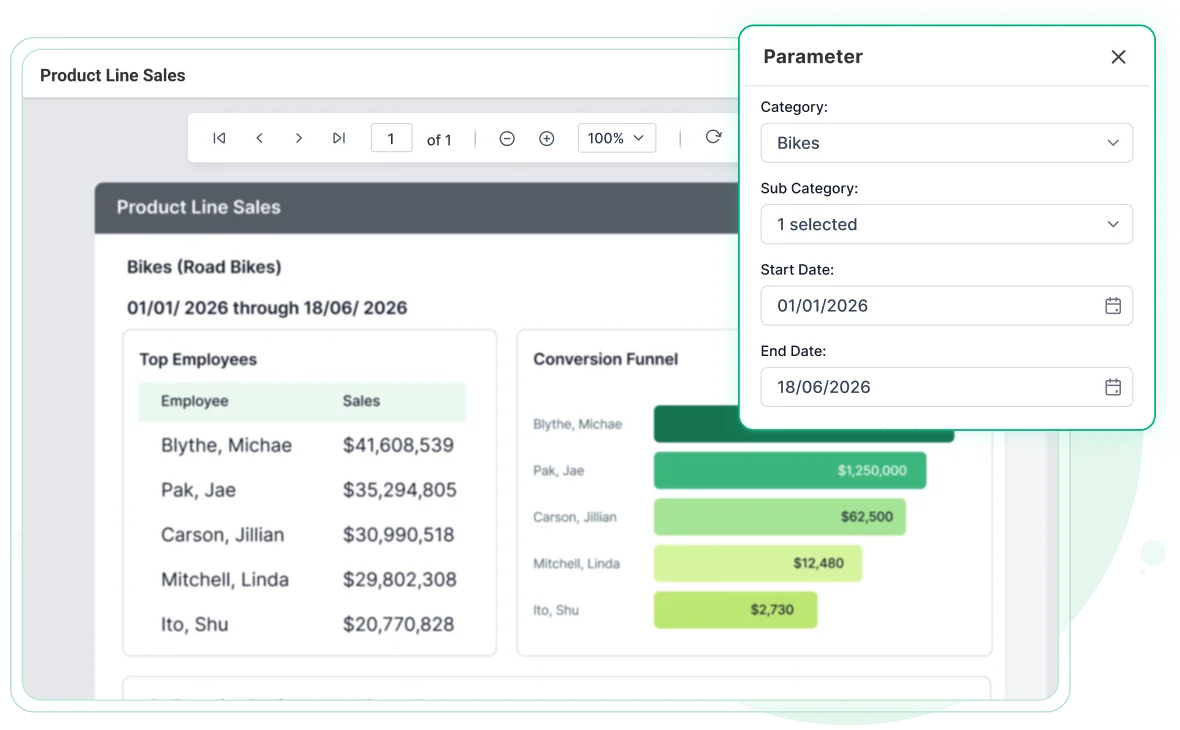
Report parameters are one of the most widely used features in Bold Reports to enable interaction with RDL/RDLC reports at runtime. The following parameter types allow you to control data filtering, customization, and presentation, enhancing the user experience.
-
Cascading parameters
-
Query-based (Dataset) parameters
-
Non-query (Static) parameters
-
Multi-value parameters
-
Custom parameter layouts
Print and export
-
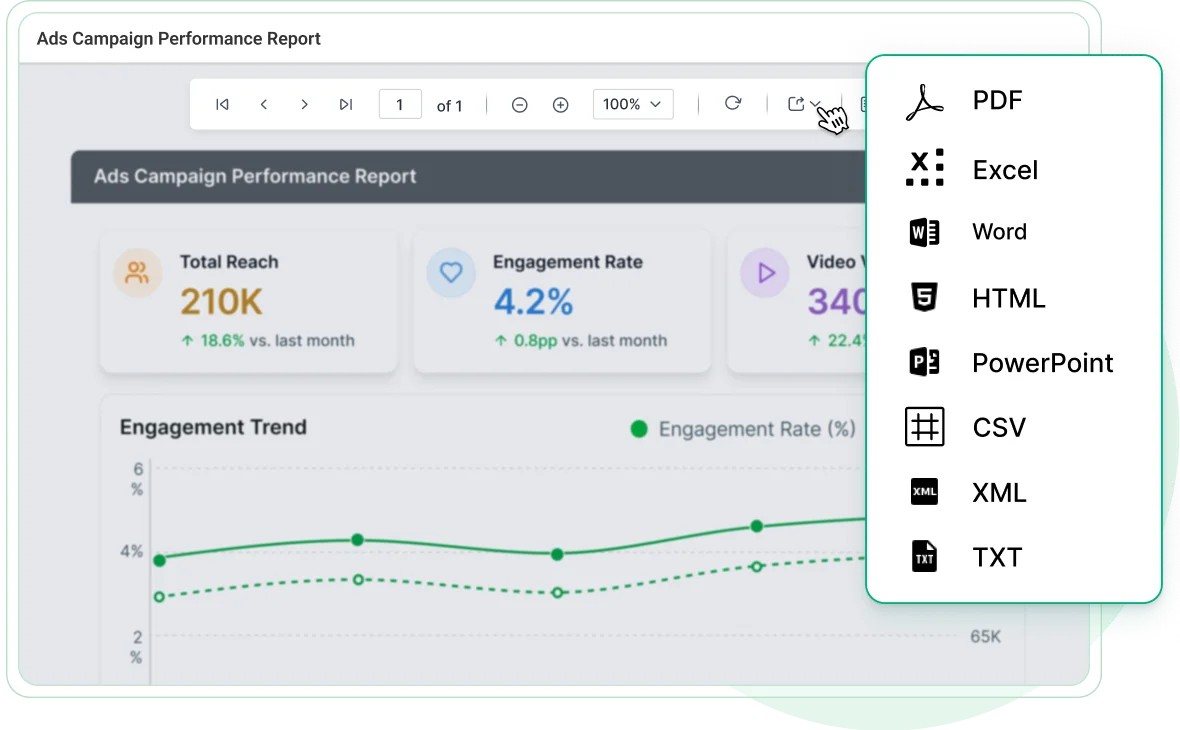
Print or export your reports directly from the toolbar.
-
Supported formats include PDF, Word, Excel, PowerPoint, CSV, XML, and HTML with pixel-perfect accuracy across all outputs.
Built-in themes
-
Choose from Material, Bootstrap, and Fabric themes or use the high-contrast theme for better accessibility.
-
Each theme ensures pixel-perfect alignment and consistent design across applications.
Responsive rendering
-
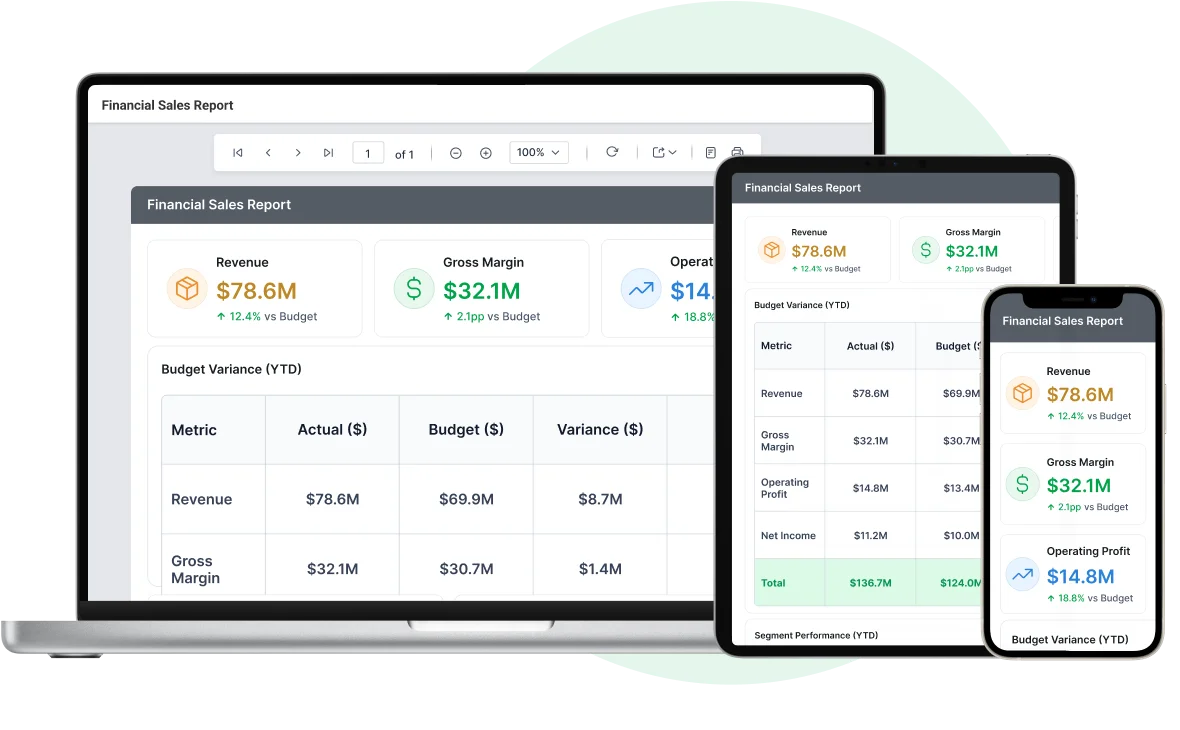
The ASP.NET Core Report Viewer automatically adapts to any screen size.
-
It renders optimally on phones, tablets, and desktops, ensuring smooth performance across all devices.
Ready to Build with the .NET Core Report Viewer?
Explore Bold Reports with a free trial or schedule a personalized product demo.
Free for 30-days.
Enhanced Reporting Experience for ASP.NET Core Viewer
Manage how reports are delivered and presented with flexible output options and customization capabilities tailored to your application needs.
Interactive reports
Supports rich runtime user interactions such as drill down, drill through, hyperlinks, bookmarks, document maps, subreports, and nested data regions for detailed exploration.
Multicolumn reports
Display data in multiple adjacent columns for professional layouts such as mail merges, product catalogs, business cards, newsletters, and other document formats.
Print preview
Configure print settings such as paper size, margins, and orientation, then preview the final output to ensure accurate formatting before printing and avoid layout inconsistencies.
Customization
Supports complete customization to entirely change the appearance of the toolbar and parameter layout to fit your application’s look and feel and align with your branding requirements.
Globalization and localization
Support global audiences with culture settings and localized static text, enabling applications to deliver content effectively in multiple languages across regions worldwide.
Browser compatibility
Works across all modern browsers and devices, with the ASP.NET Core Report Viewer built on HTML5 elements to ensure consistent rendering without requiring additional plugins.
Enhanced Reporting Experience for ASP.NET Core Viewer
Manage how reports are delivered and presented with flexible output options and customization capabilities tailored to your application needs.
Interactive reports
Supports rich runtime user interactions such as drill down, drill through, hyperlinks, bookmarks, document maps, subreports, and nested data regions for detailed exploration.
Multicolumn reports
Display data in multiple adjacent columns for professional layouts such as mail merges, product catalogs, business cards, newsletters, and other document formats.
Print preview
Configure print settings such as paper size, margins, and orientation, then preview the final output to ensure accurate formatting before printing and avoid layout inconsistencies.
Customization
Supports complete customization to entirely change the appearance of the toolbar and parameter layout to fit your application’s look and feel and align with your branding requirements.
Developer-friendly APIs
The ASP.NET Core Report Viewer provides full control over UI elements such as the toolbar, parameter block, pages, and dialogs, enabling flexible customization of report behavior.
Globalization and localization
Support global audiences with culture settings and localized static text, enabling applications to deliver content effectively in multiple languages across regions worldwide.
Browser compatibility
Works across all modern browsers and devices, with the ASP.NET Core Report Viewer built on HTML5 elements to ensure consistent rendering without requiring additional plugins.
Cross-platform compatibility
The ASP.NET Core Report Viewer enables you to build business intelligence reporting applications for macOS, Linux, and Windows, simplifying deployment across different platforms.

Enterprise-Ready Compliance
Bold Reports helps you meet key security and compliance standards. All activity logs are safely stored, can’t be changed, and are easy to export when needed.
Ready to Add Custom Reports to Your Application?
With Bold Reports, you can build and embed reports that feel like a native part of your application fully branded and easy to use.
No credit card required.
Ready to Add Custom Reports to Your Application?
With Bold Reports, you can build and embed reports that feel like a native part of your application fully branded and easy to use.
No credit card required.