
Which built-in data sources does the viewer support?
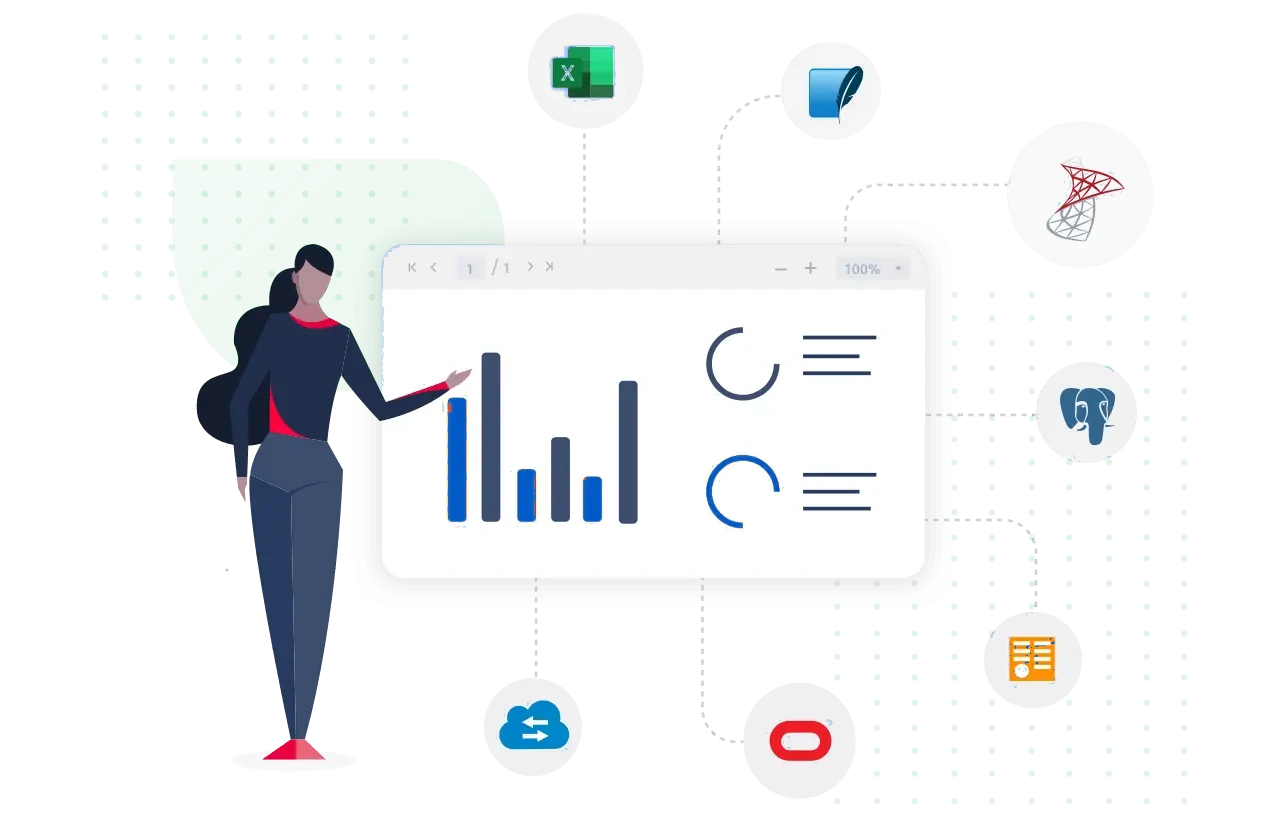
The Bold Reports ASP.NET Core Report Viewer supports the following built-in data source types:
- Microsoft SQL Server and Azure SQL Database
- SQL CE
- Oracle
- OLE DB, ODBC, and XML
Integrate
Reporting Capabilities
Quick Links
From Crystal Reports
The Bold Reports ASP.NET Core Report Viewer displays RDL and RDLC reports in ASP.NET Core web applications for .NET developers who embed reporting. It renders reports from built-in data sources (SQL Server, Azure SQL Database, SQL CE, Oracle, OLE DB, ODBC, and XML), business object collections, or custom data processing extensions.
No credit card required.
The Bold Reports ASP.NET Core Report Viewer supports the following built-in data source types:
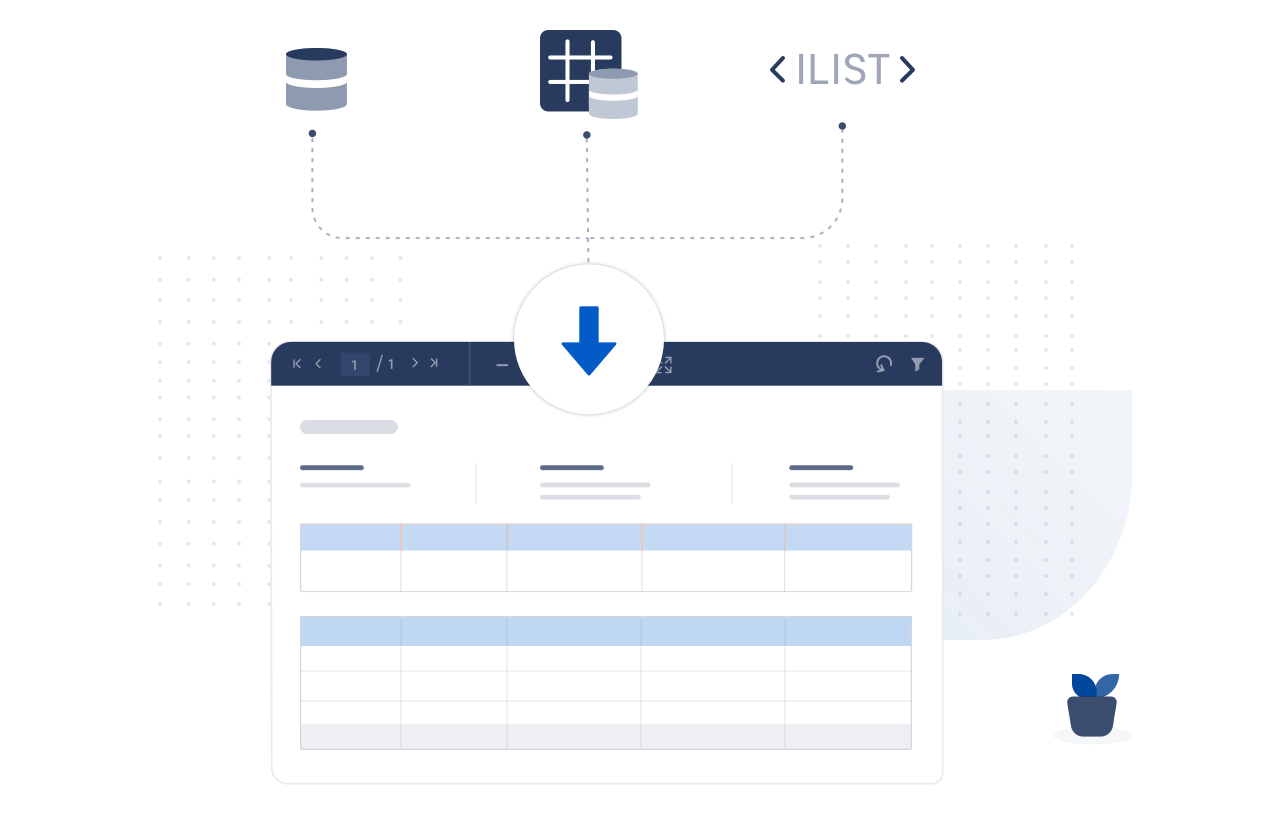
The Bold Reports ASP.NET Core Report Viewer renders RDLC client reports from data objects that implement the IList, DataTable, or DataSet interfaces. To display data in the ASP.NET Core Report Viewer, bind the DataSet, DataTable, or business objects that contain the data you need.
Bold Reports custom data processing extensions connect to and retrieve your own data sources. Data sources outside the built-in types need a custom extension. The .NET Framework-compatible custom data processing extensions can be created using a data extension interface. With these, you can use additional data sources like MySQL, SQLite, PostgreSQL, MongoDB, and others, or extend a built-in data source.

The Bold Reports ASP.NET Core Report Viewer renders RDL reports with embedded data sources or shared data sources available on the Report Server.

A data set in Bold Reports is the stored query that the ASP.NET Core Report Viewer uses to process report data. It supports displaying shared data sets published on an SSRS Report Server.

Bold Reports maintains an ISO 27001 certified information security management system and an annual SOC 2 Type 2 report from an independent audit. HIPAA and GDPR compliance apply as scoped on the Bold Reports legal pages.




Bold Reports helps you create fully customized reports and embed them into your application in minutes. It’s simple, flexible, and designed to match your brand.
No credit card required.