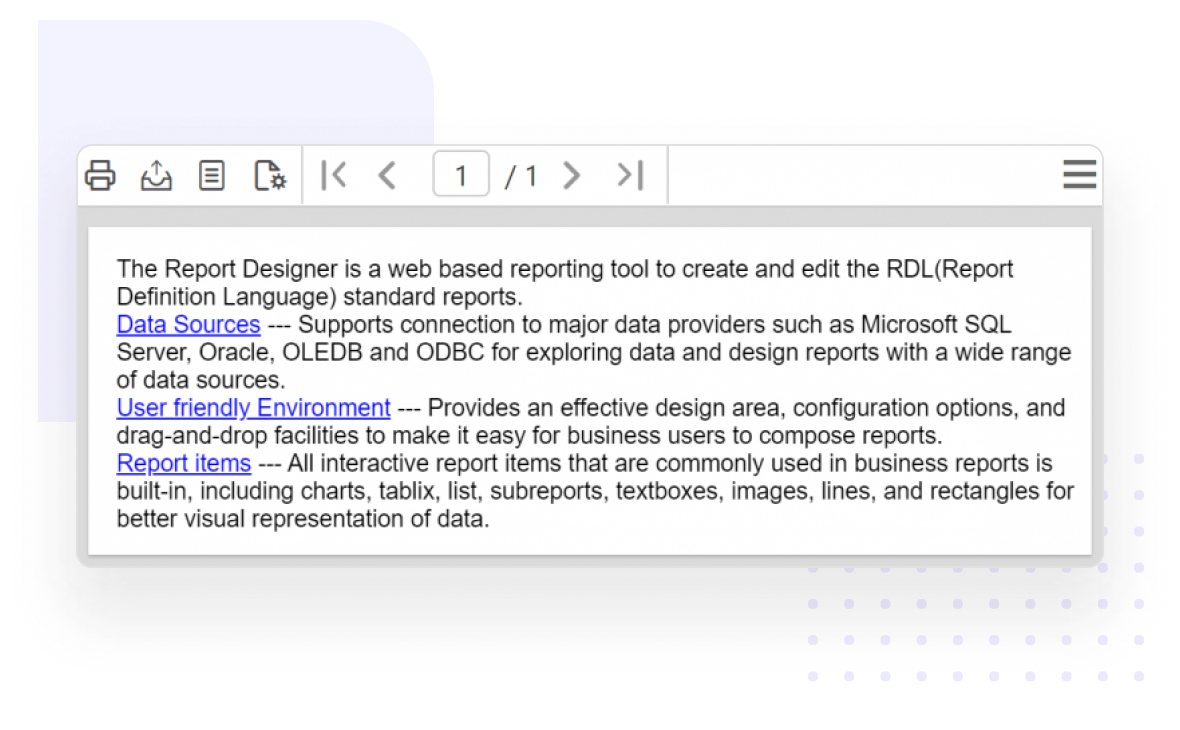
What you can do with report items

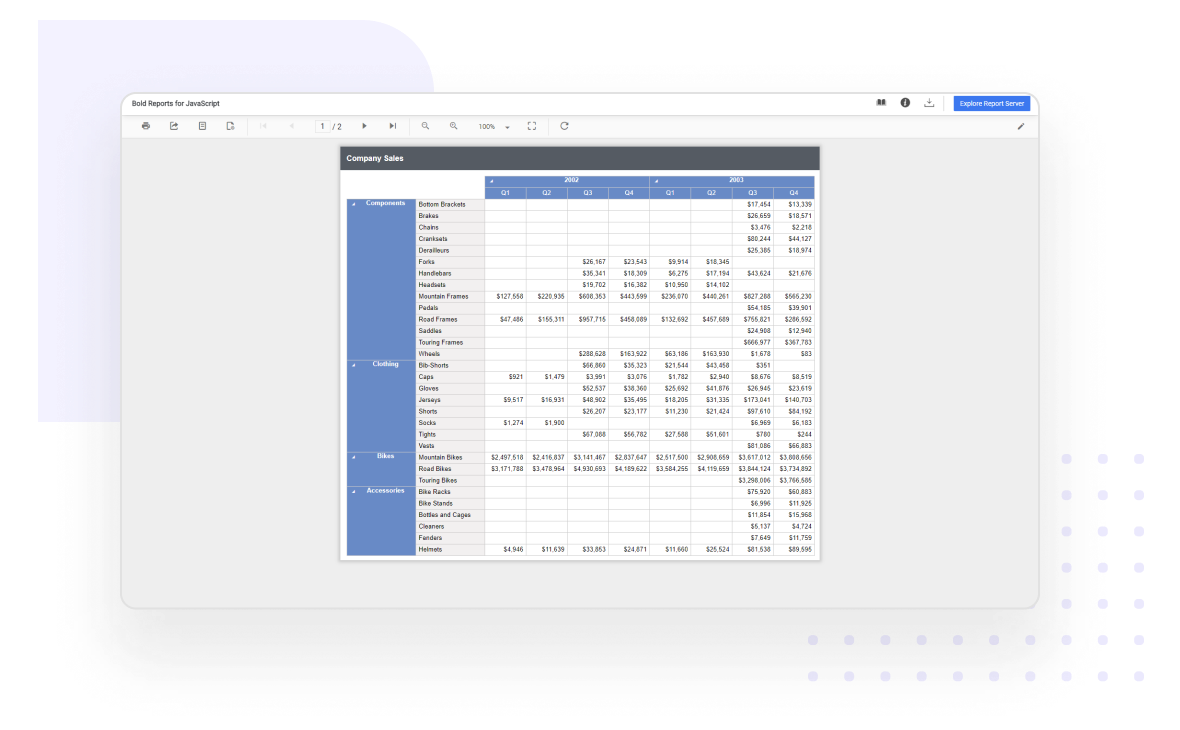
Table, matrix (pivot table), list

Display paginated report data from a data set in cells that are organized into rows and columns by using a table, matrix (pivot table), or list. Item-specific features like multiple grouping and sorting, section totals, header repeating, and free-form layouts make the report more readable.

Report Viewer shows table, matrix, list report item

Chart

Graphically represent data in a wide array of charts to present it clearly and concisely. The ASP.NET Core Report Viewer supports viewing business reports with 20+ commonly used chart types (column, line, shape, area, bar, range, scatter, polar, and more) available in the RDL standard.
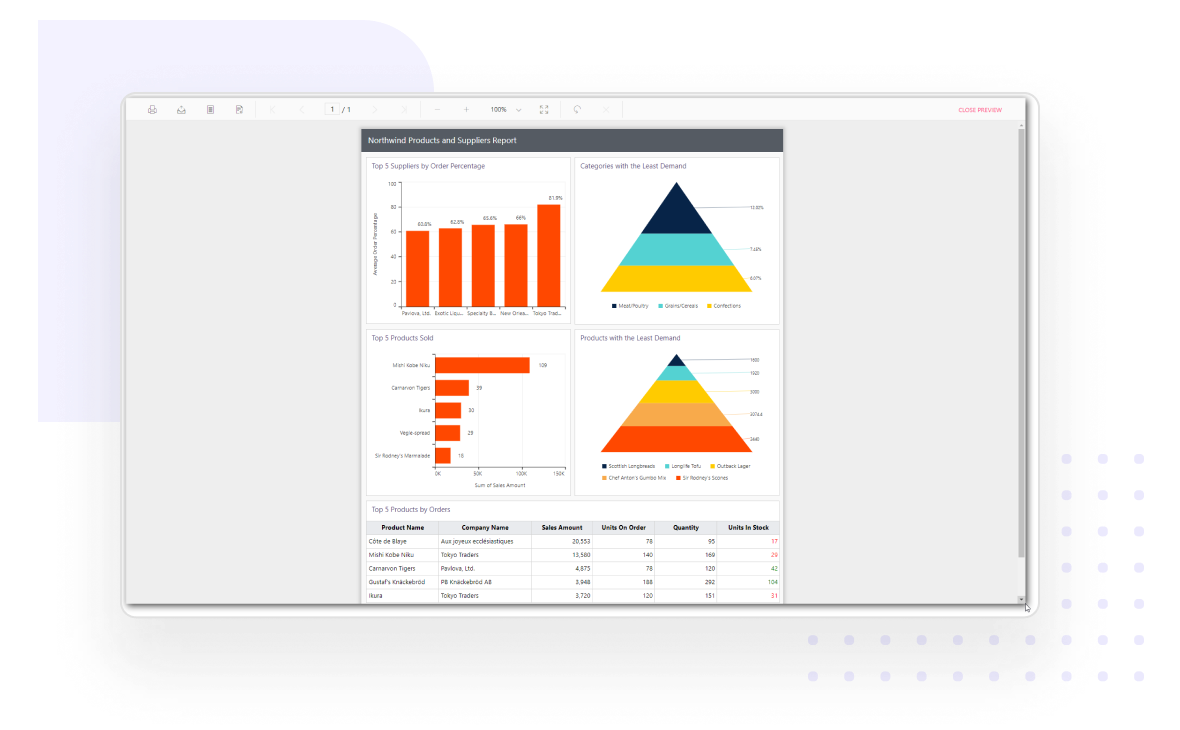
Renders sales and supplies report using chart report item in Report Viewer

Sparkline and data bar

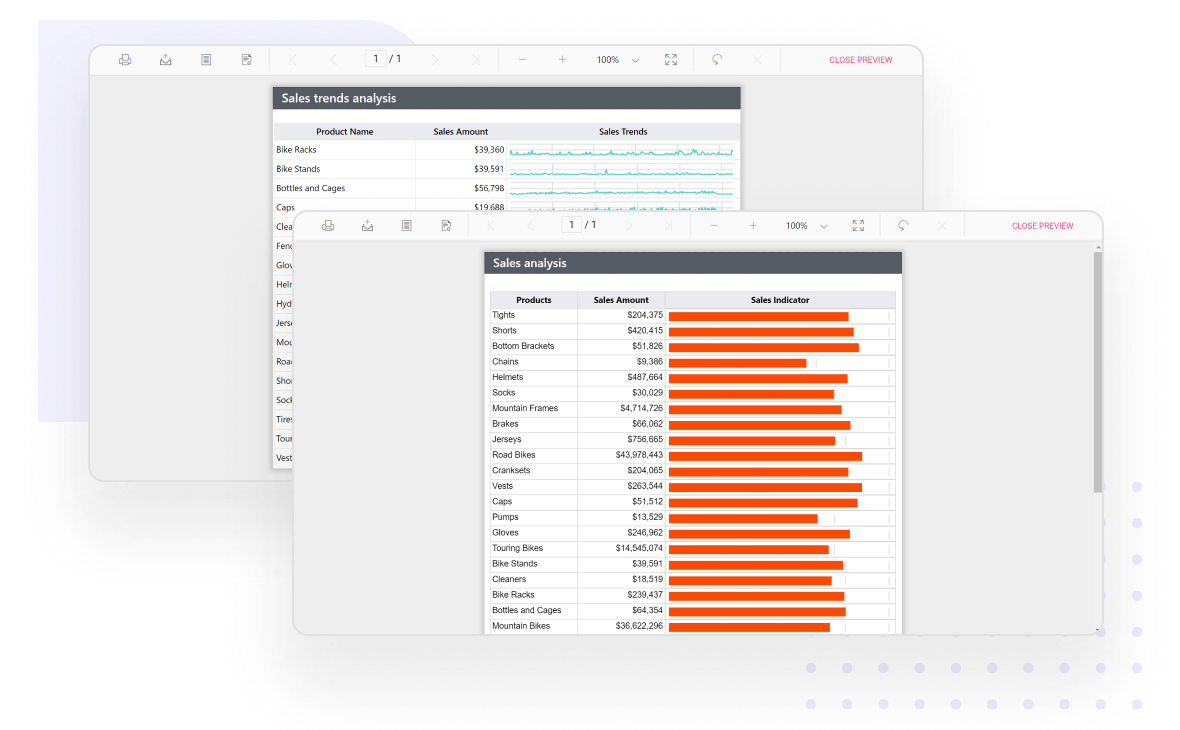
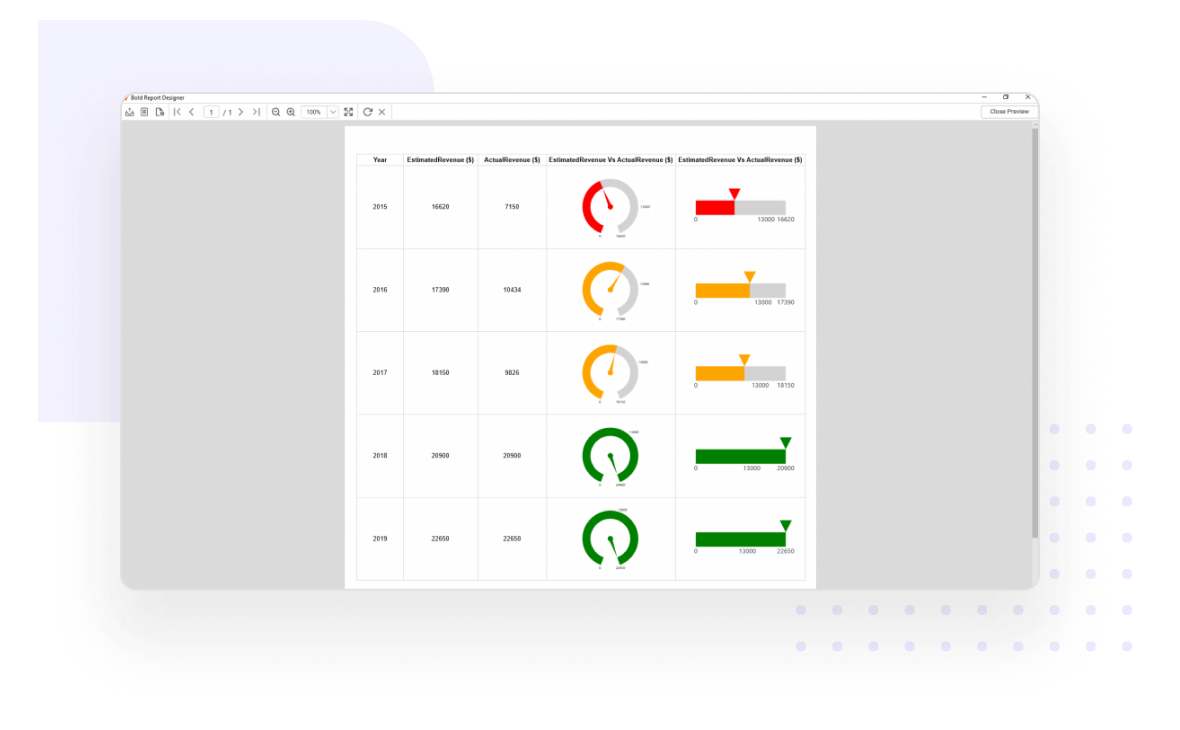
Visualize the key performance indicator values in little space. The state of data is presented elegantly in the form of progress information in a table.

Report Viewer shows sparkline and data bar report items

Subreport

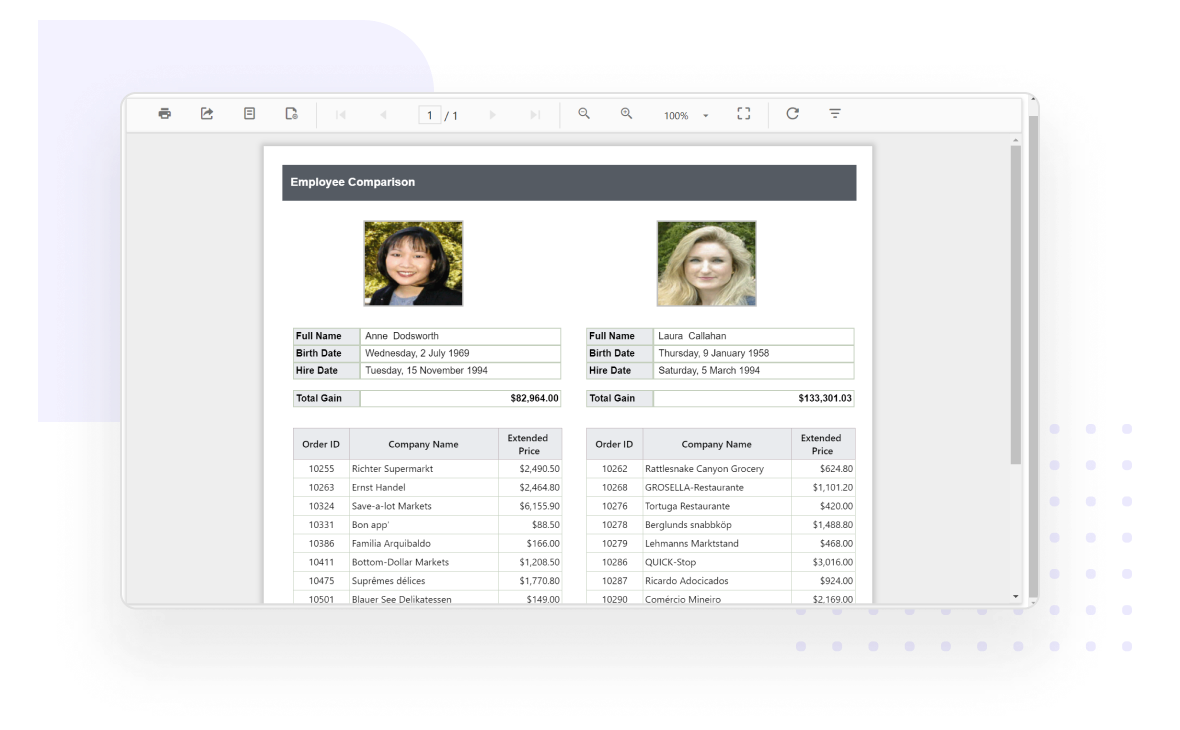
Display a child report or any another report inside the body of a main report. Create side-by-side and master-detail reports by passing parameter values from the parent to the child report.

Side by side employee comparison displayed in subreport

Map

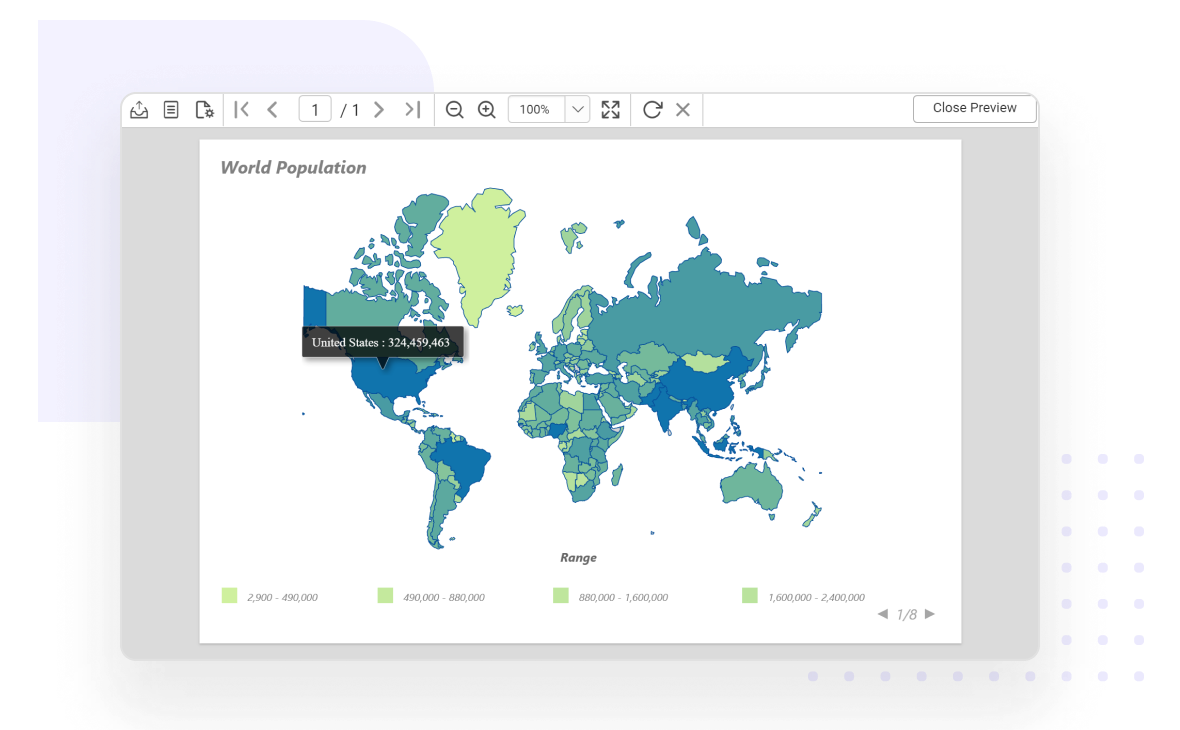
Visualize business data against a geographical background. Render beautiful maps that display locations only, or a bubble map that varies bubble size based on data values.

Report Viewer shows world population using map report item

Indicator

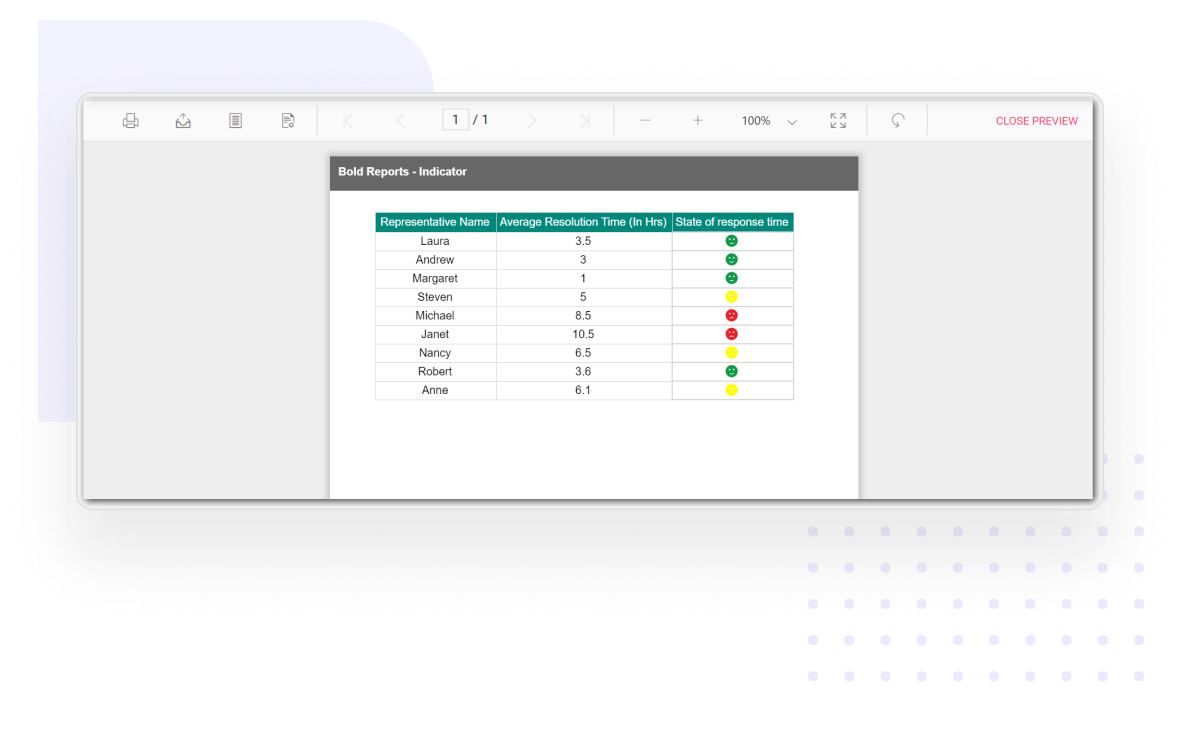
Render small gauges to convey the state of a single data value at a glance. You can use indicator icon sets such as trends, conditions, ratings, and states to suit your needs.

Displays customer satisfaction using indicator report item

Gauge

Display a single value from your data set. Supports rendering linear and radial gauges as nested data regions and individual elements in reports like KPIs in performance reports.

Shows business ROI using gauge report item

Basic items

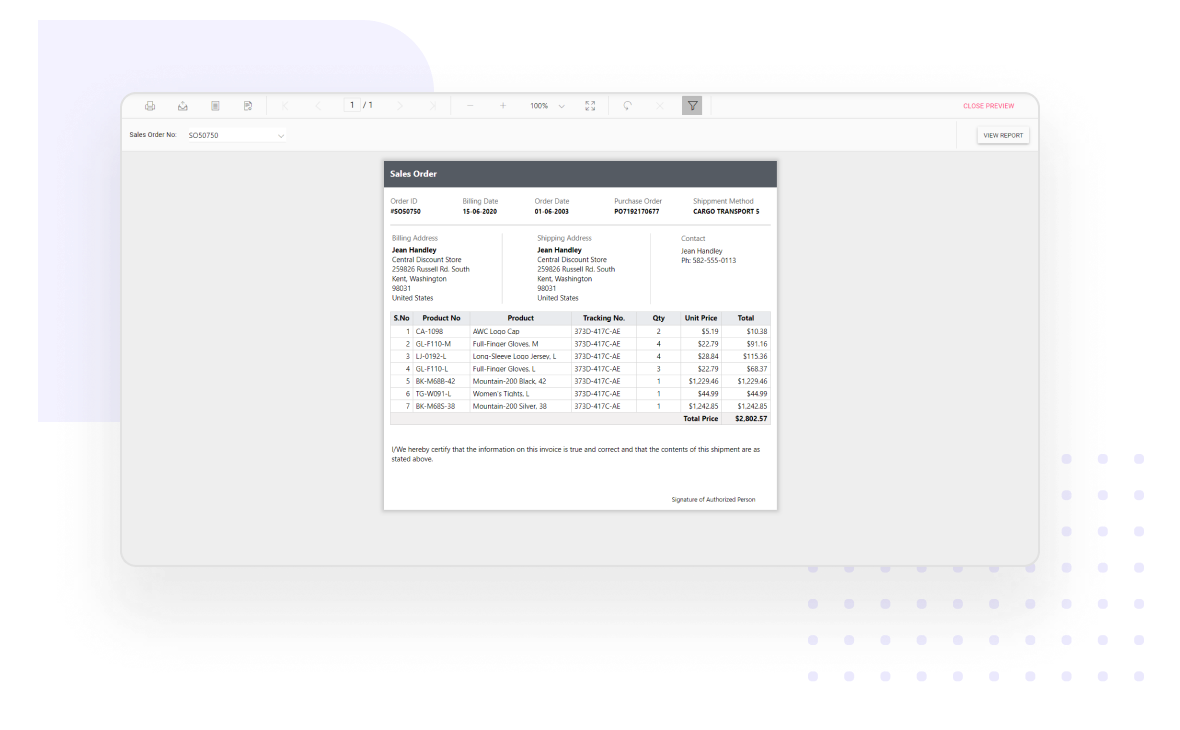
Render basic report items like images, text boxes, lines, and rectangles in free-form layouts or within table cells to provide a better appearance, highlight key information, or coordinate related information.

Report Viewer renders sales order details using basic report items

Custom report items

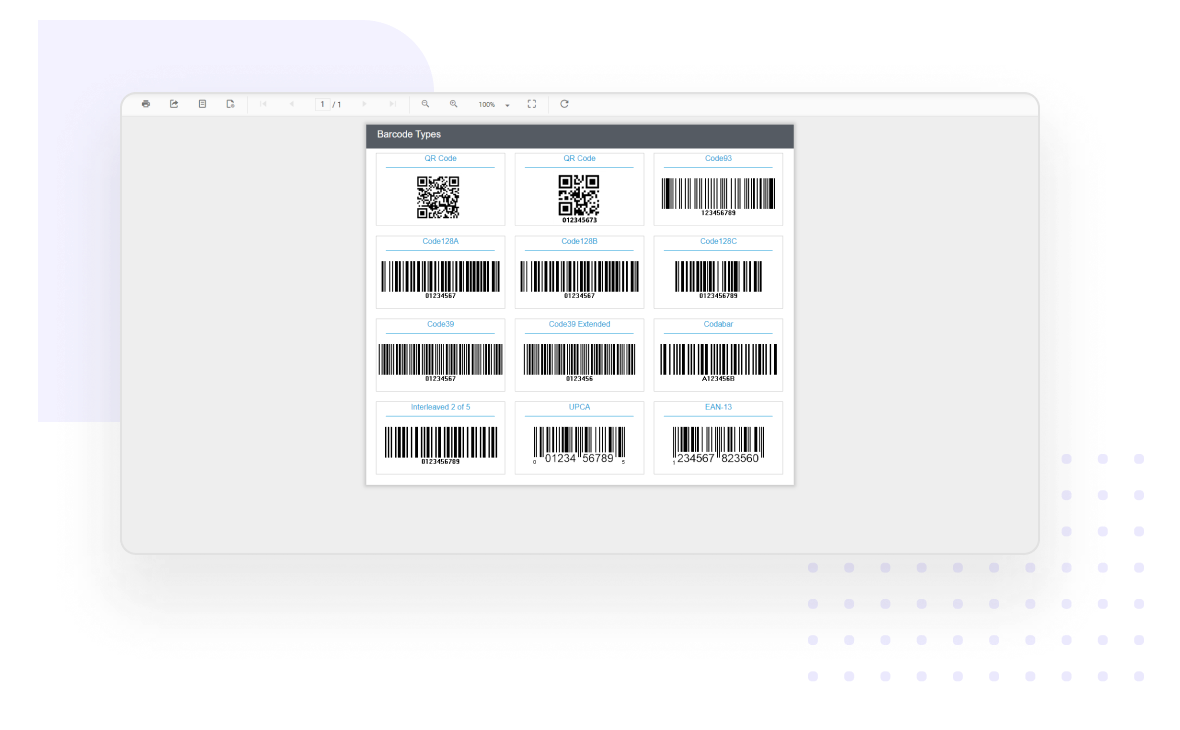
Report Definition Language (RDL) provides a way to extend natively supported report item functionality, write a new custom report item to be used in your own controls, or both. For example, you can use the barcode and QR barcode controls and view those custom report items in the Report Viewer.

Barcode types are displayed in Report Viewer using custom report item extension

Report item formatting

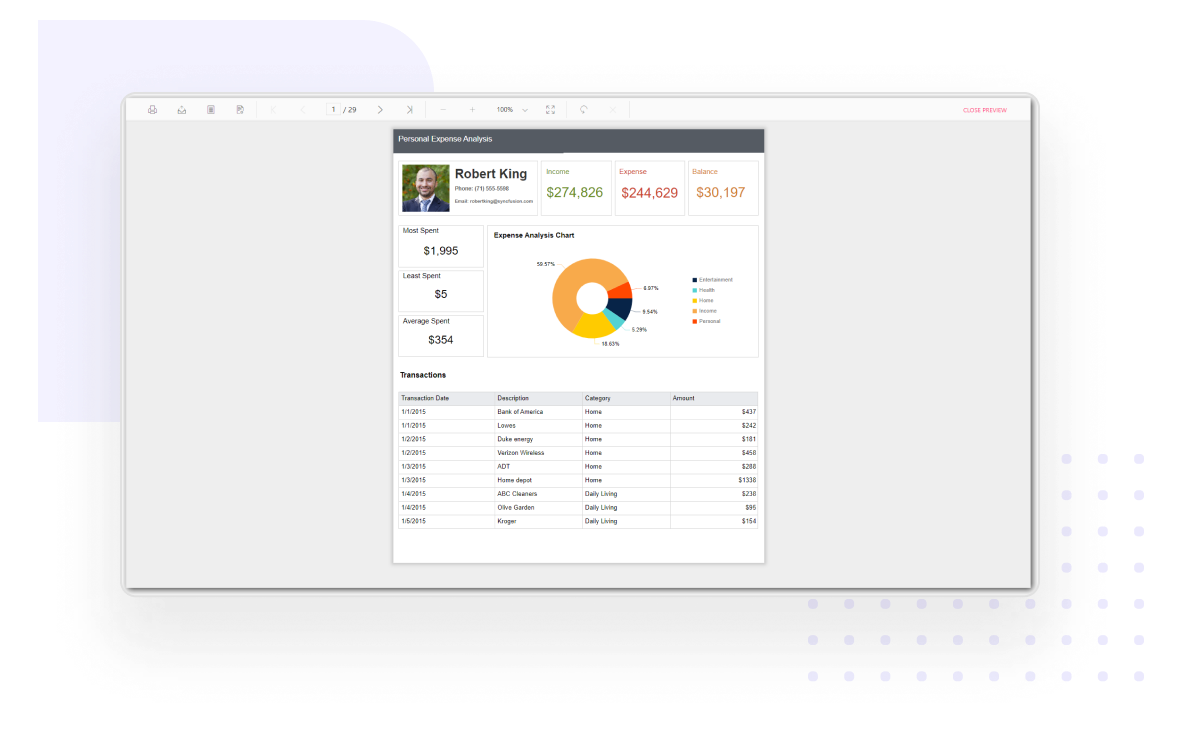
Formatting enhances the readability of a report. Use it to render create visually captivating reports by formatting text boxes, images, and other report items using static values and expressions.

Report items are formatted using static and expression based values

Render HTML-formatted text

Retrieve HTML-formatted text from a field in your data set and use it in a report. CSS attributes with the basic set of tags are allowed. Formatting is available to all supported output formats, including PDF, Word, Excel, and PowerPoint.

Report Viewer shows HTML markup text data values

Enterprise-Ready Compliance

Bold Reports helps you meet key security and compliance standards. All activity logs are safely stored, can’t be changed, and are easy to export when needed.

ISO 27001
SOC 2 Type 2
GDPR Compliant
HIPAA Compliant

Enterprise-Grade Compliance

Bold Reports helps you meet key security and compliance standards. All activity logs are safely stored, can’t be changed, and are easy to export when needed.

Make Reporting a Natural Part of Your Product

Bold Reports helps you create fully customized reports and embed them into your application in minutes. It’s simple, flexible, and designed to match your brand.

Make Reporting a Natural Part of Your Product

Bold Reports helps you create fully customized reports and embed them into your application in minutes. It’s simple, flexible, and designed to match your brand.