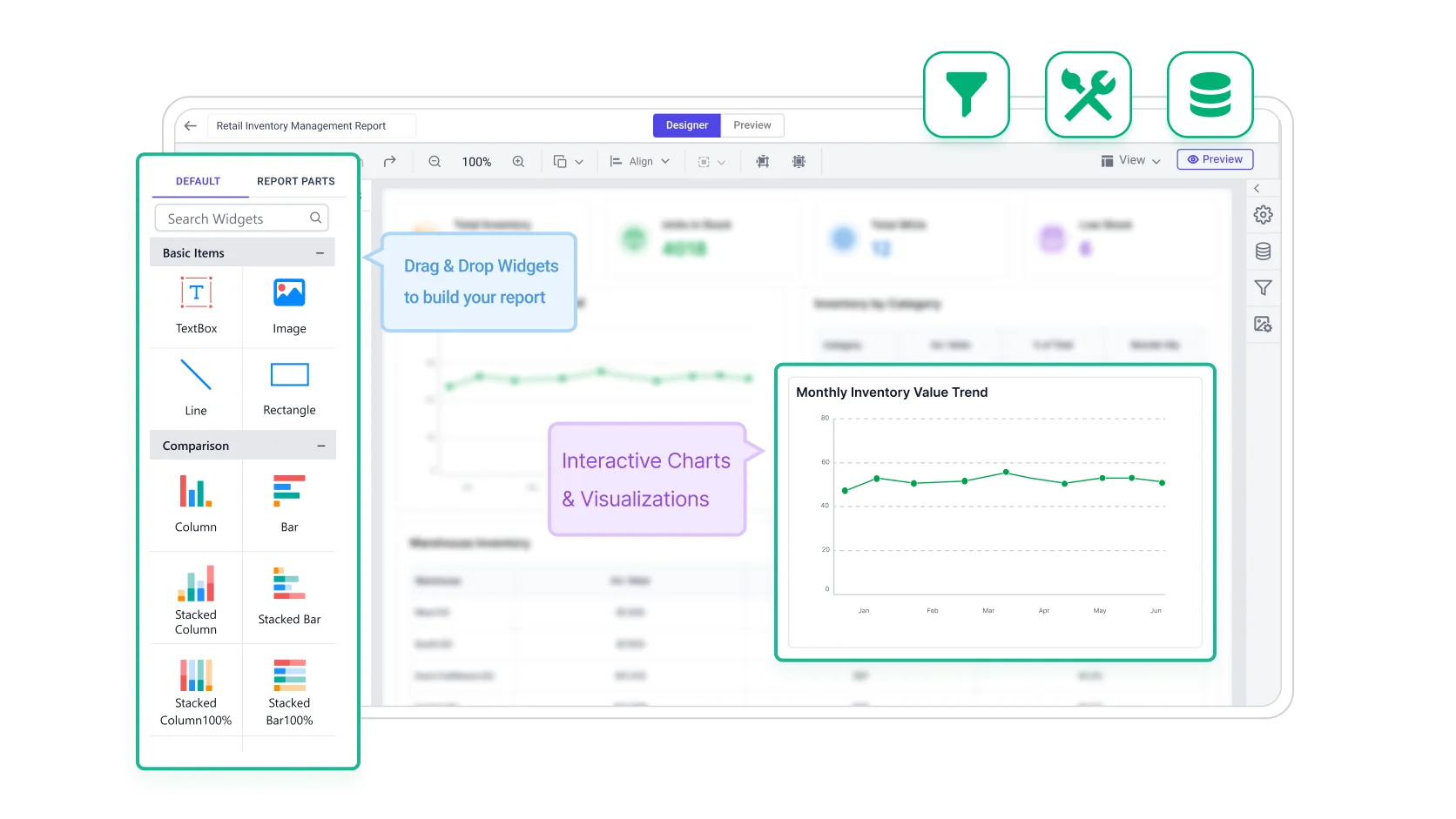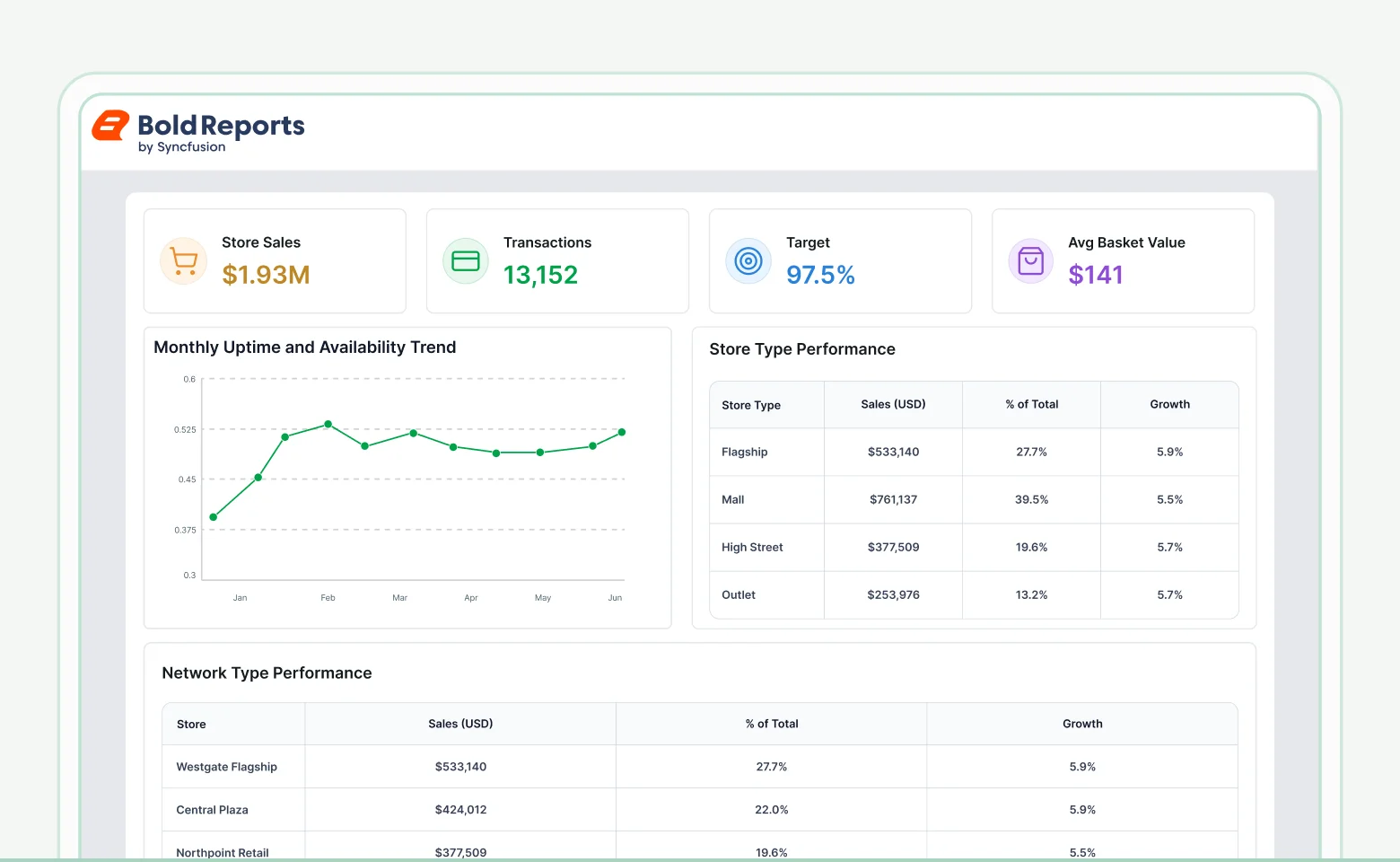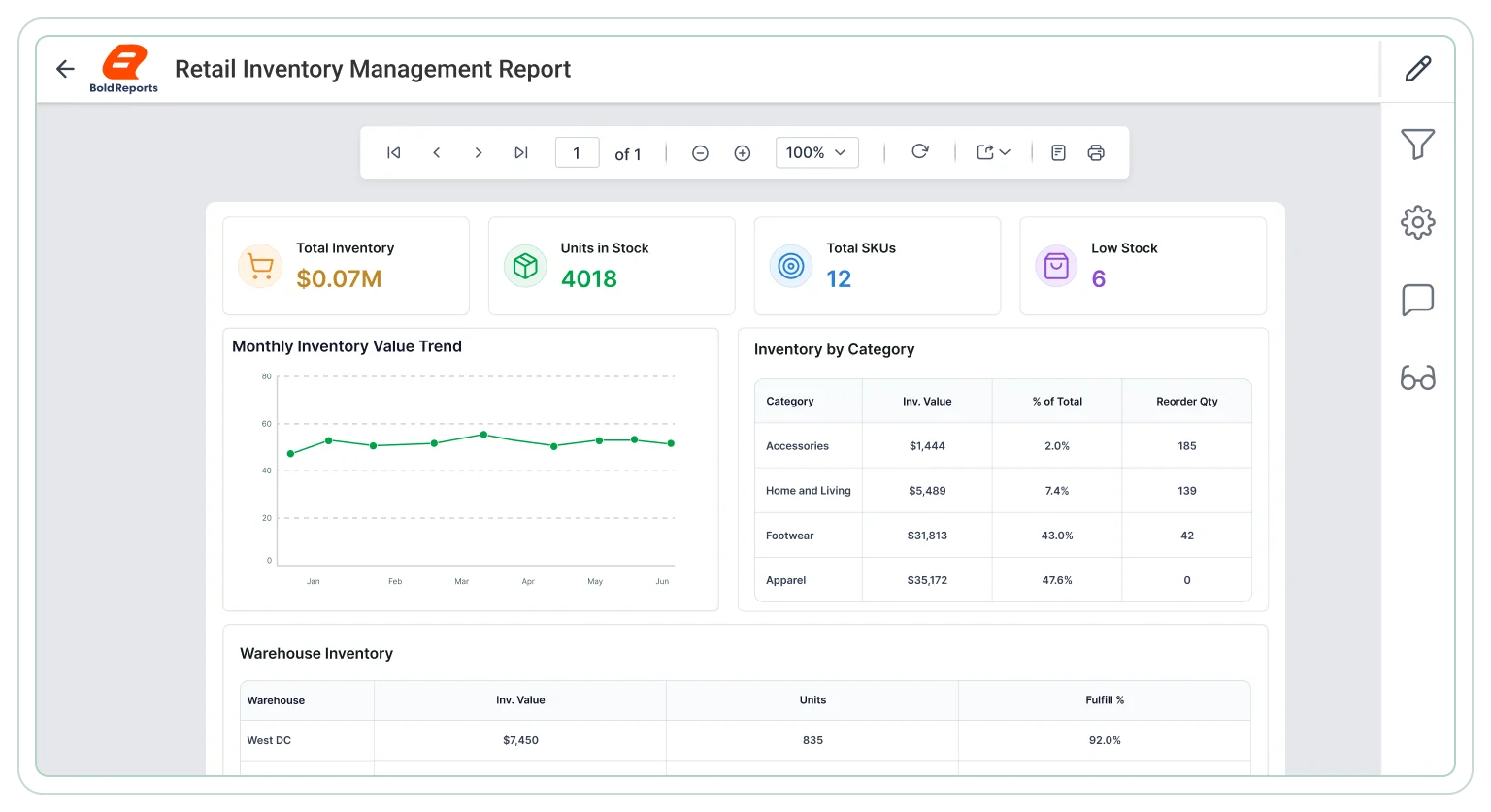








Stock performance review
A practical reporting view for teams checking how inventory is moving across products and categories.
- Measure inventory turnover by product group for efficiency.
- Compare on-hand balances against sold quantities clearly.
- Identify slow-moving stock segments across categories.
- Track incoming stock levels to maintain supply balance.
- Analyze category-level stock movement over time periods.
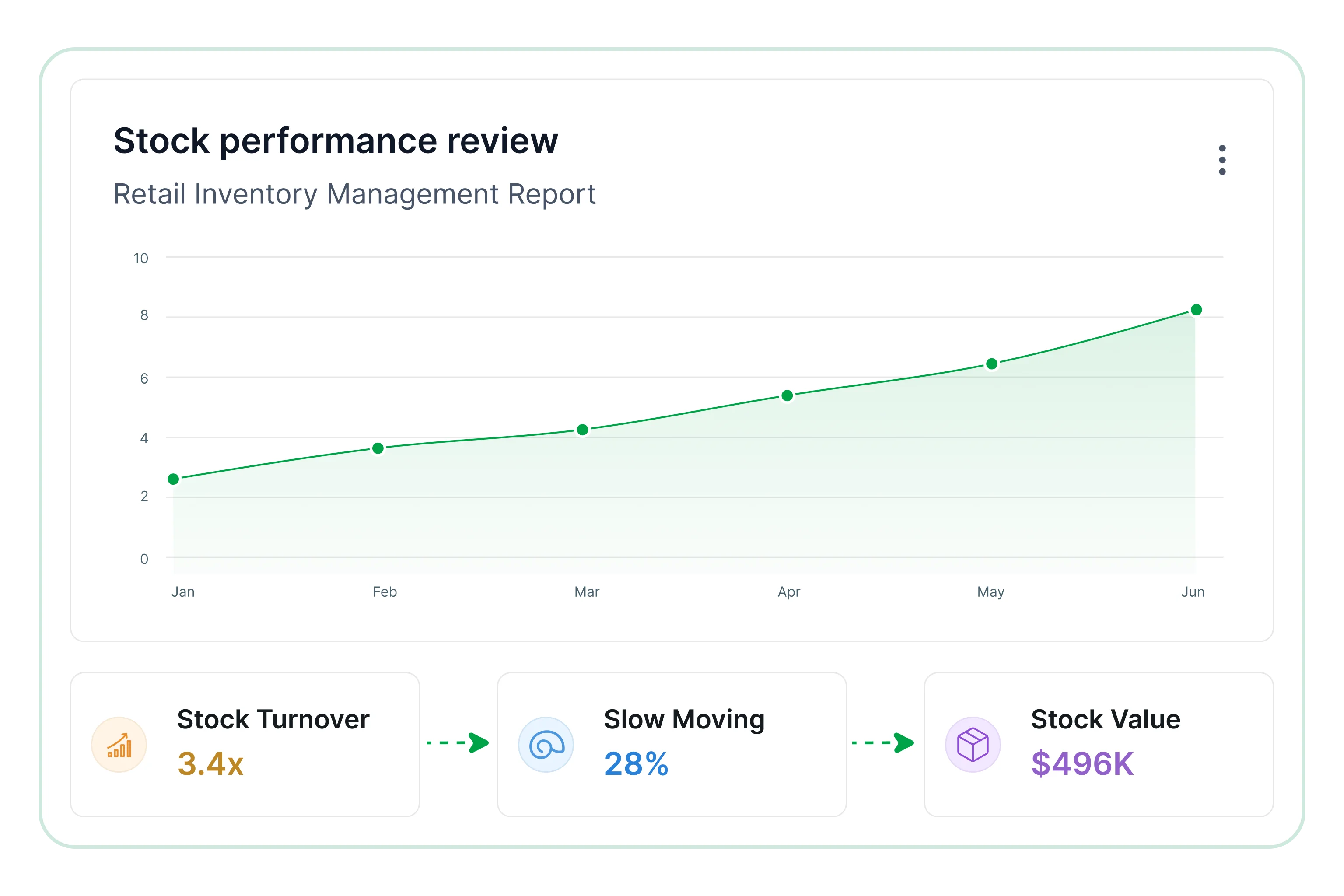
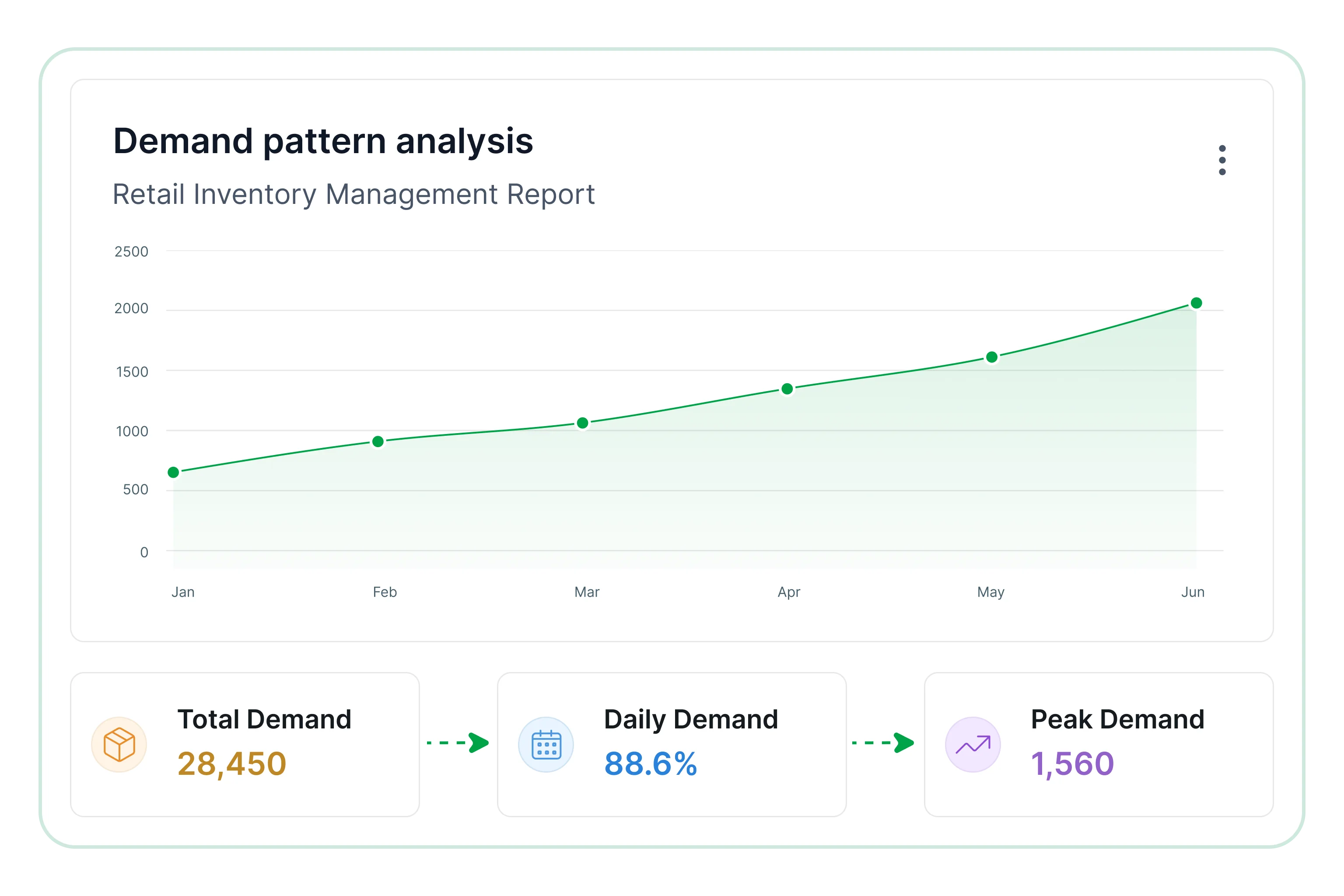
Demand pattern analysis
Helps retail teams understand which items are selling fastest and where product demand is changing.
- Rank top-selling items to understand product demand trends.
- Compare demand levels by product category and segment.
- Identify sales concentration by item type and grouping.
- Track changes in product velocity across reporting cycles.
- Examine recurring demand trends across product segments.
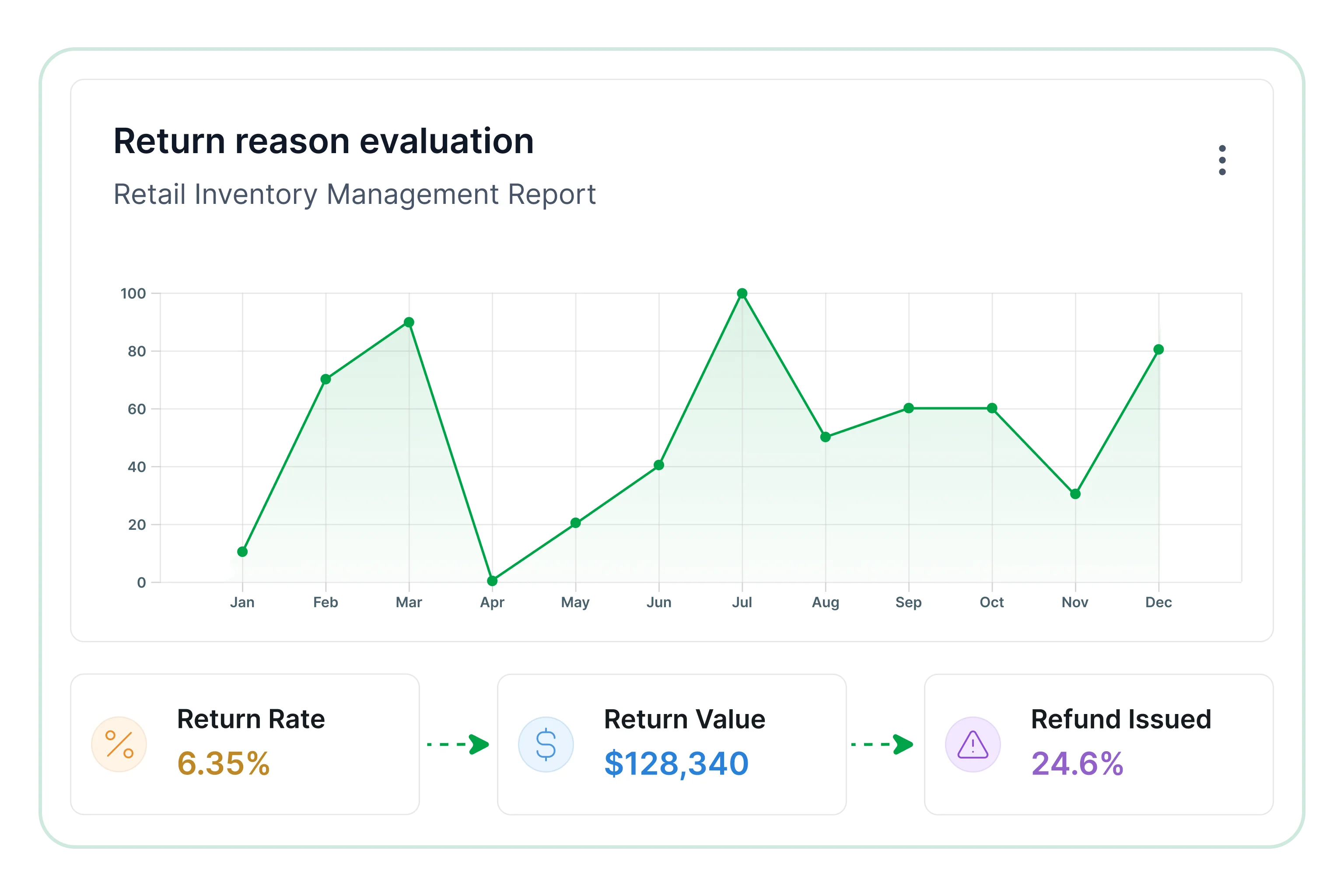
Return reason evaluation
Useful for uncovering return patterns that affect stock quality and replenishment planning.
- Track returned item volumes by reason and category.
- Compare return causes by product group and segment.
- Identify products with recurring return patterns clearly.
- Measure return impact on inventory levels and availability.
- Analyze return pattern changes over reporting periods.
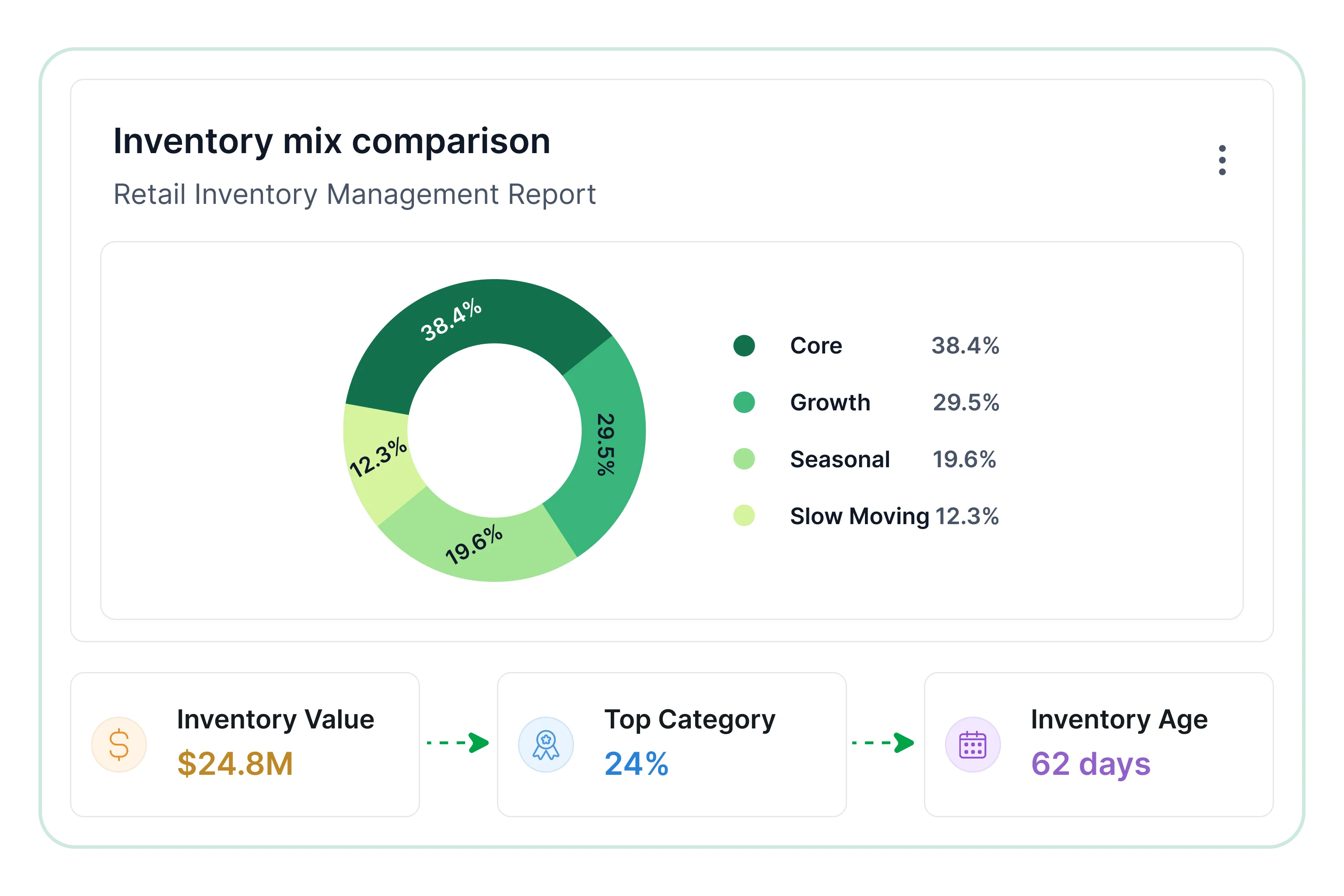
Inventory mix comparison
Supports supply chain and retail operations reviews with a clearer picture of stock distribution.
- Evaluate category-wise inventory allocation for balance.
- Review incoming stock distribution by product category.
- Identify imbalances between product groups and segments.
- Detect availability gaps within key product lines clearly.
- Measure stock coverage across products and categories.
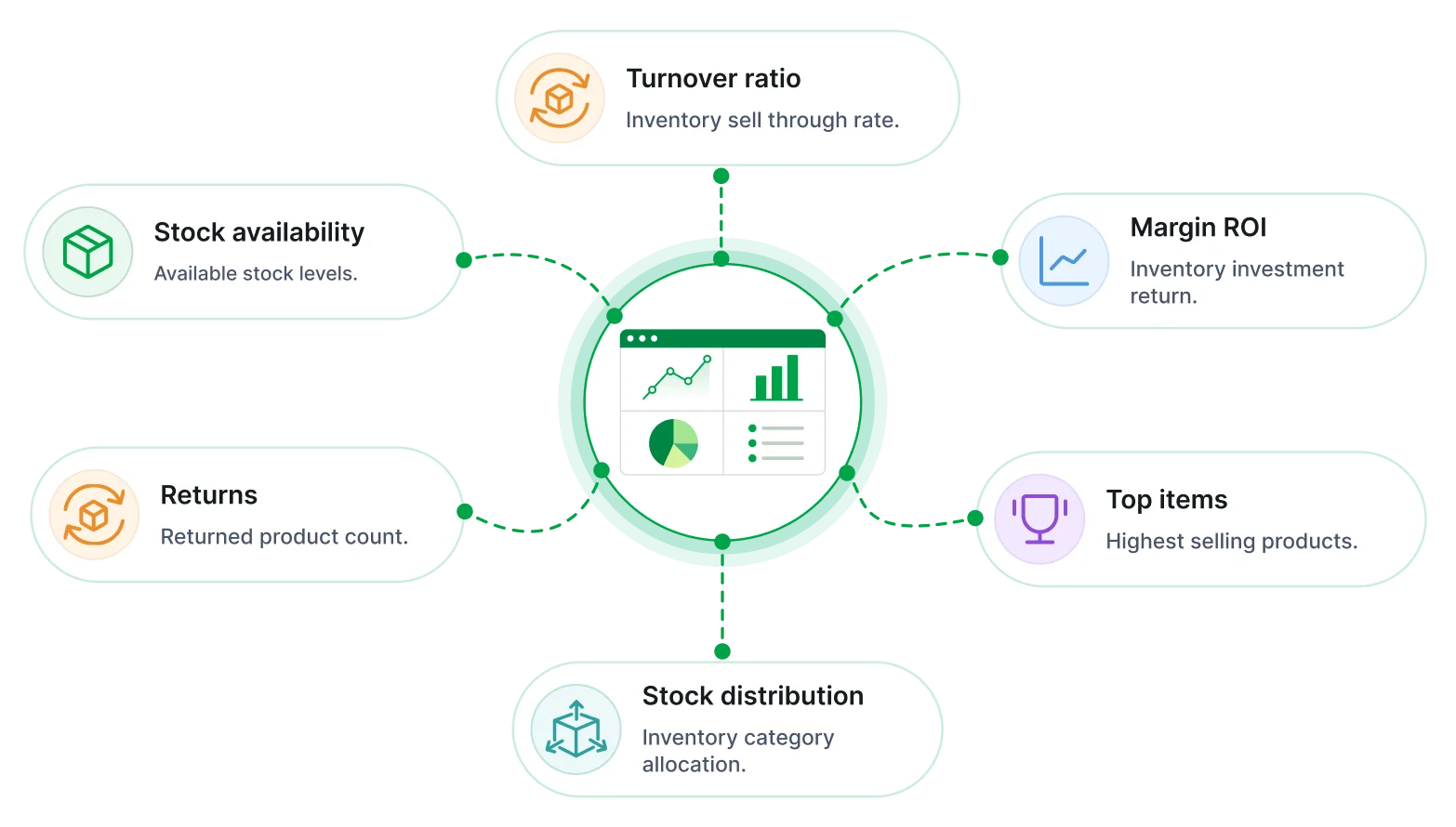

Stock level status overview
Shows current inventory counts, shortages, and overstock across item groups.

Location inventory comparison
Compares stock availability and turnover across stores, warehouses, or regions.

Reorder and refill planning
Supports replenishment timing using movement trends and stock thresholds.

Overstock and shortage tracking
Identifies excess inventory, stock gaps, and items needing immediate action.

Product movement trend review
Tracks fast-moving, slow-moving, and inactive products across reporting periods.

Inventory turnover measure view
Evaluates how efficiently products move through inventory over time.

Consolidated stock visibility
Access inventory metrics and product insights from a single reporting interface for faster decisions.

Product-level insights
Evaluate how individual products contribute to overall inventory flow, stock balance, and demand trends.

Controlled data access
Share inventory data securely across procurement and store teams to improve coordination and planning.

Stock efficiency monitoring
Track how inventory investment translates into sales performance, margin impact, and replenishment needs.

Scheduled inventory tracking
Generate recurring reports for continuous monitoring of stock performance, movement, and supply levels.

Cross-category comparisons
Understand how different product groups perform and interact across locations, channels, and seasons.