Embed Reporting Inside Your Application
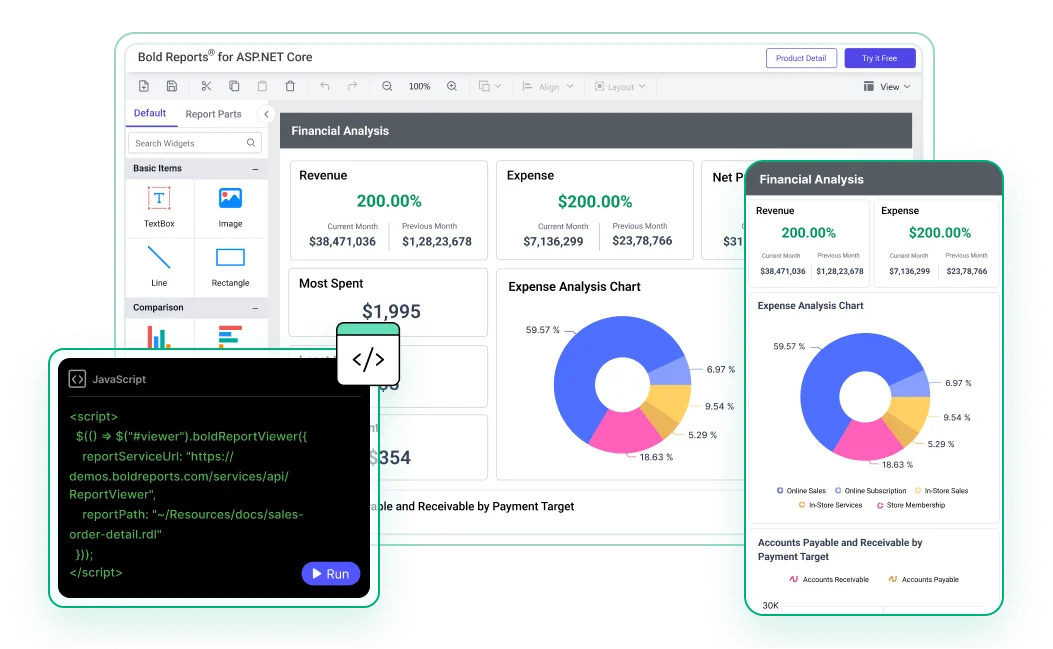
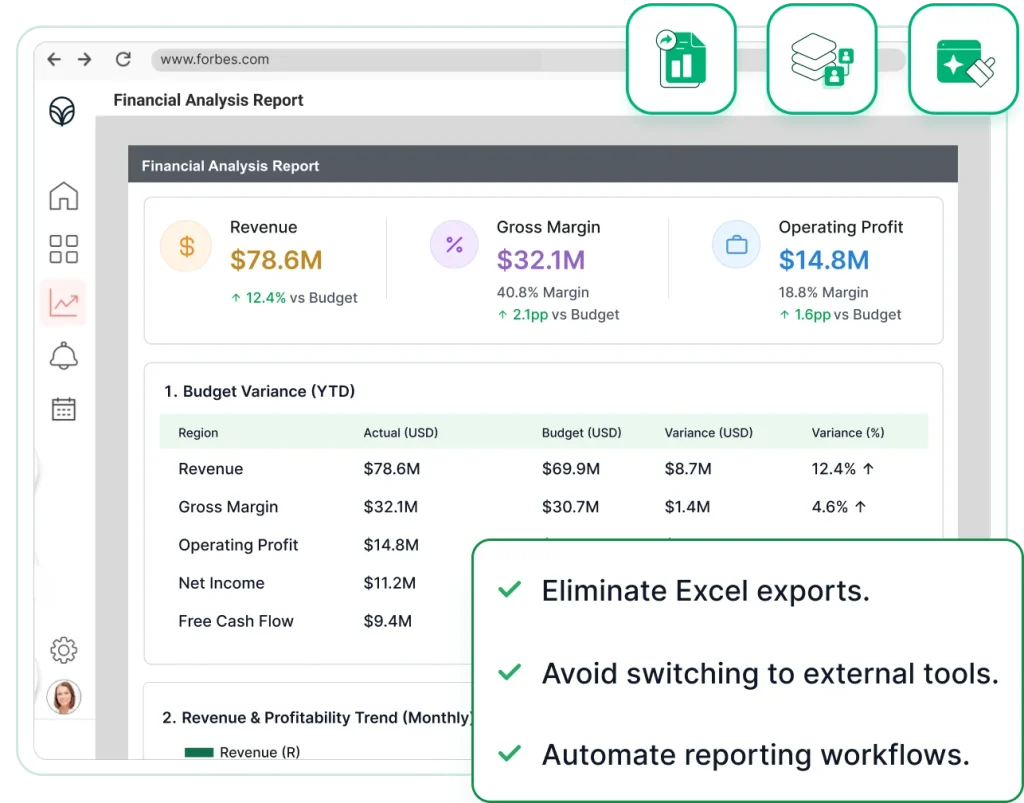
Embed Report Viewer, Report Designer, scheduling, and exports directly into your application using APIs and SDKs that help development teams deliver customer-facing reporting faster.
Connect Any Data
Use SQL databases, APIs, and business systems.
Reports In-App
Access reports inside your application.
Report Design
Create and customize reports with ease.
Export Reports
Download reports in PDF, Excel, and other formats.

Trusted by leading companies
Built for Product Teams
Built for product teams that need reporting inside their app
Modern applications need reporting for customers, partners, and internal teams. Bold Reports helps teams deliver reporting faster without building and maintaining a custom reporting solution.
SaaS Product Teams
Provide customer-facing reports without sending users to external reporting tools.
.NET and Web Developers
Use viewers, designers, SDKs, and APIs that fit modern application stacks.
Enterprise App Teams
Embed governed reporting into portals, intranets, and internal business applications.
Implementation steps
From Data to Customer-Facing Reports
Quickly move from concept to embedded reporting with a clear, developer-friendly workflow that simplifies integration and delivery across modern applications.
30-Day Free Trial.
Data Integration
Connect SQL databases, REST APIs, and external services.
Create Reports Seamlessly
Build and customize pixel-perfect reports with full control.
Embed in Your Application
Quickly embeds viewers or designers using APIs and SDKs.
Scale with Control
Ensure security, multi-tenant scalability and performance.
Key Benefits
Why Embedded Reporting Matters
Reduce development effort and deliver a complete reporting experience faster with ready-to-embed components.
Native Product Experience
Keep users inside your application instead of directing them to separate reporting tools or external report portals.
Faster Delivery
Reduce development effort and bring reporting capabilities to market faster with ready-to-use components.
Lower Maintenance
Avoid building and maintaining report designers, export services, scheduling workflows, and reporting infrastructure.
Enterprise Control
Support security, governance, deployment flexibility, and access management across teams and customers.
Developer Fit
Integrate with the Stack Your Product Already Uses
Add Report Viewer, Report Designer, reporting APIs, and export capabilities to your application using SDKs for JavaScript, React, Angular, Blazor, and ASP.NET. Reuse your existing architecture and accelerate development with embeddable reporting components.
-
Reduce Development Time
-
Works with Your Existing Stack
-
Ready for Production Deployments
30-Day Free Trial.
<div id="viewer"></div>
<script>
$(function () {
$("#viewer").boldReportViewer({
reportServiceUrl: "https://your-domain.com/reporting/reportservice/api/Viewer",
reportServerUrl: "https://your-domain.com/reporting/api/site/site1",
serviceAuthorizationToken: "Bearer YOUR_SERVER_TOKEN",
reportPath: "/Sample Reports/Company Sales"
});
});
</script>
<bold-reportviewer
[reportServiceUrl]="reportServiceUrl"
[reportServerUrl]="reportServerUrl"
[serviceAuthorizationToken]="serviceAuthorizationToken"
[reportPath]="reportPath">
</bold-reportviewer>
// component.ts
reportServiceUrl = 'https://your-domain.com/reporting/reportservice/api/Viewer';
reportServerUrl = 'https://your-domain.com/reporting/api/site/site1';
serviceAuthorizationToken = 'Bearer YOUR_SERVER_TOKEN';
reportPath = '/Sample Reports/Company Sales';
import { BoldReportViewerComponent } from '@boldreports/react-reporting-components';
function App() {
return (
<div style={{ width: "100%", height: "900px" }}>
<BoldReportViewerComponent
reportServiceUrl="https://your-domain.com/reporting/reportservice/api/Viewer"
reportServerUrl="https://your-domain.com/reporting/api/site/site1"
serviceAuthorizationToken="Bearer YOUR_SERVER_TOKEN"
reportPath="/Sample Reports/Company Sales">
</BoldReportViewerComponent>
</div>
);
}
// Blazor Component
public async void RenderReportViewer()
{
viewerOptions.ReportPath = "/Sample Reports/Sales Order Detail";
viewerOptions.ServiceURL = "https://your-domain.com/reporting/reportservice/api/Viewer";
viewerOptions.ServerURL = "https://your-domain.com/reporting/api/site/site1";
viewerOptions.AuthorizationToken = "Bearer YOUR_SERVER_TOKEN";
await JSRuntime.InvokeVoidAsync("BoldReports.RenderViewer", "report-viewer", viewerOptions);
}
// JS Interop (wwwroot/js/site.js)
window.BoldReports = {
RenderViewer: function (elementID, reportViewerOptions) {
$("#" + elementID).boldReportViewer({
reportPath: reportViewerOptions.reportPath,
reportServiceUrl: reportViewerOptions.serviceURL,
reportServerUrl: reportViewerOptions.serverURL,
serviceAuthorizationToken: reportViewerOptions.authorizationToken
});
}
};
<div id="report-viewer" style="width:100%;height:900px"></div>
<bold-report-viewer
report-service-url="https://your-domain.com/reporting/reportservice/api/Viewer"
report-server-url="https://your-domain.com/reporting/api/site/site1"
report-path="/Sample Reports/Company Sales"
service-authorization-token="Bearer YOUR_SERVER_TOKEN">
</bold-report-viewer>
// _ViewImports.cshtml
@addTagHelper *, BoldReports.AspNet.Core
@(Html.Bold().ReportViewer("viewer")
.ServiceAuthorizationToken("Bearer YOUR_SERVER_TOKEN")
.ReportServiceUrl("https://your-domain.com/reporting/reportservice/api/Viewer")
.ReportServerUrl("https://your-domain.com/reporting/api/site/site1")
.ReportPath("/Sample Reports/Company Sales")
)
<div style="height:600px;width:100%">
<Bold:ReportViewer runat="server"
ServiceAuthorizationToken="Bearer YOUR_SERVER_TOKEN"
ReportServiceUrl="https://your-domain.com/reporting/reportservice/api/Viewer"
ReportServerUrl="https://your-domain.com/reporting/api/site/site1"
ReportPath="/Sample Reports/Company Sales">
</Bold:ReportViewer>
</div>
Choosing the Right Approach
Custom Report development Vs. Embedded Reporting
Compare the effort of building reporting functionality from scratch versus using a ready-to-embed reporting platform.
| What you Need | Custom Build Risk | Bold Reports Fit |
|---|---|---|
| Report Viewer | Rendering, parameters, exports, and print behavior take time. | Use a ready embedded viewer. |
| Report Designer | Building designer UI is expensive and ongoing. | Embed a designer for report creation. |
| Exports and Scheduling | PDF/Excel quality and schedules add maintenance. | Use built-in export and distribution workflows. |
| Security and Tenancy | Permissions and tenant isolation become product risk. | Align reports with app users and roles. |
Plans & Pricing
Flexible and Affordable Pricing for Every Business
Access professional, pixel‑perfect reporting with simple, predictable pricing and no hidden costs. Choose the deployment option built for teams delivering RDL/RDLC reports at scale.
Bold Reports Cloud Edition
Focus on reporting while we manage everything. Fast access, continuous updates, and strong protection with zero server work.
What You Get
-
No hardware or server investment.
-
Updates and maintenance included.
-
Hosting and backups fully managed.
-
Accessible from anywhere.
-
Performance optimized automatically.
Bold Reports On-Premises Edition
Run Bold Reports in your own infrastructure for full control over data, security, and setup. Ideal for strict compliance and private networks.
What You Get
-
Hardware and environment owned by you.
-
You control updates and maintenance.
-
Hosting handled inside your network.
-
Operates in isolated environments.
-
Performance optimized by your IT team.
-
Pricing is customized based on your organization’s needs, with factors such as user numbers and deployment type determining your final quote.
Get the Details You Need
Frequently Asked Questions
Yes. You can embed reports directly into your SaaS application, customer portal, or internal application while maintaining your existing user experience.
Yes. Bold Reports supports modern frameworks and technologies, including ASP.NET Core, Blazor, React, Angular, JavaScript, REST APIs, and SQL Server.
Yes. By integrating bold reports users can create and customize reports, export them in multiple formats, and automate report delivery using built-in scheduling.
You can control access using built-in roles, permissions, and tenant-based security to ensure users only see the reports they're authorized to access.
Yes. You can use Report Writer to generate and export reports directly from your application or backend services without using the Report Viewer.
Yes. It supports tenant-specific access, data isolation, and role-based permissions to help you deliver secure reporting for multiple customers.
See How Embedded Reporting Works in Your Application
Whether you're building a new application or adding reporting to an existing product, see how Bold Reports helps you integrate embedded reporting quickly using the right components, APIs, and deployment approach.