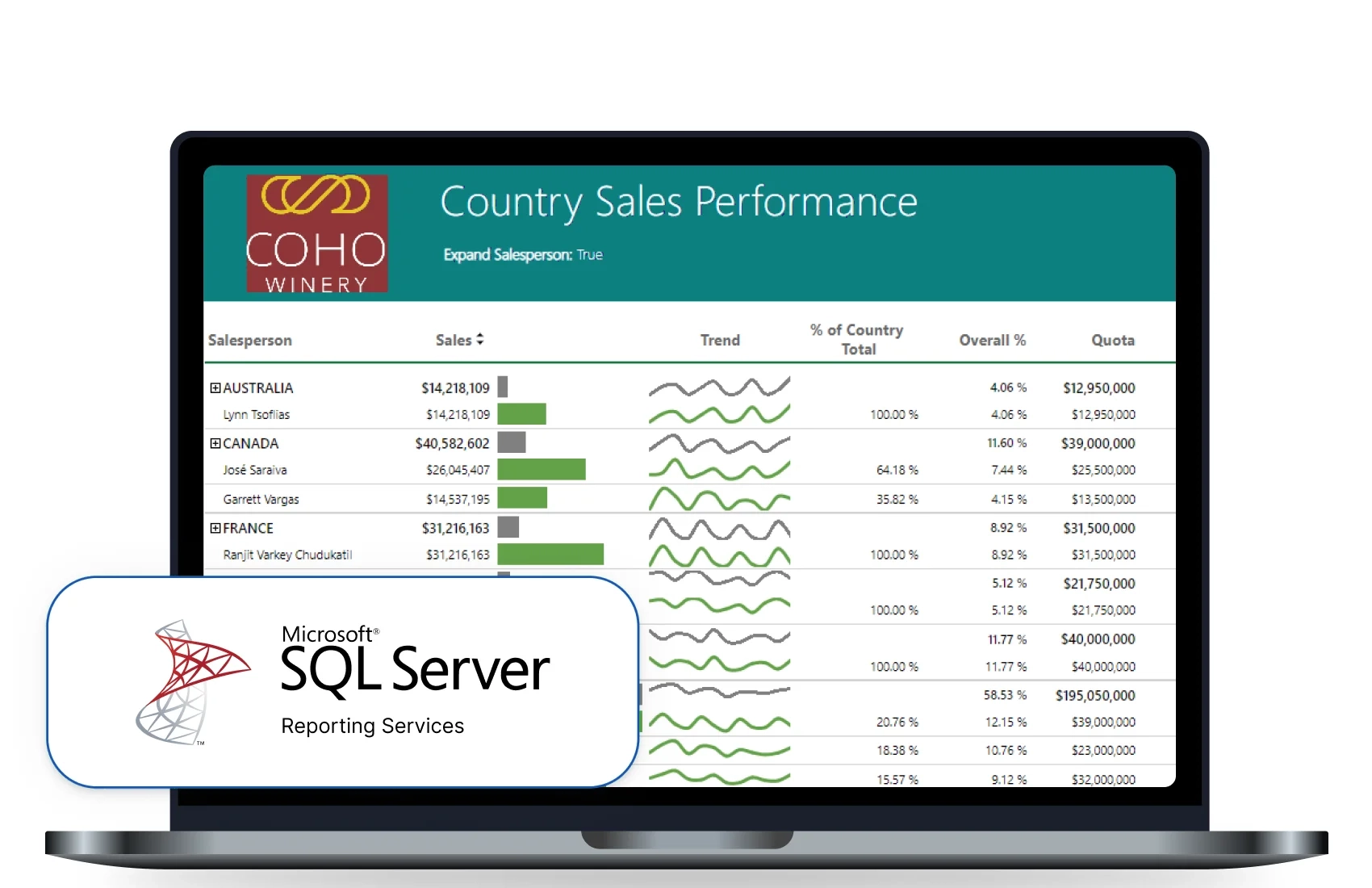
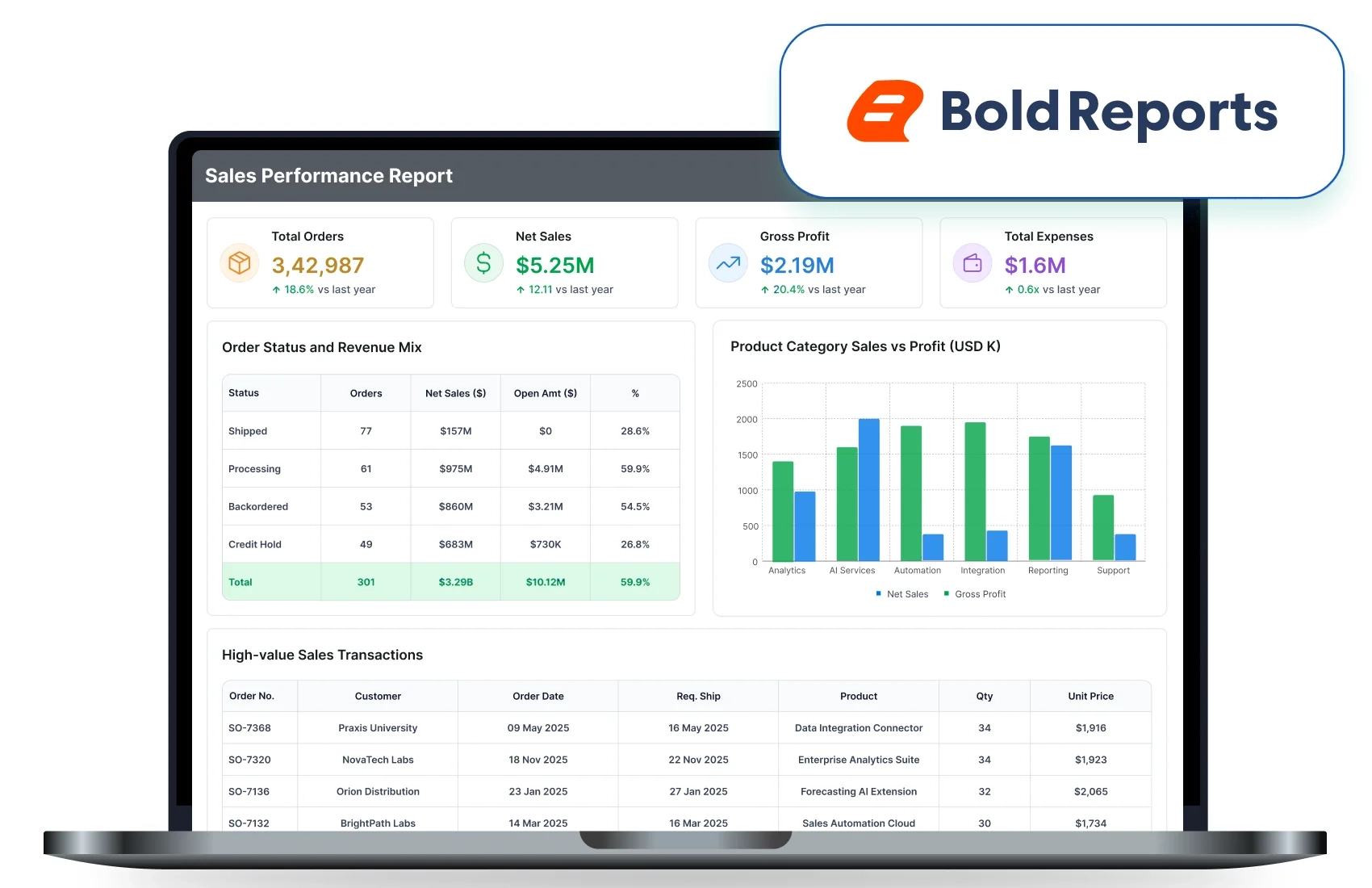








Modern SSRS Replacement

SSRS Replacement Without Rebuilding Your Reports

Move your existing SSRS reports to Bold Reports and modernize how they are managed, delivered, and integrated across your applications.

Reuse Existing Reports

Import and continue using existing RDL and RDLC reports.

Report Functionality

Preserve layouts, parameters, expressions, and report behavior.

Deploy Anywhere

Run in cloud, on-premises, containerized, or embedded environments.

Reduce Migration Risk

Validate reports before production rollout with expert guidance.

Trusted by leading companies
johnson-and-johnson-logo
schneider-electric-logo
bridgestone-logo
siemens-logo
verizon-logo
hp-logo
fidelity-investments
intel-logo
SSRS Migration Path

Move from SSRS with Less Migration Risk

Replacing SSRS reports to a modern web-based reporting platform without redesigning report from scratch. Follow a structured SSRS migration process that helps preserve report functionality, security and business workflows. 

01

Import Existing Reports

Bring existing RDL/RDLC reports into Bold Reports and continue using familiar report definitions without starting from scratch.

02

Reconnect Data and Permissions

Configure SQL Server and other data sources along with user roles and access permissions to maintain your existing setup.

03

Validate Output

Review report layouts, parameters, exports, schedules, and rendering behavior to ensure expected output before migration.

04

Publish or Embed

Publish reports through a centralized web portal or integrate them into applications and business systems.

Ready to Move Your SSRS Reports?

A Complete SSRS Replacement

Everything You Need to Replace SSRS with Confidence

Continue using your existing reports while moving to a modern SSRS alternative designed for application integration, flexibility, and enterprise-scale reporting. 

Web Based Reporting

Web-Based Reporting

Manage, access, schedule, and distribute reports through a centralized web portal across teams and business applications.

RDL and RDLC Compatibility

RDL & RDLC Compatibility

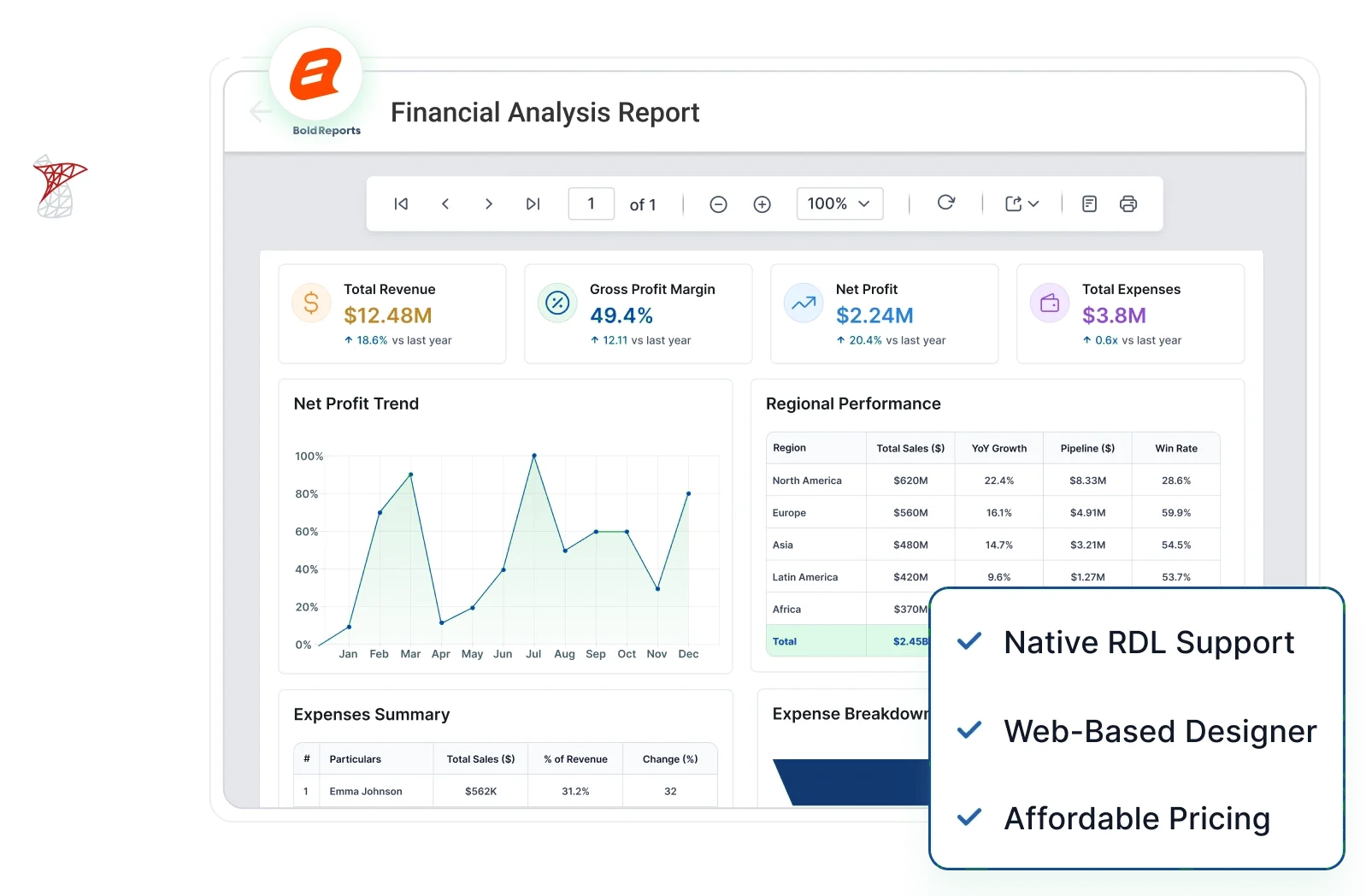
Preserve existing report investments by continuing to use familiar report definitions, layouts, parameters, and expressions.

Embedded Reporting

Embedded Reporting

Integrate interactive reports directly into SaaS products, customer portals, and internal applications using APIs and SDKs.

Flexible Deployment Options

Flexible Deployment Options

Deploy on-premises, in private or public clouds, or within your own applications to meet business and infrastructure requirements.

See the Difference

Compare Bold Reports with Legacy SSRS

Explore the differences between SSRS and Bold Reports across deployment, embedding, and report management.

Decision Factor SSRS Challenge Bold Reports
Report design Desktop-based report design workflows. Modern web-based report design and management experience.
Application Embedding Reports are commonly accessed through a report server. Embed reports into web and SaaS applications.
Web Access Report management relies on traditional reporting workflows. Access and manage reports through a web-based platform.
Migration Confidence Teams need confidence that reports continue to work after migration. Validate reports before moving to production.
Deployment Options Organizations require deployment options that align with infrastructure requirements. Deploy on-premises, in the cloud, or embedded in applications.
Developer Support Modern applications require reporting integration capabilities. Use APIs and SDKs to integrate reporting into applications.
Built for Developers

Embed Reporting Inside Your Products

Move beyond SSRS limitations. Bring pixel-perfect reports into SaaS applications, customer portals, and internal systems with full control and seamless integration across modern frameworks.

  • Multi-tenant ready architecture.
  • Complete white-label customization.
  • Developer-friendly APIs & SDKs.

30-Day Free Trial.

Copy to clipboard
<div id="viewer"></div>
 
<script>
$(function () {
  $("#viewer").boldReportViewer({
    reportServiceUrl: "https://your-domain.com/reporting/reportservice/api/Viewer",
    reportServerUrl: "https://your-domain.com/reporting/api/site/site1",
    serviceAuthorizationToken: "Bearer YOUR_SERVER_TOKEN",
    reportPath: "/Sample Reports/Company Sales"
  });
});
</script>
Copy to clipboard
<bold-reportviewer
  [reportServiceUrl]="reportServiceUrl"
  [reportServerUrl]="reportServerUrl"
  [serviceAuthorizationToken]="serviceAuthorizationToken"
  [reportPath]="reportPath">
</bold-reportviewer>
 
// component.ts
reportServiceUrl = 'https://your-domain.com/reporting/reportservice/api/Viewer';
reportServerUrl = 'https://your-domain.com/reporting/api/site/site1';
serviceAuthorizationToken = 'Bearer YOUR_SERVER_TOKEN';
reportPath = '/Sample Reports/Company Sales';
Copy to clipboard
import { BoldReportViewerComponent } from '@boldreports/react-reporting-components';
 
function App() {
  return (
<div style={{ width: "100%", height: "900px" }}>
<BoldReportViewerComponent
        reportServiceUrl="https://your-domain.com/reporting/reportservice/api/Viewer"
        reportServerUrl="https://your-domain.com/reporting/api/site/site1"
        serviceAuthorizationToken="Bearer YOUR_SERVER_TOKEN"
        reportPath="/Sample Reports/Company Sales">
</BoldReportViewerComponent>
</div>
  );
}
Copy to clipboard
<bold-report-viewer
  report-service-url="https://your-domain.com/reporting/reportservice/api/Viewer"
  report-server-url="https://your-domain.com/reporting/api/site/site1"
  report-path="/Sample Reports/Company Sales"
  service-authorization-token="Bearer YOUR_SERVER_TOKEN">
</bold-report-viewer>
 
// _ViewImports.cshtml
@addTagHelper *, BoldReports.AspNet.Core
Copy to clipboard
// Blazor Component
public async void RenderReportViewer()
{
    viewerOptions.ReportPath = "/Sample Reports/Sales Order Detail";
    viewerOptions.ServiceURL = "https://your-domain.com/reporting/reportservice/api/Viewer";
    viewerOptions.ServerURL = "https://your-domain.com/reporting/api/site/site1";
    viewerOptions.AuthorizationToken = "Bearer YOUR_SERVER_TOKEN";
    await JSRuntime.InvokeVoidAsync("BoldReports.RenderViewer", "report-viewer", viewerOptions);
}
 
// JS Interop (wwwroot/js/site.js)
window.BoldReports = {
    RenderViewer: function (elementID, reportViewerOptions) {
        $("#" + elementID).boldReportViewer({
            reportPath: reportViewerOptions.reportPath,
            reportServiceUrl: reportViewerOptions.serviceURL,
            reportServerUrl: reportViewerOptions.serverURL,
            serviceAuthorizationToken: reportViewerOptions.authorizationToken
        });
    }
};
 
<div id="report-viewer" style="width:100%;height:900px"></div>
Copy to clipboard
@(Html.Bold().ReportViewer("viewer")
  .ServiceAuthorizationToken("Bearer YOUR_SERVER_TOKEN")
  .ReportServiceUrl("https://your-domain.com/reporting/reportservice/api/Viewer")
  .ReportServerUrl("https://your-domain.com/reporting/api/site/site1")
  .ReportPath("/Sample Reports/Company Sales")
)
Copy to clipboard
<div style="height:600px;width:100%">
<Bold:ReportViewer runat="server"
    ServiceAuthorizationToken="Bearer YOUR_SERVER_TOKEN"
    ReportServiceUrl="https://your-domain.com/reporting/reportservice/api/Viewer"
    ReportServerUrl="https://your-domain.com/reporting/api/site/site1"
    ReportPath="/Sample Reports/Company Sales">
</Bold:ReportViewer>
</div>
Built for teams. Loved by users.

Here's why our customers love us

See how Bold Reports is making an impact in businesses with powerful reporting, as shared by our satisfied customers.

RECOGNITION
Fall Leader 2026
Fall Leader Small Business 2026
Fall Europe Regional Leader 2026
Fall EMEA High Performer 2026
Summer EMEA High Performer 2026
Spring Momentum Leader 2026
Spring High Performance 2026
Spring Leader 2026
Capterra
4.8 / 5
★★★★★
★★★★★
G2 Icon
4.1 / 5
★★★★★
★★★★★
GetApp
4.8 / 5
★★★★★
★★★★★
Software Advice
4.8 / 5
★★★★★
★★★★★
See How Others Succeeded

Customer success stories

Find out how Bold Reports helps teams simplify reporting and drive smarter decisions.

Si&T

Migrated More Than 600 SSRS Reports

Si&T migrated over 600 SSRS reports to a modern reporting platform while preserving existing report investments.

  • Migrated 600+ SSRS reports
  • Reduced migration effort
  • Faster deployment

"The onboarding was really easy, and the support team is really nice and helpful."

– Andrea Amoroso, (Senior Analyst, Si&T)
Pay Tel Communications

Modernized SSRS Reporting for .NET Core

Pay Tel moved from .NET Framework to .NET Core while continuing to support existing SSRS reports with less development effort.

  • Simplified SSRS migration
  • Reduced development effort
  • Faster implementation

"I've never had a sprint where I didn't get an answer if I had a question."

– Brandon Devine (Senior Software Developer, Pay Tel Communications)
Sullivan IT Solutions

Secured and Modernized SSRS Reporting

Sullivan IT Solutions improved reporting security and modernized SSRS report delivery while providing a better reporting experience for users.

  • Improved reporting security
  • Modernized SSRS report delivery
  • Simplified report access

"Bold Reports gave us the flexibility and security we needed to deliver reports more effectively."
– Denis (Developer, Sullivan IT Solutions)
Pricing That Fits.

Flexible and Affordable Pricing for Every Business

Access professional, pixel‑perfect reporting with simple, predictable pricing and no hidden costs. Choose the deployment option built for teams delivering RDL/RDLC reports at scale.

Cloud

We handle the infrastructure, you focus on reporting.

Best for

Teams that want to go live fast with zero infrastructure.

  • No servers or hardware to manage
  • Hosting, updates & backups included
  • Secure access from anywhere
  • Auto-optimized performance
No per-developer fees
Free migration

Managed Private Cloud

Dedicated cloud environment, exclusively for you.

Best for

Regulated teams that need isolation without self-hosting.

  • Dedicated infrastructure for your org
  • Configurable security & compliance controls
  • Customer-selected data region
  • Updates & maintenance still handled for you
No per-developer fees
Free migration
Most popular

On-Premises

Self-hosted on your network. Full control, full data residency.

Best for

Air-gapped environments, data-residency, or full ownership.

  • Offline and air-gapped operation
  • Windows, Linux, Docker, or Kubernetes
  • You control updates, hosting & keys
  • Data never leaves your perimeter
No per-developer fees
Free migration
  • Pricing is customized based on your organization’s needs, with factors such as user numbers and deployment type determining your final quote.
Get the Details You Need

Frequently Asked Questions

Yes, Bold Reports supports RDL and RDLC report formats, allowing you to reuse existing reports without rebuilding them from scratch. 

Bold Reports is designed to support existing report definitions, including layouts, parameters, and expressions. You can validate report behavior before moving to production. 

Yes, Bold Reports provides report management, scheduling, security, and web-based access while also supporting report embedding through APIs, SDKs, and report viewers. 

Yes, organizations can use Bold Reports as an alternative to Power BI Report Server for managing, viewing, sharing, and embedding paginated reports across business applications. 

Yes, schedule report generation and distribution to users, teams, and stakeholders. 

Yes, deploy in self-hosted, cloud, containerized, or hybrid environments based on organizational requirements. 

See how your SSRS reports can move to Bold Reports

Whether you're using SSRS today, evaluating as SSRS alternatives, planning an RDL/RDLC migration, or looking for embedded reporting, our team can help you identify the right migration and deployment approach. 

SSRS Migration with Zero Rebuild
Loading…